Android Ad Cleaner Knows Which Switches Not to Flip
The rootless ADB tool that strips system ads from Chinese Android phones, and spends most of its logic deciding what to leave alone.

- Android Ad Cleaner's core logic is not finding ad switches, it is recognizing when a switch labeled with the word ad is actually an ad protection.
- The tool encodes its own limits: unverified brands get empty package lists, unfield-tested quick apps are flagged, and Android 13 returns supported: False instead of a false success.
- Per-model recipes exist because no single script can navigate every Chinese Android skin, and the project treats that fragmentation as the problem rather than an inconvenience.
- Its niche sits between network ad blockers and package debloaters: reversible setting changes that remove promotional surfaces without stripping features users depend on.
The Switch That Means the Opposite of Its Label
On a ColorOS settings screen, one toggle reads 防止广告跟踪. In English: prevent ad tracking. Any reasonable person reads that and concludes that on is the safe state, because on means tracking is blocked. They would be right.
Now hand the same screen to a naive cleaning script. The script scans for the characters 广告, finds them inside the label, and flips the switch off. The phone is now less protected than before. The tool did the exact opposite of its name, and nothing told the user it happened.
# tool/fast.py, representative of the real logic
NEG_PREFIX = re.compile(r"防止|限制|阻止|禁止|关闭")

def want_state(title: str):
    if not AD_WORDS.search(title):
        return None          # 与广告无关,不动
    if NEG_PREFIX.search(title):
        return True          # 否定式标题:开=已保护,保持开启
return False # 普通广告项:关掉That regex is the entire project in one line. 防止, 限制, 阻止, 禁止, 关闭: five prefixes that invert what a switch means. A cleaner that ignores them is not being aggressive, it is being reckless. Android Ad Cleaner treats the negating prefix as a signal to stop, and returns True so the switch stays exactly where it is.
不 root,不解锁,不刷机,系统更新不受影响。
In English: no root, no bootloader unlock, no flashing, and system updates are unaffected. That constraint is the reason the whole project exists, and it is also the reason it has to be so careful about the switches it touches.
What the Tool Actually Does
Android Ad Cleaner is a Python tool that runs on a laptop, talks to a phone over ADB, and switches off the advertising surfaces built into Chinese Android skins: ColorOS and OPPO, OnePlus, realme, HyperOS and Xiaomi, MagicOS and Honor, OriginOS and vivo. No root, no unlocked bootloader, no custom ROM.
It handles four categories of surface.
- System ads: personalized advertising, ad tracking through OAID, and smart recommendation services, turned off through system settings.
- Hot search and feeds: Chinese search hot-lists, news feeds, and browser feeds, toggled in app settings with the browser reset to a plain homepage.
- Store promotion: carousels, pop-ups, floating activities, and sign-in rewards, handled through store settings and service management.
- Marketing notifications: app marketing and activity pushes, switched off per notification channel while order and logistics notifications are kept.
Beyond settings, it suspends ad component packages such as com.opos.ads and com.miui.systemAdSolution with pm suspend, and detects quick apps, the install-free mini apps reached through hap:// deep links.
Two audiences are visible in the layout. Non-technical phone owners get a desktop GUI with Mac and Windows installers. Technical users and AI agents get CLI tools, per-model recipes, and documents written to be pasted into a chat AI. The README lists four ways to use it: let an AI agent do it, ask a chat AI to guide you, follow the checklist manually, or use the desktop client.
怕埋后门,来个小白鼠
In English: afraid of a hidden backdoor, waiting for a guinea pig. Trust is the first question any phone-cleaning tool has to answer, and it is the question the rest of this codebase is built to address.
Why One Script Cannot Fix Every Phone
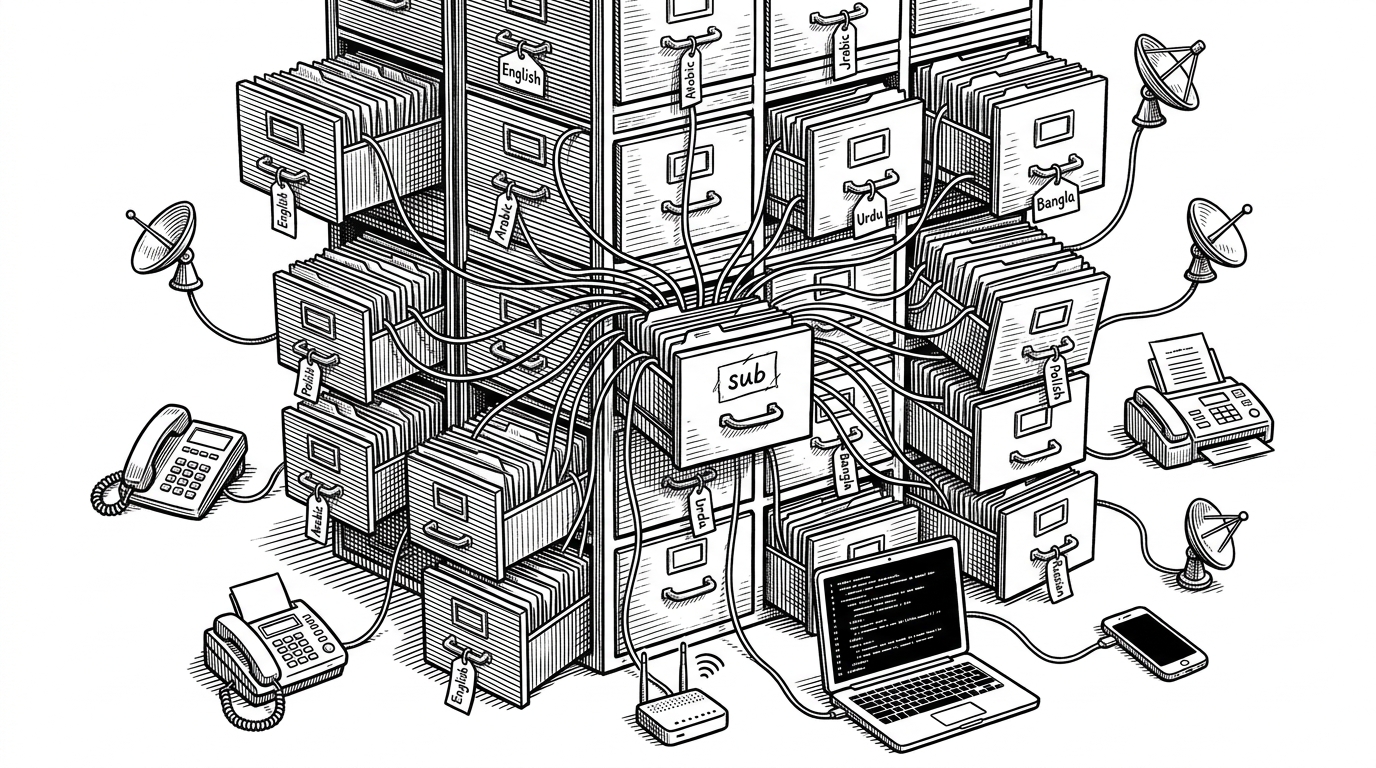
The settings that carry ads are not standardized. A Xiaomi HyperOS build, a OnePlus ColorOS build, and a vivo OriginOS build put their ad surfaces in different apps, under different labels, behind different navigation paths. A single script that assumes one layout breaks on the next phone.
Android Ad Cleaner answers this with recipes: one per device model. There are recipes for honor-PNM-AN10, oneplus-PJA110, oppo-PLP120, vivo-V2547DA, and xiaomi-M154FF. Each is a small script that knows how to walk that specific phone's settings tree.
The more interesting part is what the tables admit. AD_PKGS, the per-brand dictionary of known ad packages, has empty lists for Honor and vivo. QUICKAPP, the table of install-free mini apps, carries a tested boolean, and only the OPPO and Honor entries are True. Everywhere the maintainer has not put a device in hand, the tool says so.
That is a deliberate design choice, not an oversight. An empty list can be filled later. A wrong list ships a broken phone to a stranger.
Why It Never Reports Success It Did Not Earn
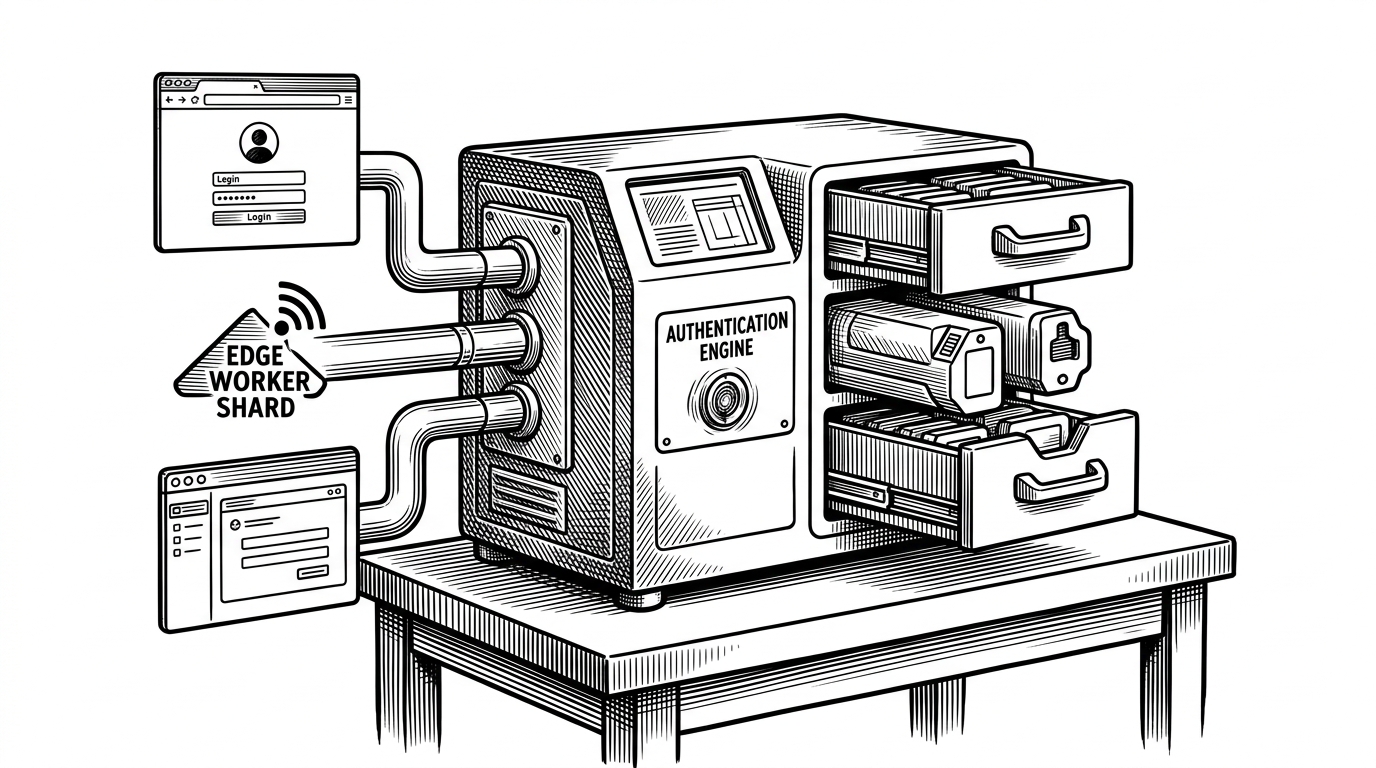
The most instructive function in the codebase is the one that blocks a package from the network. Before it runs cmd connectivity set-package-networking-enabled, it calls cmd connectivity help and checks that the subcommand actually exists on this device. If it does not, the function returns supported: False.
On Android 13, that is exactly what happens. Android 13 does not expose the interface. The tool could have run the command anyway and printed a green checkmark. Instead it reports that the operation is not supported, because a false success is worse than an honest failure.
The same discipline shows up in the deny-list. NEVER is a list of packages that must never be suspended, including com.android.systemui, com.heytap.quicksearchbox, and the app stores. Suspending a system UI or a store breaks the phone in ways that are hard to undo. The tool would rather skip a package than risk a device it cannot fix.
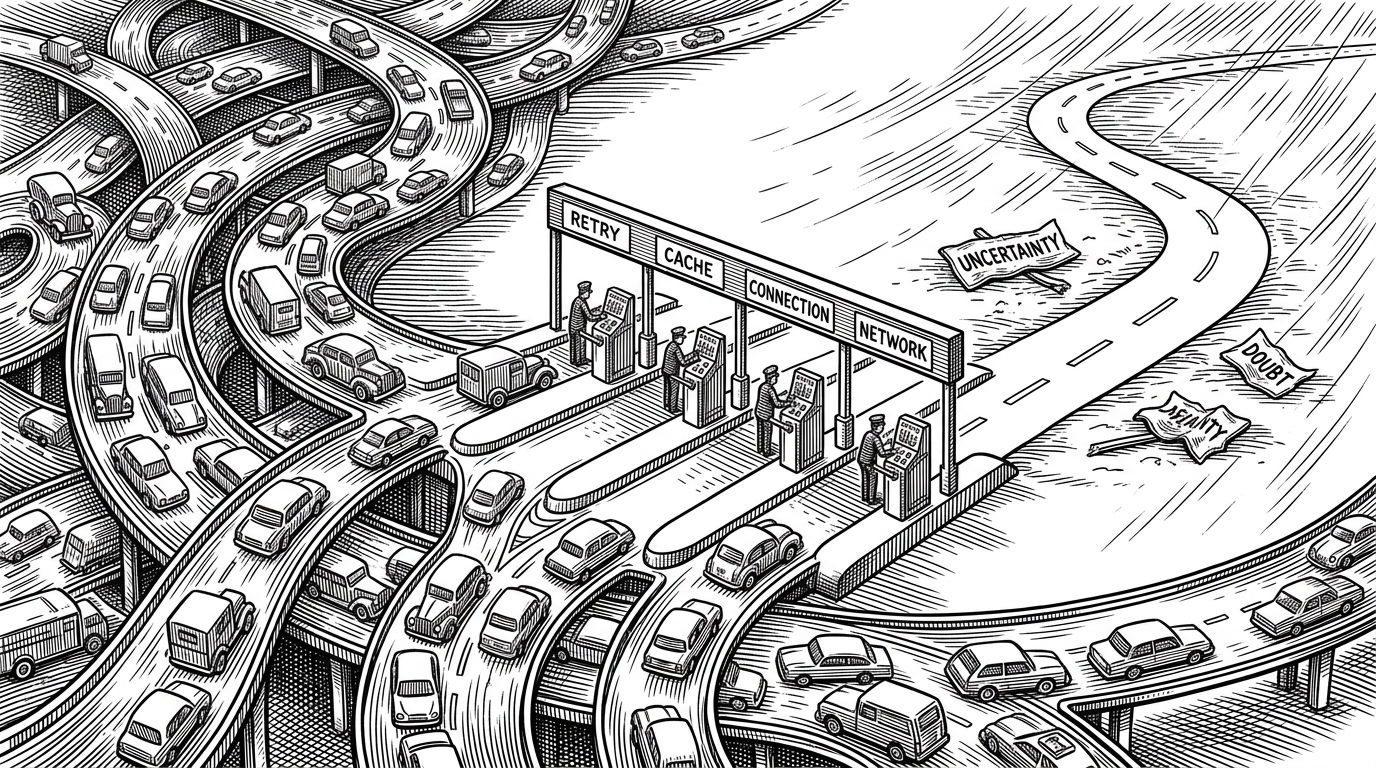
And when ADB drops the connection mid-run, the code retries once, then exits loudly with a message. The docstring cites an issue where empty results were once shown as success. Failing loudly became the rule, not the exception.
How It Compares
Android Ad Cleaner is not a network ad blocker and not a debloater. It sits between them, and the difference matters.
| Tool | What it changes | Mechanism | Reversible |
|---|---|---|---|
| Android Ad Cleaner | OEM ad toggles, feeds, notification channels | ADB plus UI automation, per-model recipes | Yes (settings and suspend) |
| AdAway | Network requests to ad domains | Hosts file or local VPN | Yes |
| UAD-ng | Preinstalled packages | ADB package removal or disable | Partly |
| GKD | In-app UI events such as splash ads | Accessibility rules | Yes |
| Manual settings | OEM ad toggles | Hands and patience | Yes |
AdAway blocks requests to ad domains, which is powerful and broad, but it cannot switch off a vendor's recommendation feed or preserve a delivery notification channel. UAD-ng and Canta remove or disable packages, which is more decisive but also more destructive: remove the wrong package and a vendor feature disappears with it. GKD uses accessibility rules to skip splash ads inside apps, a different layer entirely. Android Ad Cleaner fills the gap none of them cover: changing the vendor's own settings, reversibly, per model.
等一下,刚看了下代码,这玩意做了个啥呀,就是AI套了个壳,所有安卓操作都是AI指挥。我是不会开claude code还是不会adb啊?
In English: wait, I just looked at the code. What does this thing actually do? It is just a shell wrapped around an AI, and all the Android operations are directed by the AI. Do I not know how to open Claude Code or use ADB?
That critique has a real edge. The AI agent is an interface, not a mechanism. But it undersells what sits under the shell: the recipe tables, the deny-list, the read-back verification, and the want_state inversion are hard-coded engineering, not prompt output. The agent drives the tool. It does not decide what is safe to touch.