ProductivityHacks and the High Art of the Lazy Developer
A forensic look at the mid-2010s "Productivity OS" that paved the way for the modern agentic workflow.
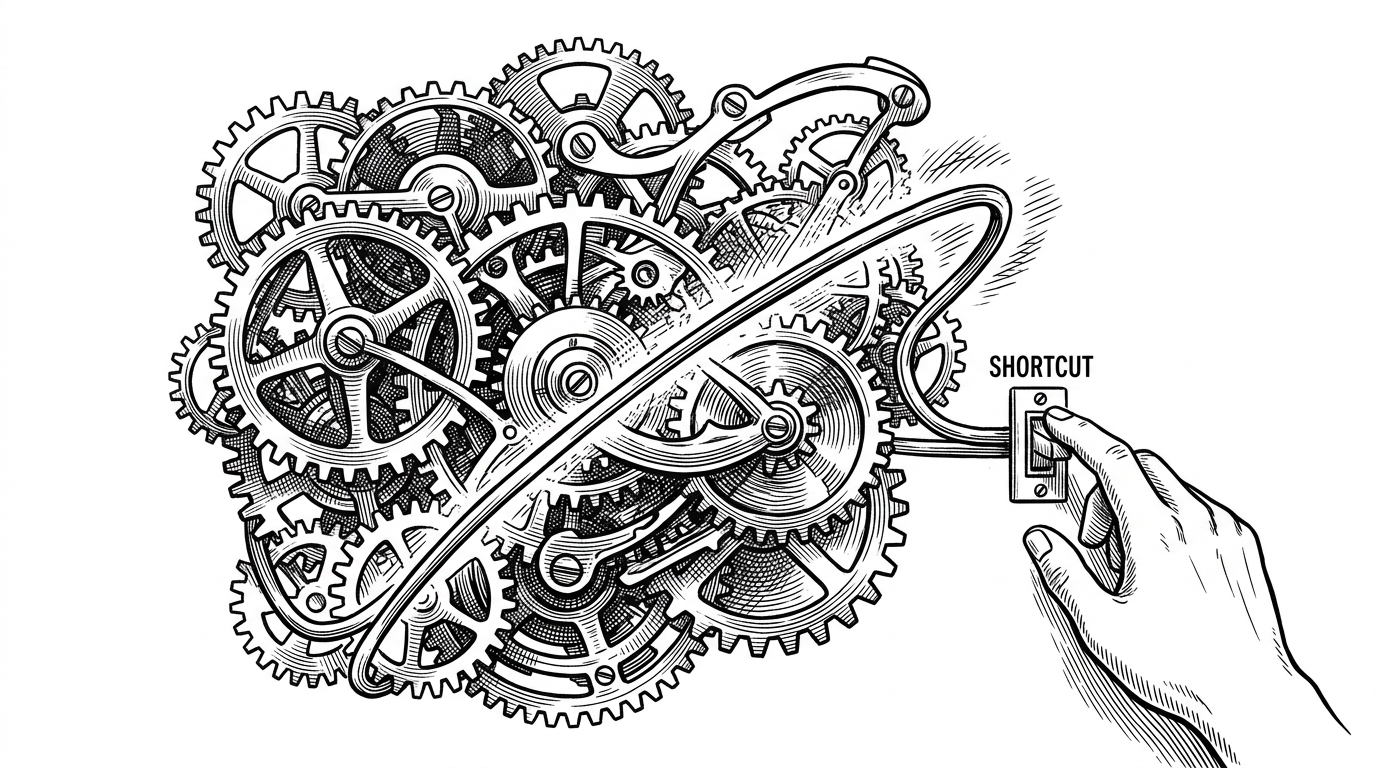
- The ProductivityHacks repository serves as a technical time capsule for the manual workflow orchestration that preceded modern AI agents.
- Dense command-line aliases transform the terminal into a personalized shorthand language to minimize physical and cognitive friction.
- Integrated package configurations in the Atom editor established the early blueprint for a unified control plane that eliminates terminal context switching.
- Deterministic window management converts screen real estate into a strict grid to leverage spatial muscle memory over visual scanning.
The Architecture of Aversion
Before AI coding agents could independently orchestrate Jira tickets and pull requests, developers built “Productivity Operating Systems” by hand. The rushindrasinha/ProductivityHacks repository is a pristine time capsule of this era. It captures the exact moment when the archetype of the "Lazy Developer" shifted from writing ad-hoc Perl scripts to meticulously configuring a GUI-based, keyboard-driven environment.
This isn't just a list of tools. It is a defensive maneuver against the cost of context switching. The repository frames productivity not as a corporate mandate to write more code, but as a personal crusade to do the boring parts faster, freeing up cognitive cycles for the interesting problems.
What? --> How to do whatever you do faster 😱 ### Why? --> Because I'm lazy 😓
The Command Line as a Short-Hand Language
The repository’s core technical artifact is its reliance on Oh My ZSH aliases. This is where the "three-keystroke" philosophy is most visible. By abstracting standard Git commands into dense, cryptic abbreviations, the developer creates a highly personalized shorthand language.
Reducing git commit -m to gcmsg saves 10 keystrokes. Over a ten-year career, executed twenty times a day, this micro-optimization stops being a party trick and becomes a tangible reduction in physical and cognitive friction.

| Standard Command | Productivity Alias | Keystrokes Saved |
|---|---|---|
| <code>git status</code> | <code>gst</code> | 7 |
| <code>git checkout master</code> | <code>gcm</code> | 16 |
| <code>git commit -m</code> | <code>gcmsg</code> | 8 |
Atom: The Original Unified Control Plane
In 2015, the Atom text editor was the bleeding edge of developer experience. The repository outlines a strict configuration—relying on packages like ruby-test and script-runner—designed to kill the terminal context switch entirely.
By routing test execution and script output directly into Atom bottom-panels via keyboard shortcuts, the editor ceased to be just a text field. It became the ancestor of the modern integrated IDE, keeping the developer's hands on the home row and their eyes locked on a single window.
Deterministic Pixels
Window management is treated not as a UI preference, but as a core technical competency. The guide mandates the use of SizeUp to orchestrate screen real estate. The monitor is treated as a strict grid, manipulated solely by CMD + CTRL + Arrow combinations.
This spatial orchestration creates a deterministic visual environment. When the browser is always exactly on the right half of the screen, and the editor is always on the left, the developer relies on spatial muscle memory rather than visual scanning.
Then vs. Now: The Death of the Manual Hack
The gap between the mid-2010s stack and today’s landscape is profound. We have traded configuration files for natural language prompts, and manual window management for AI agents that write, test, and deploy code invisibly in the background.
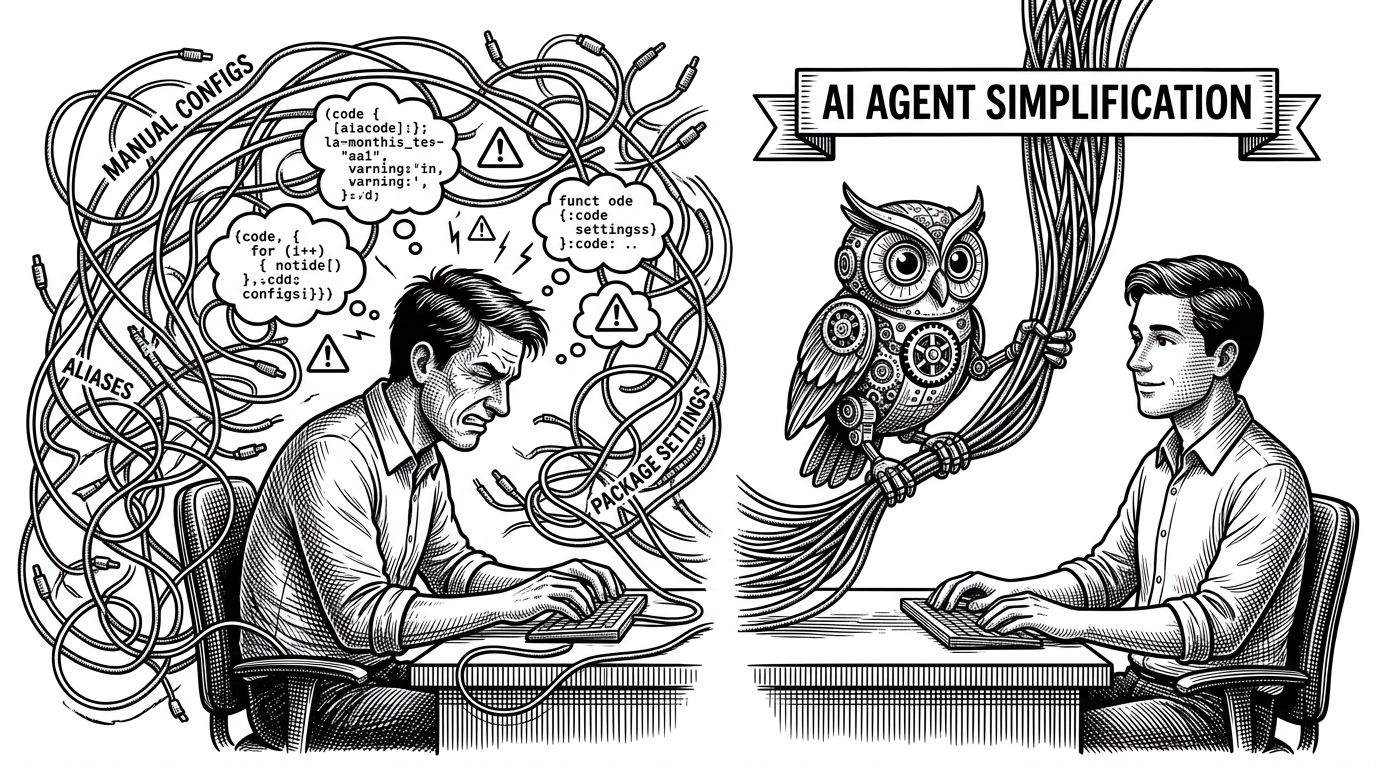
Yet, the underlying philosophy of ProductivityHacks remains unbroken. Whether it's a meticulously crafted ZSH alias or a carefully tuned LLM context window, the goal of the developer is always the same: let the machine do the heavy lifting.