sheets: The Spreadsheet That Behaves Like a Unix Pipe
A Go-based terminal spreadsheet that combines Vim-style editing, formulas, and direct command-line cell operations, so CSV work can stay inside the shell.
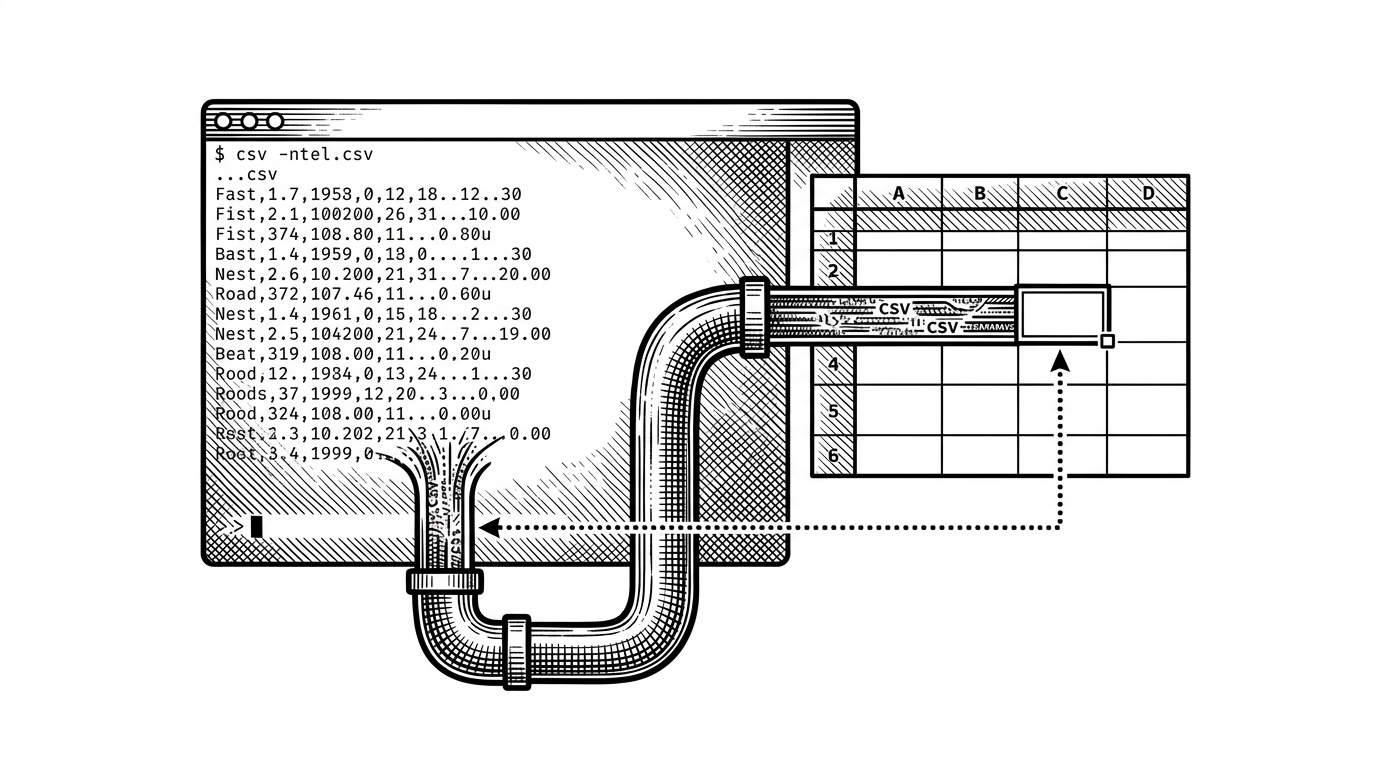

Spreadsheets in your terminal.
- Sheets turns spreadsheet work into a shell primitive, so the terminal can inspect and mutate cells without opening a separate app.
- The real architectural trick is one shared cell model behind two surfaces, which keeps the TUI and CLI paths in sync.
- Sparse cell storage and viewport rendering let the app feel larger than the memory it actually uses.
- Its niche is not broad data exploration, but fast keyboard editing for people who already live in Unix workflows.
The spreadsheet that exits to stdout
Most terminal spreadsheets stay inside the window. sheets does something stranger and more useful. It can open as an interactive grid, but it can also read or rewrite individual cells from the command line, which makes the spreadsheet behave more like a Unix filter than a document.
One model, two faces
That duality is the whole point. The interactive TUI and the non-interactive CLI path are not separate products glued together at the edges. They both sit on the same spreadsheet state, so a command-line edit can land in the same model that the grid renderer later paints on screen.
That matters because it keeps the mental model small. If you know how to point `sheets` at a file, you already know how to use it interactively and how to script against it. The shell is not an afterthought here, it is a first-class input and output surface.
sheets budget.csv B7=10
sheets budget.csv B9
sheets budget.csv B1:B3
How the grid stays light and fast
Under the hood, the grid is sparse. Instead of allocating a giant two-dimensional array full of empty cells, the model stores occupied cells in a map keyed by row and column. That is the right trade-off for a terminal spreadsheet, where the visible area is small but the coordinate space needs to feel open-ended.
Rendering follows the same logic. The app only draws the viewport, then computes labels, borders, and cell contents for what is actually on screen. That keeps scrolling smooth and makes a sheet with far more rows than the viewport feel immediate instead of bulky.
Formulas fit into that model without breaking it. When a formula moves, the engine can rewrite references so copied cells keep pointing at the right relative locations. The result is familiar spreadsheet behavior, but with implementation choices that stay simple enough for a TUI.
Vim is the second engine
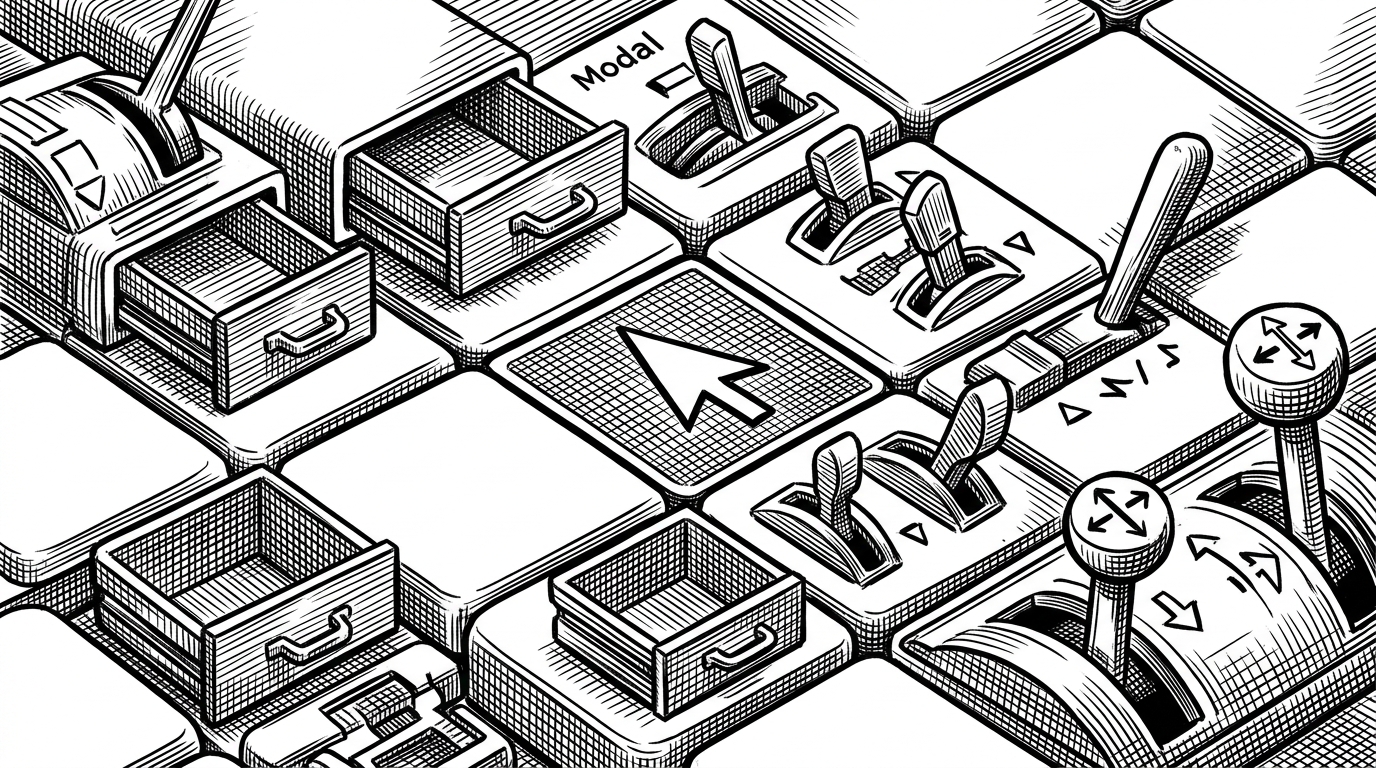
Sheets borrows heavily from Vim's grammar of motion and action. That is not cosmetic. Normal mode, insert mode, pending commands, jumps, registers, and undo history are what make the tool fast enough to use on real data instead of demo data. You move, select, yank, paste, and correct with a tight key vocabulary that rewards muscle memory.
The important design choice is consistency. Once the app knows whether a key press is part of a motion or an operator, the rest of the interaction becomes predictable. That predictability is what makes a terminal spreadsheet feel crisp instead of fussy.
How it compares to sc-im and visidata
| Project | Primary job | Shell-native edits | Formula depth | Best fit |
|---|---|---|---|---|
| sheets | Keyboard spreadsheet plus CLI writes | Yes, direct cell reads and writes | Solid for spreadsheet work | Shell-first CSV editing |
| sc-im | Full terminal spreadsheet | Mostly interactive | Deep | Spreadsheet power users |
| visidata | Data explorer and transformer | Yes, but not spreadsheet-first | Expression-driven | Wide-format data wrangling |
The contrast is mostly about surface area. sc-im is the heavier terminal spreadsheet. visidata is broader and better at exploration. Sheets owns the narrower, cleaner niche where a spreadsheet should also feel like a command-line primitive.
What sheets is really for
Sheets is not trying to replace Excel, and it is not trying to become a data warehouse in a TUI. It is for the moment when a spreadsheet column needs a quick correction, a formula needs to be nudged, or a CSV needs to stay inside the shell while you work. In that lane, the combination of CLI access, sparse state, and Vim-style editing is unusually sharp.