SumatraPDF: The Windows Reader That Won by Refusing the Framework
A deep look at the Win32 minimalism, MuPDF backend, and TypeScript tooling that keep this reader fast, lean, and surprisingly extensible.
- SumatraPDF wins by making the Windows desktop stack feel optional, not inevitable.
- Its speed comes from a native Win32 front end and a renderer-first architecture, not from feature trimming alone.
- The repo's surprise is the modern automation layer around a very old-school runtime core.
- Security and stability are treated as first-class work because document parsing is hostile by default.
SumatraPDF is not trying to be a universal document suite. It is trying to be the fastest honest answer to a simple question: what if a Windows reader stayed close to the metal, kept the UI out of the way, and pushed everything else into the margins?
I never wanted to write a PDF reader for Windows.
The anti-framework reader
That quote is the whole project in miniature. SumatraPDF began as an answer to the bloated default path for desktop software, and it still behaves like a refusal document: no cross-platform shell, no framework tax, no ornamental chrome.
The payoff is easy to feel. The app starts quickly, stays small, and supports a lot more than PDF without turning into a sprawling suite. The point is not that it has fewer features. The point is that the features it does keep are arranged around one job: get the file open and let the reader disappear.
| Axis | SumatraPDF | Typical heavy reader |
|---|---|---|
| UI strategy | Native and spare | Layered and feature-dense |
| Startup | Fast | Often slower |
| Footprint | Small | Large |
| Primary goal | Reading | Reading plus editing, signing, and extras |
| Platform strategy | Windows-first Win32 | Cross-platform abstraction or proprietary shell |
Why Win32 still matters
The architectural bet is obvious once you look at the repo structure. The UI lives on the Windows API directly, and that choice keeps the surface area narrow. It also gives the project control over responsiveness, startup behavior, and the feel of the interface in a way that a thicker framework would dilute.
That separation is the key idea. Runtime performance is protected by refusing to drag the wrong concerns into the viewer process. If something can live outside the hot path, SumatraPDF tends to push it out.
| Choice | Why it helps | Trade-off |
|---|---|---|
| Direct Win32 UI | Small binary, fast startup, precise control | Less portable |
| Thin C and C++ core | Predictable performance | More manual plumbing |
| Specialized render backends | Better format coverage | More integration work |
| Minimal chrome | Keeps attention on the document | Fewer built-in extras |
The rendering stack is the real product
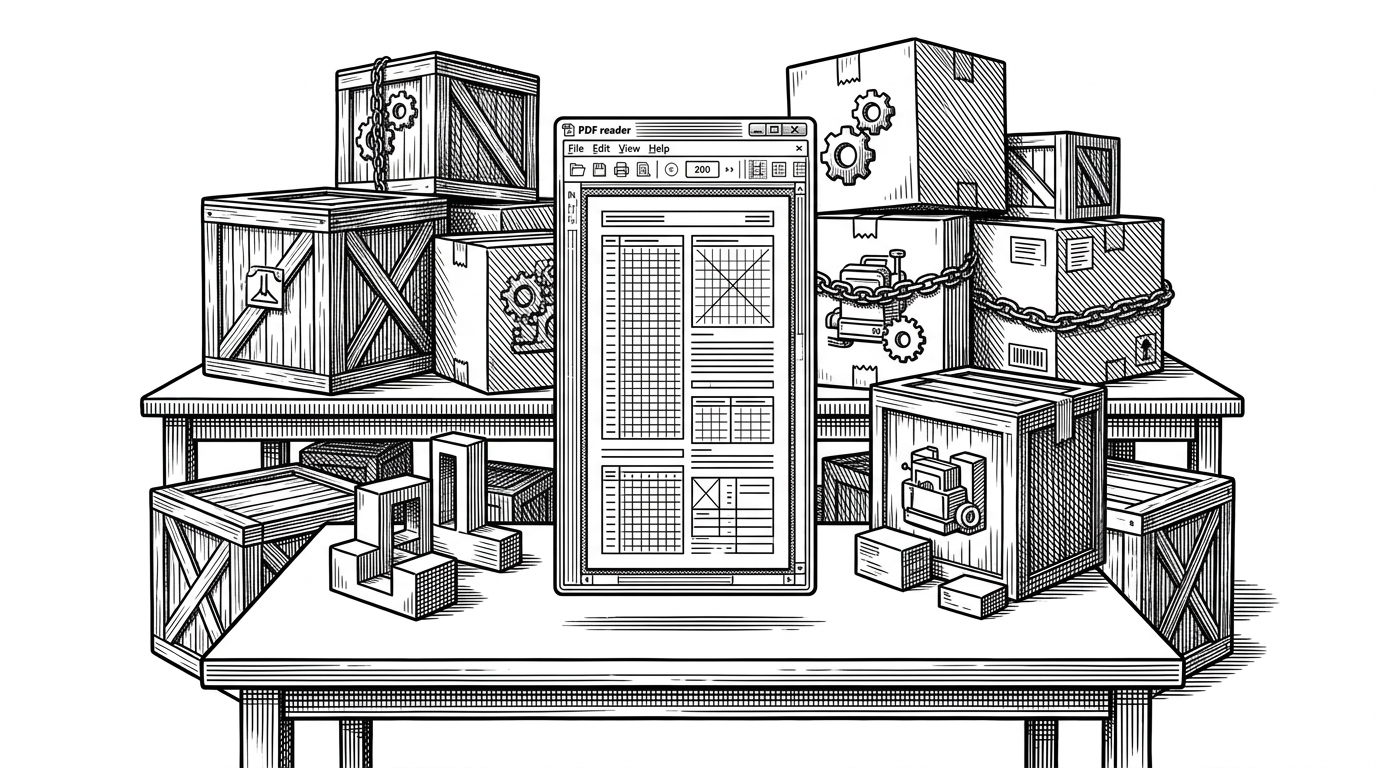
SumatraPDF is less a monolithic parser than a coordinator. The repo pulls in MuPDF and other specialized dependencies, then wraps them in a consistent Windows-facing experience. That matters because document formats are messy, and no single library gets to be simple for free.
The result is pragmatic. The user sees one reader. The codebase sees a routing layer, a renderer layer, and a set of format-specific helpers that make the whole thing feel narrower than it is.
User opens file
  -> Win32 frontend
  -> format router
  -> MuPDF or other backend
  -> rendered page in the viewport
From the beginning my goal was to keep the UI of SumatraPDF as simple as possible. An 80/20 app: 80% of functionality with 20% of the UI.
The weirdest part: TypeScript runs the boring parts
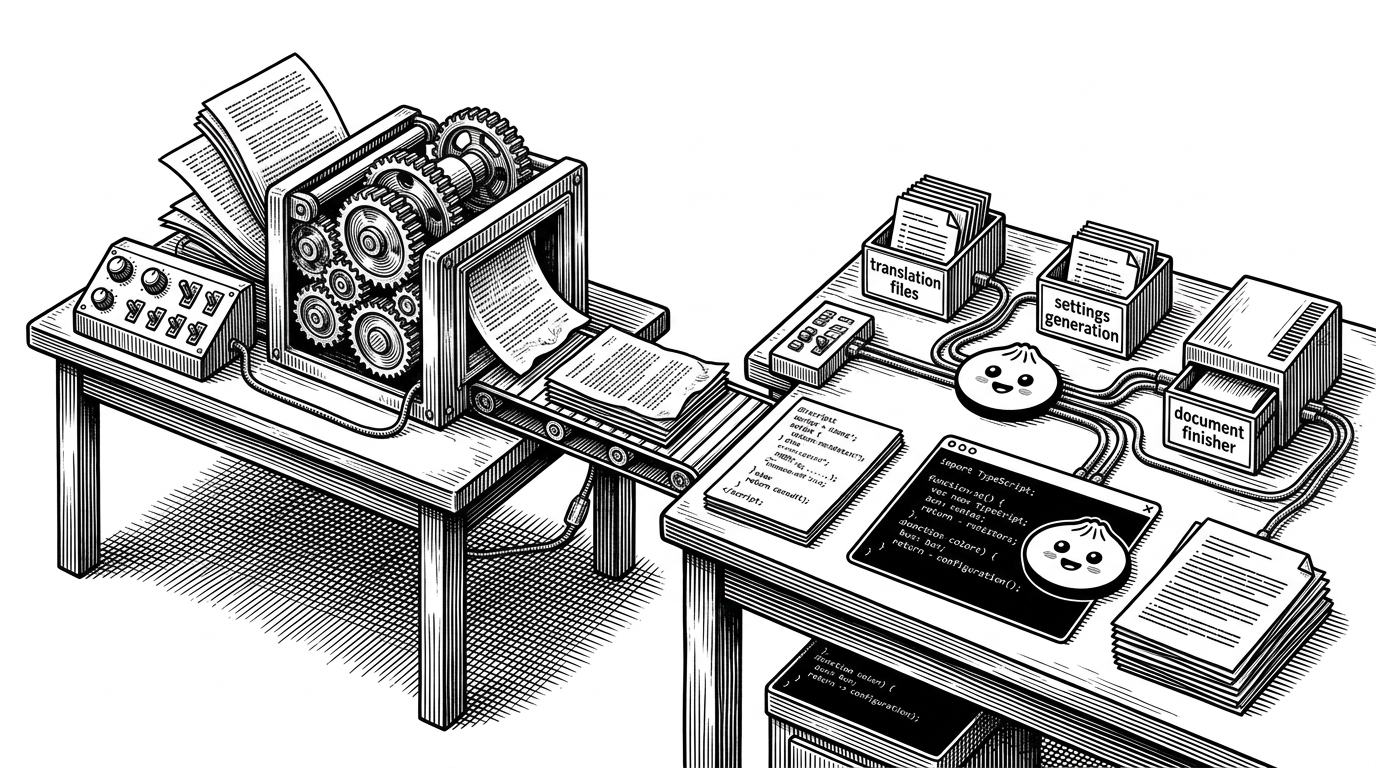
This is the twist most readers would not expect from a C and C++ project. In the `/cmd` directory, Bun and TypeScript handle automation, translation workflows, documentation generation, and settings code. The runtime stays native. The maintenance layer gets to be modern.
That split is elegant because it respects two different kinds of work. You do not want your render loop to look like a web app. You also do not want humans hand-editing repetitive build or documentation glue when a script can do it better.
It is a neat version of engineering discipline: the parts that touch untrusted documents stay tight and conservative, while the parts that move metadata and workflow around can use newer tools without apology.
A reader built like a security-sensitive system
PDFs are not friendly input. They are a security boundary disguised as a document format. SumatraPDF treats that reality seriously with ASAN, fuzzing, stress-test modes, and static analysis, all of which make sense once you remember that every file open is also a parsing exercise.
This is where the project feels mature rather than merely minimal. The team is not just shaving pixels. It is maintaining a codebase that has to survive hostile input at scale.
| Safety practice | Why it matters |
|---|---|
| ASAN | Finds memory bugs in code that touches untrusted documents |
| Fuzzing | Discovers weird parser edges before users do |
| Stress testing | Checks stability under repeated loads and weird states |
| Static analysis | Catches patterns that are hard to spot by review alone |
From viewer to toolbox
The docs hint at a second life for the project. Beyond viewing, there are utilities for merging, extracting text, encrypting, and other document operations. The UI stays simple, but the repo quietly supports a broader toolbox underneath.
That does not turn SumatraPDF into a bloated suite. It turns it into a sharper one. The power is there when needed, but it does not become the identity of the app.
Why this design still wins
Against Adobe Acrobat Reader, the trade-off is obvious. Against browser PDF viewers, the difference is control and breadth. Against MuPDF itself, SumatraPDF is the product layer that turns a rendering engine into a practical Windows tool.
| Alternative | What it does well | Where SumatraPDF differs |
|---|---|---|
| Adobe Acrobat Reader | Deep feature set | SumatraPDF is lighter and less distracting |
| Browser PDF viewers | Convenience | SumatraPDF is a dedicated desktop tool |
| MuPDF | Rendering engine quality | SumatraPDF wraps it in a full Windows experience |
The winning idea is not that SumatraPDF does everything. It is that it does one job with unusual discipline, then uses modern tooling to keep the rest of the project maintainable. That combination is rarer than it should be.