craft-launcher: ArtCraft Launcher: The Installer That Bans Panics
A Rust/egui front door for 13 creative apps, built with unusual rigor: no panics, no unsafe, and a README that credits its rivals by name.
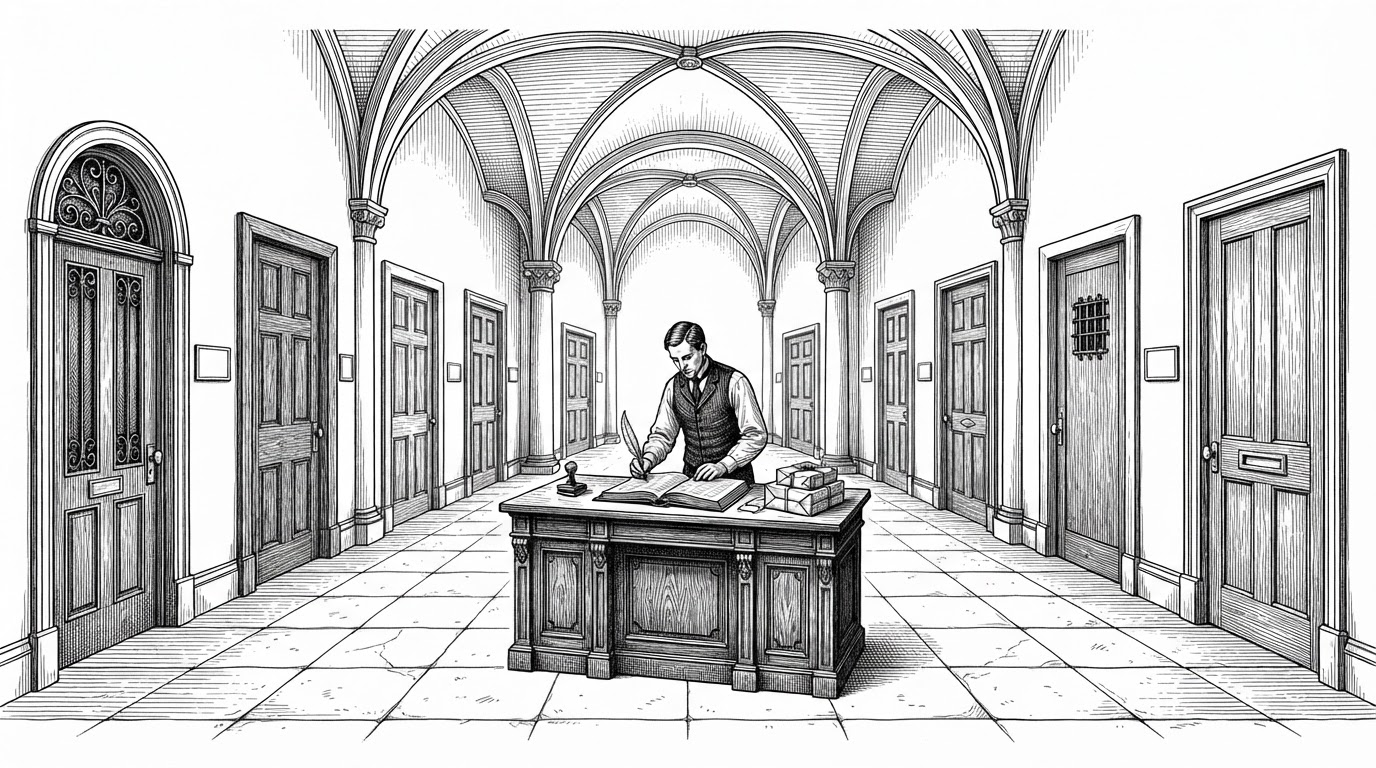
- ArtCraft Launcher bans panics at the lint level because it runs invisibly in the system tray, where a crash would be silent.
- The codebase splits into three crates so a pure-logic core with no I/O can be shared unchanged by the desktop app, the web catalog, and the tests.
- It starts and stops eframe multiple times per process because a Wayland window cannot be hidden while the process lives on.
- The README names twelve predecessor launchers and what was learned from each, which is rarer than any of the technical work.
The Installer That Bans Panics
The first thing in main.rs is not an import. It is a denial.
#![deny(
    clippy::unwrap_used,
    clippy::expect_used,
    clippy::panic,
    clippy::unimplemented,
    clippy::todo,
    clippy::unreachable,
)]
Three files carry the same list: the desktop binary, the shared core, and the web build. clippy::unwrap_used, clippy::expect_used, clippy::panic, the whole family. The compiler refuses to build code that can crash on an unhandled error.
For a text editor or a game, that would be a stylistic choice. For a launcher, it is a requirement. ArtCraft Launcher lives in the menu bar or the system tray. It often runs with no window open at all. A panic there produces nothing the user can see. No dialog, no crash reporter, just a process that quietly stops answering.
The discipline does not stop at panics. The codebase avoids unsafe and uses safe objc2 bindings for AppKit. When it needs to know whether the user has turned off animations on Windows, it reads a registry value instead of calling SystemParametersInfoW, which would require unsafe. Every one of those choices is a small refusal to take the easy path.
Thirteen Apps, One Front Door
The launcher manages the Craft App Suite: PhotoCraft, VectorCraft, FilmCraft, LightCraft, DesignCraft, PdfCraft, EffectCraft, WordCraft, DeckCraft, GridCraft, CADCraft, SoundCraft, and FigCraft. Thirteen apps spanning image editing, video, audio, documents, presentations, CAD, and spreadsheets.
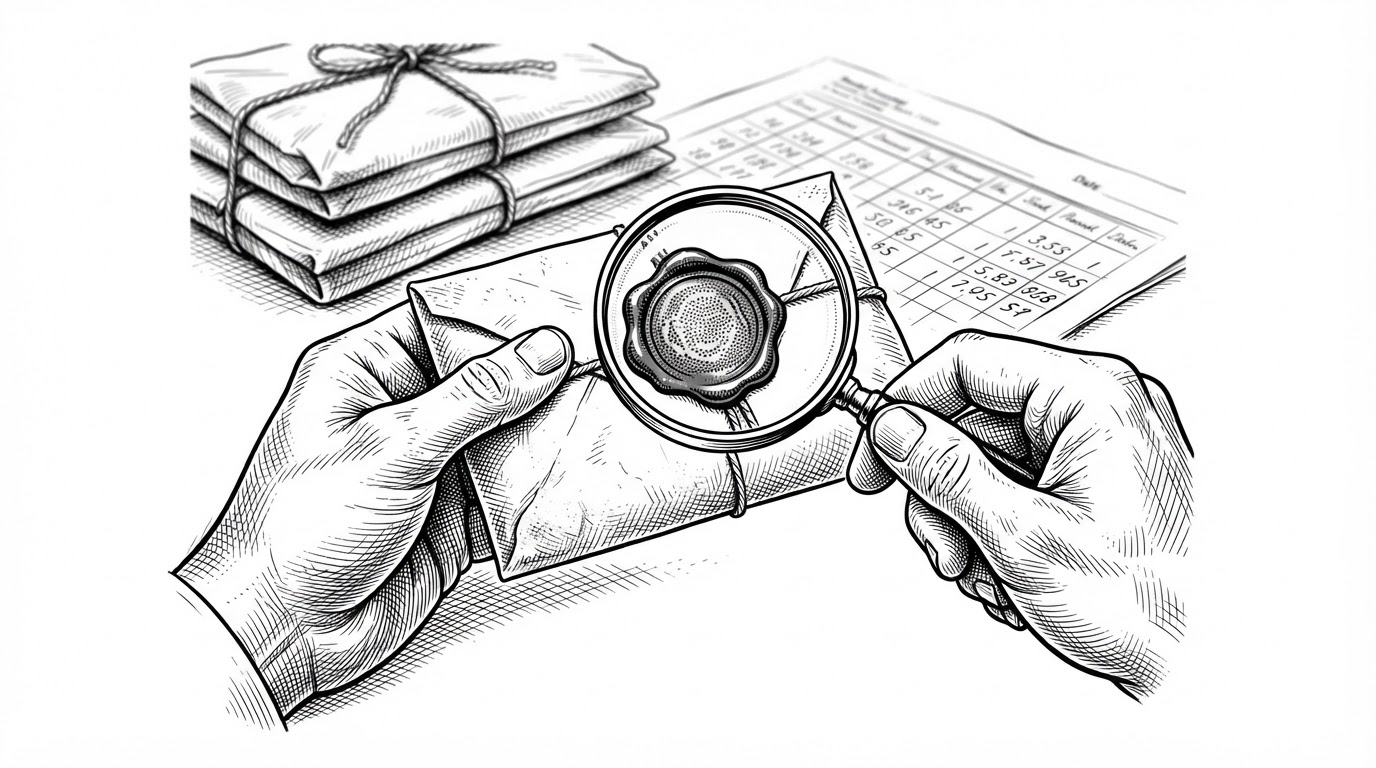
The job is narrow. List each app. Show which version is installed. Pick the right build for the user's operating system and CPU, whether that is a DMG, an MSI, an AppImage, a deb, an rpm, a Flatpak, or a tarball. Verify the download against a published SHA-256 checksum. Install it. Tell the user when a newer version exists.
One place to install, update and open every app in the Craft App Suite, rebuilt in pure Rust.
The audience is artists and creative hobbyists, not developers. The README ends with a Discord invite and a line that reads like a welcome mat: if you make things, you are one of us.
Native egui, no Electron, no web view.
That last point matters. This is immediate-mode Rust, not an Electron shell wrapping a web page. The window is drawn by egui over wgpu. The whole thing is a native binary.
The Trust Problem
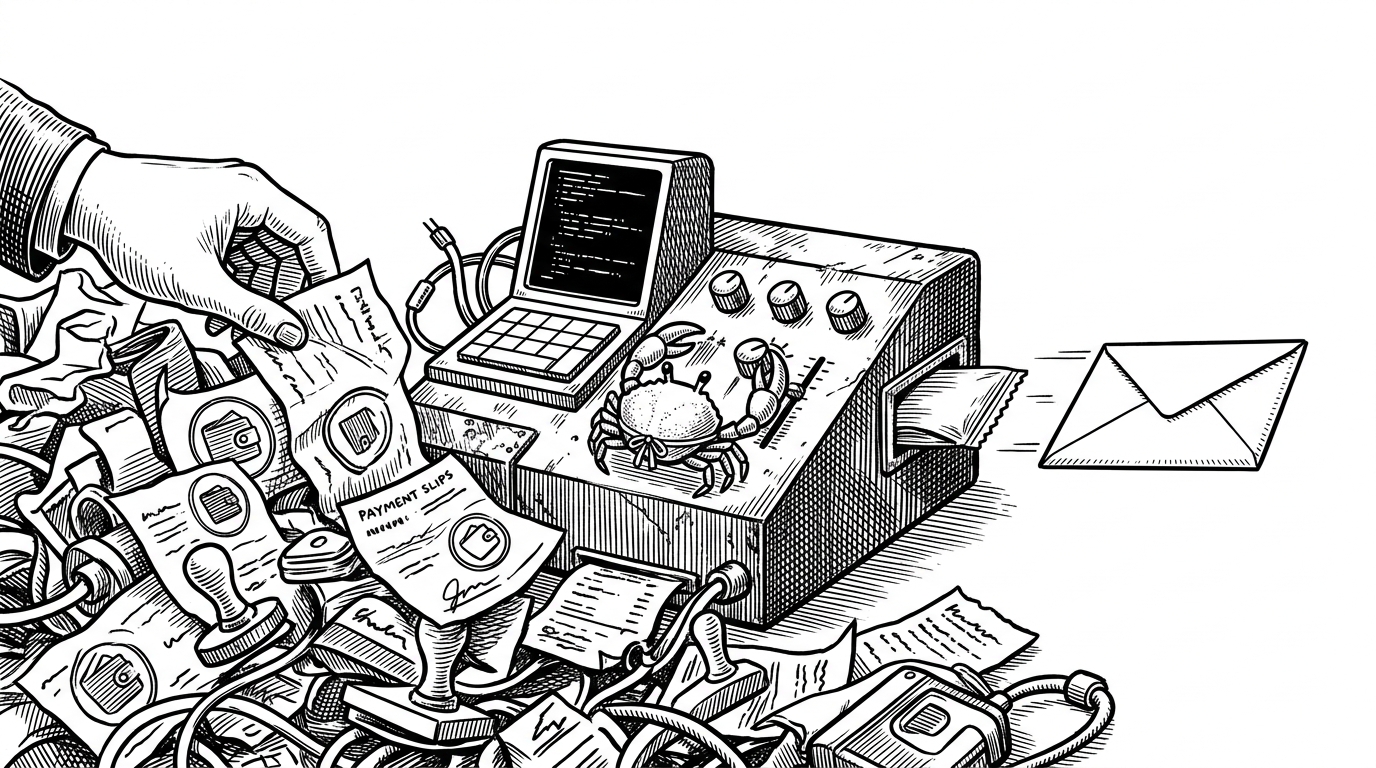
Thirteen apps means thirteen release pages, thirteen naming histories, thirteen sets of installer conventions. The launcher has to recognize apps that were installed outside itself, match the right asset to the user's machine, verify what it downloaded, and avoid replacing an app while someone is using it.
That is a trust problem wearing a UI costume. The interface is simple on purpose. The hard part is deciding what to download and proving it is the right thing.
PdfCraft shipped as PrintCraft until version 0.2.1. Release assets and installers that registered the old name still exist in the wild. The catalog keeps former_ids and former_names for every app, and the lookup iterators chain the current name with the old ones. An app installed years ago under a different name is still recognized.
A Core With No I/O
The workspace splits into three crates. core holds the catalog, version parsing, release matching, and status logic. native holds everything that touches the operating system: install, http, paths, process, single_instance, login, desktop_entry, self_update, queue, and more. ui-egui holds the interface.
The rule for core is stated in its module documentation: no I/O lives there, so the desktop shell, the web build, and the tests share it unchanged.
That is why the browser build works. ArtCraft Launcher also ships as a web app, and it reads the same catalog and runs the same release-matching code as the desktop version. A browser cannot install software, so the web build is a catalog and download picker: it lists the suite, reads each app's latest release straight from the GitHub API, and offers the right download for the visitor's system. It is not a second installer. It is the same logic with a different shell.
The Event Loop That Starts and Stops
Here is the part that makes Rust GUI developers look twice. Most eframe applications assume one long-lived event loop. They call run_native once and stay there until the user quits.
loop {
    if window {
        let result = eframe::run_native(...);
        waker.set_window(None);
        if !std::mem::take(&mut launcher.closed_to_tray) {
            return ExitCode::SUCCESS;
        }
    }
    if !launcher.wait_in_tray(&woken) {
        return ExitCode::SUCCESS;
    }
    hidden = false;
    window = true;
}
This launcher calls eframe::run_native inside a loop. When the window closes to the tray, the pass ends. The process then blocks in wait_in_tray until the tray asks for a window, and starts a fresh pass.
The reason is Wayland. On Wayland, a window cannot be hidden and kept alive behind the scenes. Closing to the tray has to end the event loop, because the surface cannot survive in limbo. The code has a window_can_hide_here check, and on platforms that can hide a window, the ordinary path still works. On the platforms that cannot, the launcher restarts the loop on demand.
Background threads complicate this. The tray, backend tasks, and the Linux theme monitor all need to repaint a window that may not exist at that moment. The launcher wires a OnceLock<Box<dyn Fn()>> as a waker and a sync_channel(1) to coalesce wake signals. One pending wake is enough, so the channel holds exactly one. The indirection exists because the backend is built before the window, and the window may not exist at all.
The Tray Bug That Showed a PID
On Linux and the BSDs, the launcher speaks StatusNotifierItem over D-Bus directly through ksni. No GTK, no libappindicator, no extra runtime to install. That is the right call for a launcher that wants to be small.
But tray-icon's default identifier is the process id plus a counter, and the title is empty. KDE and GNOME's AppIndicator extension fall back to the identifier when there is no title. So the tray showed a number like 61965-1 where the app name should have been.
fn identity(builder: TrayIconBuilder) -> TrayIconBuilder {
    if cfg!(any(target_os = "macos", target_os = "windows")) {
        builder
    } else {
        builder
            .with_id("artcraft-launcher")
            .with_title("ArtCraft Launcher")
    }
}
The fix is a cfg! check that sets an explicit id and title on non-macOS, non-Windows targets. One platform's quirk, handled in place, with a comment that explains exactly why.
macOS gets its own touch. The menu-bar icon is a black template PNG, so the system can tint it to match the current menu bar. On other platforms the icon is the blue mark.
There is also a licensing detail worth noting. The mark is an ArtCraft trademark and is not covered by the MIT or Apache licenses. A separate LICENSE-brand.txt spells that out. Separating code and brand licensing this clearly is less common than it should be.
Reduce Motion, Three Ways
The motion.rs module reads the operating system's reduce-motion setting on three platforms, and each platform needs a different approach.
Windows first. Instead of calling SystemParametersInfoW, which needs unsafe, the code reads UserPreferencesMask from the registry and checks a single bit.
fn animations_off(mask: &[u8]) -> bool {
    mask.get(4).is_some_and(|byte| byte & 0b10 == 0)
}
macOS is a single call to NSWorkspace::accessibilityDisplayShouldReduceMotion().
Linux and BSD take the involved path. On first call, a background thread connects to the XDG desktop portal over the session bus and maintains an AtomicBool. It checks three sources, any of which counts: the portal's reduced-motion key, GNOME's enable-animations, and KDE's AnimationDurationFactor, where zero means instant. It re-reads on every SettingChanged signal.
The function never blocks the UI. It returns the cached value, and until the portal answers, it assumes animations are on. A D-Bus round trip can take a while, and the interface must not wait for one. The UI polls about once a second, so a change in the system setting takes effect without a restart.
A Launcher That Credits Its Rivals
Most projects that build a launcher for an existing thing pretend they invented it. This one names twelve predecessors in the README and says what it learned from each.
The community built launchers for the Craft App Suite before we did, and ArtCraft Launcher learned a lot from them. Thank you to their authors:
- ArtCraft Suite Updater: quietly rescanning for apps installed or removed outside the updater, and detecting Arch and AUR installs through pacman.
- craftcenter: finding the latest release without consuming API quota, using the releases/latest redirect and SHA256SUMS.txt.
- CRAFTSPACE: adopting apps already installed and handling GitHub rate limits gracefully.
- GetCraft: OS and CPU asset selection, plus a native Rust and egui interface.
- CraftHub: strict download-source checks and avoiding replacement of an app while it is running.
- artcraft-suite: ETag-cached release checks and clean recovery from interrupted installs.
- And six more, each named with its specific contribution, from AppImage desktop integration to scheduled background update checks.
That acknowledgment culture is the differentiator as much as any technical choice. It also frames the honest comparison: this is not a package manager.
| ArtCraft Launcher | Homebrew / winget / Scoop / Flatpak | |
|---|---|---|
| Catalog scope | 13 specific creative apps | Thousands of general packages |
| Dependency solving | None needed (apps are self-contained) | Core feature |
| Suite awareness | Yes, knows all 13 apps as a family | No |
| Integrity verification | SHA-256 against published SHA256SUMS.txt | Varies by formula or manifest |
| Native tray or menu-bar UI | Yes, with platform-specific quirks handled | Usually CLI-first |
| Install mechanism | Uses OS-native installers (DMG, MSI, deb, rpm, Flatpak, AppImage) | Package-manager-specific |
| Cross-platform reach | macOS, Windows, Linux, BSD, plus a web catalog | Varies by tool |
The launcher and a package manager solve different problems. Homebrew, winget, Scoop, and Flatpak carry thousands of general packages and solve dependencies. ArtCraft Launcher carries thirteen specific apps that ship their own self-contained installers, and its job is to be the trustworthy front door for that one suite.
What It Means
The launcher is a trust layer, not a package manager. It exists because thirteen independently released apps are hard to discover, install, and keep current. The engineering discipline, the panic ban, the I/O-free core, the Wayland workaround, the reduce-motion trifecta, is what makes a boring product trustworthy.
The project is early alpha, and the README says so plainly, asking users to file issues with their OS, the app they were installing, and the log file. That honesty is part of the same discipline. It is easier to trust software that tells you where it is rough.
The unglamorous parts are where the craft lives. An installer that never panics, that verifies what it downloads, that handles three platforms' quirks in place, and that thanks the people who came before is doing the work most launchers skip.