Pro Mime Types: The WordPress Plugin That Turns File Uploads Into Policy
A deep dive into how sybrew/pro-mime-types rebuilds WordPress’s MIME rules, scores file risk, and keeps multisite upload policy sane across changing environments.
- Pro Mime Types treats WordPress uploads as governed infrastructure, not a simple allowlist switch.
- Its most interesting move is a risk taxonomy that turns file types into policy decisions instead of binary safe or unsafe choices.
- The plugin does real operational work by rebuilding WordPress MIME behavior, respecting multisite scope, and checking for conflicts in the live environment.
- Its upgrade and cleanup paths are engineered like infrastructure software, which is unusual for a small admin plugin.
Why MIME Types Became a Governance Problem
WordPress starts with a blunt idea of trust. A file is either in the allowlist or it is not. That works until a site grows into a stack of plugins, custom media rules, and multisite admins who need one policy for many sites.
Pro Mime Types treats that mess as a governance problem. It sits in the upload path, but its real job is to define policy, classify risk, and keep the live WordPress environment honest.
The Strange Idea at the Center: File Risk Has Levels
Most MIME tools answer one question: what kind of file is this? Pro Mime Types adds a second question: what should WordPress do about it? That distinction matters because not every permitted file deserves the same level of confidence.
After eight years without updates (yet still working with the latest version of WordPress), Pro Mime Types got rewritten from the ground up. Now it's written by a senior PHP developer (me) instead of a noob (also me).
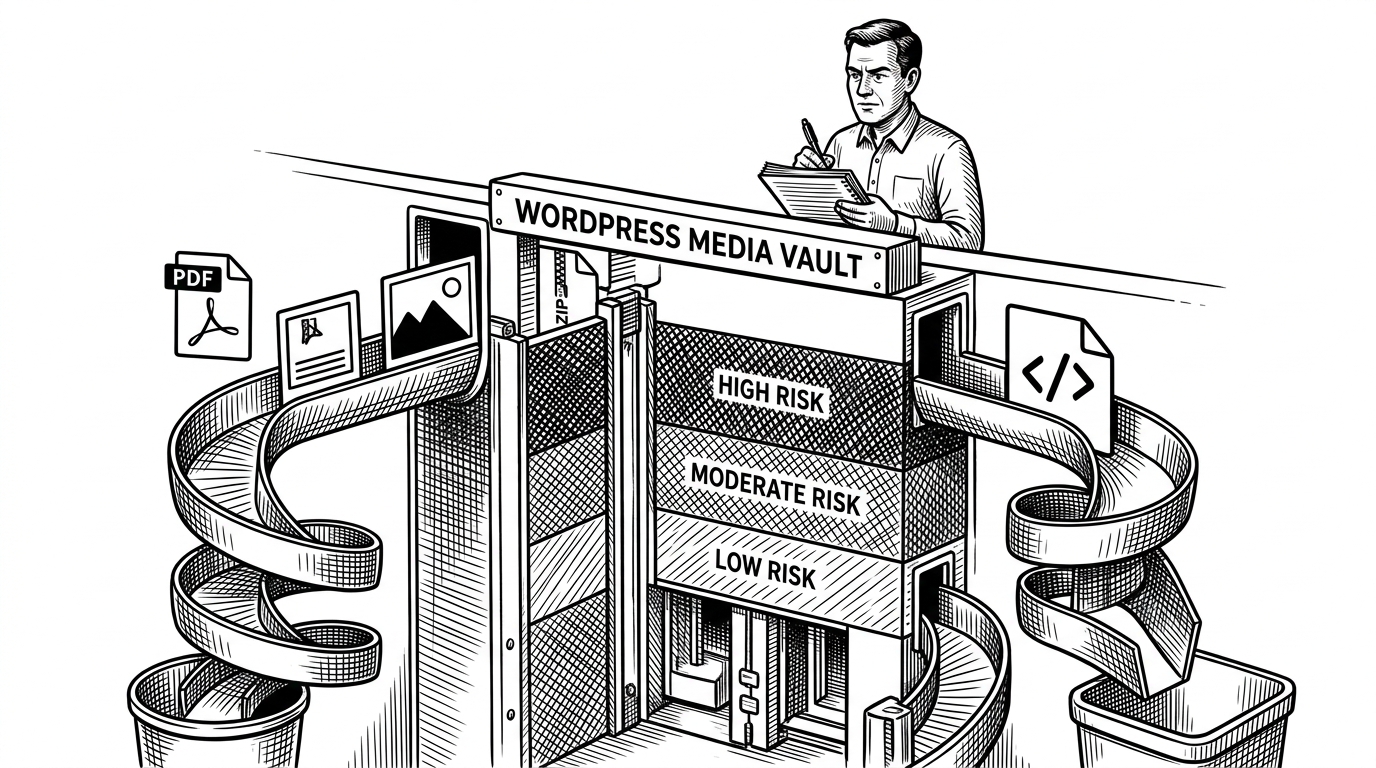
That rewrite introduced a danger taxonomy. In the repository’s own terms, file types are not just accepted or rejected. They sit on a spectrum from safe to dangerous, which gives admins a way to reason about trade-offs instead of hiding them behind a single toggle.
How the Plugin Rebuilds WordPress’s Upload Rules
The core architecture is familiar WordPress plugin territory. An entry file boots the plugin, init hooks attach behavior, and admin code handles settings. The difference is what it does inside those hooks: it does not merely add a MIME type. It rebuilds the working set WordPress uses for uploads.
The implementation also treats media types as more than labels. If you enable an image format or a video format, the plugin re-registers the corresponding behavior so WordPress recognizes the file as media, not just as a generic upload.
// Simplified shape of the plugin's behavior
add_action('init', function () {
    // Load the right settings store for network or single-site.
    $allowed = get_allowed_mime_types();

    // Rebuild rather than patch, so WordPress sees the intended policy.
    $policy = Pro_Mime_Types\Policy::build($allowed);

    // Re-register media extensions so uploads behave like native media.
    Pro_Mime_Types\Media::register_images($policy);
    Pro_Mime_Types\Media::register_videos($policy);
});
That is why the project feels sturdier than a typical upload helper. It is not relying on a single filter and hoping for the best. It is coordinating settings, media behavior, and live WordPress state as one system.
Why the Upgrade Engine Matters More Than You’d Expect
The migration layer is one of the strongest signals that this plugin thinks like infrastructure. The rewrite introduced database versioning, a lock, and shutdown cleanup so the upgrade process can fail safely instead of leaving the site in a half-migrated state.
That kind of defensive code is easy to miss in a small plugin. It matters anyway, because upload policy is one of those settings that teams forget until a broken migration or a bad deploy turns into a production incident.
The Conflict Detector: When Your Settings Aren’t the Truth
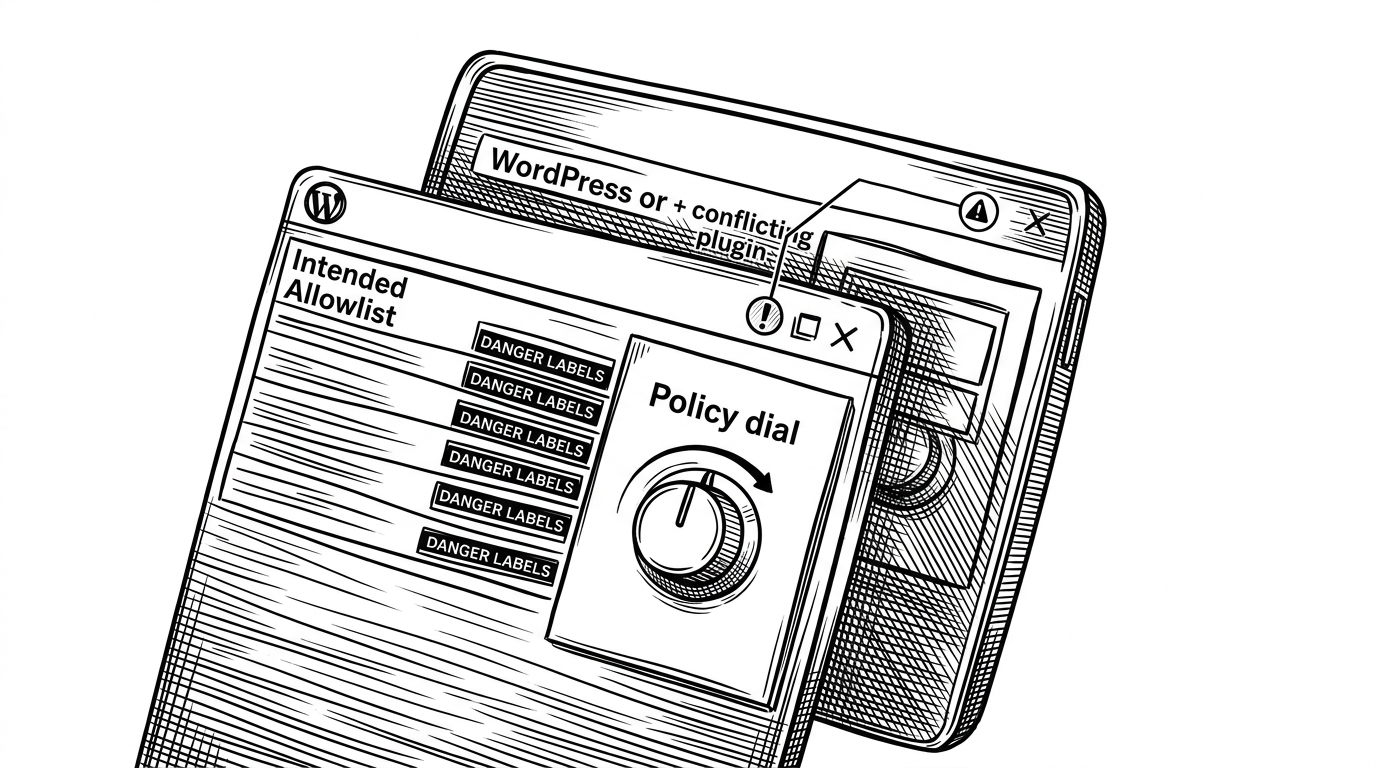
This is the best UX idea in the repo. The admin view compares intended policy with the live WordPress environment, then calls out when another plugin is overriding the result. That makes interference visible instead of mysterious.
In practice, that means the plugin does not just ask, “What do you want allowed?” It asks, “What is actually happening right now?” That is a more honest question, and a more useful one.
| Layer | General MIME library | Pro Mime Types |
|---|---|---|
| Responsibility | Identifies or maps file types | Decides what WordPress should allow and how it should behave |
| Context | Works outside the CMS | Lives inside WordPress hooks and admin policy |
| Risk model | Usually none | Classifies file types by danger level |
| Conflict detection | Not its job | Checks whether the live environment matches the intended rules |
| Operational scope | Utility building block | Upload governance layer for admins |
What It Looks Like Beside General MIME Tools
This plugin is not competing with libraries like mime-types or file-type on raw detection. Those tools tell you what a file probably is, or what extension maps to a type. Pro Mime Types lives one layer higher. It decides what the CMS should do with that knowledge.
That distinction also explains why narrow WordPress add-ons are not the same comparison. A single-purpose SVG plugin can solve one dangerous edge case. Pro Mime Types is broader. It is a policy surface for the entire upload system.
| Approach | Strength | Limit |
|---|---|---|
| General MIME library | Fast mapping between extensions and MIME strings | Does not govern WordPress upload policy |
| File content detector | Checks the actual bytes of a file | Still needs a CMS policy layer to act on the result |
| Single-purpose upload plugin | Solves one file type well | Does not build a unified governance model |
| Pro Mime Types | Unifies allowlists, danger levels, and live conflict checks | Requires WordPress context to matter |
Fixed: .exe is now assigned the MIME type PHP recognizes instead of the one Windows does.
The Version 2 Rewrite Changed the Shape of the Project
The changelog tells the story clearly. The plugin was rewritten from the ground up after a long gap, then hardened with compatibility fixes, new file type support, and a security correction for missing nonces. That is not a cosmetic refresh. It is a reset of the project’s engineering posture.
Seen that way, Pro Mime Types is less like a utility that grew features and more like a small security product that learned how to survive in modern WordPress.
What This Plugin Really Teaches About WordPress
The best plugins do not just add options. They encode policy, expose conflicts, and make the system safer without pretending risk disappears. Pro Mime Types does exactly that.
Its value is not that it knows more file extensions. Its value is that it turns uploads into a governed system, which is the right shape for a CMS that lives in the real world.