TSF Snippets: The Micro-Plugin System That Keeps WordPress SEO Lean
A look at how Sybre Waaijer ships surgical SEO features, performance-minded PHP, and AI-ready coding standards as installable snippets instead of one bloated plugin.

- TSF Snippets is less a plugin collection than a delivery system for precise WordPress behaviors.
- The repo keeps The SEO Framework lean by pushing niche features into standalone micro-plugins.
- Its most revealing feature is the distribution pipeline that turns snippets into installable ZIPs.
- The hidden style guide matters because it makes human and AI-assisted contributions look and behave the same.
Most WordPress plugin collections are really settings dumps. TSF Snippets goes the other way. It breaks niche SEO behaviors into tiny, installable PHP files so The SEO Framework can stay lean while still growing in useful directions.
That choice changes the product shape. Instead of one giant admin panel, you get a modular extension layer: headless UI controls, permalink rewrites, schema injection, and compatibility shims for page builders that do not speak clean HTML by default.
Why this repo exists
The repo is built around a simple premise: the core SEO plugin should not become a junk drawer. If a feature serves a narrow audience, it belongs in a snippet that can be shipped, installed, or removed on its own.
That is why the repository structure reads like a catalog of surgical tools. Folders such as access/, compatibility/, permalinks/, and schema/ each solve a specific problem without dragging unrelated code along for the ride.
The real product is the packaging
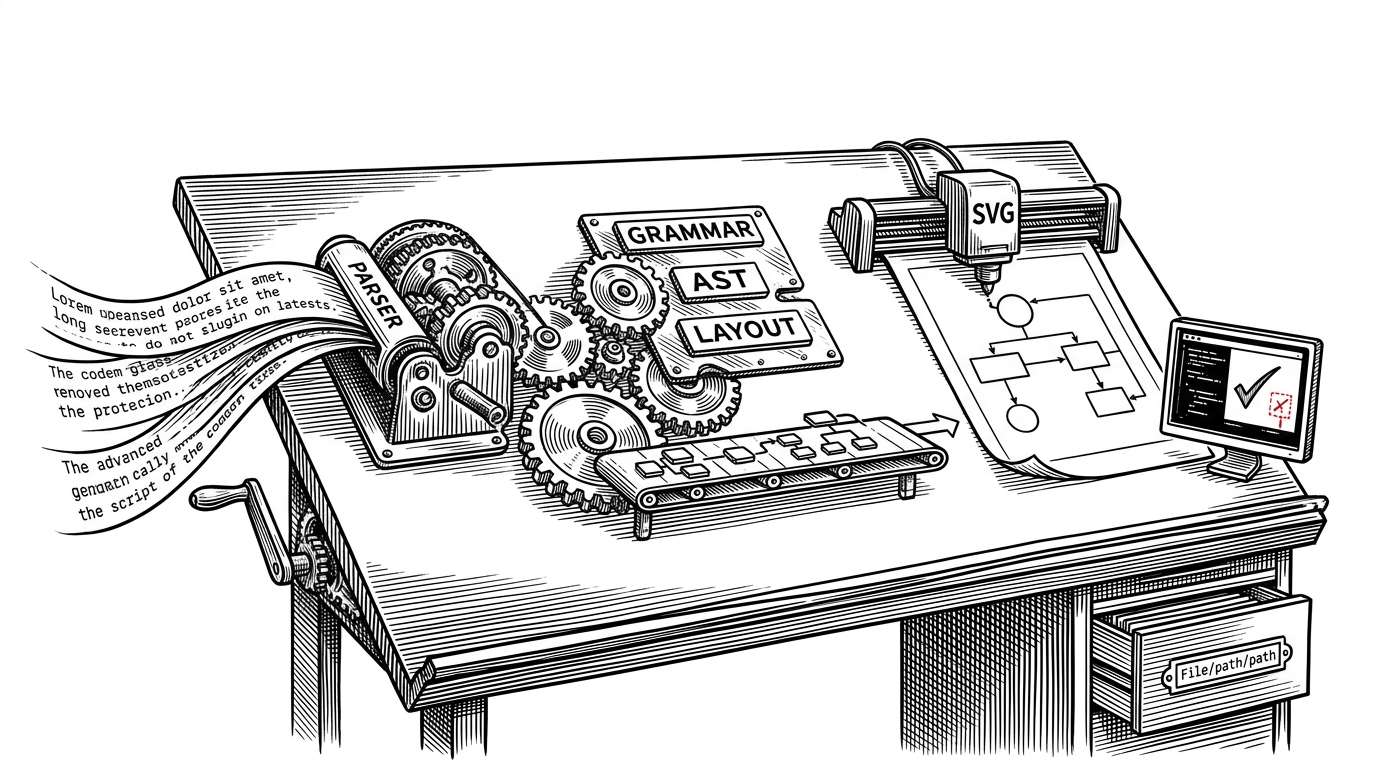
The most important thing in the repo is not a feature file. It is the delivery model. A custom snippet-to-ZIP flow on tsf.fyi turns an isolated PHP snippet into something that feels like a proper plugin install, which is a lot friendlier than copy-pasting into functions.php.
| Pattern | How it ships | Blast radius | Maintenance cost | Best fit |
|---|---|---|---|---|
| Monolithic SEO plugin | Everything inside one settings-heavy codebase | High | High | Broad, general-purpose features |
| functions.php snippet | Copied manually into a theme or child theme | Medium to high | Medium | One-off site tweaks |
| TSF Snippets micro-plugin | Standalone PHP file, installable as a plugin or ZIP | Low | Low to medium | Narrow, repeatable SEO behaviors |
Micro-plugins, not mega-settings
The repo’s structure is the argument. Each snippet stands on its own, but it still plugs into the same larger architecture. That keeps the core product focused while letting power users add only the behavior they need.
This is a better fit for WordPress than another endless settings screen. The code stays legible, the runtime surface stays small, and the user gets a feature without inheriting a whole new subsystem.
The best example is the Divi renderer
The clearest technical proof is compatibility/tsf-divi-focus.php. It intercepts page-builder content, sends it through an AJAX endpoint, normalizes the markup server-side with do_shortcode() for Divi 4 or do_blocks() for Divi 5, and returns clean HTML to the SEO analyzer.

That matters because SEO analysis is only as good as the content it can actually inspect. A builder that stores meaning in shortcodes, wrappers, and generated blocks can hide that meaning unless something reconstructs it first.
TSF Snippets does exactly that. It does not pretend the source content is already clean. It actively rehydrates the content into a form the analyzer can use.
// Simplified view of the pattern
add_action('wp_ajax_tsf_divi_focus_render', function () {
    $content = isset($_POST['content']) ? wp_unslash($_POST['content']) : '';

    if (defined('ET_BUILDER_VERSION') && version_compare(ET_BUILDER_VERSION, '5', '>=')) {
        $html = do_blocks($content);
    } else {
        $html = do_shortcode($content);
    }

    wp_send_json_success(['html' => $html]);
});
Performance is not a slogan here
The repo’s style reads like someone who cares about runtime overhead in WordPress, where small inefficiencies are easy to multiply. The code favors procedural paths when they are simpler, uses namespace-escaped native functions, and keeps behavior local instead of piling logic into a shared settings UI.
That same discipline shows up in the permalink and schema snippets. One file trims category-base URLs and redirects old structures cleanly. Another extends TSF’s schema graph with targeted image data instead of rewriting the whole schema stack.
| Concern | Typical approach | TSF Snippets approach |
|---|---|---|
| Runtime overhead | Add generic framework code | Prefer direct procedural hooks and minimal branching |
| Scope creep | Centralize features in a big admin UI | Keep each behavior in a narrow snippet |
| Content analysis | Assume builders emit readable HTML | Rebuild the content server-side before analysis |
| Schema changes | Replace or fork large output blocks | Inject only the needed node or reference |
The hidden style guide is part of the architecture
The .github/copilot-instructions.md file is more than developer guidance. It is an operating doctrine for code shape, naming, comments, and performance habits. That matters because a repository built from many tiny files can drift fast if every snippet is written in a different voice.
Here, style is part of the product. If the code has to remain readable, portable, and safe to ship as a micro-plugin, then consistency is not cosmetic. It is structural.
What this tells us about modern plugin design
TSF Snippets is a strong answer to a familiar WordPress problem. The best way to add power-user behavior is often not to grow the core plugin. It is to ship a separate, narrow, installable unit that does one job well.
That model scales better than feature hoarding. It reduces fear for adopters, keeps maintenance boundaries clear, and lets the maintainer ship useful ideas without turning the main plugin into a crowded dashboard.