DogSprite: The Browser Sprite Editor That Lets AI Draw by Calling Functions
A look at the open-source pixel art editor that pairs a fast local canvas with an MCP server, turning sprite work into a structured, editable pipeline instead of a flat image dump.
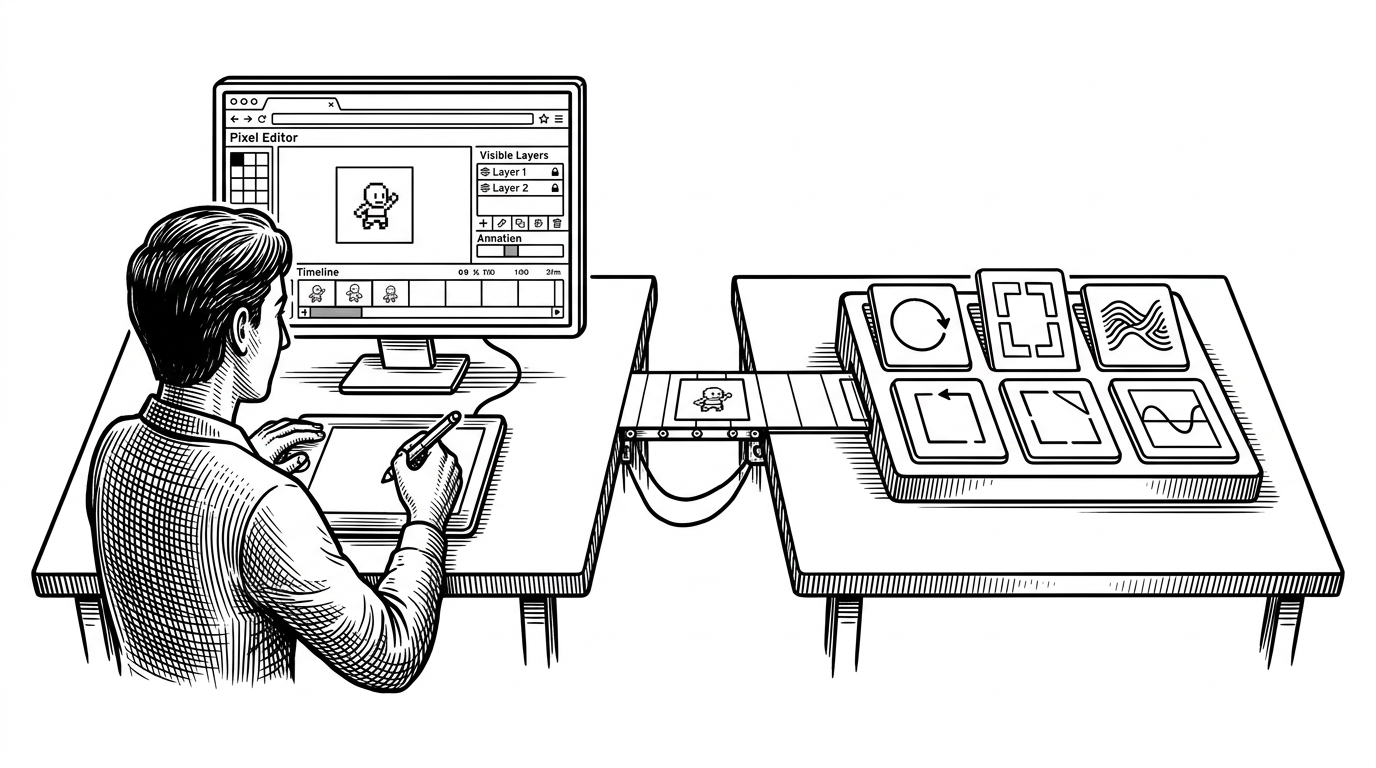

I created DogSprite, a completely free pixel art editor that runs directly in your browser and works offline.
- DogSprite’s core idea is not image generation, but structured sprite construction that stays editable from the first pass to the final export.
- The editor and the MCP server form one system, which lets humans and agents use the same drawing primitives instead of separate workflows.
- Its technical edge comes from a tight local data model, reversible layer history, and export logic built for pixel-perfect output.
- The project’s real category is a programmable asset workstation, not a browser clone or a generic AI art tool.
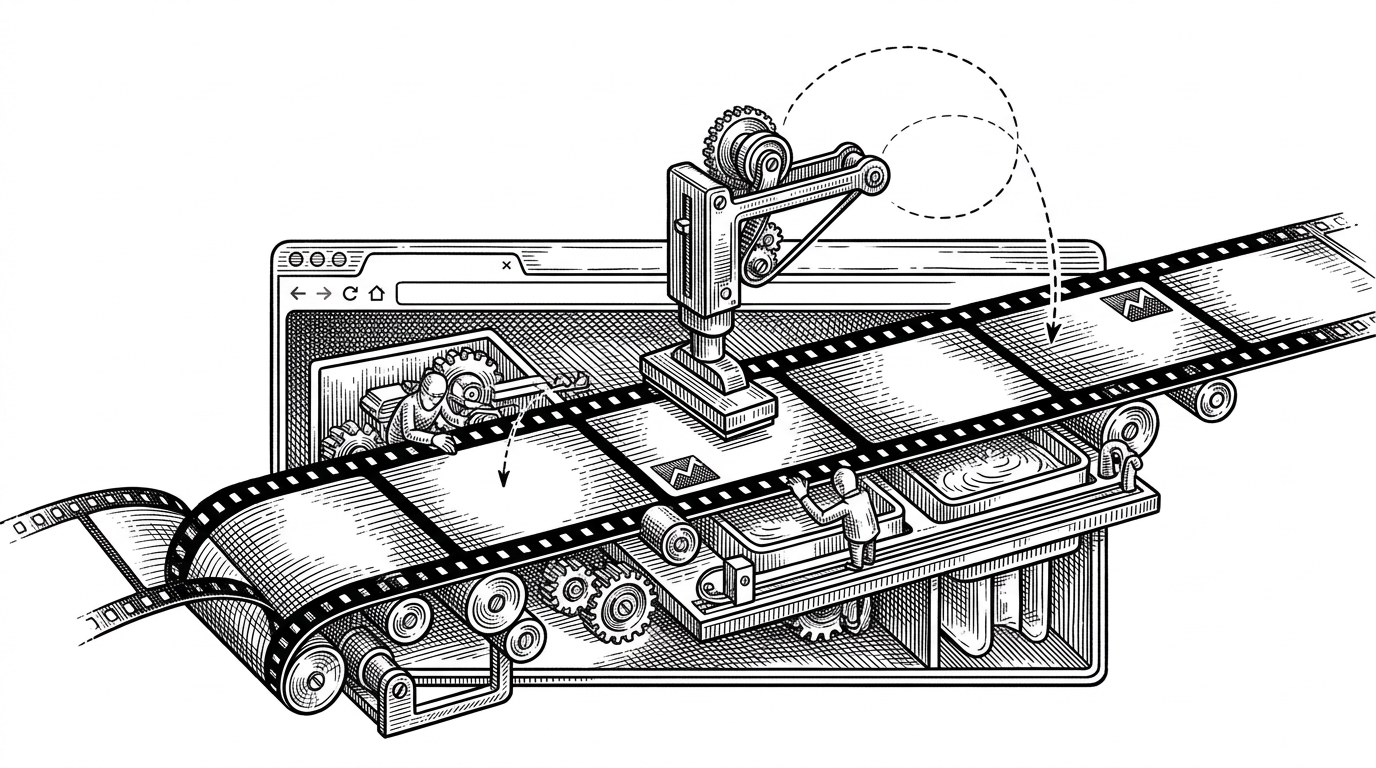
DogSprite looks like a browser pixel editor at first glance. That is the surface. The more interesting product is the layer underneath: a local MCP server that lets an AI agent call drawing functions, assemble template fragments, and write into a real sprite pipeline instead of spitting out a flat image.
The editor is only half the product
That is the useful mental model here. DogSprite is a browser canvas, yes, but it is also a command surface for agents through MCP. The same project exposes the tools, state, and templates needed to create sprites as structured objects, not just pixels.
That changes the job description of AI. Instead of "generate me a goblin," the model can select a template, lay down a silhouette, shade it, revise it, and export it. The result stays editable because every step is an operation on the asset, not a one-shot image prediction.
Why generate an image is the wrong mental model
Flat image generation is a dead end for game assets. It gives you a picture, but not a workflow. DogSprite takes the opposite path: it treats sprites as buildable objects, with atomic tools and template libraries that can be recombined rather than guessed from scratch.
The scale matters too. The project’s code-defined template library is large enough to feel like a sprite grammar, not a few canned presets. That makes the AI useful in a different way: it can assemble material, pose, and style from known parts while preserving the possibility of human correction.
Inside the canvas engine
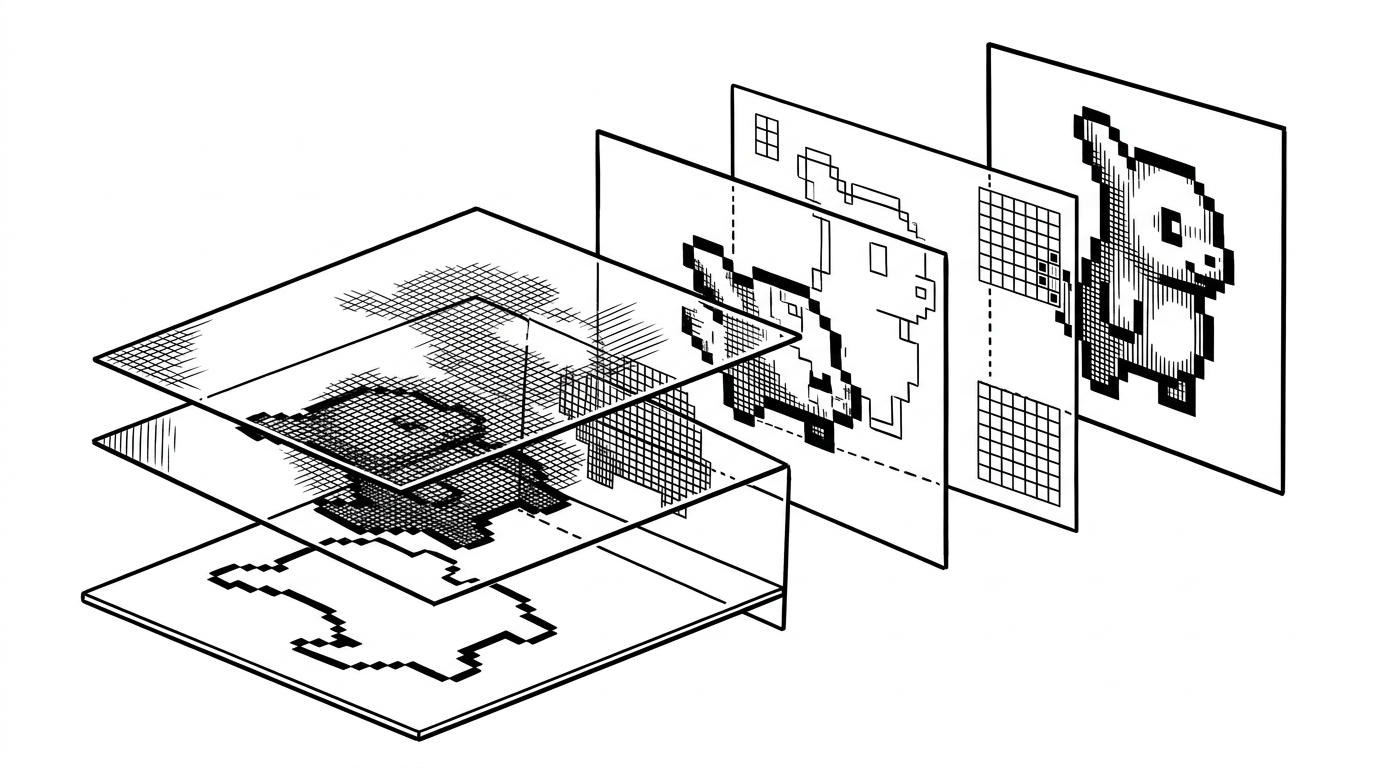
Under the hood, the editor’s speed comes from simple machinery done well. The repository centers on a PixelBuffer data model, bounded pixel access, compositing for layered output, and an undo stack built for precise state recovery.
class PixelBuffer {
  private data: Uint8ClampedArray;

  getPixel(x: number, y: number) {
    if (x < 0 || y < 0 || x >= this.width || y >= this.height) return null;
    const i = (y * this.width + x) * 4;
    return this.data.slice(i, i + 4);
  }

  setPixel(x: number, y: number, rgba: [number, number, number, number]) {
    if (x < 0 || y < 0 || x >= this.width || y >= this.height) return;
    const i = (y * this.width + x) * 4;
    this.data.set(rgba, i);
  }
}
That is not flashy, and that is the point. Once pixels live in a predictable buffer, the rest of the stack becomes much easier to reason about: draw tools write into one structure, layers composite over it, and exports can preserve sharp edges with nearest-neighbor scaling.
The undo model also says something important about the product. DogSprite is willing to spend memory to protect editability. For sprite work, that trade-off is usually worth it.
How the AI side actually works
The MCP server is the real interface between language and canvas. It exposes a tool registry with schemas and handlers, so an agent does not have to invent pixel math. It can call concrete operations like set_pixels, draw_line, or auto_shade and let the renderer do the hard work.
tools.register("draw_line", {
  inputSchema: z.object({
    x1: z.number(),
    y1: z.number(),
    x2: z.number(),
    y2: z.number(),
    color: z.string()
  }),
  handler: handleDrawLine
});
That is a subtle but big design choice. The model is not trusted to freehand a final sprite. It is given a vocabulary of safe, deterministic actions. That reduces randomness, keeps output editable, and makes template reuse a first-class behavior instead of an accident.
Why offline matters here
DogSprite’s local-first posture is not a slogan. It changes the tempo of the work. Local files, local rendering, and local AI coordination mean fewer round trips, fewer privacy questions, and less dependency on a service that might not fit a game studio’s workflow.
For sprite production, that matters more than it does in many other creative tools. You want quick iteration, repeatable assets, and a clear path from rough idea to game-ready sheet. Offline support makes that loop frictionless.
What it is closer to, and what it is not
| Dimension | DogSprite | Aseprite-style editor | AI image generator | Static sprite pack |
|---|---|---|---|---|
| Human editability | High, because the asset stays structured | High, but manually driven | Low, output is usually flat | None, assets are fixed |
| AI programmability | High, via MCP tools and templates | Low or absent | High, but opaque | None |
| Offline use | Yes | Yes | Usually no | Yes |
| Layer and undo fidelity | Built for reversible passes | Strong | Weak or not relevant | Not applicable |
| Output type | Editable sprite pipeline | Editable sprite file | Raster image | Prebuilt asset bundle |
| Best use case | Mixed human-agent asset creation | Manual pixel art work | Concept exploration | Fast reuse of ready-made art |
That table is the key distinction. DogSprite is not trying to win as a pure painting app, and it is not a generic prompt box for pretty pictures. It sits in a narrower but more useful category: a programmable asset workstation for sprite production.
The open question
The real test is not whether DogSprite can match every mature pixel editor feature tomorrow. It is whether a mixed human-agent workflow can stay tasteful, reversible, and fast enough to be useful. If it can, sprite production stops being a choice between craftsmanship and automation.
That is what makes this project interesting. DogSprite treats the browser not as a compromise, but as a control room. And it treats AI not as a replacement for the artist, but as a function caller inside the creative loop.