`chriskwan/whiteboard` and the Beautiful Simplicity of Peer-to-Peer Drawing
A tiny no-build canvas app shows how far you can get with WebRTC, a shared peer ID, and a deliberate refusal to build a server.
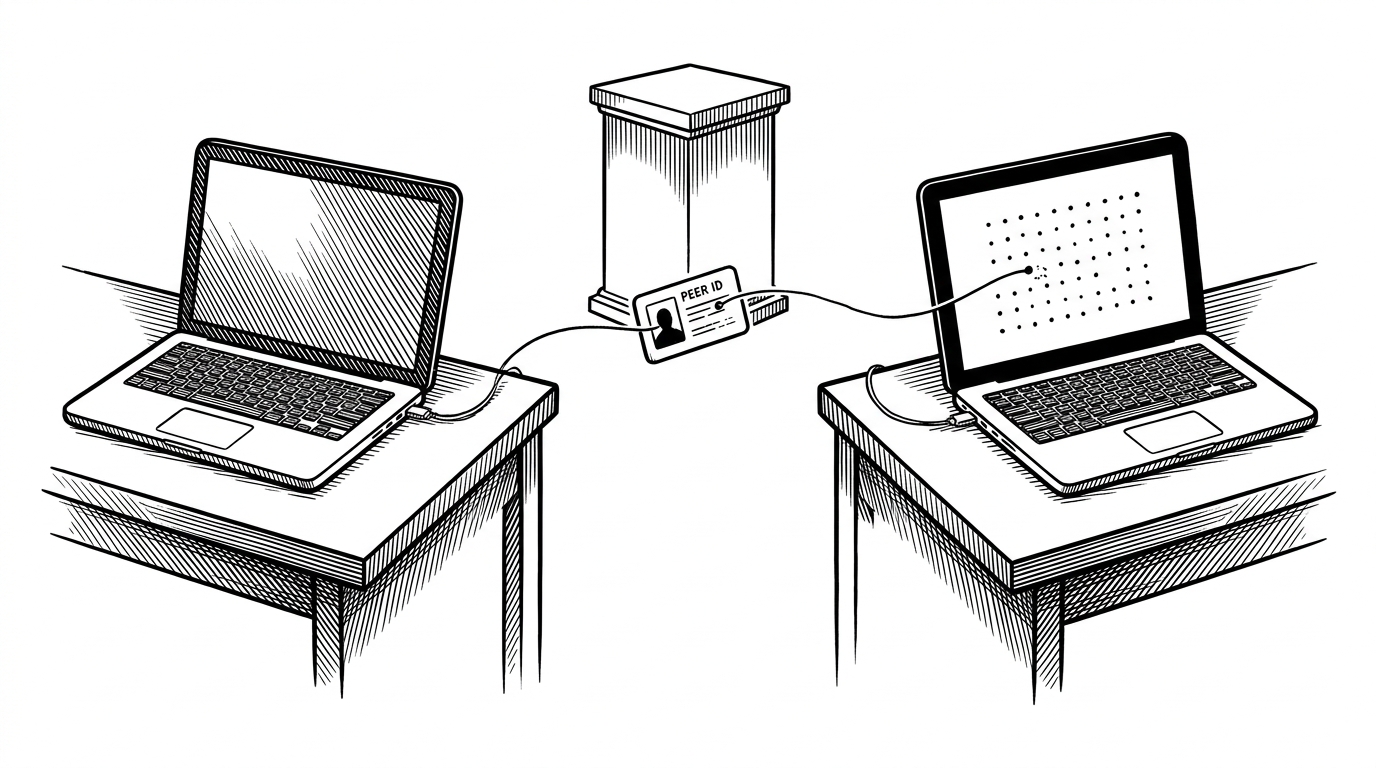
- `chriskwan/whiteboard` is really a demo of browser-to-browser collaboration, not a polished drawing app.
- Its point-based canvas model trades visual finesse for sync simplicity, and that tradeoff makes the whole system easier to understand.
- PeerJS and WebRTC do most of the networking work, which keeps the codebase small enough to read as a diagram in motion.
- The repo’s quiet ambition is transitive discovery, a hint that a tiny whiteboard can grow into a mesh of peers.
The most interesting thing about `chriskwan/whiteboard` is not the canvas. It is the decision to treat the server as optional and see how much collaboration you can still get from two browsers, a shared peer ID, and a very small amount of JavaScript.
The server is the feature
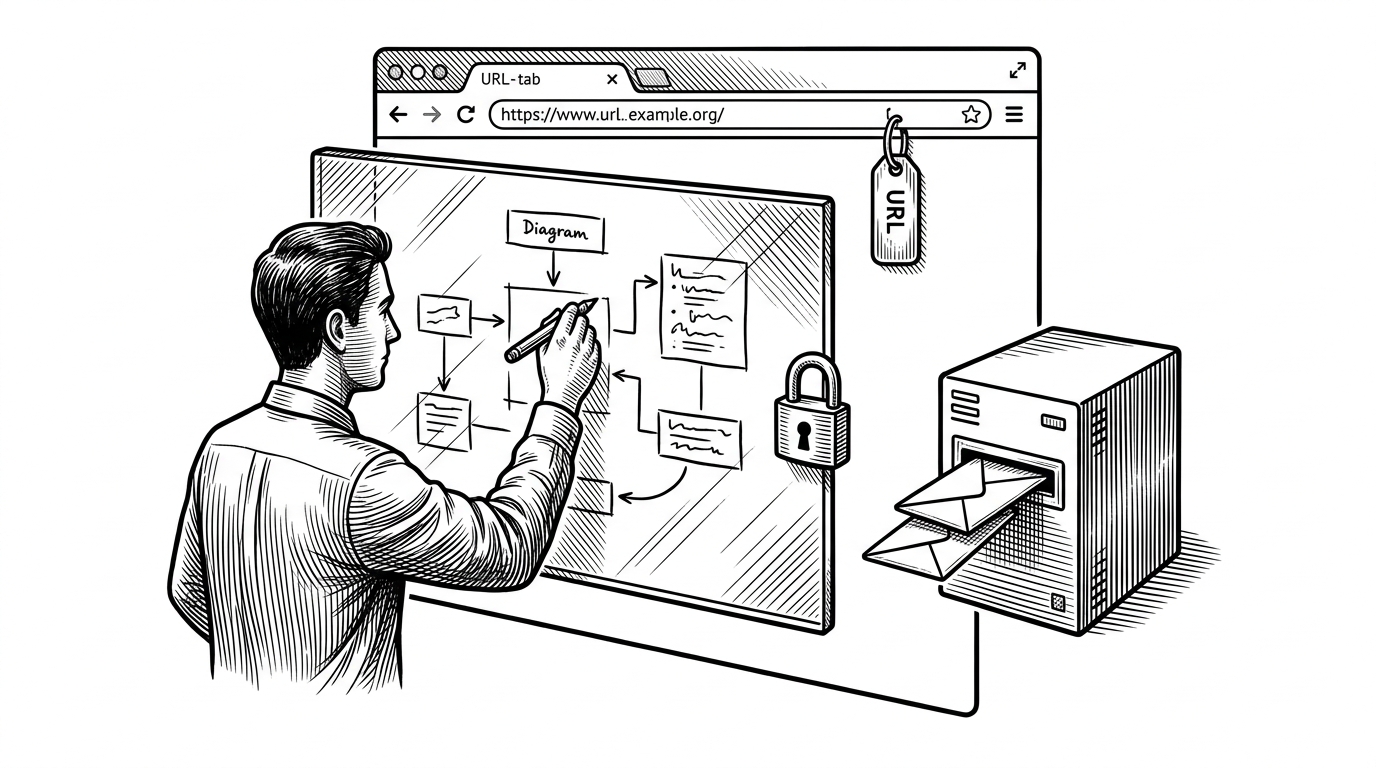
This repo makes a quiet but radical claim: if two browsers can find each other, they can collaborate without a central room in the middle. The whiteboard is just the visible layer. The real product is the connection model underneath it.
That is why the project feels bigger than it is. It compresses WebRTC, PeerJS, and the Canvas API into a demo you can hold in your head at once. The absence of a backend is not a limitation here. It is the point.
What the app actually ships
The codebase is tiny by design. There is an `index.html` entry point, one JavaScript file, and a README. No build system, no bundler, no framework. That puts the architecture in plain sight.
<canvas id="drawingArea" width="800" height="500"></canvas>
<input id="peerId" />
<input id="friendId" />
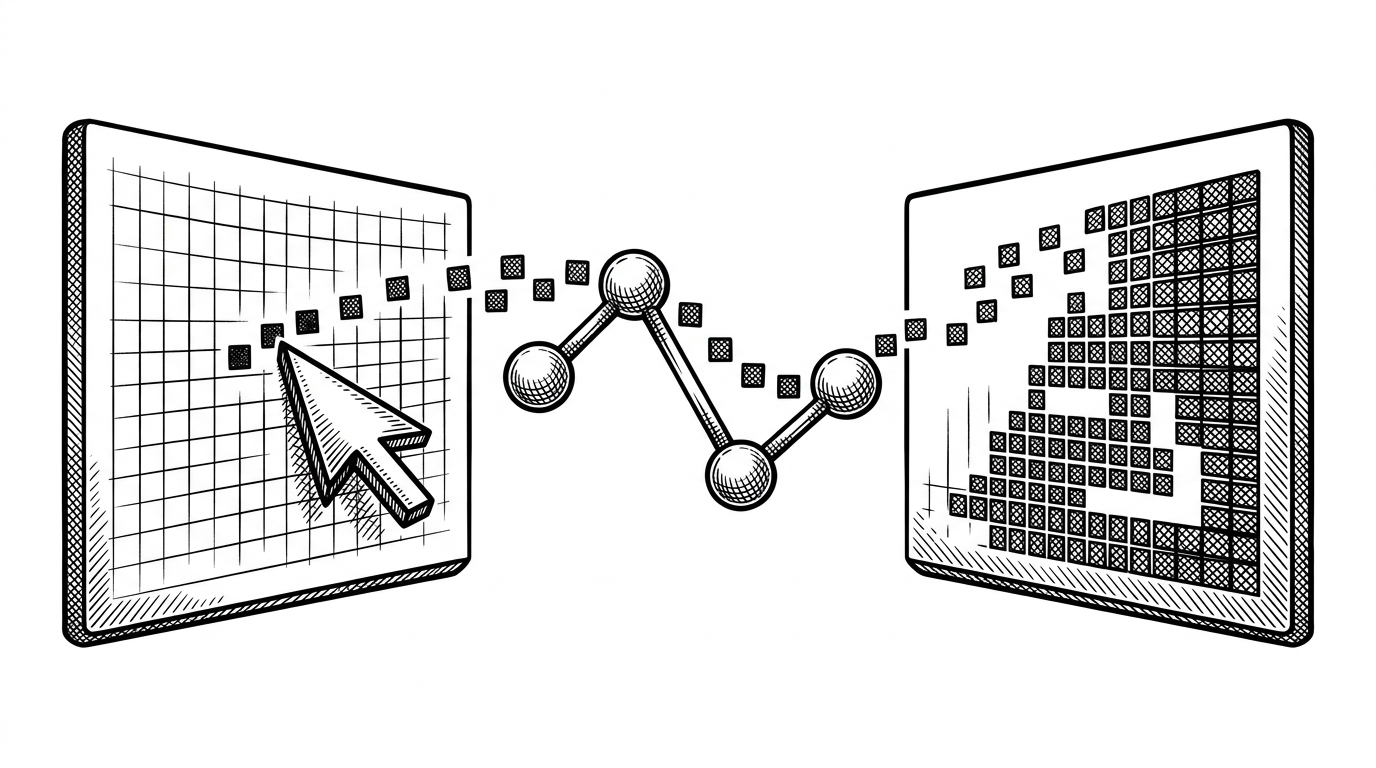
<div id="peerList"></div>In practical terms, the app does three things well. It renders dots on a canvas, it sends those dots over a PeerJS data channel, and it exposes connection state in the UI so the invisible handshake does not stay invisible for long.
The drawing model is intentionally dumb
The core rendering choice is `fillRect`, not path drawing. Every mouse move becomes a small square. That sounds crude, but it is exactly why the sync story works.
function drawPoint(point, color) {
  context.fillStyle = color;
  context.fillRect(point.x, point.y, 5, 5);
}

function sendPointToPeers(point, color) {
  peer.connections.forEach(function(conn) {
    conn.send({ point: point, color: color });
  });
}
Points are stateless. They do not need a stroke history, a replay buffer, or a path reconstruction algorithm. If a packet is late, you miss one square, not an entire curve. The cost is visual elegance. The benefit is that every message stays tiny and easy to reason about.
How two browsers find each other
PeerJS acts as the abstraction layer over WebRTC. Instead of making readers wade through the signaling boilerplate, the repo lets them work with a peer ID, an invite link, and a connection list. Discovery is simplified, not invented from scratch.
| Step | What this repo does | What a production system usually adds |
|---|---|---|
| Identity | A peer ID and a shareable invite link | Accounts, auth, access control, and recovery |
| Transport | PeerJS over WebRTC data channels | Servers, fallbacks, retries, and observability |
| State | Small point payloads | Stroke models, conflict handling, presence, and persistence |
| UI | A direct canvas plus simple connection panels | Tooling, layers, undo, export, and permissions |
That table is the whole story in miniature. The repo trims away everything that is not required to get a remote point from one browser into another browser. What remains is a surprisingly clear handshake.
The surprising part: it starts to look like a mesh
The most interesting line in the code is not about drawing. It is the logic that shares known connections back out to new peers. That hints at transitive discovery, where peers can find peers through peers instead of waiting for a central coordinator to tell them where to go.
That is a small idea with a big feel. It pushes the repo from a simple two-user demo toward something that resembles a decentralized social graph, even if only in prototype form.
A 2015-style time capsule, for better and worse
The repo also carries its era on its sleeve. It relies on raw hosted dependencies, uses a hardcoded PeerJS API key, and reflects the old no-build habit of wiring a demo together with whatever was easiest to reach from the browser.
That gives it a kind of historical honesty. It is clean enough to learn from, but brittle enough to remind you how much frontend infrastructure has changed. The code is small. The dependencies are the part that aged.
| Trait | Then | Now |
|---|---|---|
| Dependency delivery | Direct script includes from hosted URLs | Package managers, pinning, and build pipelines |
| Collaboration model | Peer-to-peer demo logic | Persistent sync, auth, and offline recovery |
| Maintainability | Readable but fragile | Heavier, but more resilient |
How it compares to modern whiteboard systems
Against modern tools like tldraw or CRDT-backed editors, `chriskwan/whiteboard` loses on nearly every production metric and wins on clarity. It is not trying to be a platform. It is trying to make a network idea legible.
| Dimension | `chriskwan/whiteboard` | Modern collaborative whiteboards |
|---|---|---|
| Connection model | Direct P2P invites through PeerJS | Server-mediated sync, auth, and presence |
| Drawing model | Discrete points rendered as squares | Strokes, shapes, objects, and transforms |
| Goal | Show the collaboration stack clearly | Support teams at scale |
| Tradeoff | Simple and portable | Robust and extensible |
That comparison is unfair in one sense and useful in another. Production systems solve the hard parts the demo avoids. This repo makes the hard parts visible.
Why this tiny repo still matters
`chriskwan/whiteboard` is useful because it turns collaboration infrastructure into something you can inspect line by line. It shows that browser-to-browser drawing is less mysterious than it looks, provided you are willing to simplify the drawing model and accept the network as the main character.
That is the lasting lesson. Some repos are valuable because they ship features. Others are valuable because they make a system readable. This one does the second thing very well.