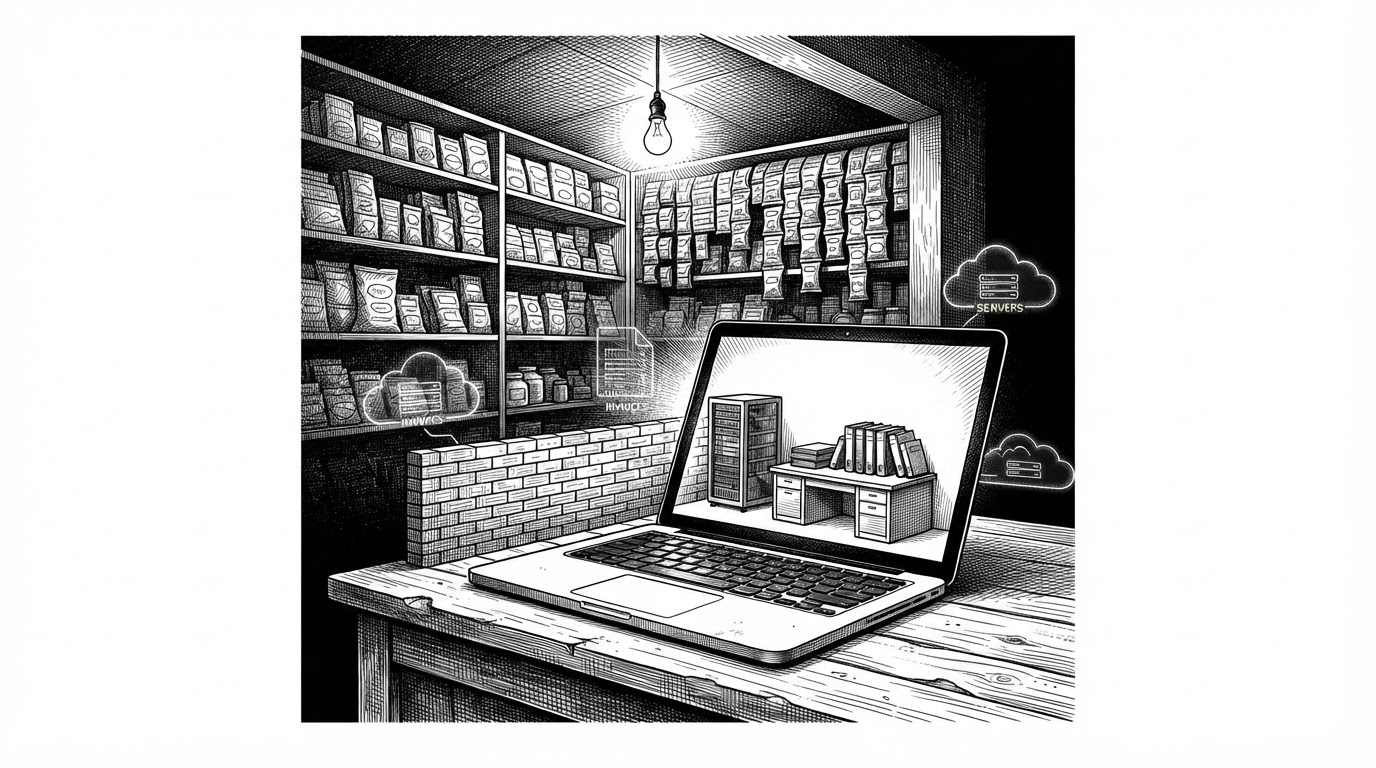
ppgmis: The Browser-Only School ERP That Behaves Like a Real System
A React 19, Tailwind 4, localStorage-powered education platform with role-based access, relational mock data, and zero backend dependency.
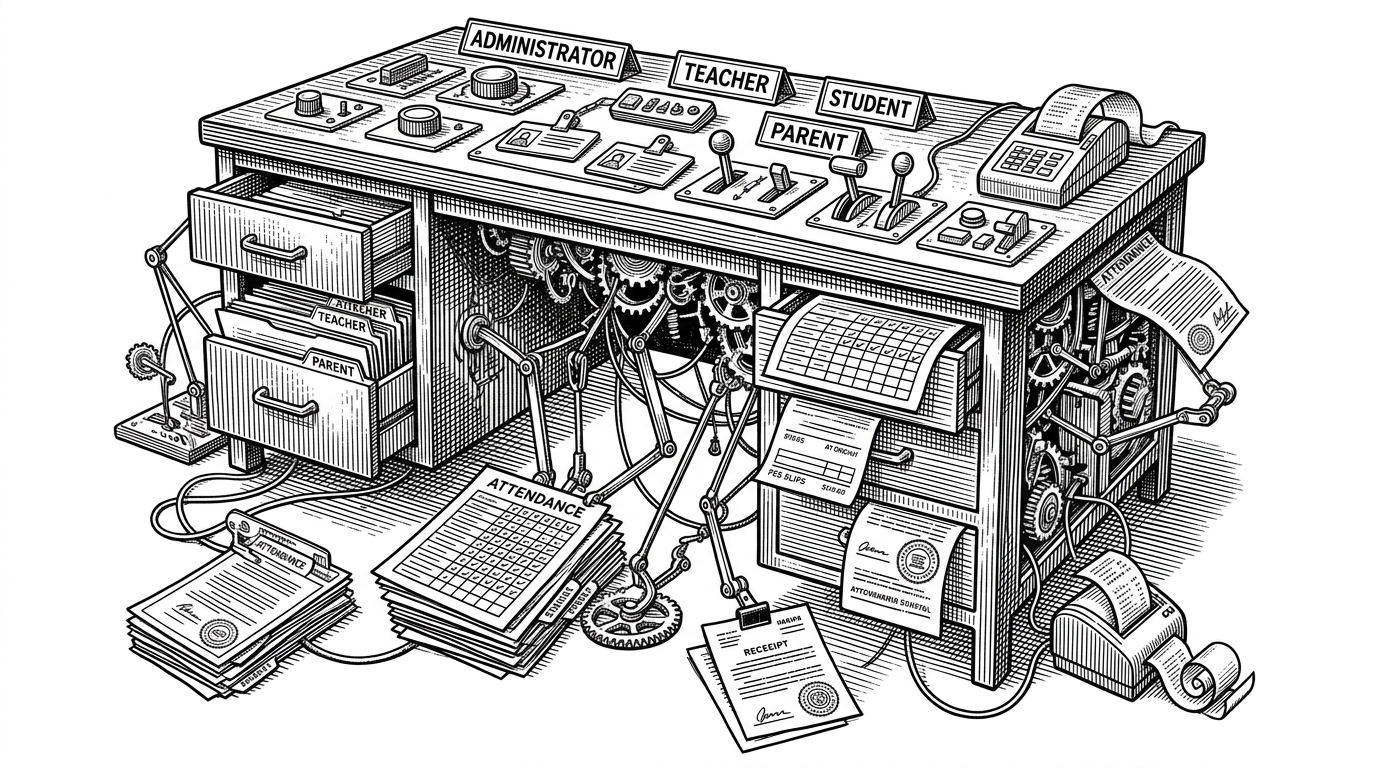
- ppgmis stands out because it turns a browser into a convincing school ERP without relying on a backend to sell the illusion.
- Its strongest trick is relational state orchestration, where one action can create linked records and keep multiple role views consistent.
- The project is less about raw security and more about controlled product behavior, which makes it ideal for demos and prototypes.
- Mock data, persistence, and role-aware routing work together here to create a system that feels operational on day one.
The Strange Achievement: A Real-Feeling ERP Without a Backend
Most school software is judged by how many forms it has. ppgmis is more interesting than that. It makes a browser-only app feel like an actual institution by combining multi-role access, persistent local state, generated records, and document output into one coherent experience.
That matters because the hard part is not rendering tables. It is making the product behave like a system. In ppgmis, the UI does not just display school data. It orchestrates it.
Who This Is For, and Why the Shape Makes Sense
The repository is built around a familiar school-management split: Administrators, Teachers, Students, and Parents. That is a smart product shape because each role needs a different view of the same underlying institution.
Administrators care about control, Teachers care about operations, Students care about personal status, and Parents care about visibility. The app reflects that structure in the UI itself, which is why the experience feels more like a working MIS than a generic admin panel.
The Engine Room: Context, localStorage, and Side Effects
The core of the app lives in centralized React context. SchoolDataContext initializes the school state from mockData.js, exposes CRUD actions, and syncs changes back to localStorage. That gives the app persistence without a server and keeps the whole system self-contained.
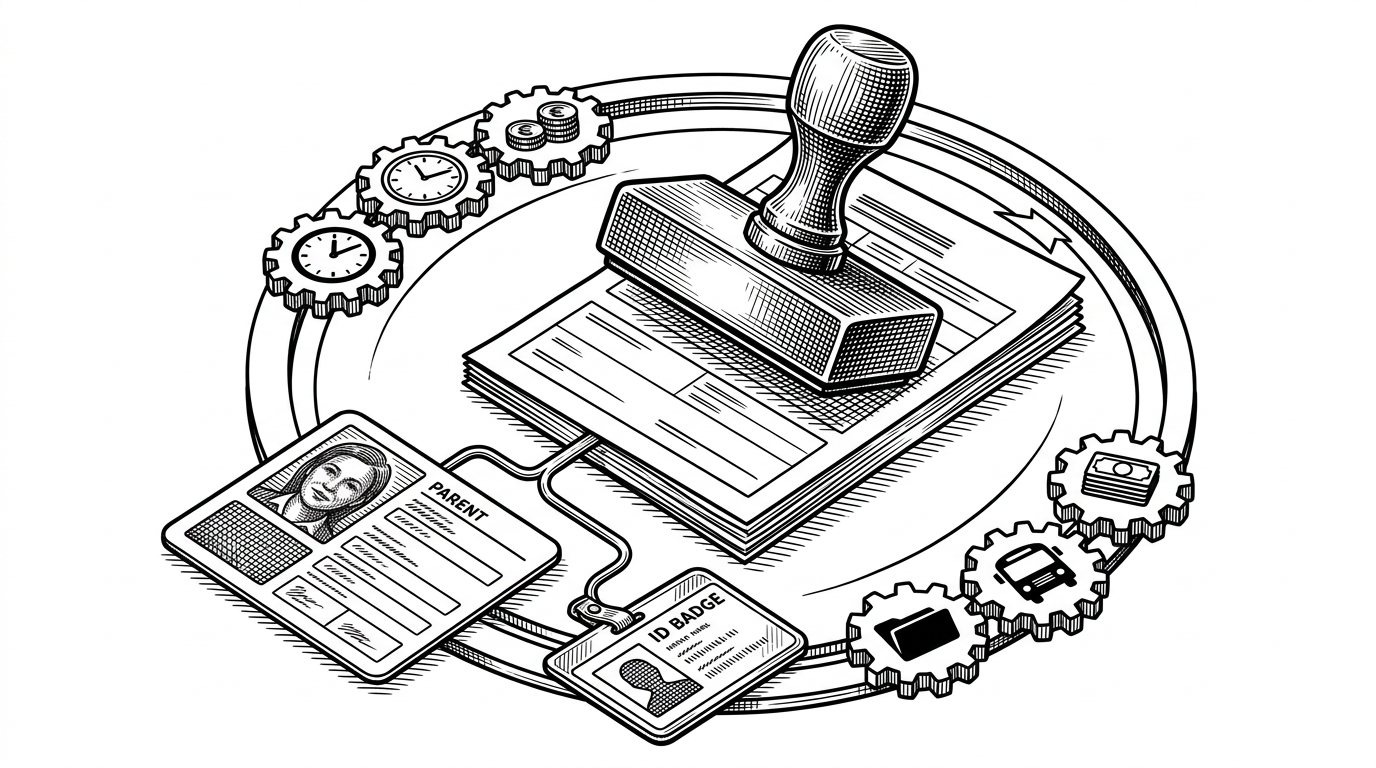
The real trick is the side effect chain. Adding a student does not just append one record. It also generates a parent profile automatically, which preserves relational consistency inside a client-side data model that is otherwise flat.
const addStudent = (student) => {
  const newStudent = { ...student, id: nextStudentId() };
  const newParent = createParentProfile(newStudent);

  setStudents(prev => [...prev, newStudent]);
  setParents(prev => [...prev, newParent]);
  localStorage.setItem('ppgmis_data', JSON.stringify({ students, parents }));
};
Role-Based Access That Lives in the UI Layer
Authentication is handled in AuthContext.jsx, where login branches by role and uses smart IDs rather than a single universal credential pattern. That makes the app feel specific to school workflows, not like a generic auth demo.
The route composition in App.jsx reinforces that boundary. A Student can only land on the student view, while the admin-side modules remain out of reach in the rendered interface. In a backend-first product, that separation would be enforced on the server. Here, it is enforced by state-driven rendering, which is the right tradeoff for a local-first prototype.
| Dimension | Conventional ERP | ppgmis |
|---|---|---|
| Backend dependency | Requires an API, database, and deployment stack | Runs entirely in the browser with local persistence |
| Demo setup time | Needs seeded data, server config, and credentials | Opens with realistic mock data and role views |
| Role-specific UI | Usually shared through server-authenticated sessions | Rendered directly by state and role branch logic |
| Data persistence | Database writes and migrations | localStorage sync plus React state |
| Relational side effects | Handled by backend services or transactions | Handled in frontend context logic |
| PDF generation | Often delegated to a server job | Generated in the client with jsPDF |
| Prototype usefulness | Good if infrastructure already exists | Excellent for fast demos and product validation |
| Production readiness | Built for authoritative data and access control | Best treated as a prototype or offline-first demo layer |
Mock Data That Pretends to Be a School
mockData.js does more than fill empty tables. It constructs a believable institution with many students, teachers, routes, attendance values, and fee states. The point is not just volume. It is consistency.
Deterministic generation makes the environment feel stable instead of random. IDs stay coherent, records stay related, and the dashboard lands with enough density that the app does not feel like it is waiting for the real data layer to arrive.
Why This Matters as a Prototype Pattern
ppgmis is not trying to prove that every school ERP should live in the browser forever. It is proving something narrower and more useful: a frontend can be the whole product story when the goal is to demo behavior, validate workflows, and communicate system shape quickly.
That makes the project useful as a pattern. It shows how far local-first state, role-aware routing, and deterministic mock data can go before a backend becomes necessary. For internal tools, MVPs, and product previews, that is a serious amount of leverage.
What ppgmis Suggests About Local-First Product Design
The bigger lesson is that browser apps can simulate operating environments, not just interfaces. When the data model, roles, and side effects are designed together, the result can feel like infrastructure even when no server is involved.
That is the project’s real value. It is a reminder that a convincing product is not always the same thing as a fully networked one.