wc-block-visualizer: X-Ray Specs for WooCommerce Block CSS
A tiny vanilla-JS plugin that reveals nested WooCommerce block classes, tracks depth, and generates selectors without a build step.

- wc-block-visualizer treats styling as a navigation problem, not a guessing game.
- Its depth-aware workflow is the real feature, because it turns nested WooCommerce markup into something you can traverse one layer at a time.
- The selector output is opinionated on purpose, pushing developers toward more specific WooCommerce classes instead of generic block wrappers.
- The small PHP, JavaScript, and CSS footprint is part of the product, not a shortcut around it.
Styling WooCommerce Blocks is rarely hard because the UI is complex. It is hard because the selector you need is hidden several layers down, and the page gives you very little help finding it. wc-block-visualizer exists for that exact moment of friction.
The hardest part of WooCommerce Blocks is not rendering them. It is styling them.
WooCommerce’s block-based cart and checkout screens are built from nested components, not flat templates. That means the obvious selector is often the wrong one, and the right selector is usually buried inside a chain of wrapper elements with names that are easy to overlook.
That is the problem this repo attacks. Instead of flattening the page into a generic inspector, it adds an opinionated lens for WooCommerce Blocks. The result is closer to an X-ray than a browser tool: you still see the structure, but now you can read it.
This plugin turns the DOM into a navigable map
The implementation is deliberately small. A PHP bootstrap file decides when the tool should load, a vanilla JavaScript engine scans the DOM, and a CSS file draws the overlay without changing layout. No build pipeline. No framework. No extra runtime.
That restraint matters. The plugin is not trying to become a design system, a page builder, or a DevTools replacement. It only wants to answer one question well: what am I looking at, and how do I target it?
The depth filter is the real trick
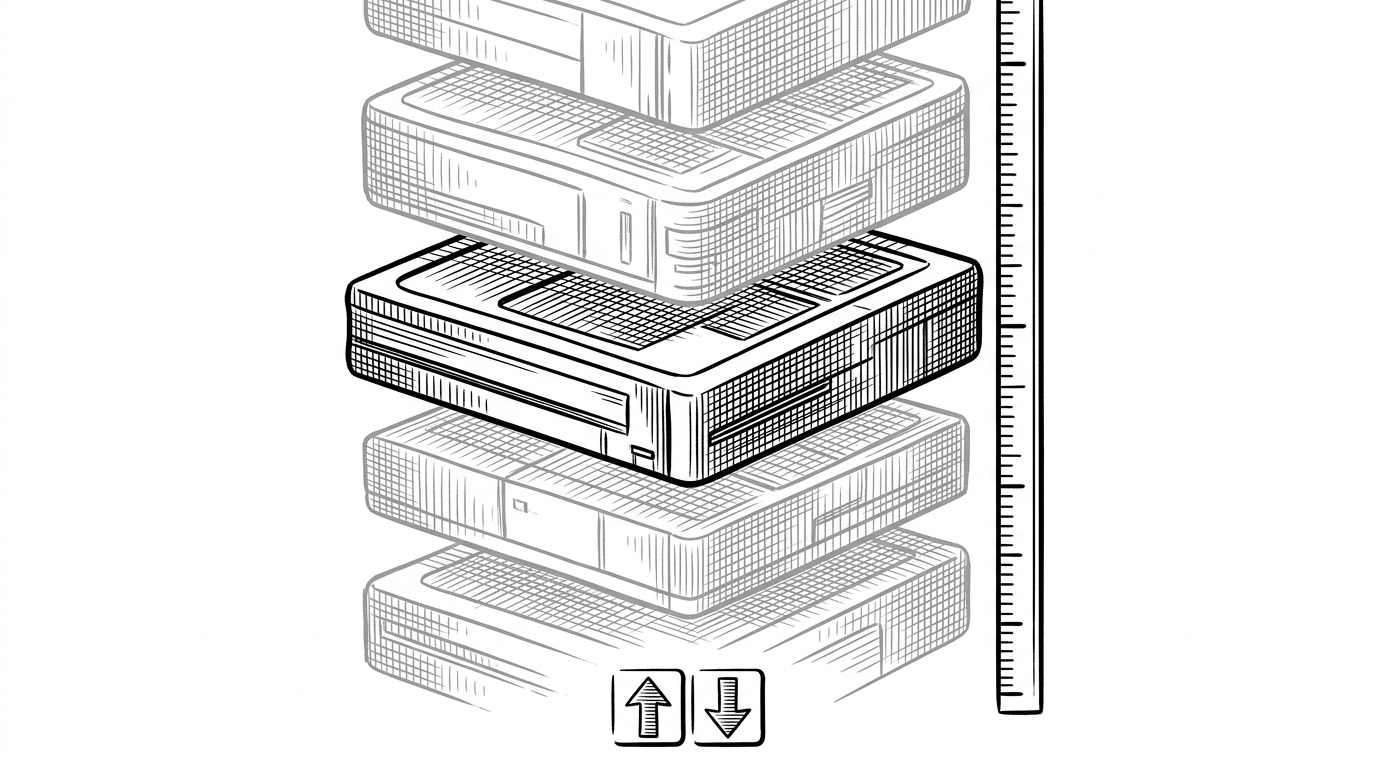
The smartest part of the tool is the currentDepth idea. Instead of forcing the developer to absorb every nested element at once, it filters the view so you can inspect one layer, then step up or down as needed.
That changes the mental model. You are no longer hunting through div soup. You are walking a map. The keyboard shortcut flow makes that feel fast, and the highlighted path keeps the structure legible while you move.
// Depth is the organizing principle.
let currentDepth = 0;

function getElementDepth(el) {
  let depth = 0;
  let parent = el.parentElement;

  while (parent) {
    if (parent.matches('[class*="wc-block"], [class*="wp-block"]')) depth += 1;
    parent = parent.parentElement;
  }

  return depth;
}

function setDepth(nextDepth) {
  currentDepth = Math.max(0, nextDepth);
  renderOverlay();
}
The output is not just visual. It is operational. Once the layer is obvious, the plugin can copy a selector that fits the problem instead of giving you a generic class name you will regret later.
Selector generation is opinionated on purpose
The selector logic prefers WooCommerce-specific classes over generic WordPress wrappers. That sounds small, but it is the kind of opinion that saves time every week. Stable selectors are usually the ones tied most closely to the component, not the broadest ancestor.
| Approach | Speed | Nesting clarity | Selector stability | Setup | Layout impact |
|---|---|---|---|---|---|
| Manual browser inspection | Slow once nesting gets deep | Low | Medium | None | None |
| General DevTools or brute-force DOM inspection | Medium | Medium | Medium | None | None |
| wc-block-visualizer depth-aware workflow | Fast for WooCommerce Blocks | High | High | None | None |
The plugin also supports two selector styles. One is a single-class copy for quick targeting. The other is a contextual chain, useful when you want SCSS-friendly output that reflects the nesting path. That split is useful because not every styling task needs the same level of specificity.
In practice, that means the tool is not just finding nodes. It is translating structure into CSS intent.
The implementation is tiny, but the trade-off is smart
The architecture is almost aggressively lean. One server-side file, one client-side engine, one stylesheet. That simplicity keeps the tool easy to audit and easy to drop into a WordPress workflow without ceremony.
There is a product philosophy inside that choice. If the problem is selector discovery, then a heavy abstraction would get in the way. The repo’s size is not an omission. It is the constraint that makes the experience crisp.
Why this matters for WooCommerce’s block future
Tools like this matter because platform shifts are won in the small moments. When developers can read the DOM faster, they adopt blocks faster. When they can trust the selector they copy, they spend less time fighting the interface and more time shipping the customization.
That is why this repo feels bigger than it looks. It does one narrow job, but it does it at the exact point where modern WordPress styling gets expensive. It makes complexity visible, sortable, and CSS-friendly.
| Styling workflow | What it optimizes for | Best use case |
|---|---|---|
| Browser inspection | General-purpose debugging | Broad front-end work |
| DevTools and brute-force probing | Raw access to the DOM | One-off investigation |
| wc-block-visualizer | Depth-aware selector discovery | WooCommerce Blocks styling |