franz-recipe-jira: The Minimalist's Bridge: How 100 Lines of Code Tamed the Jira Tab Storm
A deep dive into galando/franz-recipe-jira and the architectural elegance of the Franz service recipe.
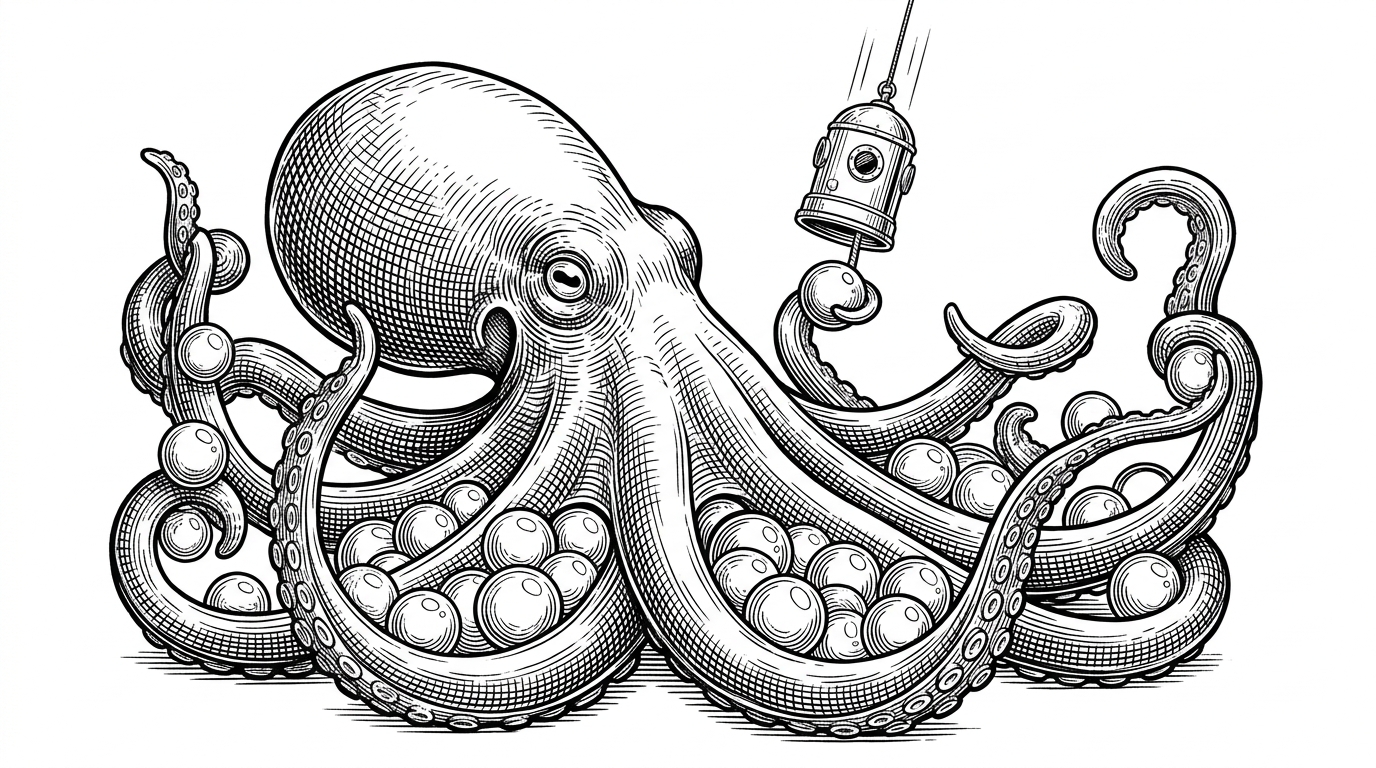

This is the Franz 5 Recipe for Jira
- Franz recipes isolate resource-heavy SaaS tools into lightweight containers to eliminate browser tab fatigue.
- The repository uses a pass-through pattern that relies on the Electron webview rather than complex API integrations.
- Manual source code modification replaces traditional settings UIs to provide developers with absolute local control.
The 2GB Tab Problem
Every developer knows the pain of the Jira tab. It is a heavy, resource-hungry page that stays open all day but is only checked occasionally. In a standard browser, this single tab competes for memory with dozens of others. The cognitive load of navigating this browser-based workflow creates a phenomenon known as tab fatigue.
The solution lies in a disappearing middleware philosophy. Instead of building a massive API integration, developers can use a few lines of JavaScript to bend an enterprise SaaS tool into a personal productivity artifact. The Franz recipe acts as a lightweight container. It is a surgical intervention that reclaims focus by manually sideloading the workflow.
Inside the Recipe: Manifests and Bridges
The architecture of galando/franz-recipe-jira follows a strict plugin-based pattern. It operates through a manifest and a bridge. The package.json file serves as the manifest, defining the service URL and basic identity. The index.js file acts as the controller.
Interestingly, this recipe utilizes a pass-through pattern. The code does almost nothing. It exports a simple identity function that returns the Franz object unmodified. By doing so, it lets the Electron webview do the heavy lifting. The recipe relies entirely on the default behavior of the Franz browser engine.
The Edit-First Deployment
Most modern plugins use a settings UI to configure domains. This repository takes a different approach. It requires the user to modify the source code directly. The package.json file contains a placeholder for the company name, forcing a manual configuration pattern.
This manual intervention reflects a developer-first approach to productivity tools. Bypassing the official plugin store requires placing the files in a specific development folder. It is a straightforward workflow that trades the convenience of a UI for absolute local control.
Evolution of the Sidebar
The manual recipe approach represents a specific era of desktop aggregators. Modern forks have automated this process entirely. Comparing this repository to newer tools highlights the trade-offs between hand-crafted configurations and automated magic.
| Feature | Manual Recipe (Franz) | Modern Aggregator (Ferdium) | Native App |
|---|---|---|---|
| Installation | Manual code edit | Built-in UI | Standard installer |
| Memory Footprint | Low (Shared Electron host) | Low (Shared Electron host) | High (Standalone Electron) |
| Customization | Deep (Source code access) | Moderate (UI toggles) | Low (Closed ecosystem) |
Ultimately, this repository demonstrates how a minimal wrapper can transform a complex web application into a focused desktop experience. It is a testament to the power of small, purposeful code.