ThoughtFlow: The Chat App That Treats Every Idea Like a Branch
A deep dive into the tree-shaped conversation model, the branching UI, and the systems work that keeps exploratory AI organized instead of chaotic.
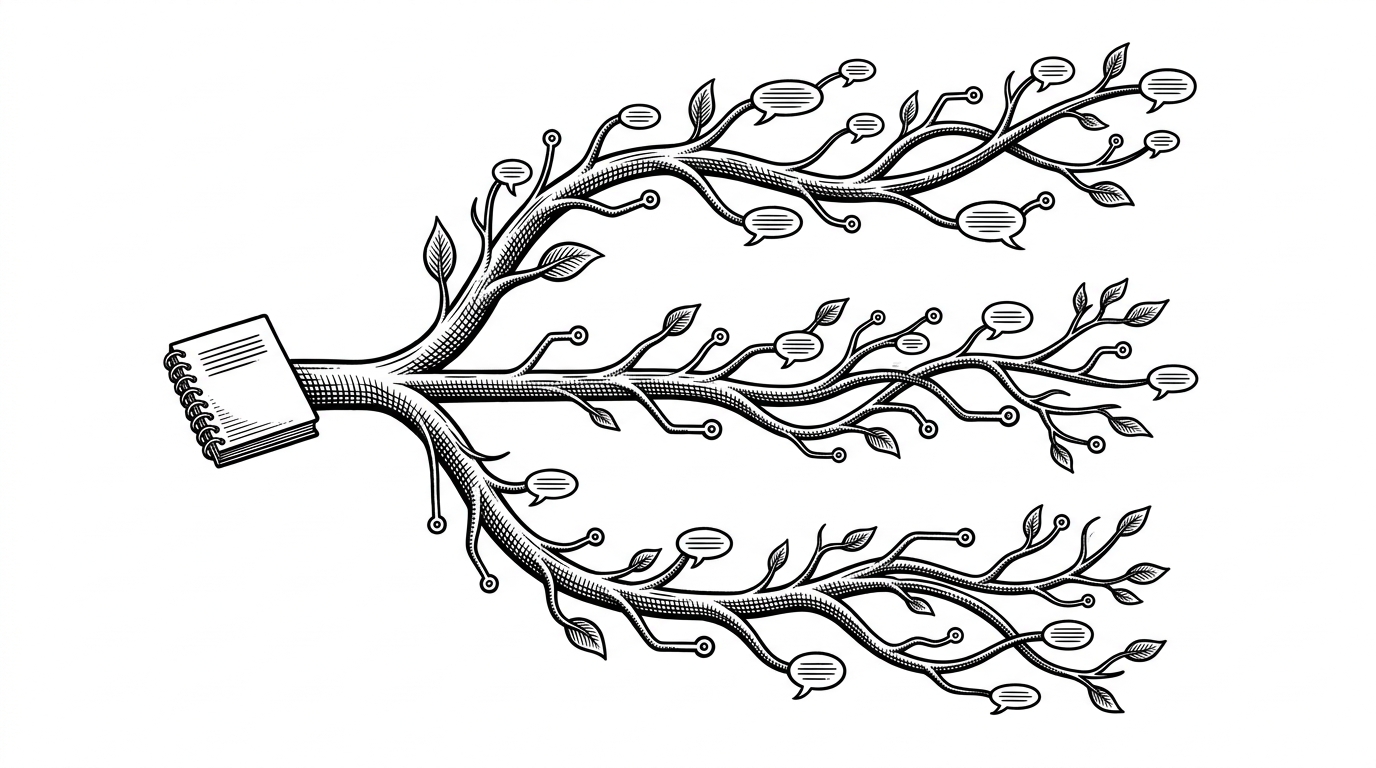
- ThoughtFlow’s real innovation is not another chat box, but a conversation shape that preserves alternatives instead of flattening them.
- The tree model turns brainstorming into something navigable, so users can compare branches without losing the original thread.
- The backend and UI choices are doing the boring but necessary work of making branching feel stable, contextual, and easy to revisit.
- Against linear chat tools, ThoughtFlow wins on exploration, not breadth, because it optimizes for thinking in forks rather than one best answer.
ThoughtFlow is easy to misread as another AI chat app. It is really an argument about the shape of thought. The repo’s core move is to make branching first-class, so a conversation can fork, compare, and return without collapsing into a single wall of text.
With Thoughtflow, your complex conversations with AI won't be lost in a wall of text. Thoughtflow lays out your chat in a tree where you can branch out at any point in the history to a different direction. All with context intact.
Why Linear Chat Runs Out of Road
Linear chat works when the question is narrow. It breaks down when the work is exploratory. Once you want to test two phrasings, revisit a discarded answer, or compare two reasoning paths, the scroll becomes a liability. Everything is still there, but nothing is organized for choice.
| Linear chat | ThoughtFlow |
|---|---|
| One thread | A tree of branches |
| Alternatives get buried in history | Alternatives stay visible as paths |
| Good for answers | Good for exploration |
| Scrolling memory | Navigable context |

The Tree Is the Product
This is the project's real differentiator. ThoughtFlow is not simply storing chat history. It is storing relationships between messages, so the interface can reconstruct a path through the conversation instead of replaying a raw log.
root prompt -> assistant reply
            -> branch A -> follow-up A1
            -> branch B -> follow-up B1

selected node:
- inherits ancestor context
- keeps sibling branches intact
- renders path from root to current branch
That data shape matters more than it sounds. A parent-child model gives the frontend enough structure to render ancestry, siblings, and return paths. It also makes features like compare mode possible, because branches are not overwritten. They remain reachable.
How the Supporting Stack Keeps It Honest
The repo backs the idea with a real full-stack setup: React on the front end, Django and DRF on the back end, Channels for WebSockets, and Gemini integration for the assistant layer. The important detail is not the ingredient list. It is that the stack supports persistence, realtime updates, and contextual history without forcing the user into a brittle demo flow.
That shows up in small implementation choices too. Token-based WebSocket auth keeps realtime sessions secure. Contextual message storage gives the assistant memory. Deployment-aware settings, including Render-specific connection handling, suggest this is built for actual use, not just a screenshot.
What It Beats, and What It Does Not
| Where ThoughtFlow helps | Where linear chat still wins |
|---|---|
| Exploring multiple paths from one idea | Quick one-shot Q&A |
| Revisiting a branch without losing the main thread | Reading a single uninterrupted answer |
| Comparing variants side by side | Lowest-friction prompting |
| Managing long, exploratory conversations | Shortest path to a response |
That is the right tradeoff. ThoughtFlow does not try to be the broadest AI platform. It tries to be the clearest environment for branching thought. For users who need options, that is a stronger promise than speed alone.
The Small Details That Signal Intent
The project feels serious because the details are aligned. The feed logic avoids obvious fatigue patterns. The assistant UI is polished enough to feel usable. The deployment setup acknowledges the realities of hosting. None of those pieces is the headline, but together they say the same thing: the team wants the idea to survive contact with real use.