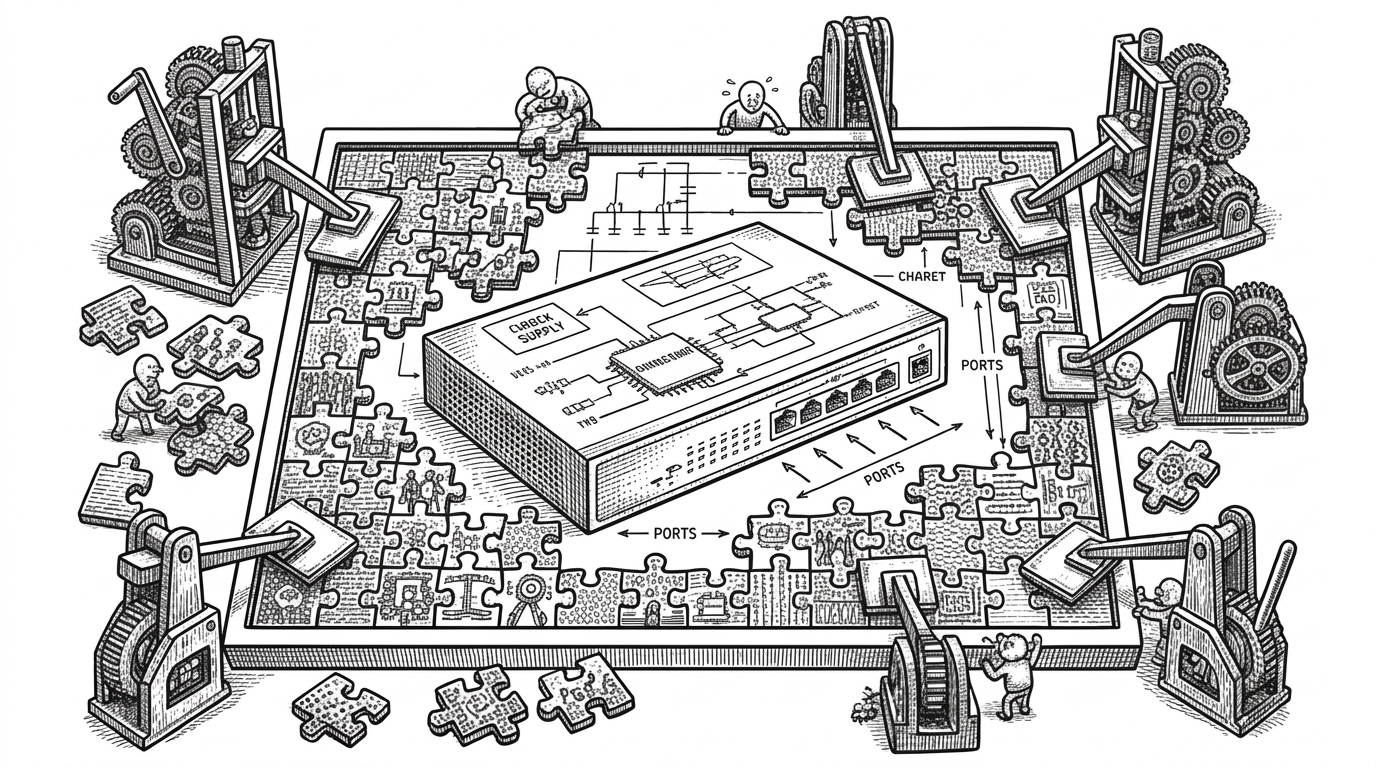
Zarf: The Package Manager That Freezes Kubernetes for the Air Gap
A deep dive into the tool that bundles images, charts, signatures, and cluster bootstrapping into one portable artifact, so connected development can become disconnected deployment without rewriting everything by hand.
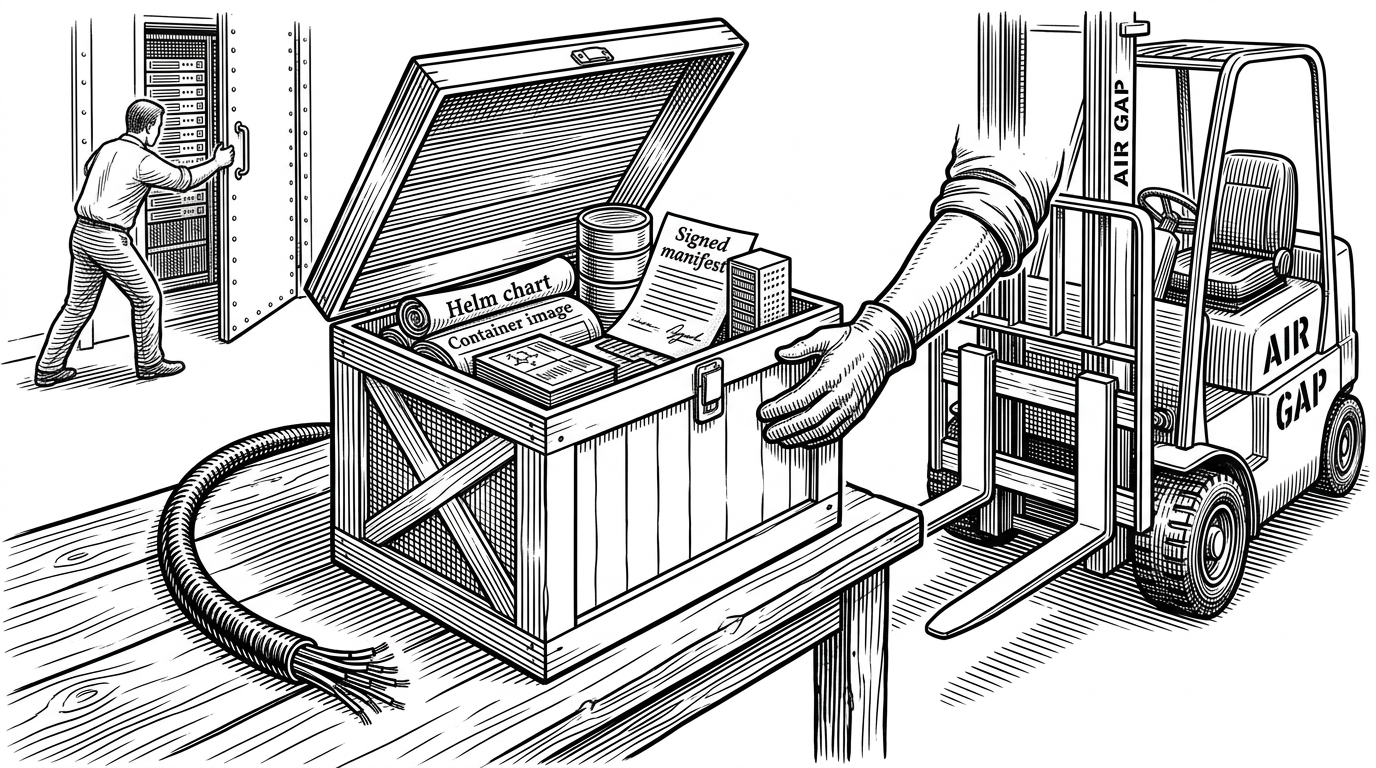
- Zarf is less a package manager than a portability layer for Kubernetes deployments that need to survive without the internet.
- Its real trick is capture and rewrite: package dependencies up front, then redirect runtime references to local infrastructure on entry.
- The project makes security and reproducibility part of the deployment artifact, not a separate audit step.
- Compared with Helm or manual registry mirroring, Zarf is opinionated end to end about air-gap lifecycle, not just app definition.
The strange thing about Zarf is that it does not ask you to abandon normal Kubernetes workflows. It asks you to do them once, while connected, then seal the result into a file that can cross a burn station and still behave like the original deployment.
That matters anywhere the network is unreliable, forbidden, or simply not part of the plan. Secure facilities, ships, remote sites, regulated environments: these are places where Helm’s assumptions break, and where Zarf’s assumptions start to make sense.
The Internet Is Optional, but the Deployment Is Not
Most Kubernetes tooling treats the internet as an invisible dependency. Charts pull images from remote registries, GitOps controllers watch remote repos, and cluster bootstrap often expects live package sources. In an air gap, that whole stack becomes a liability.
Zarf’s answer is blunt. Build the app on a connected machine, capture the pieces it needs, and move one portable artifact into the disconnected environment. The package is the deployment boundary.
What Zarf Actually Packages
Zarf centers on a declarative zarf.yaml. That file describes components, charts, images, Git repos, binaries, and actions. From there, Zarf creates a compressed package, usually a .tar.zst, that carries the deployment payload and the metadata needed to unpack it later.
kind: ZarfPackageConfig
metadata:
  name: example-app
components:
  - name: api
    charts:
      - name: app
        version: 1.2.3
    images:
      - ghcr.io/acme/api:1.4.0
    actions:
      onDeploy:
        - ./migrate-db.sh
That looks simple because the complexity is hidden upstream. Zarf does not just record references. It captures what those references point to, so the package can travel without needing the original registry, repo host, or script source.
This introduces a connected mode, allowing users to deploy to packages created with images and git repos, without actually pushing those images or git repos or mutating resources to point to Zarf infrastructure. This should let users have a single zarf.yaml that works in both connected and disconnected environments.
The Trick: Rewrite the World on Entry
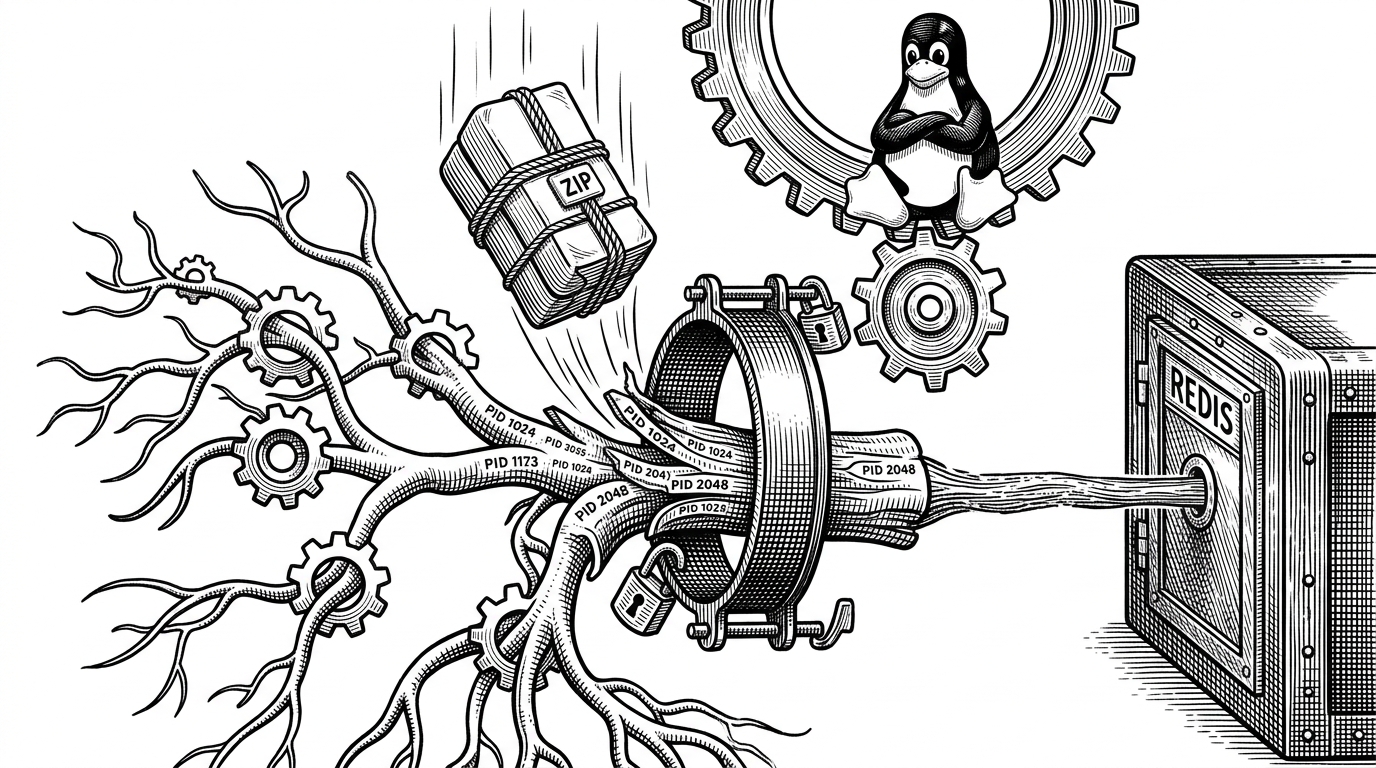
This is the part that makes Zarf feel less like packaging and more like controlled reality editing. When a workload enters the cluster, Zarf can intercept the request and rewrite image references so they point at an internal registry instead of Docker Hub, GHCR, or whatever else the chart assumed would be reachable.
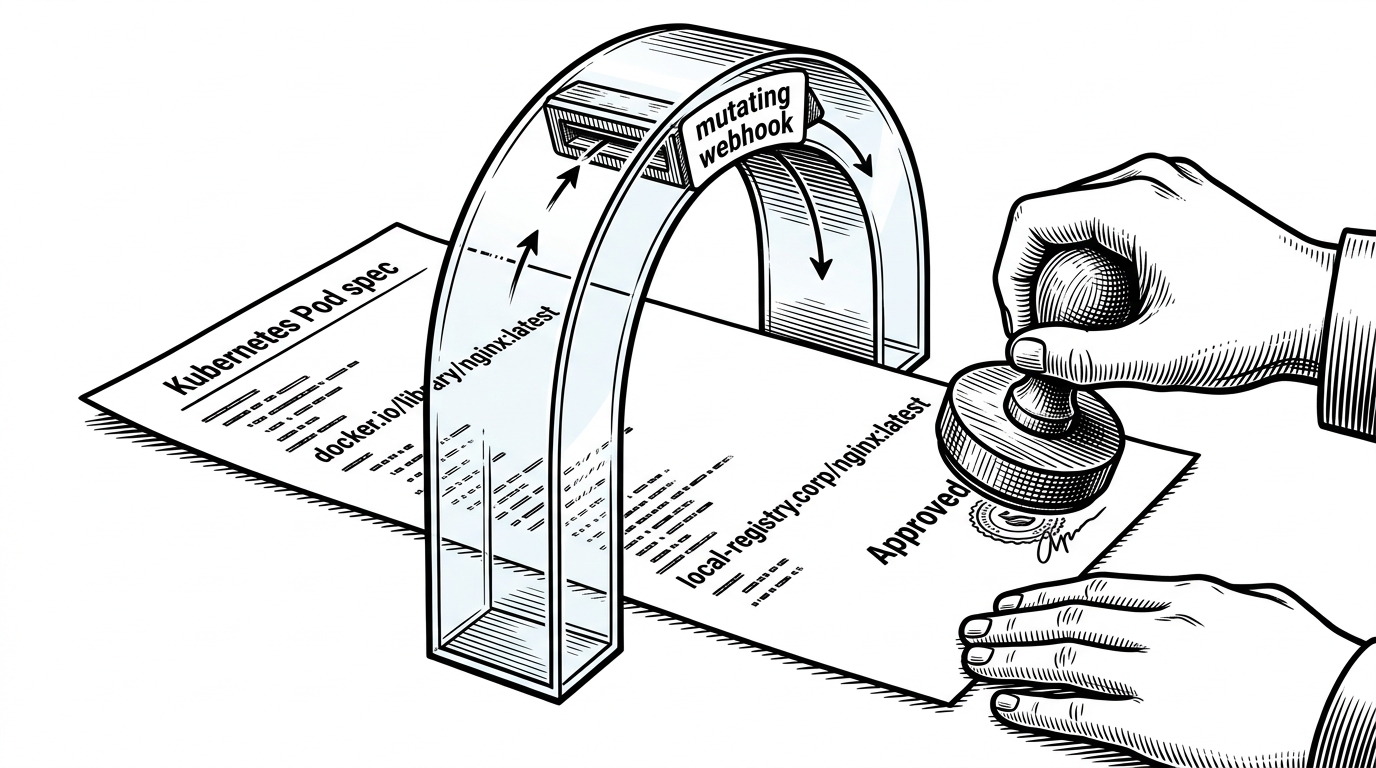
That matters because it reduces the amount of chart surgery required at the edge. Instead of editing every image string by hand, Zarf can make existing Helm charts behave as if the local environment had always been the intended destination.
Moving off Crane will present challenges. Crane also supports the oci-dir format, which syft uses to scan images local, this is how SBOMs are created during `zarf package create`. The Crane CLI is embedded directly into Zarf, removing it entirely will no doubt cause a breaking change in the workflow of some users.
Connected Mode, Same Mental Model
The newer connected mode is more subtle than it sounds. It is not just a convenience flag. It is an attempt to let one zarf.yaml serve both normal development and disconnected deployment, which cuts down on drift between the two worlds.
| Mode | What gets pushed | What gets rewritten | What it buys you |
|---|---|---|---|
| Classic disconnected deployment | Images, Git repos, and other dependencies are captured into Zarf infrastructure | Yes, to local cluster resources | Maximum hermeticity and offline survival |
| Connected mode | Dependencies can stay reachable without being pushed into Zarf infrastructure | No, or much less rewriting | One package definition for both connected and disconnected use |
| Manual registry mirroring | You move assets by hand | Sometimes, by hand | Works, but the operator pays the complexity tax |
Why the Binary Is So Fat
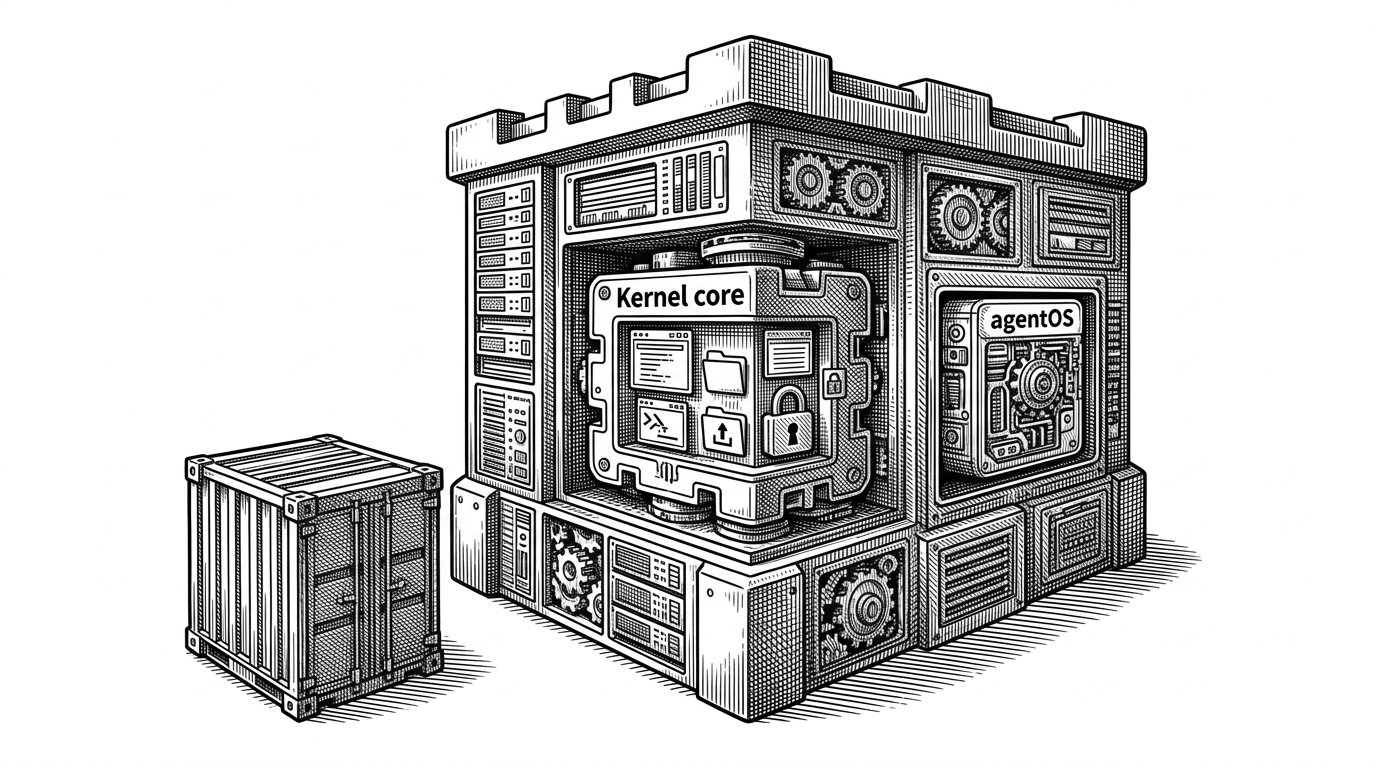
Zarf is a Go CLI, but it behaves more like a field kit. The repo bundles or wraps pieces of the cloud-native stack that operators would otherwise have to assemble separately: Helm, K3s, ORAS, Syft, Cosign, registry logic, and more.
That is not accidental bloat. It is a product decision. In an air-gapped environment, every extra tool is another thing you must trust, distribute, version, and audit before the first workload starts.
| Capability | Helm | Carvel imgpkg | Zarf |
|---|---|---|---|
| Package Kubernetes apps | Yes | Yes | Yes |
| Relocate images for offline use | Not by itself | Yes | Yes |
| Cluster bootstrap | No | No | Yes |
| Supply-chain evidence bundled in the workflow | Limited | Limited | Yes |
| Single artifact for transport | No | Partially | Yes |
Security Is Not a Checkbox Here
Zarf treats supply-chain evidence as part of the artifact, not a separate spreadsheet. SBOM generation, signing, and offline verification are part of the package lifecycle, which matters when the person auditing the software cannot simply query an online service.
The project’s built-in viewer reinforces that posture. It gives security teams a way to inspect what is inside the package without forcing them to recreate the whole build environment or trust a live dependency lookup.
How Zarf Differs from Helm, Carvel, and Manual Mirroring
Helm defines deployments. Carvel/imgpkg focuses on relocatable OCI-based packaging. Manual mirroring copies assets into place and leaves the rest to the operator. Zarf goes further by making the transport, rewrite, bootstrap, and audit stories part of one system.
That extra opinionation is the point. Zarf is optimized for the entire air-gap lifecycle, not just for app definition or image transport.
| Axis | Helm | Carvel imgpkg | Manual mirroring | Zarf |
|---|---|---|---|---|
| Transport model | Chart-centric | OCI artifact-centric | Ad hoc copying | Single package artifact |
| Offline deployment support | Needs extra work | Strong | Possible but manual | First-class |
| Image relocation | External tooling | Built in | Manual | Built in and integrated |
| Cluster bootstrap | No | No | No | Yes |
| Operator complexity | Moderate | Moderate | High | Lower at deployment time |
The Real Product Is Reproducibility Under Constraint
Zarf is not trying to make Kubernetes simpler in the abstract. It is trying to make Kubernetes dependable where the usual assumptions fail. The repository’s ADRs, testing discipline, and automation all point to the same goal: make the package survive contact with reality.
That is why Zarf feels like a time capsule for cloud software. It freezes a deployment into something portable, auditable, and still recognizable when the network is gone.