react-weather-app: A Redux Weather Dashboard That Remembers Every Search
A compact open-source project that turns one API call into a growing comparison history, then uses sparklines and a map to make the data easy to scan.
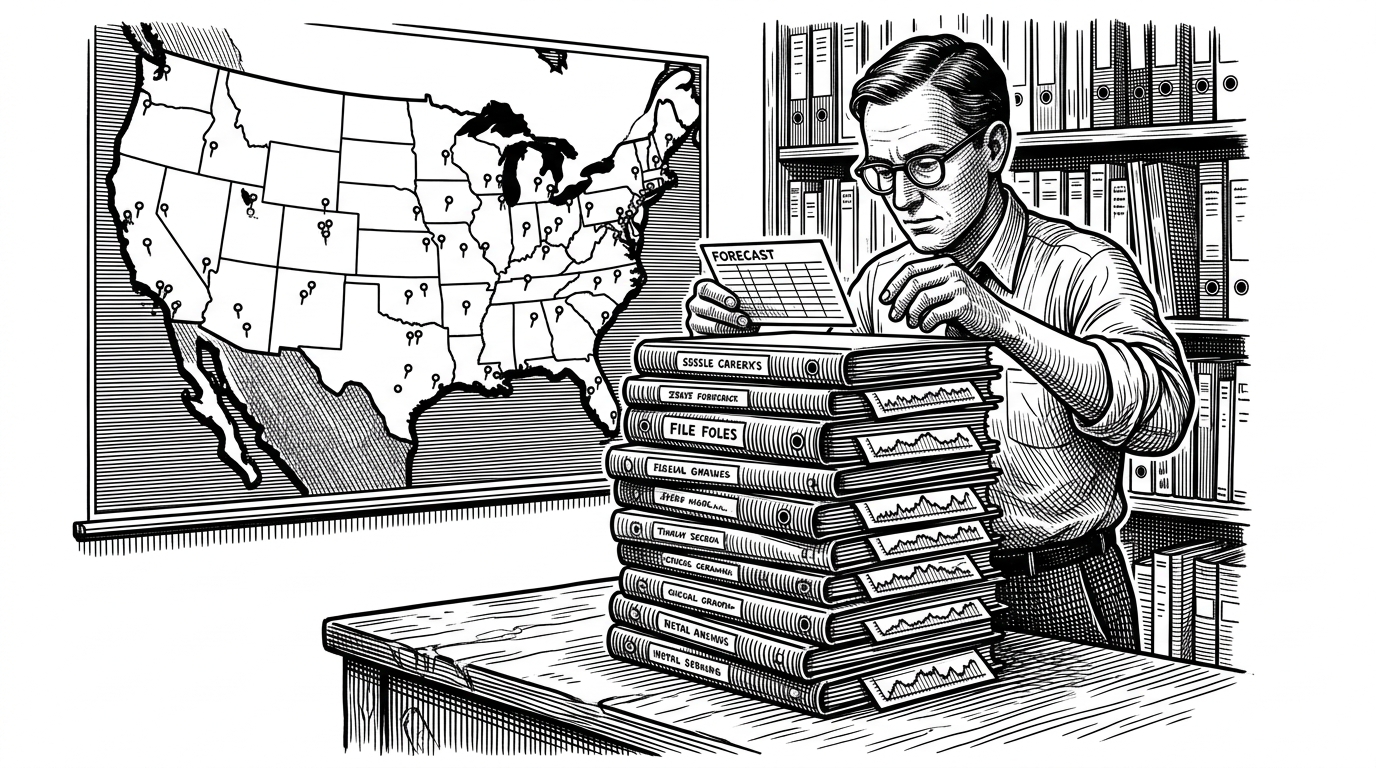
- The app's most interesting feature is not the forecast fetch, but the state shape that keeps every city search in a growing stack.
- redux-promise lets the action creator stay short because the promise itself becomes the payload and the middleware does the async work.
- Sparklines, pressure, humidity, and a map turn a five-day response into a scan-friendly comparison board.
- The codebase reads like a pre-hooks React lesson, which makes its class components and ref-based Google Maps bridge more instructive than modern boilerplate.
Most weather apps treat a search as a replacement. react-weather-app treats it as a record. Type a city, and the previous result stays on the page while a new one rises to the top. That tiny choice changes the whole product from a forecast view into a living comparison board.
The app's real trick: every search becomes history
The reducer is the headline. Instead of swapping old data out, it prepends each successful response into an array, so the newest city sits at the top and every older search remains available for comparison. That gives the dashboard a memory, which is rare for a utility app and unusually useful for a weather tool.
export default function(state = [], action) {
  switch (action.type) {
    case FETCH_WEATHER:
      return [action.payload.data, ...state];
  }

  return state;
}
How one city search travels through the app
The path is clean because the async work is pushed into middleware. The search bar keeps the input controlled locally, then hands the city name to an action creator that returns the axios promise as its payload. redux-promise catches that promise, waits for it to resolve, and dispatches the weather payload to the reducer without extra success or loading actions.
export function fetchWeather(city) {
  const url = `${ROOT_URL}&q=${city},us`;
  const request = axios.get(url);

  return {
    type: FETCH_WEATHER,
    payload: request
  };
}
That is why the action creator stays short. The middleware owns the ceremony, the reducer owns the shape, and the container just moves the city name from a form field into the store.
Why the UI reads fast even though the data is rich
Each row compresses a five-day response into a compact scan line. The three sparklines for temperature, pressure, and humidity do the heavy lifting, while the Google map pins the city in physical space. The result is not a wall of raw weather numbers. It is a comparison interface.
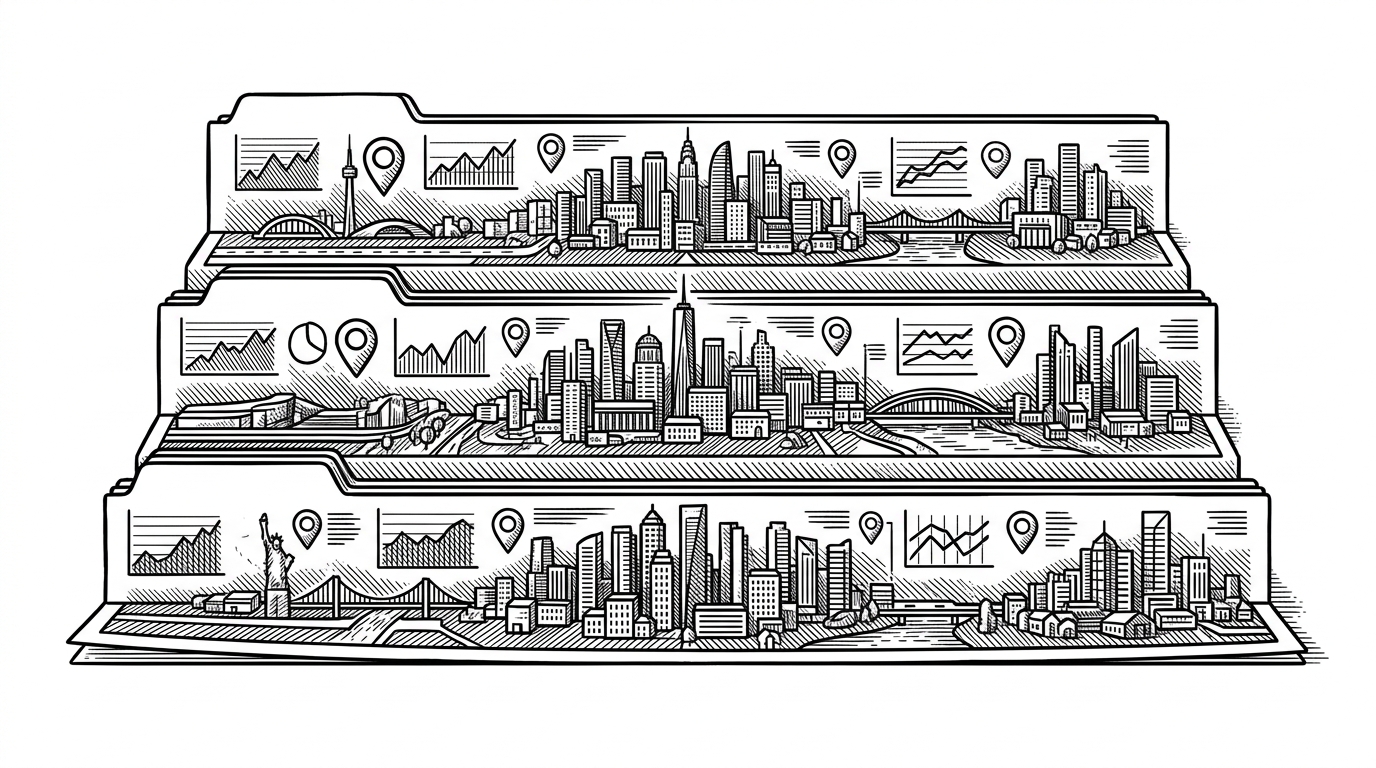
This is the real product choice: the app optimizes for side-by-side judgment. You can compare cities without opening a detail pane or losing the earlier search that got you there.
A time capsule from the class-component era
The repo is also a snapshot of older React habits. Class components, refs, Redux containers, Webpack, Babel stage presets, and a direct Google Maps integration all point to a pre-hooks workflow. That does not make it outdated in a bad sense. It makes it legible. You can see where state lives, where side effects start, and where imperative APIs still need a bridge.
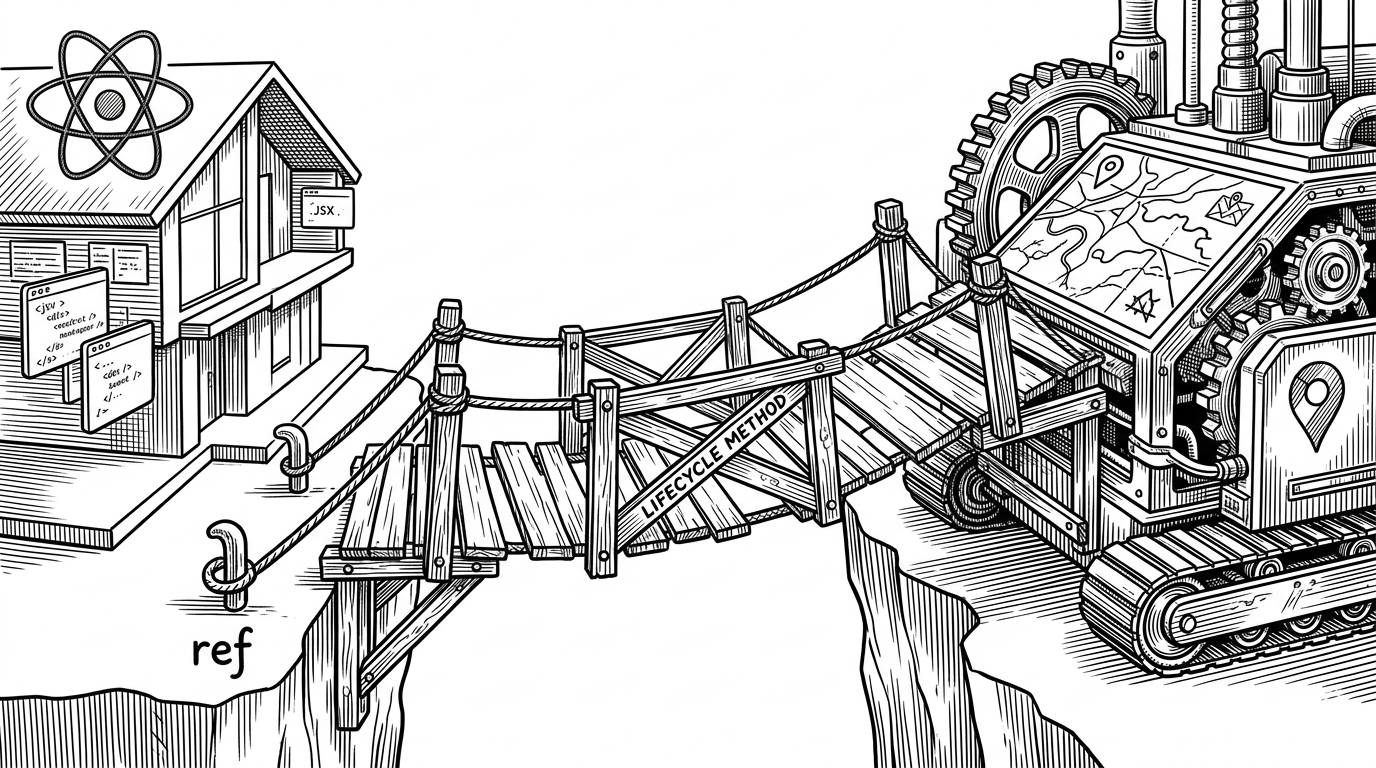
componentDidMount() {
  this.map = new google.maps.Map(this.refs.map, {
    zoom: 12,
    center: { lat: this.props.lat, lng: this.props.lon }
  });
}
That bridge is the giveaway. React renders the shell, but Google Maps still wants a real DOM node and a lifecycle moment. The old this.refs pattern is blunt by modern standards, yet it makes the integration easy to read. The one thing that does not age well is the hardcoded weather API key. In a production app it should live in an environment variable, not in a checked-in action file.
What this repo teaches better than newer weather apps
The point is not that this repo is the best weather app. It is the clearest explanation of a particular idea: a data model can change a UI from disposable to cumulative. Once you see the prepend-only reducer, the whole dashboard makes sense.
| Pattern | State model | Async handling | What you learn |
|---|---|---|---|
| react-weather-app | Prepends each city into a list. | redux-promise resolves the axios promise. | How one reducer turns search into history. |
| Typical overwrite-style app | Replaces the previous city. | One fetch, one result. | Basic request flow, little comparison value. |
| Modern hook-based dashboard | Local or slice state with useEffect and async await. | Cleaner ergonomics, less middleware. | Modern production patterns, less explicit data flow. |
| Vanilla localStorage app | Stores searches in browser storage. | Usually direct fetch or await. | Lightweight persistence, but less Redux structure. |
That is why the repo still matters. It is small enough to understand in one sitting, but specific enough to teach a real architectural idea. The weather data is just the excuse. The lesson is state design.