The React Time Capsule: Unpacking youtube-app
An archeological dig into a 2018 single-page application that perfectly preserves the era of class components, prop-drilling, and the Lodash crutch.


A single page YouTube app that makes api calls as you search for videos
- The youtube-app repository serves as a pristine fossil of 2018 React architecture before the advent of functional Hooks.
- State management in this era relied entirely on the 'Lifting State Up' pattern and manual prop-drilling through component layers.
- The implementation of Lodash for debouncing directly inside the render method illustrates a major friction point of class-based components.
- A hybrid styling strategy combining raw Bootstrap CDNs with Semantic UI reflects the chaotic transition period of frontend design systems.
The Point-in-Time Snapshot
With zero stars and a single contributor, the youtube-app repository is not a piece of critical open-source infrastructure. It is something much rarer. It is a perfectly preserved snapshot of how the web was built right before the modern era. Created in September 2018, it captures the exact moment developers wrestled with class-based React, manual this.bind statements, and the reliance on utility libraries for basic performance optimizations.
The story here is not about the application itself. It is an archeological dig into the frontend patterns we left behind. By looking at this codebase, we are reminded of why modern primitives like Hooks and Server Components exist today.
The Art of Prop Drilling
A look at the App.js file reveals the classic 'Lifting State Up' pattern. Before the Context API and Redux were ubiquitous for small applications, state was held in the highest-level class component. It was then manually passed down through multiple layers of stateless functional components via callback props.
This architecture makes the data flow explicit but highly verbose. The parent component serves as the absolute source of truth for the currently selected video and the active search results. Every interaction in a child component requires a literal wire back up to the top level.
The Debounce Trap
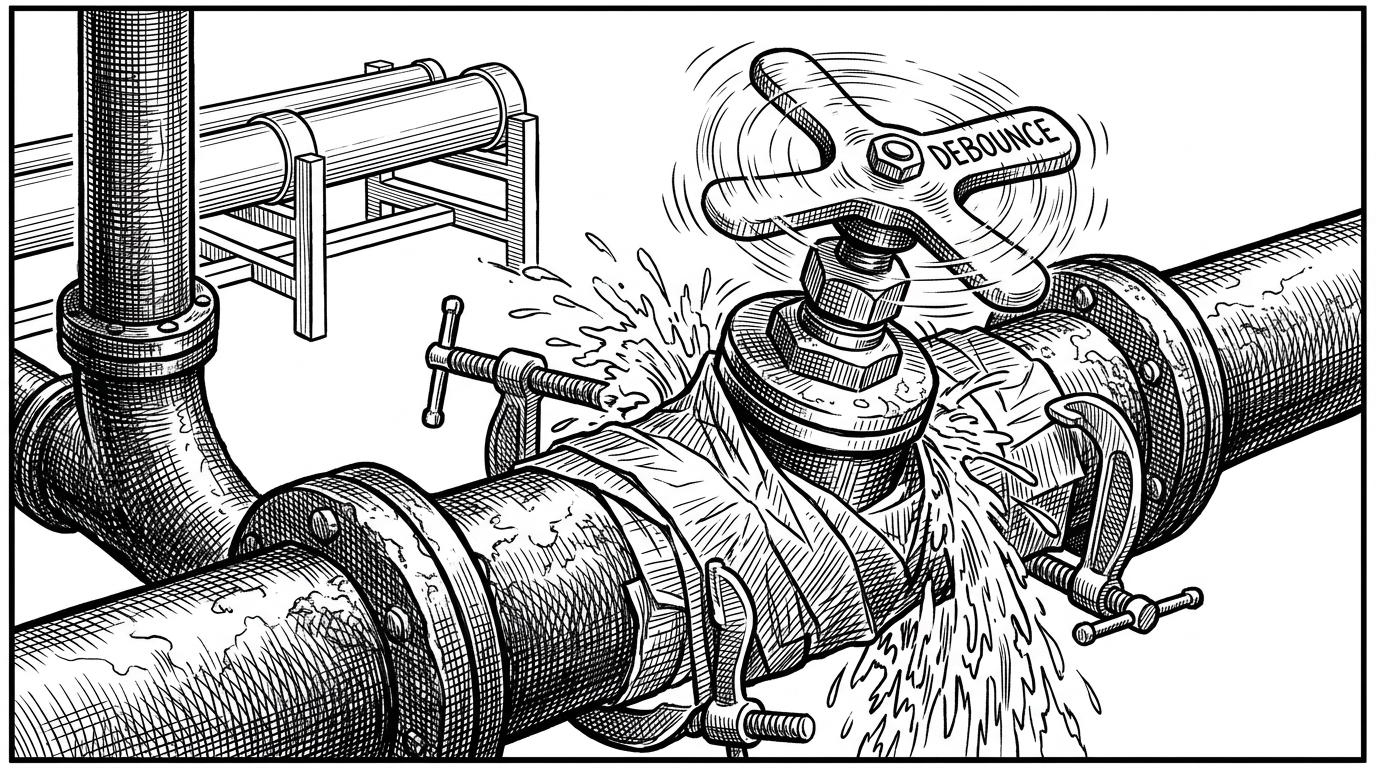
The most interesting technical nuance in the codebase is the use of lodash.debounce to manage API rate limits. In 2018, building a 'search-as-you-type' experience required bolting on external utility libraries to throttle events.
const videoSearch = _.debounce((term) => { this.videoSearch(term) }, 300);Placing this directly inside the render() method is a classic React gotcha. In a more complex application, this approach recreates the debounced function on every single render cycle. It perfectly illustrates the friction of the era before custom hooks like useDebounce existed.
The CDN Melting Pot
A quick inspection of public/index.html and package.json reveals a chaotic approach to styling. The project pulls Bootstrap 4 via a rawgit CDN link while simultaneously installing Semantic UI React via npm.
This hybrid approach captures a transition period in frontend development. Developers were moving away from raw global stylesheets but had not yet fully embraced modern CSS-in-JS or utility classes like Tailwind. It favored rapid prototyping over strict design system purity.
Then and Now
To truly appreciate this artifact, we must compare it to how the same application would be written today. The problems remain the same, but the tools we use to solve them have drastically evolved.
| Feature | The 2018 SPA | The Modern Web |
|---|---|---|
| State Management | Class this.setState | useState / Context API |
| API Throttling | lodash.debounce in render | Custom useDebounce hooks |
| Styling Approach | CDN Links + Component Libraries | Tailwind CSS / CSS Modules |
| Data Fetching | Client-side wrappers | React Server Components |