0xGF/boneyard: The compiler for loading states
It snapshots the rendered DOM, distills it into compact bones, and replays that structure as pixel-accurate skeleton screens across frameworks.
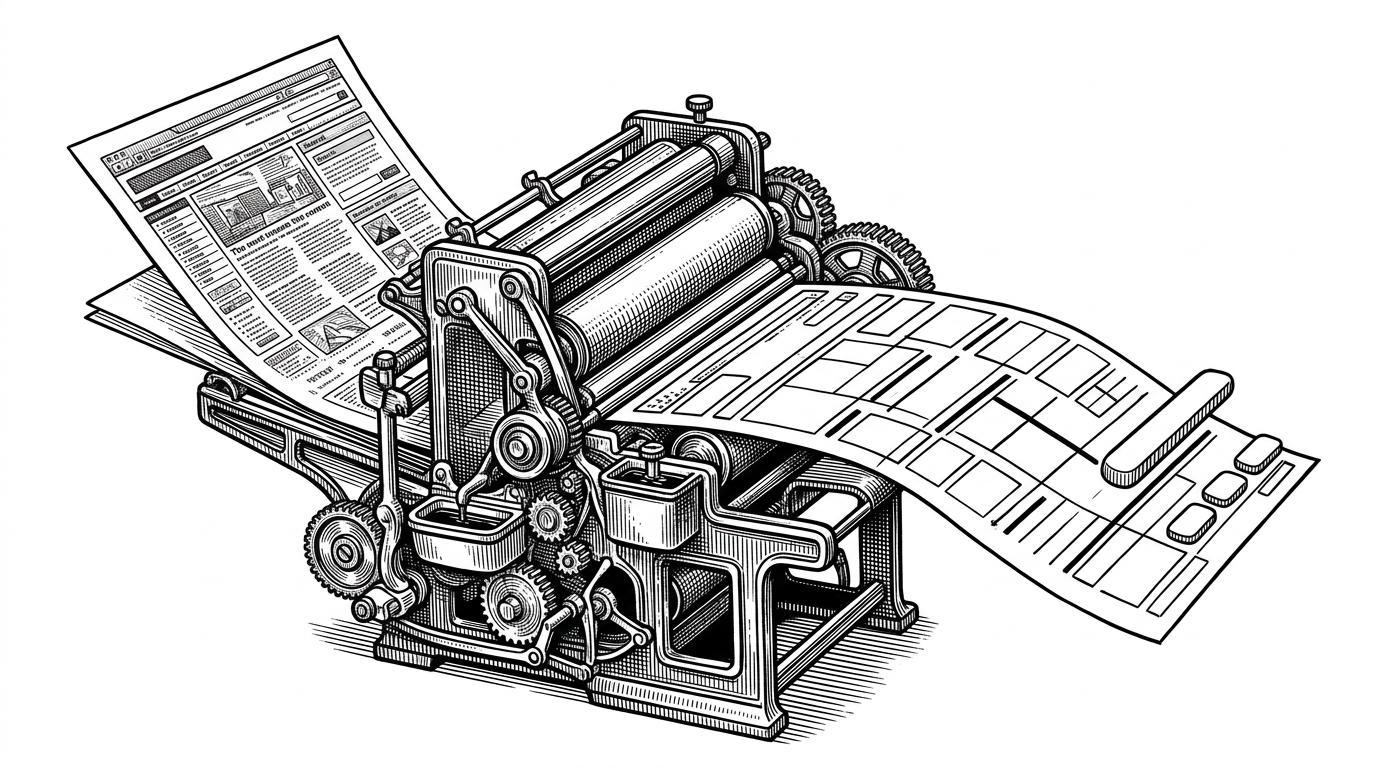
- Boneyard turns skeleton screens into compiled artifacts derived from the rendered UI, not hand-authored placeholders.
- Its real advantage is fidelity, because the loading state inherits layout, spacing, and responsiveness from the page itself.
- The CLI shifts expensive measurement out of runtime and into a repeatable build step.
- The tradeoff is ceremony, which makes Boneyard best for teams that value consistency over ad hoc simplicity.
Skeleton screens, compiled
Most skeleton UIs start as a second design system. Someone sketches gray bars, nudges widths, and then keeps that mock layout alive every time the real interface changes. Boneyard takes the opposite route. It reads the finished page, measures it, and turns that structure into bones.
Pixel-perfect skeleton loading screens, extracted from your real DOM. No manual measurement, no hand-tuned placeholders.
That framing matters because it changes the job description. Boneyard is not trying to make skeletons prettier. It is trying to make them disappear as a maintenance burden. If the real UI is the source of truth, the placeholder becomes a byproduct instead of a parallel artifact.
Why hand-authored skeletons drift
Manual skeletons age the same way fixtures do in a test suite. They are useful on day one, then quietly fall behind when copy length changes, cards wrap differently, or a responsive breakpoint shifts the layout. The result is a loading state that feels close, but not close enough.
Boneyard attacks that drift at the root. The library wraps a real component, snapshots what the browser actually lays out, and stores that structure for later. Instead of asking developers to maintain a parallel set of placeholders, it asks the browser to describe the interface once, then reuse that description everywhere loading is needed.
How Boneyard extracts bones from a live page
The implementation leans on the browser as the measuring instrument. In the simplest path, Boneyard walks the visible DOM, reads bounding boxes, and captures enough geometry to recreate the page in a loading state. The point is not to preserve every node. The point is to preserve the bones that make the layout read correctly at a glance.
[
  [12, 24, 320, 18, 0, 1],
  [12, 56, 88, 88, 44, 0],
  [112, 60, 220, 16, 0, 1]
]
That compact representation is the quiet trick. A skeleton does not need to remember component names or a forest of nested wrappers if it can preserve x, y, width, height, radius, and color. The smaller the descriptor, the easier it is to store, ship, and reuse across breakpoints.
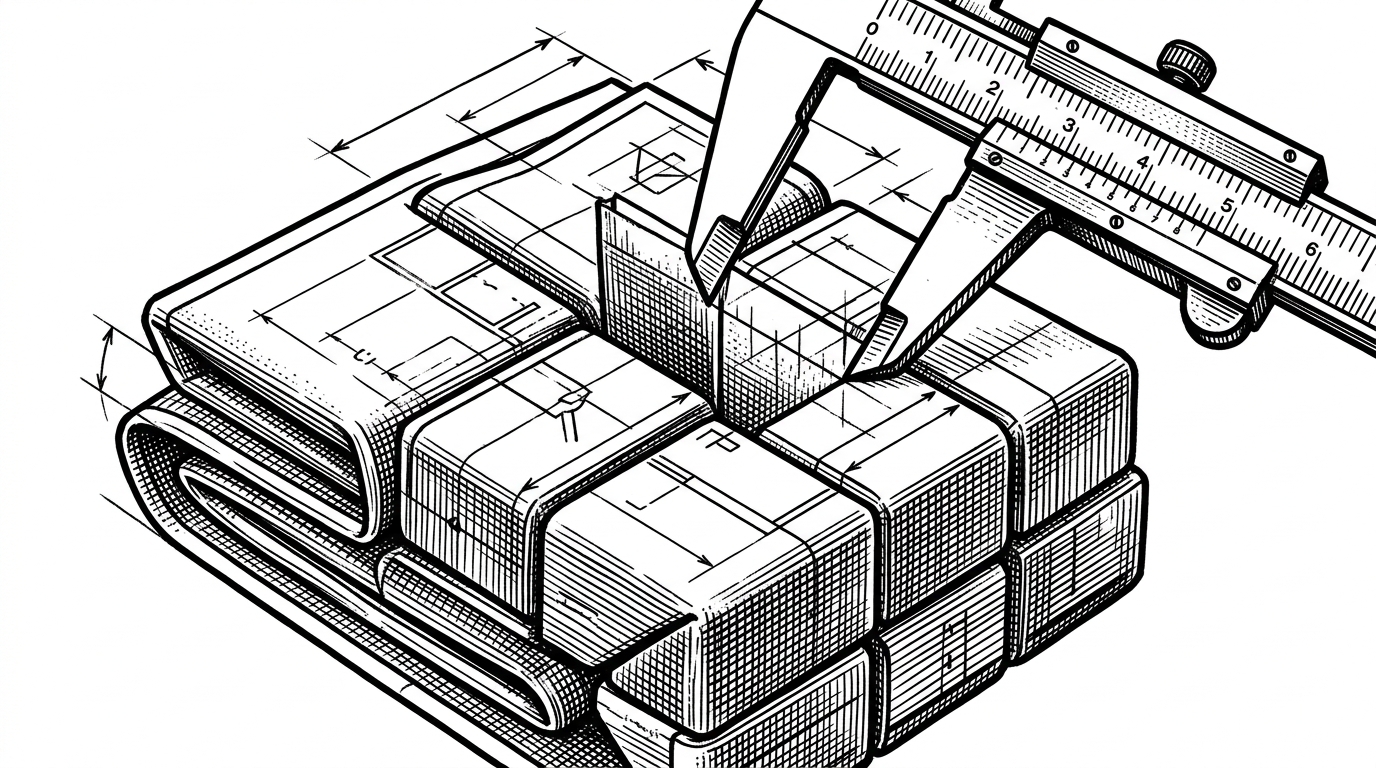
The compact format is the quiet trick
Boneyard's appeal is not only that it automates a tedious task. It also changes the economics of loading states. A compact descriptor can be stored once, reused many times, and rendered in the same shape across environments that would otherwise require separate placeholder code.
That is especially useful when layout is the thing you care about most. Text can wrap, cards can collapse, and responsive views can fork. A measured skeleton keeps the gesture of the interface intact even when the data is missing.
Why this beats the usual skeleton stack
| Approach | Source of truth | When it runs | What it captures | Tradeoff |
|---|---|---|---|---|
| Manual skeleton components | Designer or developer guesses | At author time | Only what someone remembers to draw | High maintenance and easy drift |
| Source code parsers | JSX, TSX, or templates | At compile time or in an editor | Syntax structure, not rendered layout | Can miss computed styles and runtime layout changes |
| Runtime wrappers | Rendered DOM inside the app | At runtime | Live structure, sometimes on the fly | Extra runtime work and less predictable performance |
| Boneyard | Rendered DOM plus build-time registry | At build time, then at runtime for playback | Actual geometry, spacing, and responsive layout | Requires a snapshot step and a registry file |
The difference is timing and fidelity. Parsers inspect source before the browser ever speaks. Runtime wrappers inspect the DOM while the app is alive. Boneyard sits in between. It captures the rendered truth once, then reuses that truth without paying the measurement cost every time a user hits the loading state.
Where it fits, and where it does not
Boneyard makes the most sense when the interface is worth preserving with high fidelity, the layout is stable enough to snapshot, and the team wants loading states that stay in lockstep with the product. It is a better fit for systems that already have a build pipeline and care about visual consistency across frameworks.
It is a worse fit when the project is tiny, the layout changes constantly, or the team wants the simplest possible placeholder with no capture step at all. In those cases, the overhead of a registry and snapshot workflow can outweigh the benefit. Boneyard is opinionated: it treats skeletons like compiled output, not hand-drawn decoration.
That opinion is the point. The library asks a useful question. If the UI already exists, why should the loading state be the only part that humans build from scratch?