Bento: The Presentation File That Contains Its Own App
A deep dive into the single-file office suite that fuses the deck, the editor, the presenter, and the AI-ready document model into one portable HTML artifact.
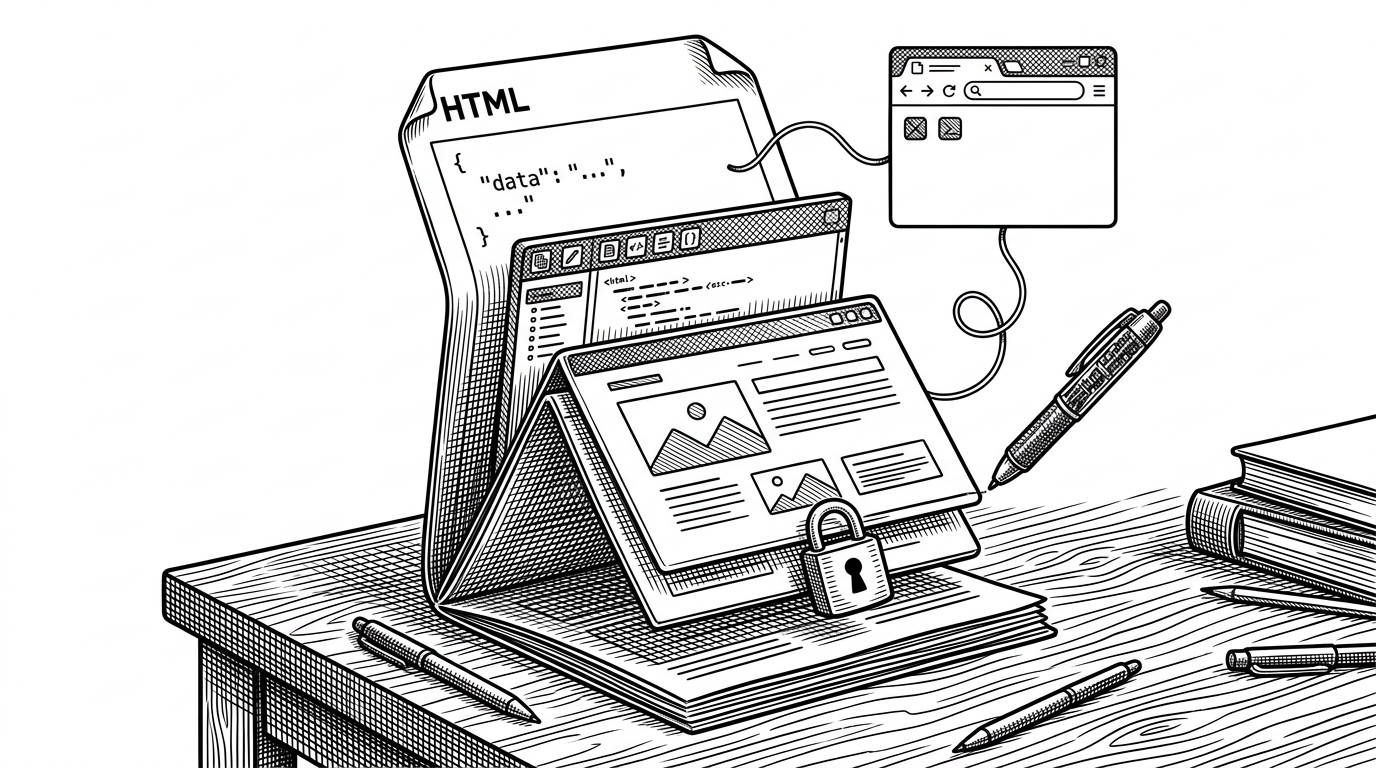
- Bento's real product is a self-contained file that can be opened, edited, presented, encrypted, and synced without surrendering control to a hosted platform.
- Its document model is intentionally plain and inspectable, which makes the deck legible to humans and workable for agents at the same time.
- The save loop is the cleverest part of the system because it rewrites the app back into the same HTML shell instead of exporting into a separate artifact.
- Bento is competing less with one presentation app than with the whole idea that software-shaped documents need a cloud service to survive.
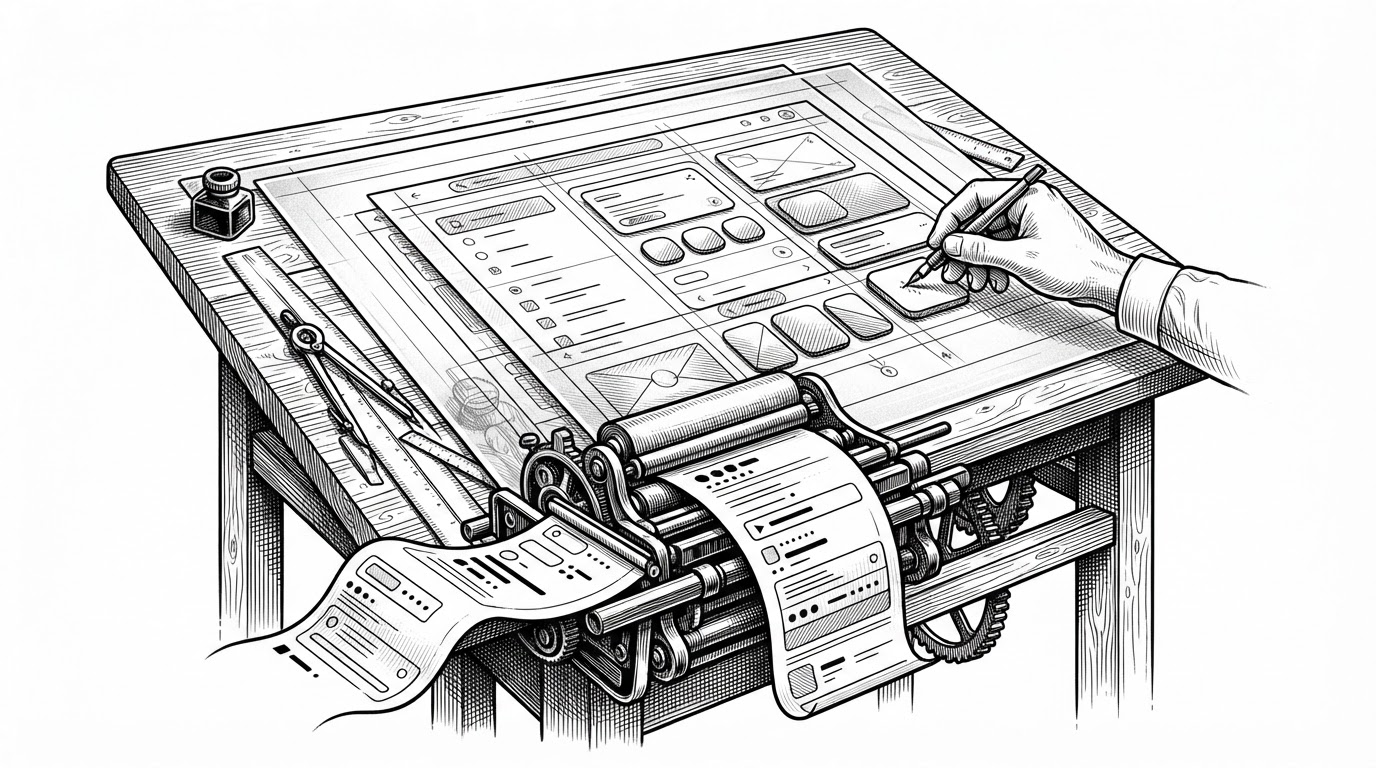
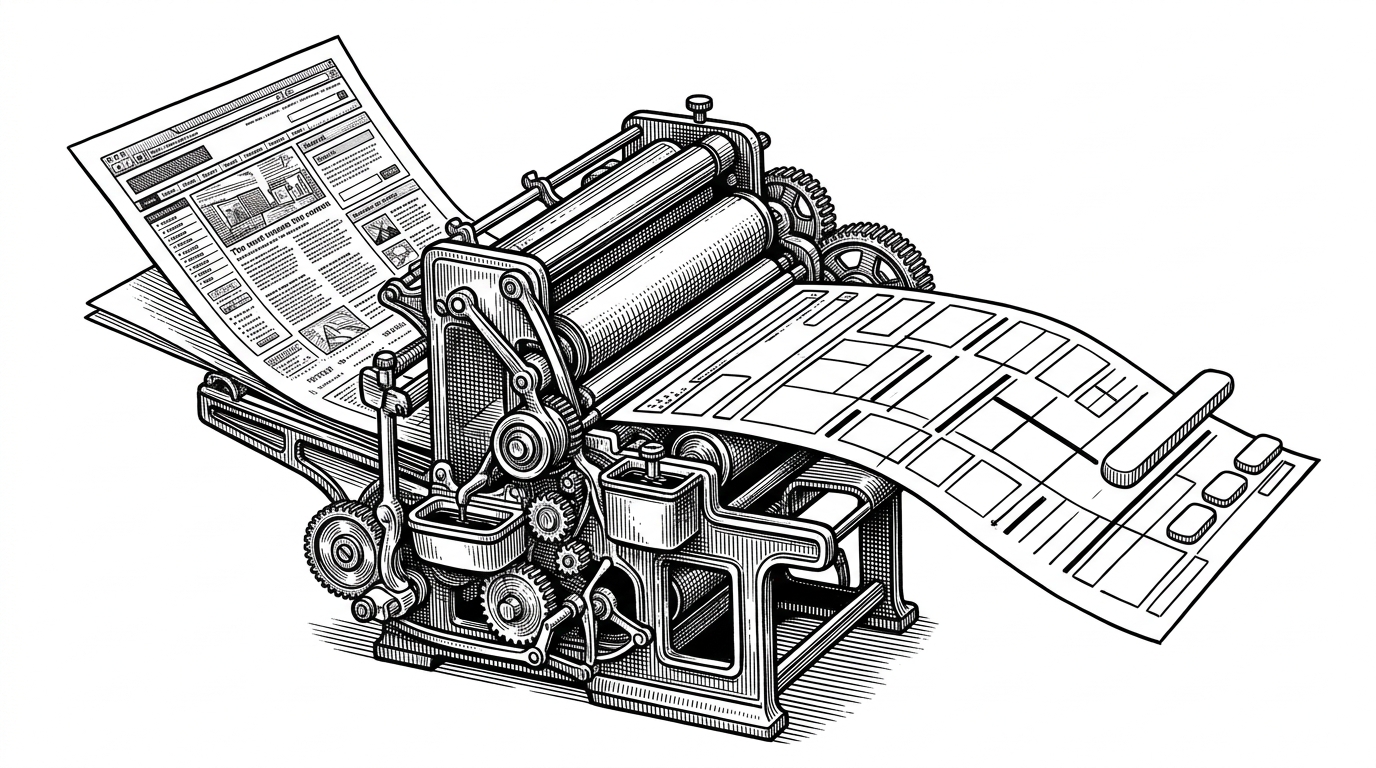
Most slide tools treat the file as an output. Bento flips that relationship. The `.bento.html` file is the runtime, the data store, the editor, and the presentation surface in one package.
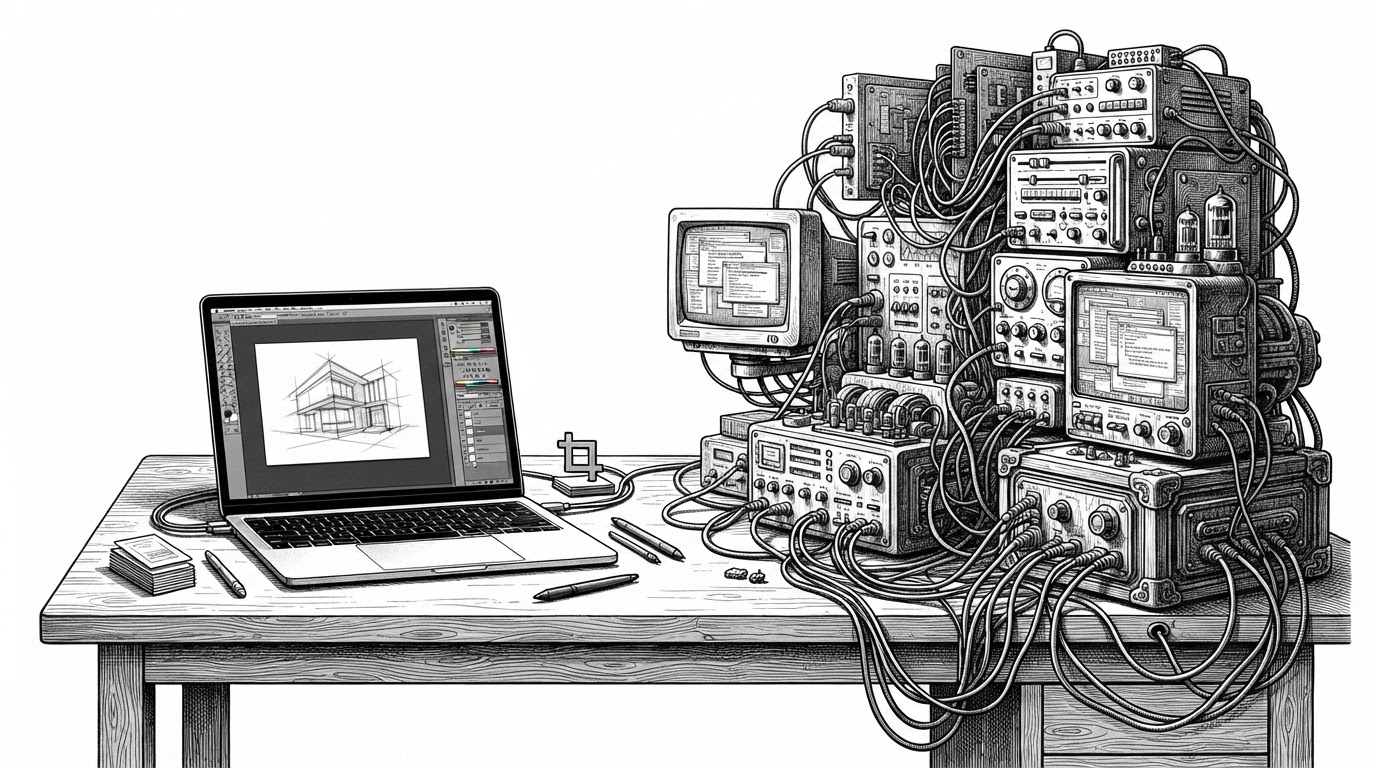
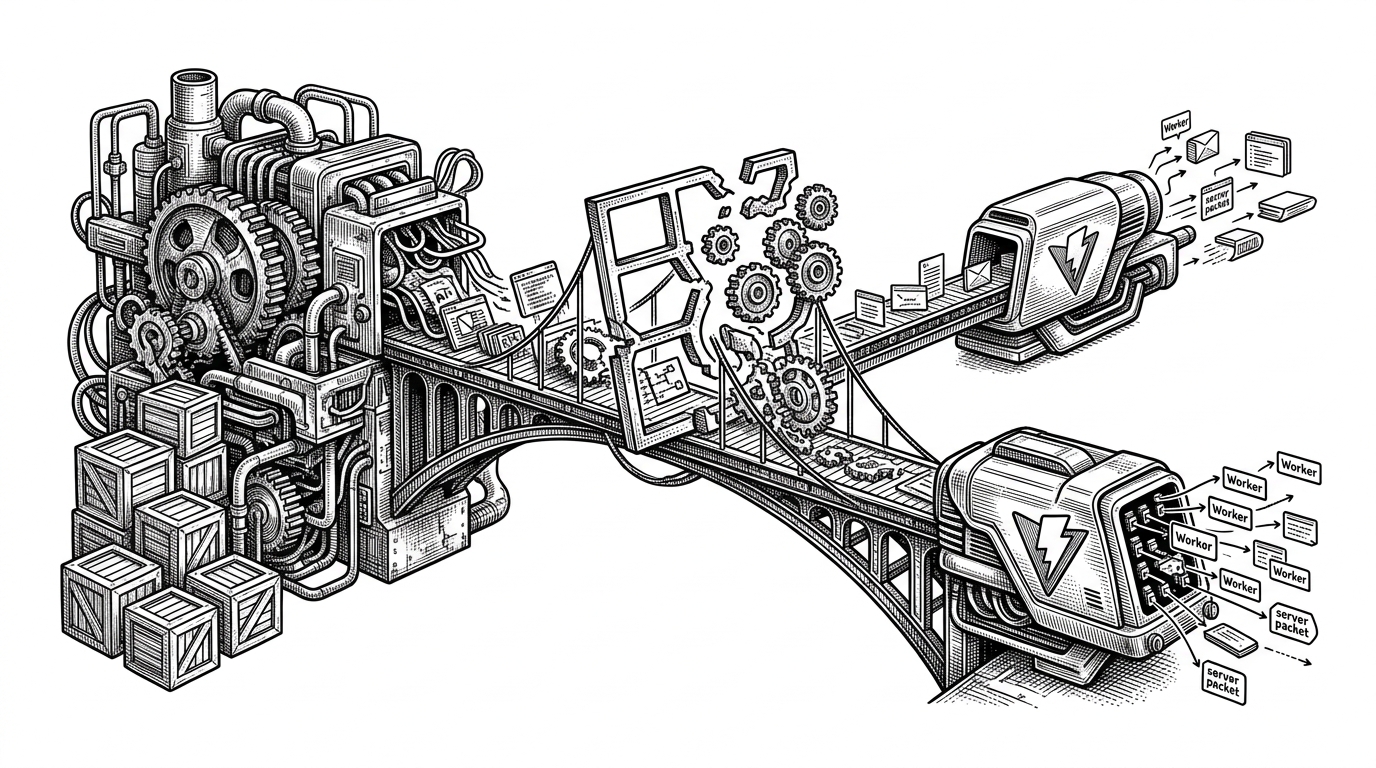
To avoid this loop, I ended up creating Bento, a single HTML file with everything you need in a slide tool including animations and shared editing. There's no install or cloud login, everything works offline.
The file is the product
That is the first thing to understand. Bento is not trying to be a better web app wrapped around a deck. It is trying to make the deck itself behave like a durable software object.
The payoff is simple. You can open it offline, inspect it directly, edit it with a tool or an agent, and save it back into the same artifact. No account. No export step. No separate project folder that quietly becomes the real source of truth.
That shifts the category. A normal slide app sells a workflow. Bento sells survivability.
Why Bento feels different from every slide tool
| Product | Distribution model | File format | Offline? | Self-editing file? | AI-friendly by default? | Collaboration model | Long-term portability |
|---|---|---|---|---|---|---|---|
| Bento | Single HTML artifact | Plain JSON inside HTML | Yes | Yes | Yes | Encrypted blind relay | High |
| Reveal.js | Web deck or static export | HTML or Markdown | Yes | No | Partial | Usually external | Medium |
| Slidev | Dev-server presentation | Markdown plus Vue | Usually | No | Partial | Local tooling | Medium |
| Marp | Markdown to slides | Markdown | Yes | No | Partial | Export focused | Medium |
| Google Slides / PowerPoint | Hosted or installed app | Proprietary app format | Mixed | No | No | Cloud account or desktop app | Low to medium |
Bento's comparison story is not about feature count. It is about what kind of object the presentation becomes when the software is done running. In Bento, the artifact is still alive.
Inside the document model
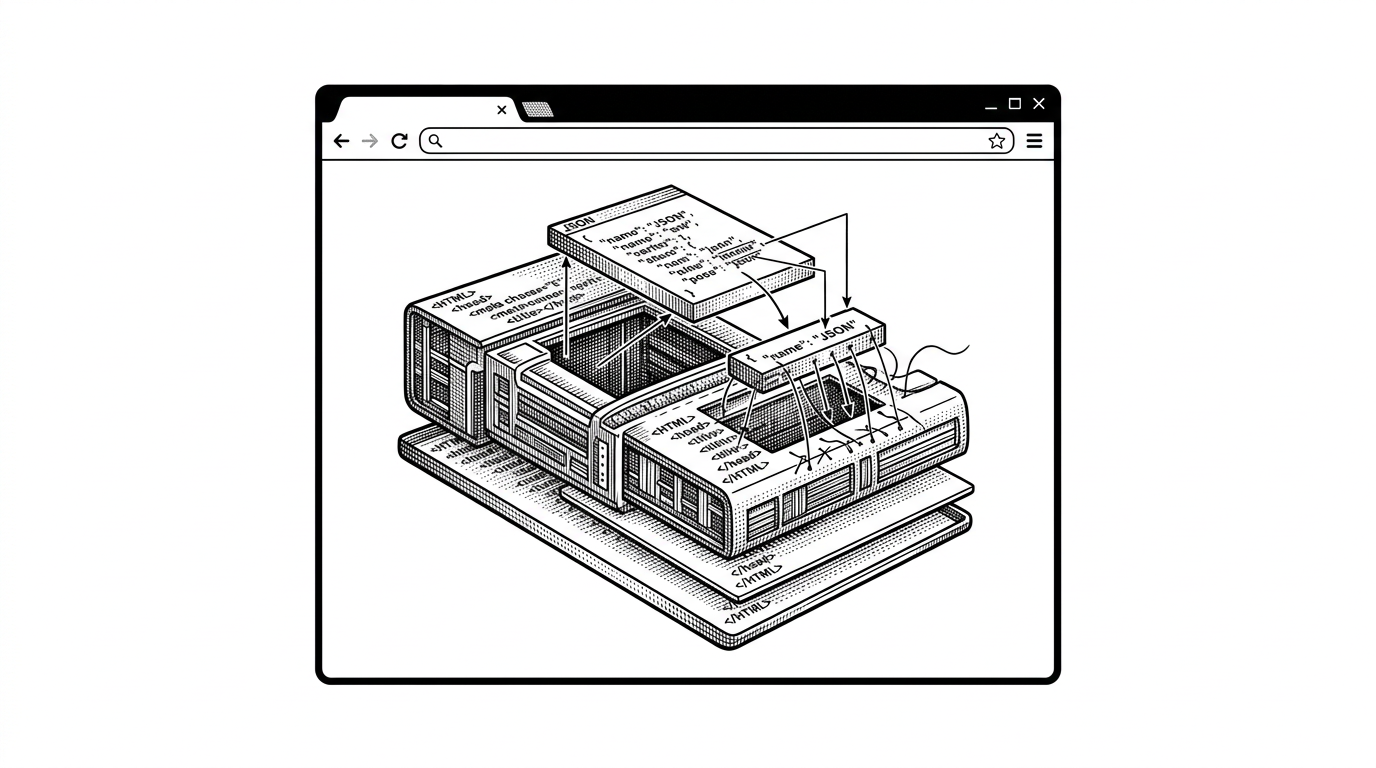
Bento's core trick is that the document stays legible. The top of the file is plain JSON, not a sealed package. That means the same structure can be parsed by the UI, by a script, or by an AI agent without reverse engineering a binary container.
The repo's architecture follows that logic. The model defines the source of truth. Rendering turns that model into the editor, thumbnails, and presentation. A stable `id` supports synchronization, and a `morphId` lets motion preserve identity across slides.
type ElementBase = {
  id: string
  morphId?: string
  // other shared fields
}

// The same model feeds edit, render, and sync.That is why the file reads more like source code than a generated export. Bento's design makes the document itself the interface contract.
How Bento saves itself
The save path is where the philosophy gets real. Bento captures a pristine shell before the DOM mutates, then splices the current JSON state back into that shell when you save. If the browser supports File System Access API, the app can write to the existing file. If not, it falls back cleanly.
The key idea is restraint. Bento does not rebuild the whole artifact from scratch every time. It preserves the surrounding structure and rewrites only the living document data. That is a much better fit for a file that wants to remain inspectable and stable over time.
The trick that makes animation feel native
Bento's motion system is not decoration bolted onto the top. It is part of how the document behaves. Morph transitions use stable identity across slides, and the custom animation engine handles the kind of motion that makes changing layouts feel continuous instead of abrupt.
That matters because presentation software often treats motion as a separate layer from content. Bento does the opposite. It ties motion to the model, so a slide can move without losing its sense of being the same thing.
The result is less flashy than it sounds, which is a compliment. Good motion here serves orientation, not spectacle.
How collaboration works when the server cannot read the file
Bento's collaboration model is deliberately narrow. The server is a blind relay. It moves encrypted updates around, but it does not become the owner of the document. The file holds the keys.
That is a different social contract from the usual cloud suite. In a typical SaaS editor, the platform is the seat of record. In Bento, possession of the file is effectively possession of the room key.
| Collaboration trait | Bento | Typical cloud suite |
|---|---|---|
| Server visibility | Blind relay | Server can usually inspect data |
| Key custody | Local file | Platform account |
| Ownership feeling | File-centric | Account-centric |
| Offline continuity | Built in | Often partial |
| Trust boundary | Client side | Vendor side |
Why AI support is not an add-on
Bento is built for agents in the boring, useful sense. The JSON lives where a tool can read it. The repo includes guidance for agents, and the structure is simple enough for deterministic edits instead of brittle file surgery.
That is more ambitious than adding an AI button. It means the format itself is designed to survive machine intervention. Human and agent workflows are not separate paths here. They are the same path, just with different hands on the keyboard.
{
  "slides": [
    {
      "id": "intro",
      "elements": [
        {
          "id": "title-1",
          "morphId": "title",
          "text": "Bento"
        }
      ]
    }
  ]
}
Office documents used to be things you had. Now they're things you rent — locked in someone's cloud, behind someone's login, readable only while a company keeps its servers on. Bento takes the other path: One file, forever.
What Bento is actually competing with
Bento is not trying to beat Google Slides on familiarity or PowerPoint on institutional inertia. It is competing on a different axis: durability, inspectability, and machine-readability.
That puts it in the same conversation as Reveal.js, Slidev, and Marp, but the answer is not just that Bento is local-first. It is file-first. The distinction sounds small until you try to edit, sync, and preserve a deck as one portable artifact.
Bento's wager is that the next useful document format is not a bigger app. It is a better file.