m3e-canvas: The Editor That Turns UI Sketches Into AI Instructions
A browser-based Material 3 Expressive workbench where the canvas is only half the product. The real output is a prompt that preserves layout, hierarchy, and component intent for vibe-coding tools.
- m3e-canvas is a prompt compiler disguised as a canvas, so the most important artifact is the instruction set, not the mockup.
- Its real moat is the source-of-truth model in tokens, layout, and prompt generation, which keeps Material 3 Expressive consistent from sketch to brief.
- The magnetic feel comes from opinionated layout rules that fuse, snap, and reflow components instead of treating the canvas like blank space.
- The project sits between design tools, prompt writing, and code export, which makes it useful precisely where those categories fail to meet.
The canvas is not the output. The prompt is.
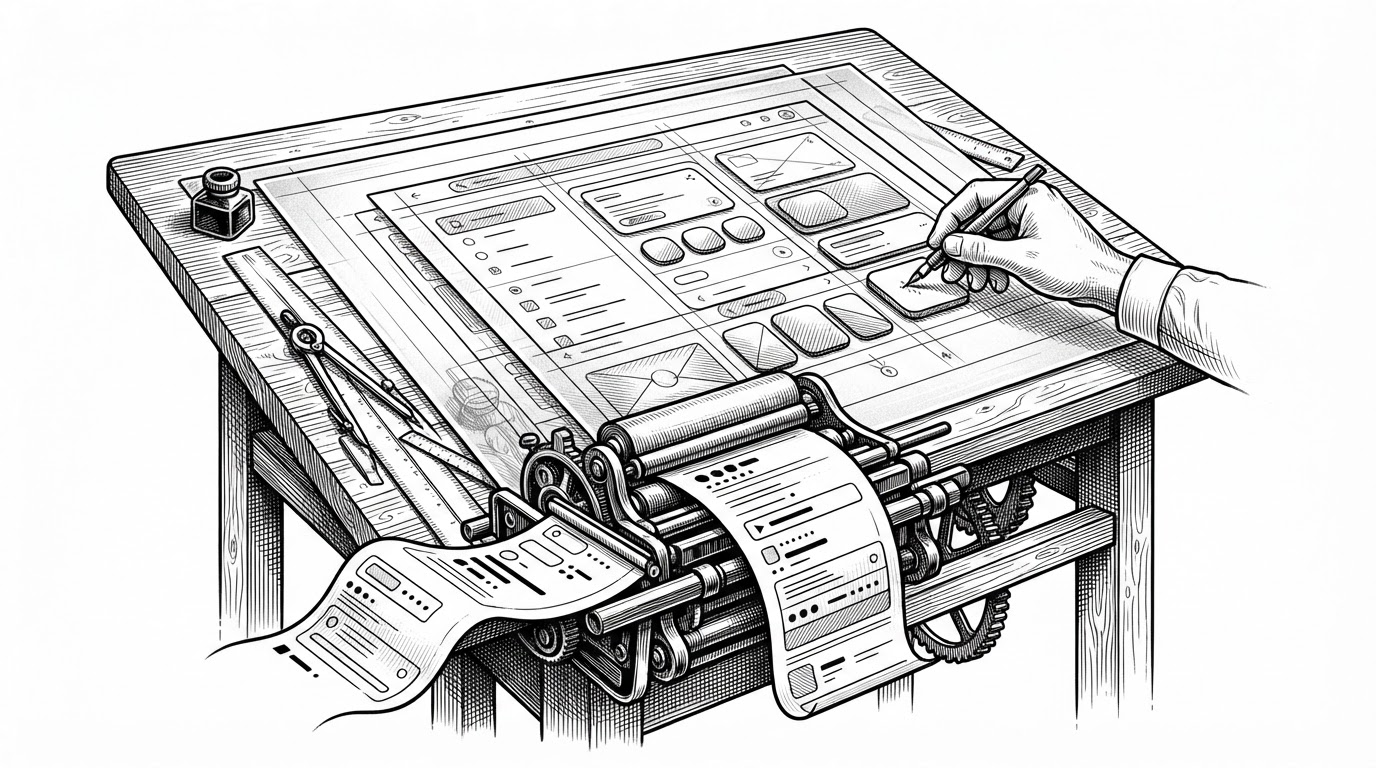
m3e-canvas looks like a browser editor for Material 3 Expressive screens. That is only the surface. The more interesting move is that it compiles a visual layout into a structured brief an LLM can use to build the interface with far less ambiguity than a normal prompt.
That changes the handoff. Instead of asking a model to infer hierarchy from a vague sentence, you sketch the hierarchy directly. The canvas becomes a way to preserve intent before the model fills in implementation details.
Why Material 3 Expressive needed its own editor
The project is not a generic whiteboard with a few UI stickers on top. It is tightly scoped to a specific design grammar: Material 3 Expressive. That matters because the system is opinionated about shape, spacing, motion, and component identity.
| Approach | What you get | What you lose |
|---|---|---|
| Generic design canvas | Flexible freeform layout | Strong component semantics and exportable intent |
| Direct prompt writing | Fast setup for vibe-coding | Hierarchy, spacing, and interaction detail drift |
| Figma-to-code export | Literal implementation bridge | Room for model-driven reasoning or iterative prompting |
| m3e-canvas | A structured visual brief with layout rules | Full design-tool freedom and final-code generation |
The source of truth lives in tokens.ts
The engineering center of gravity sits in lib/tokens.ts. That file defines the core abstractions, including Item, Group, and Frame, plus the component spec map that keeps each draggable element aligned with the Material 3 Expressive system.
// Conceptual shape of the domain model

type Item = {
  id: string;
  kind: string;
  x: number;
  y: number;
  w: number;
  h: number;
};

type Group = {
  id: string;
  items: Item[];
};

type Frame = {
  id: string;
  items: Item[];
  groups: Group[];
  width: number;
  height: number;
};

const KIND_SPEC = {
  fab: { category: 'action', icon: 'add' },
  splitButton: { category: 'action', icon: 'more' },
  navigationBar: { category: 'nav', height: 80 }
};
That structure does more than organize code. It keeps the canvas honest. If the token layer says a navigation bar has a fixed height or a component belongs to a specific category, the renderer and compiler both inherit that constraint.
The canvas feels magnetic because the layout engine is opinionated

This is where tidy.ts and rail.ts matter. The layout engine snaps bars to edges, stacks items with consistent spacing, and adapts the shape language when the frame crosses breakpoints. That is why the editor feels more physical than a standard drag-and-drop board.
How the app turns structure into a prompt
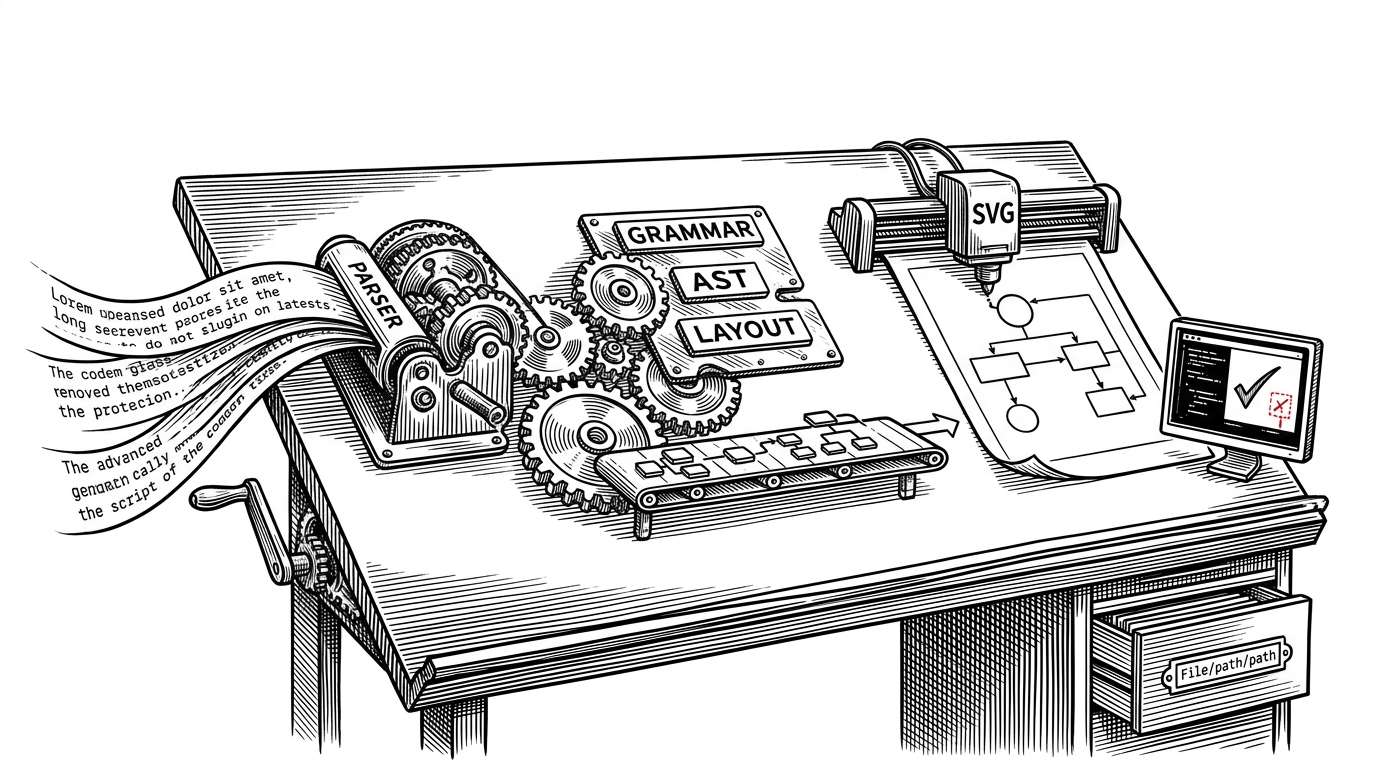
The hidden superpower is lib/prompt.ts. It walks the document structure and writes a natural-language brief from the actual visual state. That makes the exported prompt more faithful than a hand-written summary because it is generated from the same data the canvas uses to render.
// Conceptual prompt flow

function buildPrompt(doc: Frame) {
  return [
    describeFrame(doc),
    describeGroups(doc.groups),
    describeItems(doc.items),
    describeLayoutRules(doc)
  ].join('\n');
}
That is a small idea with a big consequence. The output is still prose, but it is prose with memory. It remembers which component sits above which, what fused with what, and where the rail changed shape.
What it is not
| Category | m3e-canvas | What it is not |
|---|---|---|
| Figma-like canvas | A constrained M3 Expressive editor | A freeform design suite |
| Code exporter | A prompt compiler for LLMs | A literal React or HTML generator |
| Prompt tool | Structured and layout-aware | A plain text box with nicer styling |
| Prototype system | A browser-first static app | A backend-heavy collaboration platform |
That positioning is the point. m3e-canvas is not trying to replace design software or replace code generation. It sits in the gap between them, where intent is still visual but implementation has not yet started.
A disciplined, no-backend architecture
The repository leans hard into a static-hosted, localStorage-first model. That keeps the tool private, fast, and simple to ship. It also matches the product philosophy: if the work is about preserving intent, the app should avoid adding another server-shaped layer of ambiguity.
The maintainer’s bet

That README line is the whole thesis in miniature. The project is not chasing final code as the first output. It is trying to make prompt quality more repeatable, more concrete, and less dependent on a writer’s luck.