Kami: The Document Engine That Makes PDFs Feel Intentional
A print-first design system that turns resumes, white papers, slide decks, and letters into constrained, AI-friendly editorial artifacts.
- Kami's real trick is that it treats the PDF as the product, not as an export artifact.
- The repository encodes taste through constraints, from page physics to warm palette rules and print-safe layout behavior.
- Its SKILL.md layer is unusually important because it makes the repo easy for AI agents to operate without loading unnecessary context.
- Kami is strongest when the goal is repeatable, high-fidelity documents that need to look deliberate on paper and on screen.
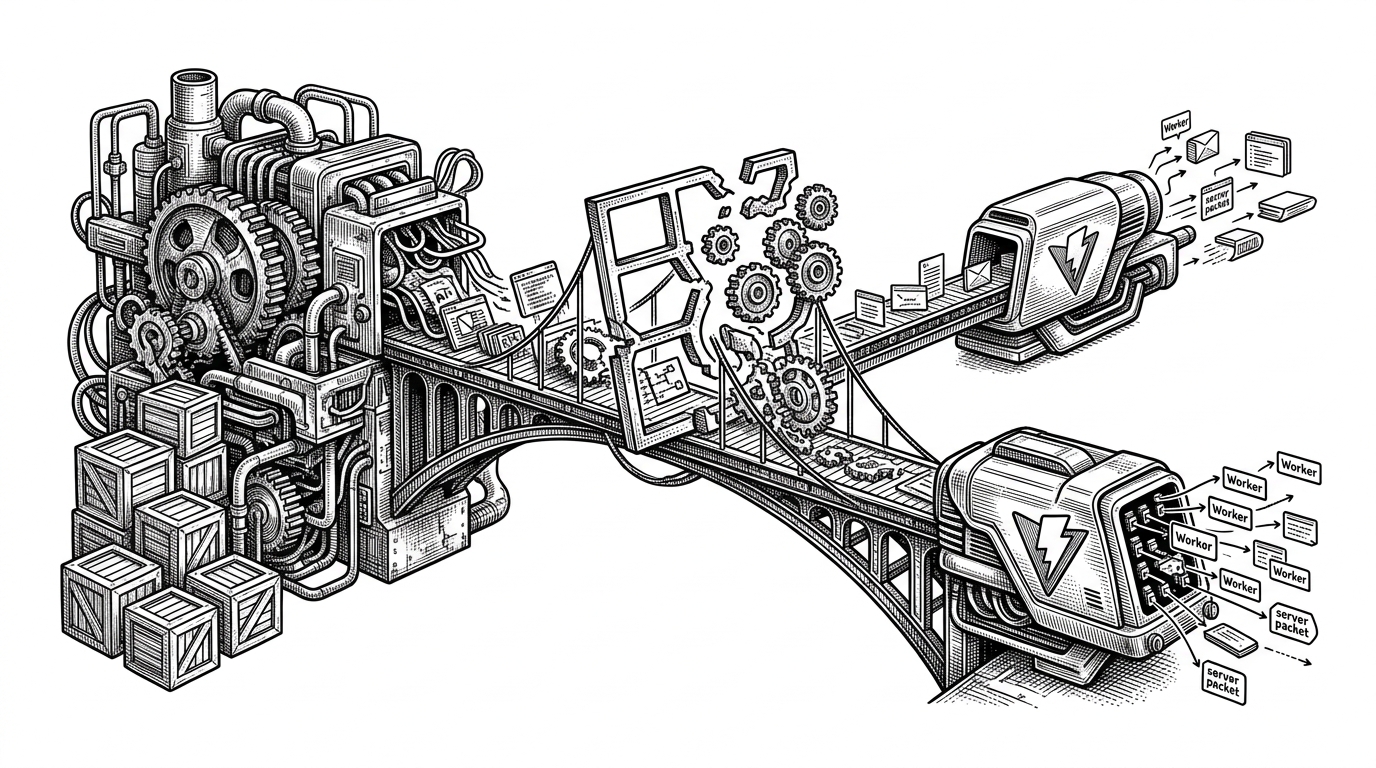
Most document tools start with the browser and hope the output survives. Kami starts with the final artifact: a printable page that looks chosen, not accidental. That shift changes everything, from typography to page breaks to how the repo is operated by an AI agent.
The result is closer to a production line for editorial materials than a template dump. Kami is designed for people who need resumes, long docs, letters, one-pagers, or slides to feel like they belong to the same system, even when the content changes.
The PDF Is the Product
Kami's appeal is not that it can make a PDF. Plenty of tools can do that. The point is that it treats print fidelity, margin behavior, and visual restraint as first-class constraints, so the output lands with the seriousness of a designed artifact.
That matters because document quality is often decided in the boring places: whether a heading breaks badly, whether a card spans pages awkwardly, whether the palette fights the content, whether the page feels generic. Kami pushes all of that into the repository itself.
A Constraint System, Not a Template Dump
The repo is structured around production logic rather than loose assets. Templates live under /assets/templates/, diagrams under /assets/diagrams/, design and writing guidance under /references/, and verification scripts under /scripts/. That organization says something important: the repo is not a gallery of styles. It is a workflow.
That file layout is the architecture. Templates define the document types. References define the rules. Scripts enforce the rules. The result is a system where a document can be regenerated, checked, and adjusted without losing the house style.
How Kami Encodes Taste
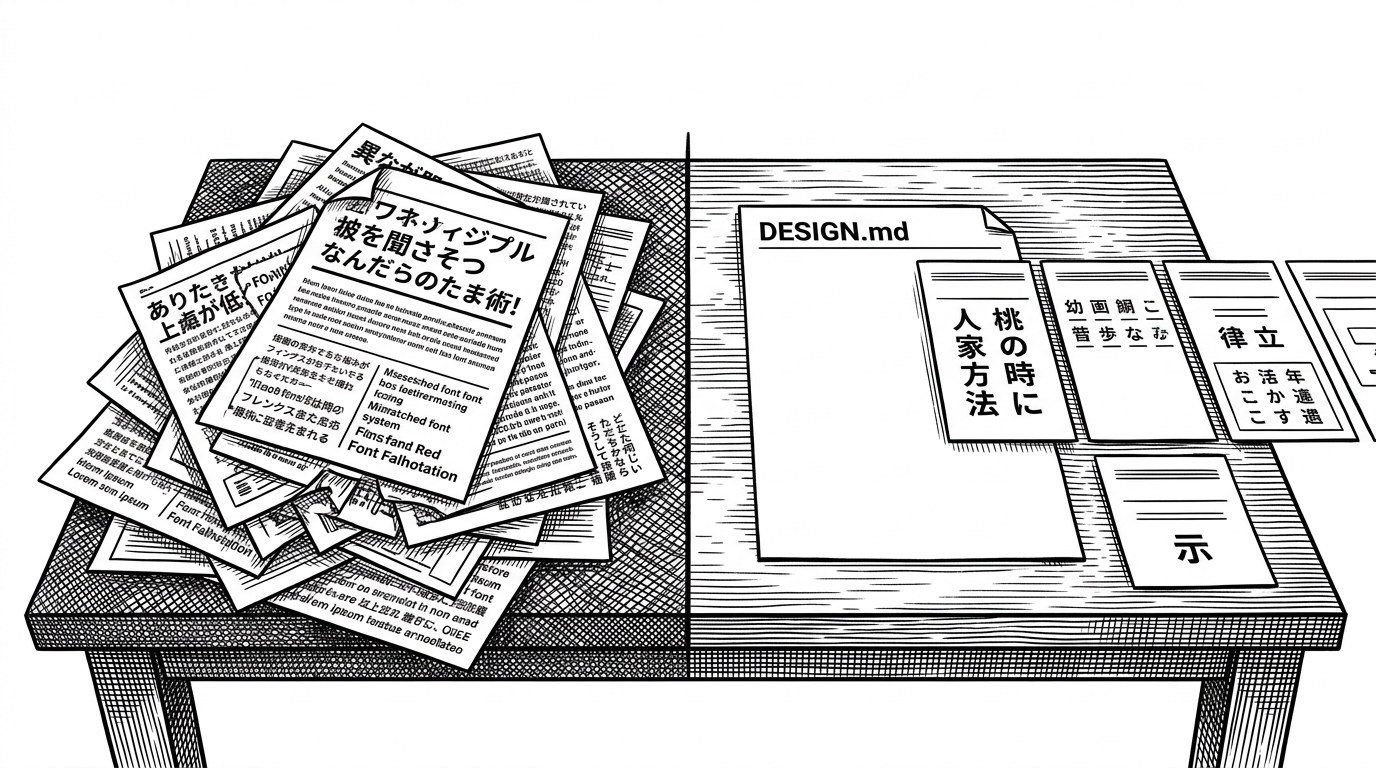
Kami's design language is restrained by default. The palette leans warm, the print behavior is explicit, and the layout rules are written to preserve clarity rather than decoration. It is a design system that assumes taste is something you protect with constraints.
| Dimension | Generic office docs | Kami |
|---|---|---|
| Visual tone | Default, inconsistent, and often accidental | Warm, controlled, and editorial |
| Page logic | Exports from a broad editing surface | Print-first rules with physical page behavior |
| AI operability | Human-friendly, but context-heavy | Structured for staged, minimal-context operation |
| Portability | Often tied to a desktop app or web app state | Repository-driven and reproducible |
| Layout discipline | Depends on manual vigilance | Encoded into templates and references |
This is why the system feels opinionated in a useful way. It doesn't merely offer components. It says which kinds of choices are allowed, which ones are discouraged, and which ones are solved once in the repo instead of repeatedly by the user.
The AI Skill Layer Is the Quietly Radical Part
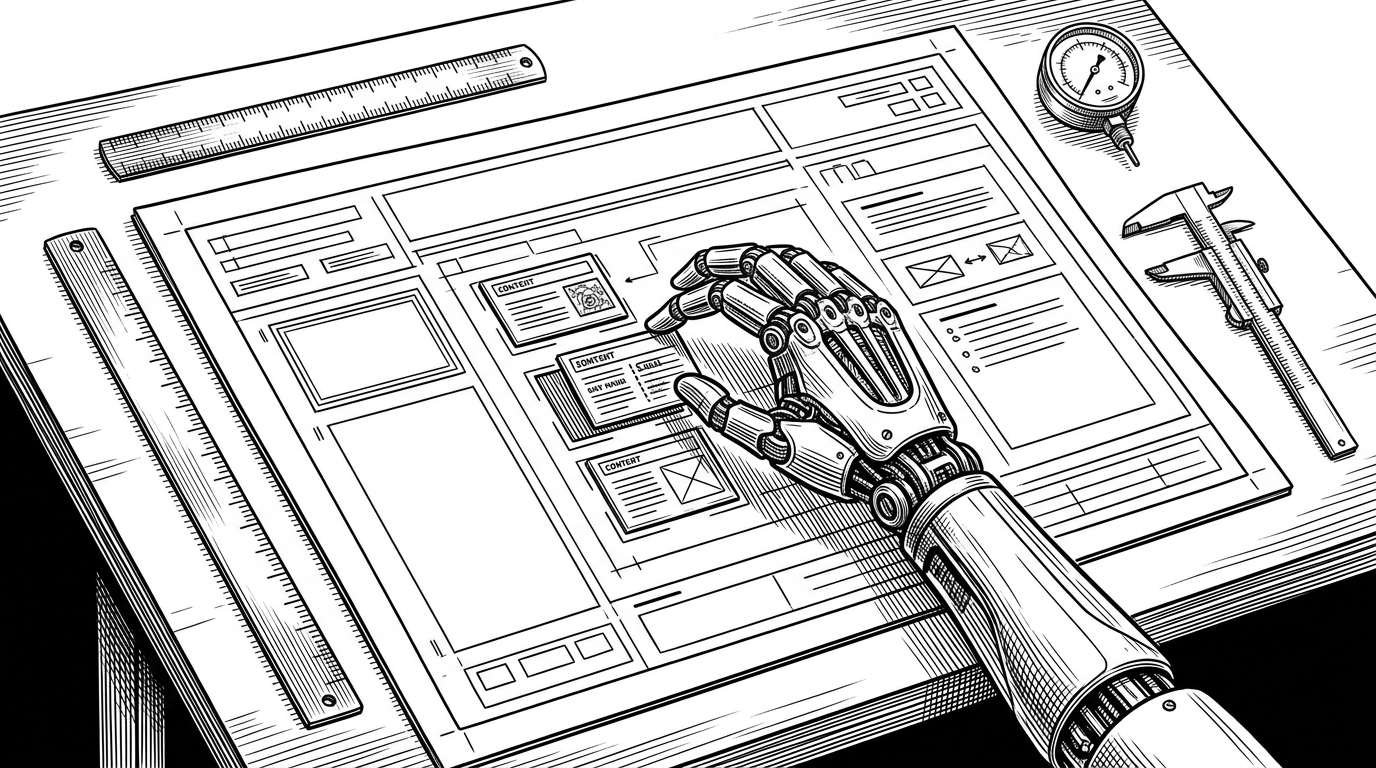
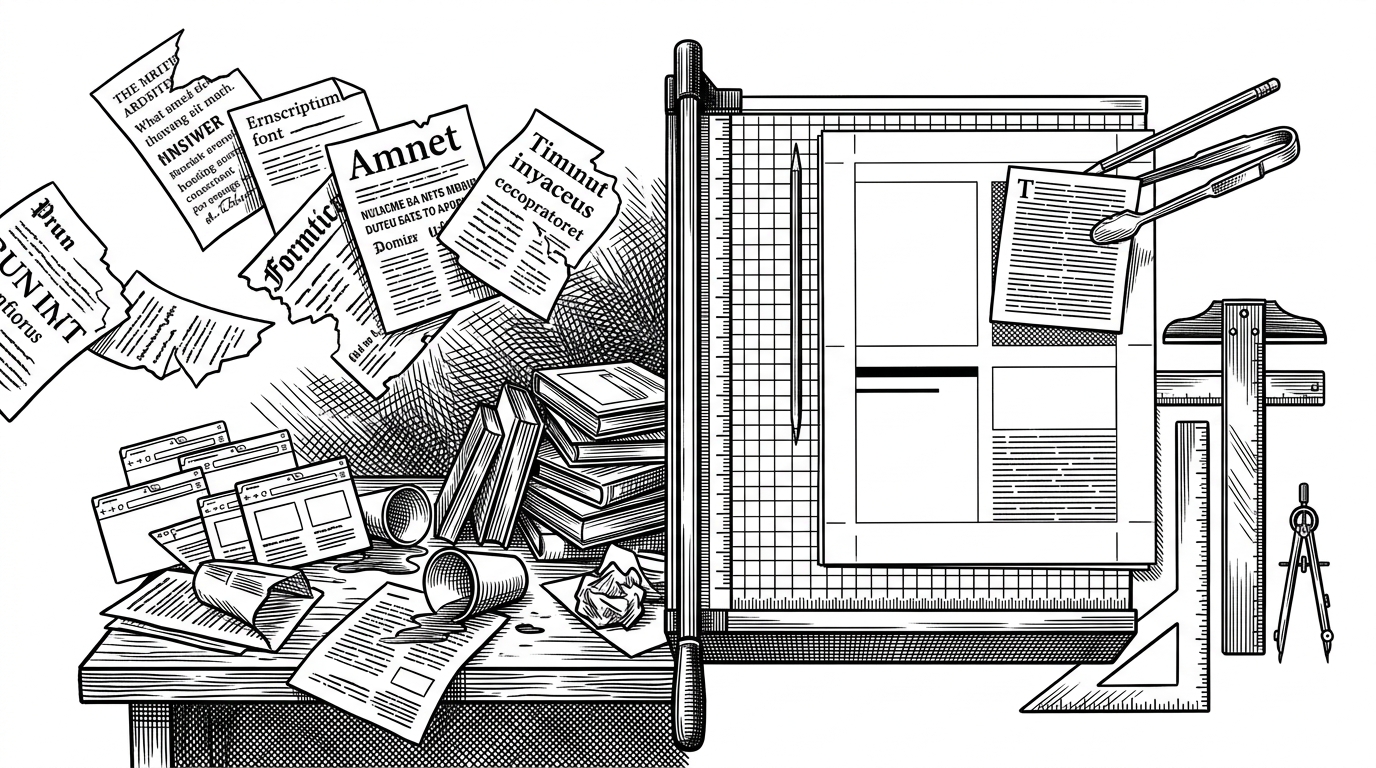
The most unusual part of Kami is that it is built to be operated by an AI agent as much as by a human editor. SKILL.md works like a decision tree: choose the language, choose the document type, choose the spec tier, then load only the references needed for the job.
That matters because it reduces context load without reducing control. A small edit should not require the agent to absorb the whole system. A new document can pull in more material. The repo actively distinguishes between those cases.
This is a subtle but important design choice. Many repos assume that better AI use means more context. Kami assumes the opposite: better AI use can mean narrower, better sequenced context, with the repository acting as a guide rather than a pile of files.
Why pure SVG shows up everywhere
Kami uses raw inline SVG for diagrams instead of a heavier diagramming stack. That keeps the output portable, keeps print fidelity predictable, and avoids the layout drift that can creep in when a document depends on external rendering layers.
For print-first work, that matters more than it sounds. SVG is not just a format choice. It is a promise that the diagram will survive the same pipeline as the rest of the page, without depending on runtime tricks.
Build-Time Discipline
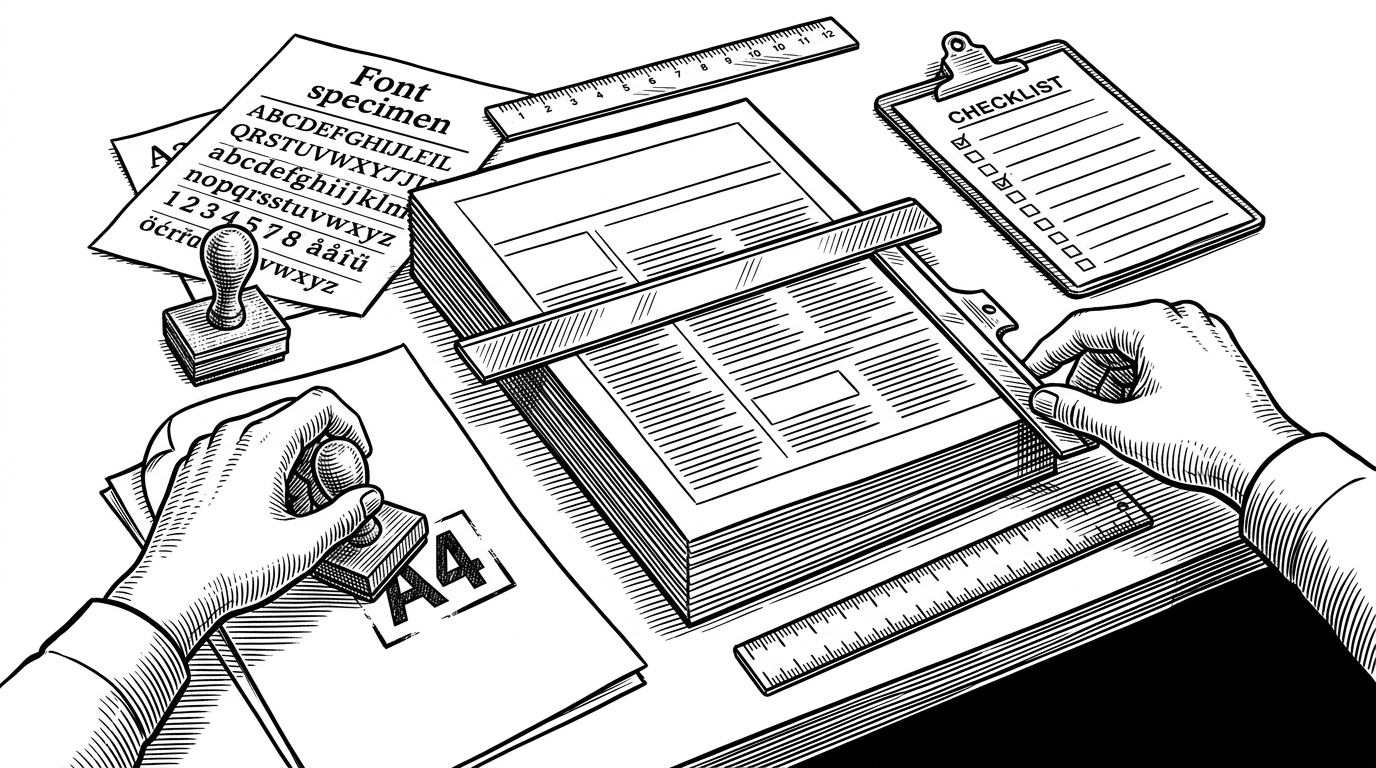
The build step is where the system stops being theoretical. The repository uses Python scripts and verification checks to make sure fonts exist, placeholders are gone, and page counts behave. That is what production-minded looks like in a document repo: not more options, but fewer surprises.
# Representative build-time logic
# Verify assets before generating the final PDF
check_fonts()
check_placeholders()
check_page_count()
build_document(template_path, output_path)
That discipline is especially valuable in print-oriented work. A document that looks fine in a browser can still fail in PDF if typography, spacing, or page flow are not controlled carefully. Kami leans into that problem instead of pretending it doesn't exist.
Kami's Place in the Bigger Stack
Kami also appears to sit inside a broader personal productivity system alongside other tools from the same author. That matters because it frames the repo as part of a way of working, not just a standalone package. The philosophy is consistent: build small systems that do one job well, then connect them through clear conventions.
| Layer | Role | Why it matters |
|---|---|---|
| Kaku | Writing and coding support | Feeds raw material into the workflow |
| Waza | Habit tracking | Supports the operating system around the work |
| Kami | Final document delivery | Turns content into polished, printable artifacts |
Seen that way, Kami is not trying to be a universal page builder. It is a disciplined terminal point for content that has already earned its place. That makes it feel less like software bloat and more like a craft tool.
Why This Approach Sticks
Kami works because it makes the hard parts visible. It tells you what a document should be, what it should not become, and how an AI should navigate the repo without guessing. That combination is rare: editorial taste, print discipline, and agent-friendly structure in one place.
The bigger idea is simple. If documents matter, the system that produces them should be just as intentional as the documents themselves.