GordenPPTSkill: The AI Presentation Tool That Refuses to Redesign Your Slides
A template-first PowerPoint skill that turns LLMs into controlled editors, preserving professional layouts, enforcing text capacity, and producing native PPTX files that still look designed.
- GordenPPTSkill is powerful because it gives AI less freedom, not more.
- Its real innovation is a non-destructive edit pipeline that preserves template geometry while swapping content.
- Text overflow is treated as a structural failure, so the model has to rewrite copy instead of shrinking the design.
- The project is a broader lesson in agent design: useful tools need guardrails, slot maps, and capacity checks.
The cleanest AI slides are the ones AI is not allowed to redesign
Most AI presentation tools promise invention. GordenPPTSkill promises restraint. It takes a template-first approach, then tells the model to stay inside the lines, preserve hierarchy, and stop improvising on the layout.
That matters in corporate decks, especially the dense, high-precision kind common in Chinese business settings. In that world, the problem is not a lack of visual novelty. The problem is avoiding broken alignment, tiny fonts, and the kind of automated “help” that makes slides look amateur.
AI-friendly PPT builder skill: 17 hand-polished Chinese PPTX templates + non-destructive text-only editing tools (python-pptx based). Pick a template, write edits.json, build a real .pptx with the layout intact. Personal/research use only.
A template library, not a blank page
The repository is organized like a controlled asset system. The templates live in /templates, the execution logic lives in /scripts, and the operating rules sit in SKILL.md and the reference files. The AI is not handed a blank canvas. It is handed a catalog of approved structures.
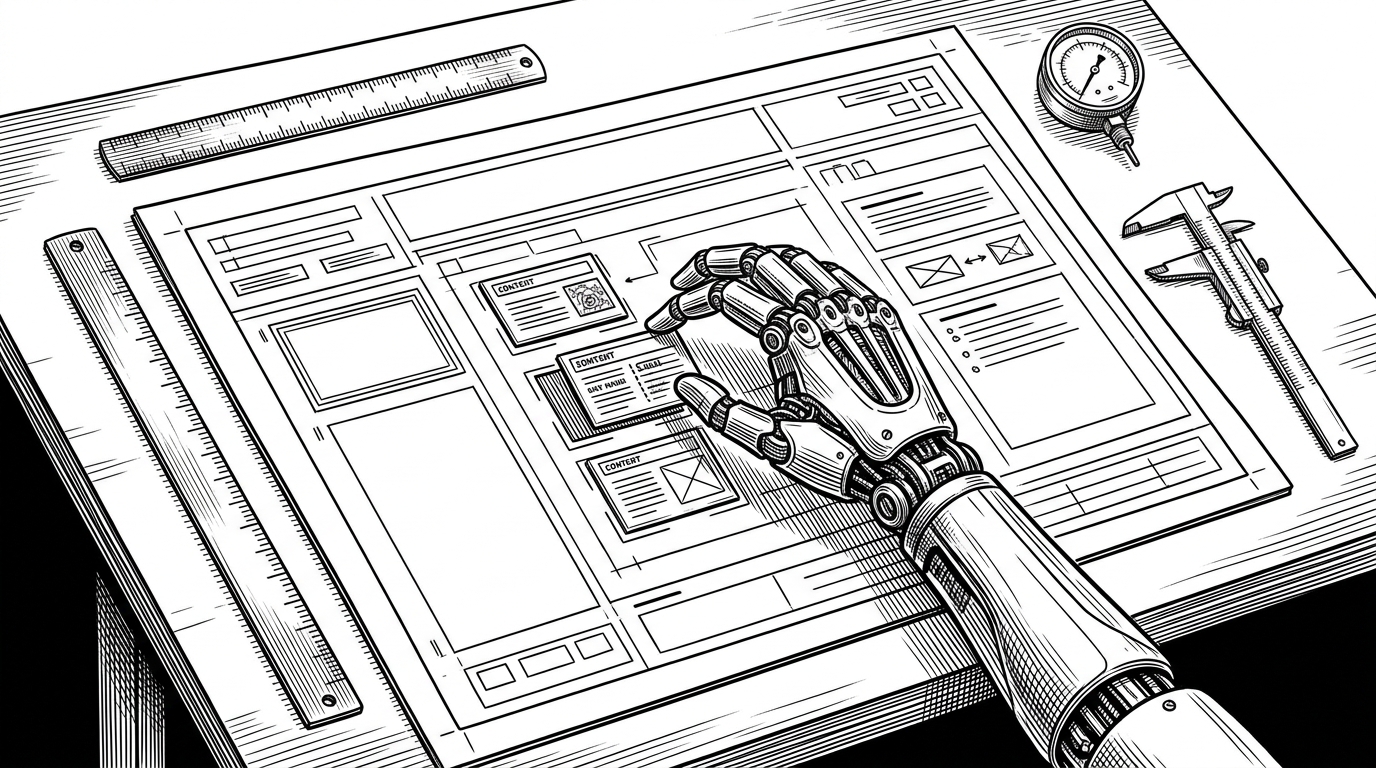
That choice changes everything. Instead of asking a model to become a designer, the project asks it to become a disciplined editor. It picks from prepared layouts, writes structured edits, and leaves the slide geometry alone.
templates/
  template_01/
    template.pptx
    detail.json
    intro.md
  template_02/
    template.pptx
    detail.json
    intro.md
scripts/
  build_pptx.py
  compute_capacity.py
  check_text.py
references/
  schema.md
  workflow.md
SKILL.md
The non-destructive edit pipeline
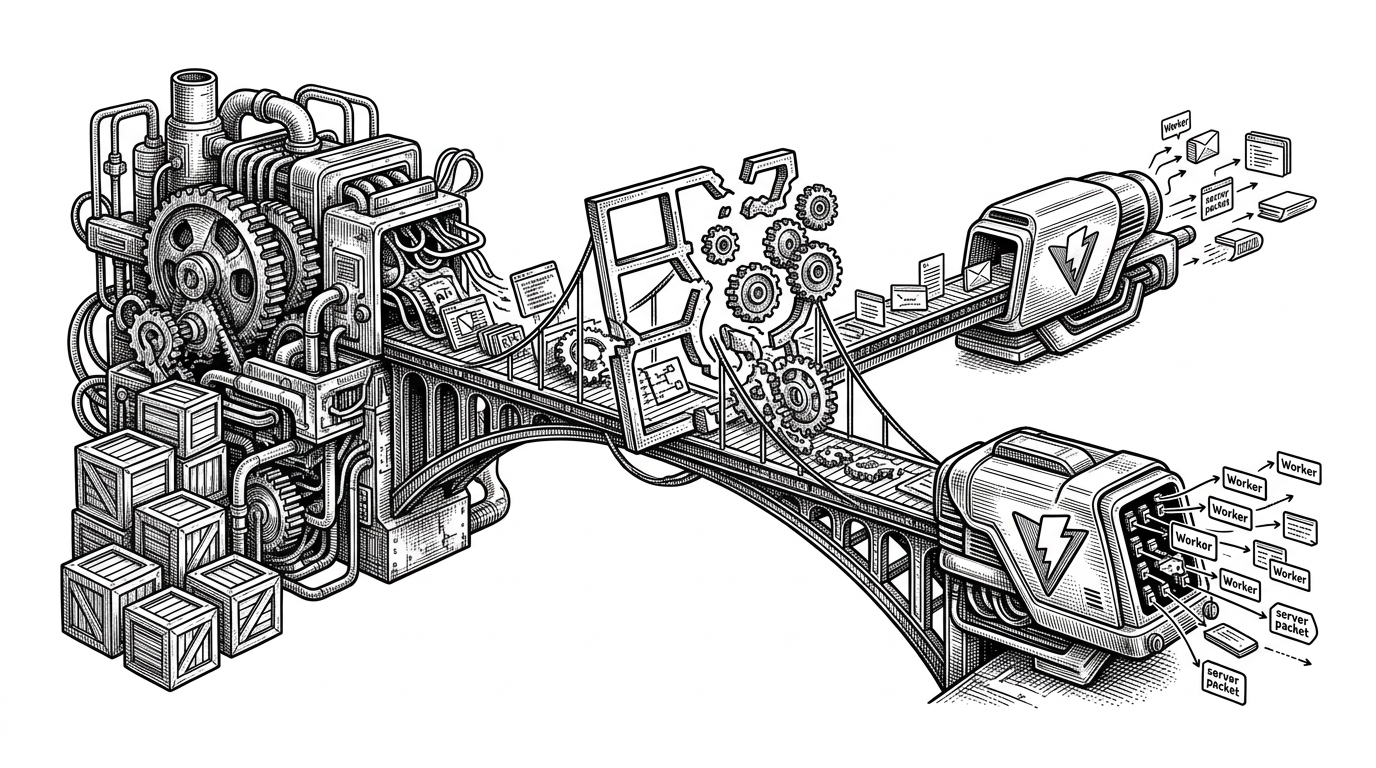
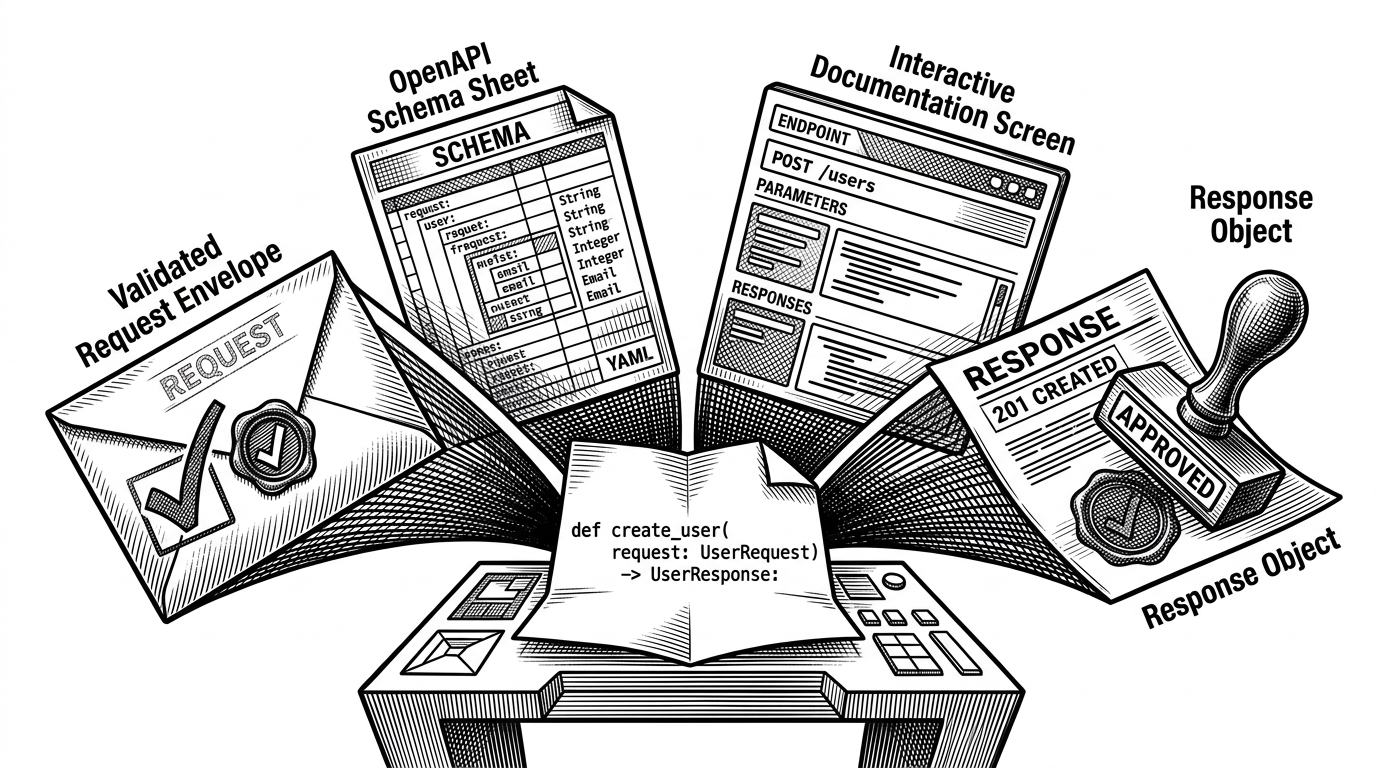
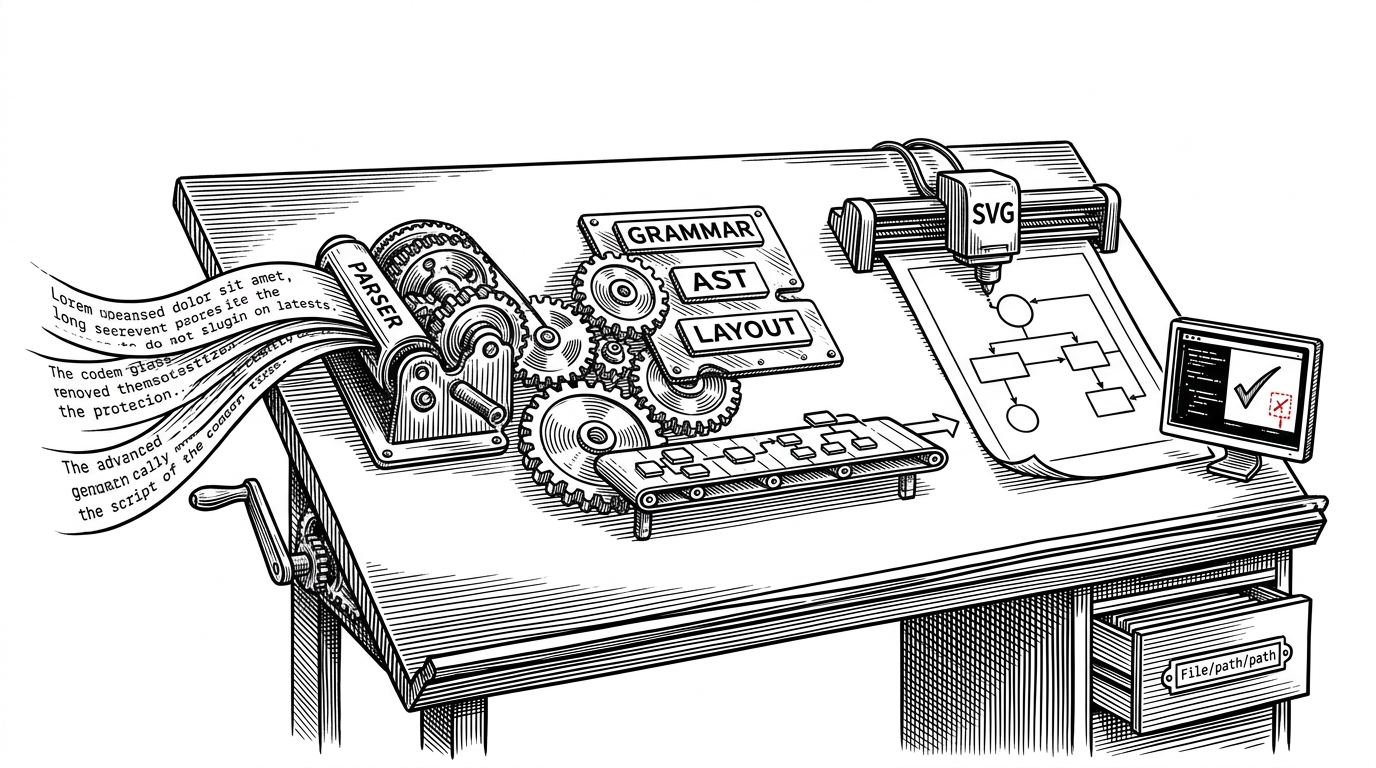
The technical center of GordenPPTSkill is simple to describe and hard to get right. The agent produces edits.json, which maps content into pre-defined template slots. A build script then edits the existing PowerPoint structure instead of generating a new deck from scratch.
That non-destructive approach matters because PowerPoint files are not just content containers. They are XML structures full of shapes, text runs, formatting, and layout relationships. If you preserve the underlying structure and only replace text, you keep the original visual design intact.
| Question | GordenPPTSkill | Blank-canvas AI slide tools |
|---|---|---|
| Primary workflow | Choose a template, fill approved slots, export native PPTX | Generate a deck layout from scratch |
| Template fidelity | Preserved by design | Often recreated loosely or changed during export |
| Role of the model | Controlled editor | Implicit designer |
| Output format | Native PPTX | Usually web-first with PPTX export |
| Failure mode | Text must be rewritten to fit | Layout drifts or gets regenerated |
| Best fit | High-density corporate decks | Fast first drafts |
The win here is not automation for its own sake. It is fidelity. The deck still looks like it was built by a person who understood the template, because the template never stopped being the template.
Why text overflow is treated like a bug, not a suggestion
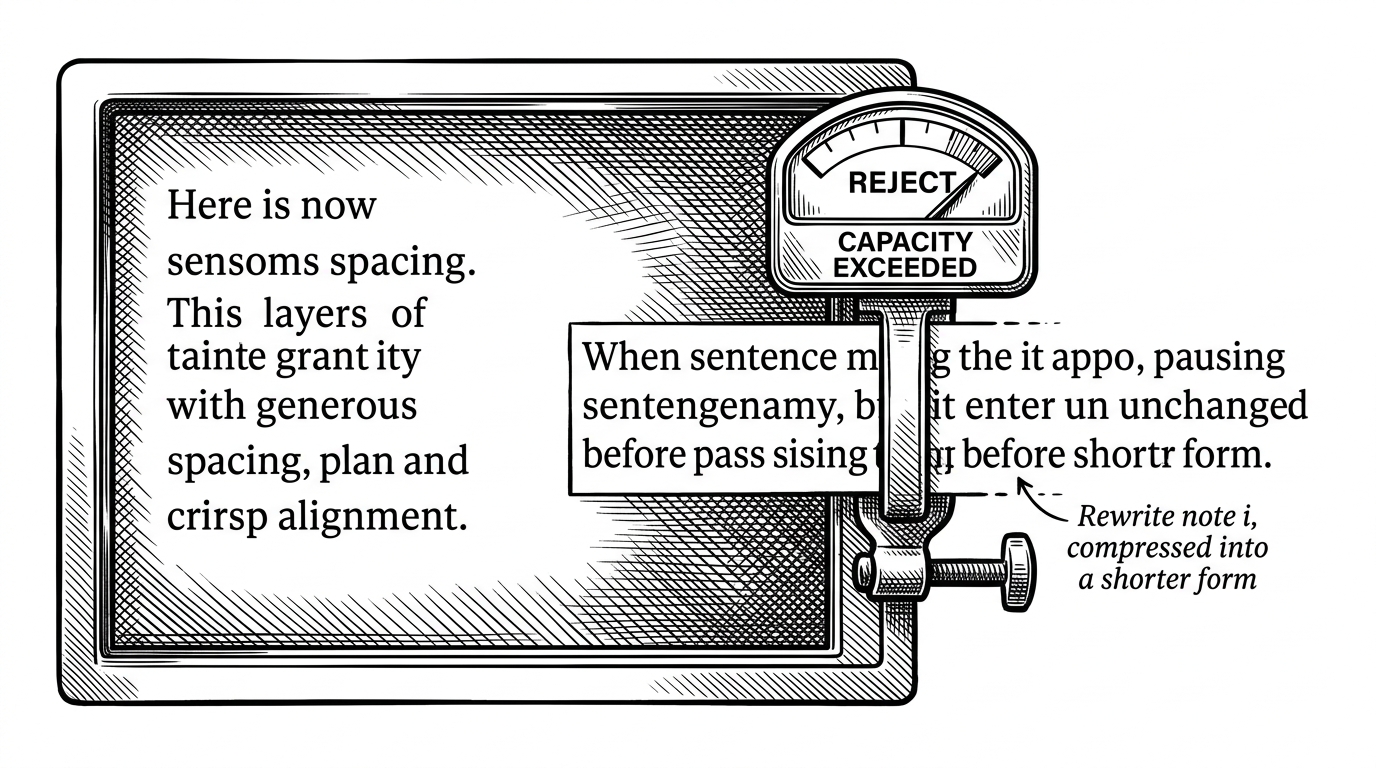
This is where the project gets opinionated. It does not shrink fonts to rescue bad copy. It pushes the model to make the copy fit the container. That keeps hierarchy stable and avoids the common AI slide failure where one box looks visually louder simply because the text got smaller.
The logic is constraint-aware. A custom capacity check estimates how much text a box can hold, and if the content exceeds that limit, the build path flags it. The project is saying something subtle but important: readability is not negotiable, and layout should not be sacrificed to preserve verbose output.
能生成信息密度高、排版复杂、看起来高大上的PPT,也支持生成简约、商务风格的PPT。 适合国企、互联网大厂使用。
What GordenPPTSkill refuses to do
The easiest way to understand the repo is by its prohibitions. It does not let the model redraw slide geometry. It does not rely on shrink-to-fit tricks. It does not treat layout as a free-form prompt response.
| Forbidden move | Why it is avoided | What replaces it |
|---|---|---|
| Move shapes around | Breaks professional consistency | Fixed template slots |
| Shrink fonts automatically | Destroys hierarchy | Rewrite content to fit |
| Design from scratch | Invites unpredictable output | Template selection first |
| Loose prose dumps | Causes overflow | Capacity checks and linting |
| Generic slide generation | Produces bland decks | Native PPTX editing |
That list is the real product. GordenPPTSkill is not trying to be the most expressive system. It is trying to be the safest one for a very specific class of presentation work.
How it compares to the rest of the AI slide stack
The competitive landscape splits into three buckets. Web-first generators like Gamma and Beautiful.ai prioritize speed and visual polish inside their own systems. General-purpose code workflows lean on libraries such as python-pptx. Native add-ins like Copilot or consulting-focused tools reduce friction inside PowerPoint itself.
| Tool | Template-preserving | Native PPTX | Agent-friendly | Primary strength |
|---|---|---|---|---|
| GordenPPTSkill | Yes | Yes | Yes | Controlled editing of existing layouts |
| Gamma | Partial | Export only | Limited | Fast first drafts |
| Beautiful.ai | Partial | Export only | Limited | Auto-designed slides |
| Presenton | Yes | Yes | Yes | Full-stack deck generation engine |
| Microsoft Copilot | Partial | Yes | Moderate | Low-friction Microsoft integration |
| python-pptx workflows | Yes if built that way | Yes | Yes | Programmable deck assembly |
GordenPPTSkill sits in a narrower lane than most of those tools. It is not trying to replace every presentation workflow. It is trying to make AI reliable inside one workflow that matters a lot: high-density, editable, template-faithful corporate decks.
The deeper lesson: agent tools need guardrails, not magic
The larger lesson here has little to do with PowerPoint. It is about how to build useful agent tools in constrained environments. The best results often come from reducing degrees of freedom, not increasing them.
That is why GordenPPTSkill feels more like a discipline system than a generation engine. It teaches the model the equivalent of studio etiquette: respect the room, use the furniture that is already there, and do not move the walls.
If you are building AI for real production work, that is the useful pattern to steal. Give the model structure, slots, and checks. Let it edit where it has judgment. Do not let it improvise where it can break the page.