`gitget`: The Tiny Go Tool That Turns GitHub Repos Into Clean Files, Not Clones
A minimal archive streamer that skips Git, resolves the right branch automatically, and unpacks repositories directly into place.
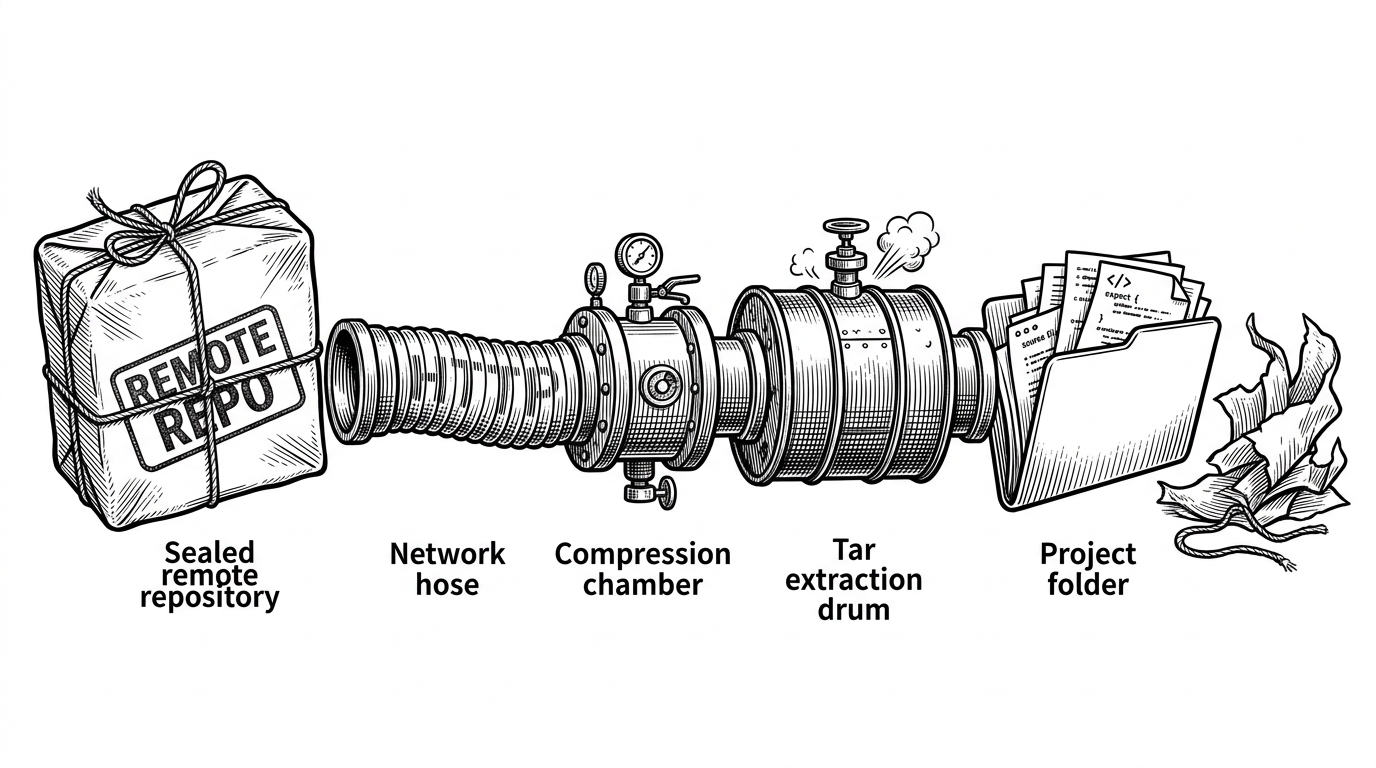
- `gitget` treats a GitHub repo as a file delivery format, not as a history graph to preserve.
- Its real trick is streaming extraction, which removes the need for a local Git install and avoids staging the archive on disk.
- Default-branch resolution is delegated to GitHub when no ref is specified, which makes the tool feel smarter than its size suggests.
- The project works best as a scaffolding primitive for CLI authors and DevEx teams that want repo contents, not clone management.
Git Without Git
`gitget` starts with a useful refusal: it does not ask you to clone. It asks you for a GitHub repo URL and gives you files, which is a better fit for scaffolding, bootstrap scripts, and CI jobs that do not care about history. That alone makes it feel less like a Git wrapper and more like a delivery mechanism for source trees.
That design choice matters because most repo setup flows only need the current snapshot. A full clone brings refs, objects, and local Git state along for the ride. `gitget` strips that weight away and turns remote code into a local folder with minimal ceremony.
The Trick: Stream, Don’t Stage
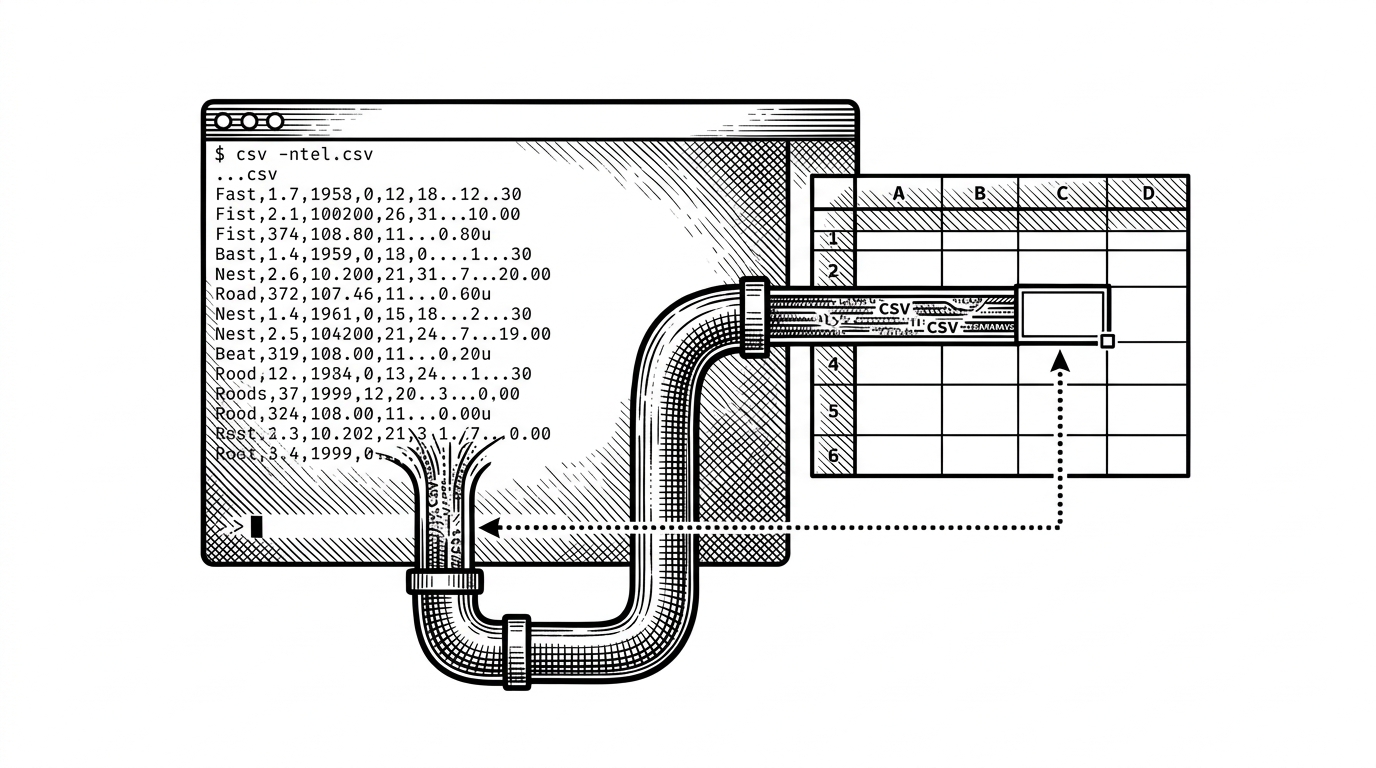
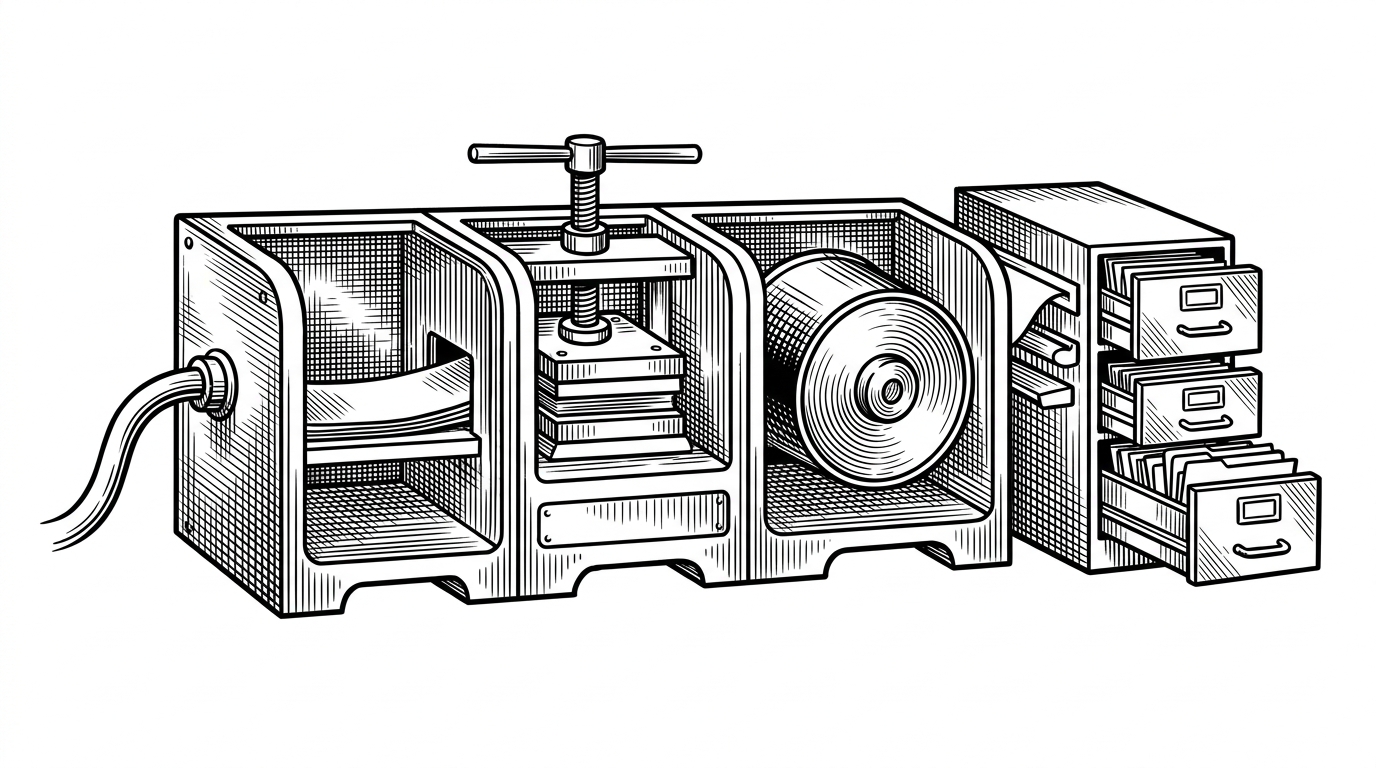
The heart of the tool lives in a simple pipeline. An HTTP response body feeds a gzip reader, the gzip reader feeds a tar reader, and tar entries are written directly to disk. There is no temporary archive to clean up, and no second pass to unpack it later.
That is why the implementation feels elegant rather than merely efficient. The archive never becomes a separate thing on disk. It is a stream, and the stream is only useful for as long as it is being transformed into files.
Why the Default Branch Just Works
The quiet intelligence in `gitget` is branch resolution. When you do not specify a ref, it leans on GitHub’s tarball endpoint, which means GitHub decides which branch is default. When you do specify a branch, tag, or commit, it switches to the direct archive path instead.
| Case | Route | What GitHub decides | What user decides |
|---|---|---|---|
| No ref | GitHub API tarball | Default branch | Nothing |
| Branch | Direct archive URL | Nothing | Branch name |
| Tag or commit | Direct archive URL | Nothing | Exact ref |
That split is subtle, but it is the reason the tool feels polished. It avoids guessing at `main` versus `master`, and it keeps explicit refs predictable when you need them.
The Repo Parser Is Doing More Than URL Cleanup
// Simplified shape of the parser
prefixes := []string{
    "github:",
    "git@github.com:",
    "https://github.com/",
}

func parse(input string) (owner string, name string, err error) {
    for _, prefix := range prefixes {
        input = strings.TrimPrefix(input, prefix)
    }
    parts := strings.Split(strings.TrimSuffix(input, ".git"), "/")
    return parts[0], parts[1], nil
}
The parser is small, but it carries the UX. It lets shorthand and full URLs collapse into the same internal shape, so the rest of the tool only has to reason about a clean owner and repo pair. That is the kind of boring code that makes a CLI feel finished.
Why It Feels Like a Better Scaffolding Primitive
This is the real use case: custom tooling. If you are building an internal project generator, a CLI bootstrapper, or a CI step that needs a known directory layout, `gitget` gives you a repo snapshot without dragging in local Git behavior. That makes it easier to embed in workflows where `clone` would be too much.
It also clarifies the boundary between a source host and a source tree. The tool is not trying to manage histories, remotes, merges, or credentials in the general case. It is trying to get the files out cleanly and get out of the way.
What It Is Not
| Not this | Why it matters | What `gitget` actually does |
|---|---|---|
| A full Git replacement | No history, branches, or local repo state | Downloads and extracts repo contents |
| Private repo infrastructure | No auth story is the headline | Focuses on public GitHub archive fetching |
| Multi-host mirror | No broad host abstraction | Optimized around GitHub URL patterns |
| Subdirectory extractor | It strips the archive root, not arbitrary nested paths | Writes the repo contents into the destination folder |
Compared With Other Ways To Get Code
| Approach | Strength | Trade-off | Best fit |
|---|---|---|---|
| `git clone` | Full history and normal Git workflows | Heavier than you need for scaffolding | Development and contribution |
| `degit` | Simple repo snapshot semantics | Node-first mental model | Template-style project bootstrapping |
| Manual archive download | No extra tool required | More steps, more room for error | One-off downloads |
| `gitget` | Streams repo contents cleanly into place | Narrow by design | CLI bootstrap and DevEx flows |
The comparison lands on a narrow thesis. `gitget` is for clean snapshots, not clone management. That is exactly why it is interesting: it deliberately solves a smaller problem than Git, and it solves that problem with very little code.