CognifyAI Turns Videos and PDFs Into a Study Engine
A FastAPI and Next.js project that extracts content, builds embeddings, generates flashcards and quizzes, and layers RAG chat on top of the same learning core.
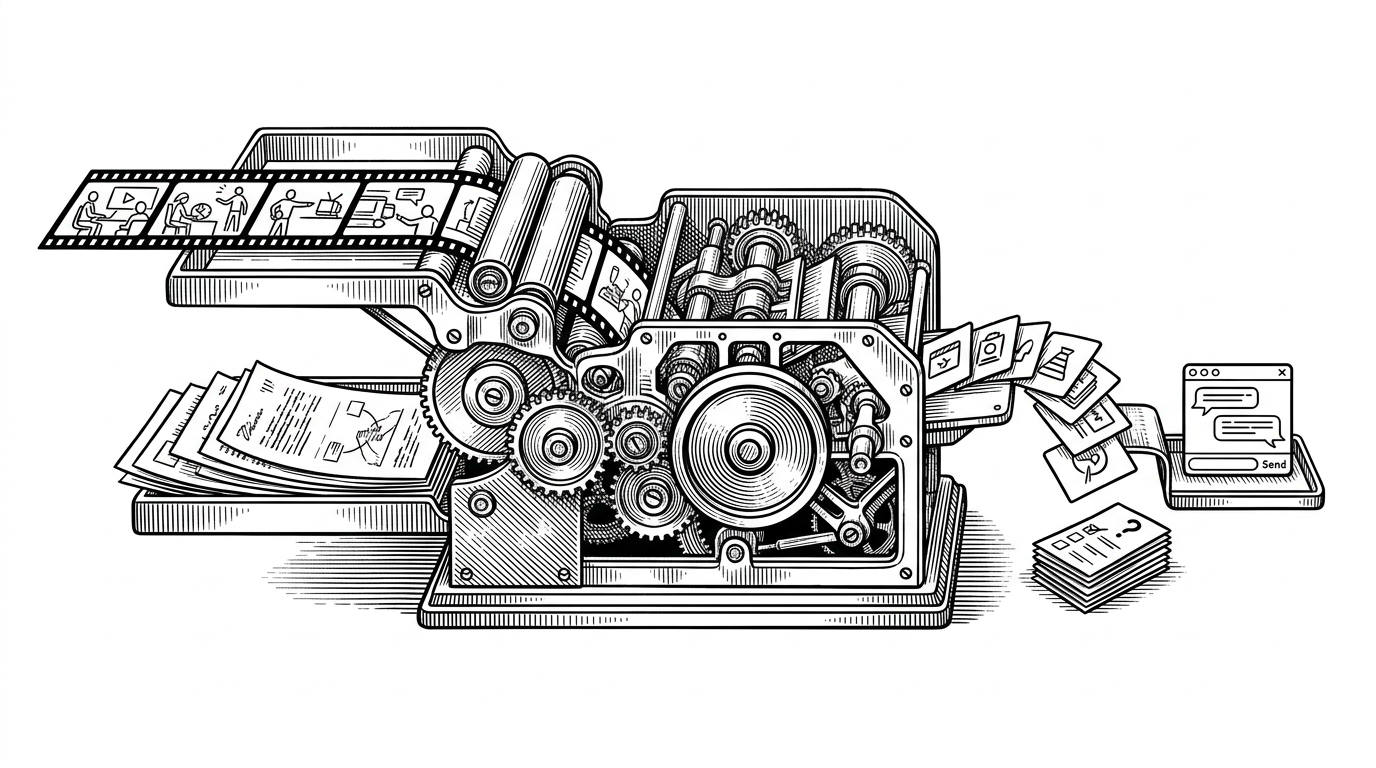
- CognifyAI treats learning as a transformation pipeline, turning source material into flashcards, quizzes, and retrieval-backed chat from the same core content.
- The repo’s real center of gravity is retrieval, because chunking, embeddings, and storage power every downstream learning mode.
- Its engineering choices favor resilience and developer experience, from hash-based embedding fallback to a local storage path that avoids heavy setup.
- The project reads like a serious prototype, with modular services and production-shaped structure but a few practical shortcuts that keep it approachable.
CognifyAI starts with a simple promise in its README: it turns YouTube videos and PDFs into interactive learning materials. That sounds familiar until you notice the shape of the output. This is not a chatbot with a file upload. It is a system for converting passive media into study assets.
ð AI-Powered Learning Assistant Transform YouTube videos and PDFs into interactive learning materials with AI-powered flashcards, quizzes, and contextual chat.
From passive media to active study material
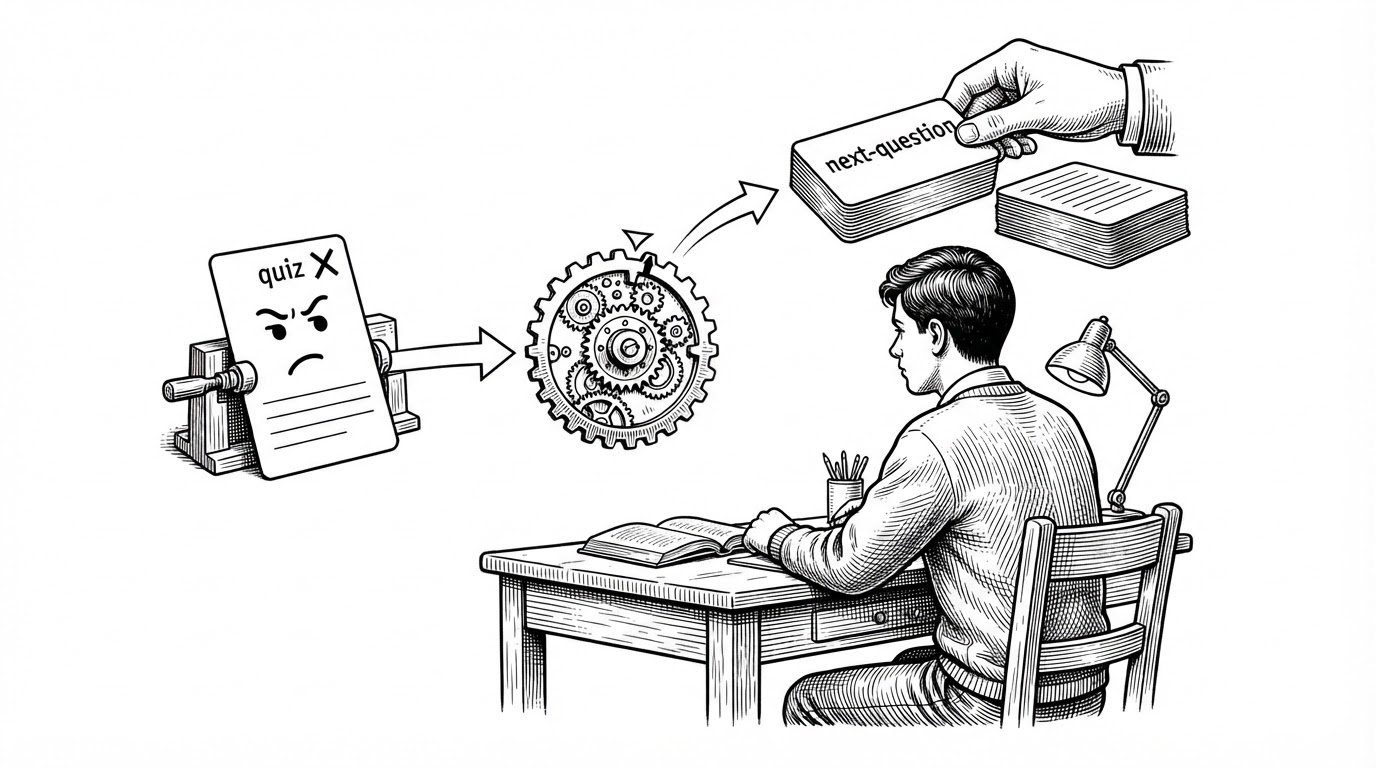
That distinction matters because it changes what the product is optimizing for. A generic docs chatbot aims to answer questions. CognifyAI tries to produce learning behavior: first extract the material, then reshape it into quizzes and flashcards, then let the learner interrogate the same source through chat.
The repo’s core idea is closer to curriculum assembly than conversation design. One input can feed multiple outputs, and each output serves a different part of the study loop. That is the thesis that makes the project interesting.
| Generic chat-with-docs app | CognifyAI |
|---|---|
| Upload a file, ask questions, get answers | Ingest a source, extract structure, and generate flashcards, quizzes, and chat context |
| Optimized mainly for lookup | Optimized for learning workflows |
| Usually one output mode | Multiple output modes from the same source |
| Chat is the product | Retrieval is the backbone of the product |
The orchestrator behind the app
The backend entry point, backend/main.py, acts as the contract layer between the interface and the learning pipeline. It uses Pydantic models to validate requests, coordinates extraction, and returns a content_id that becomes the session handle for later chat and generation calls.
That is a quiet but important design choice. It keeps the app stateful at the product level while leaving the service layer modular. The frontend does not need to know how extraction or vector storage works. It only needs to keep track of which content the learner is working on.
The real core is retrieval, not chat
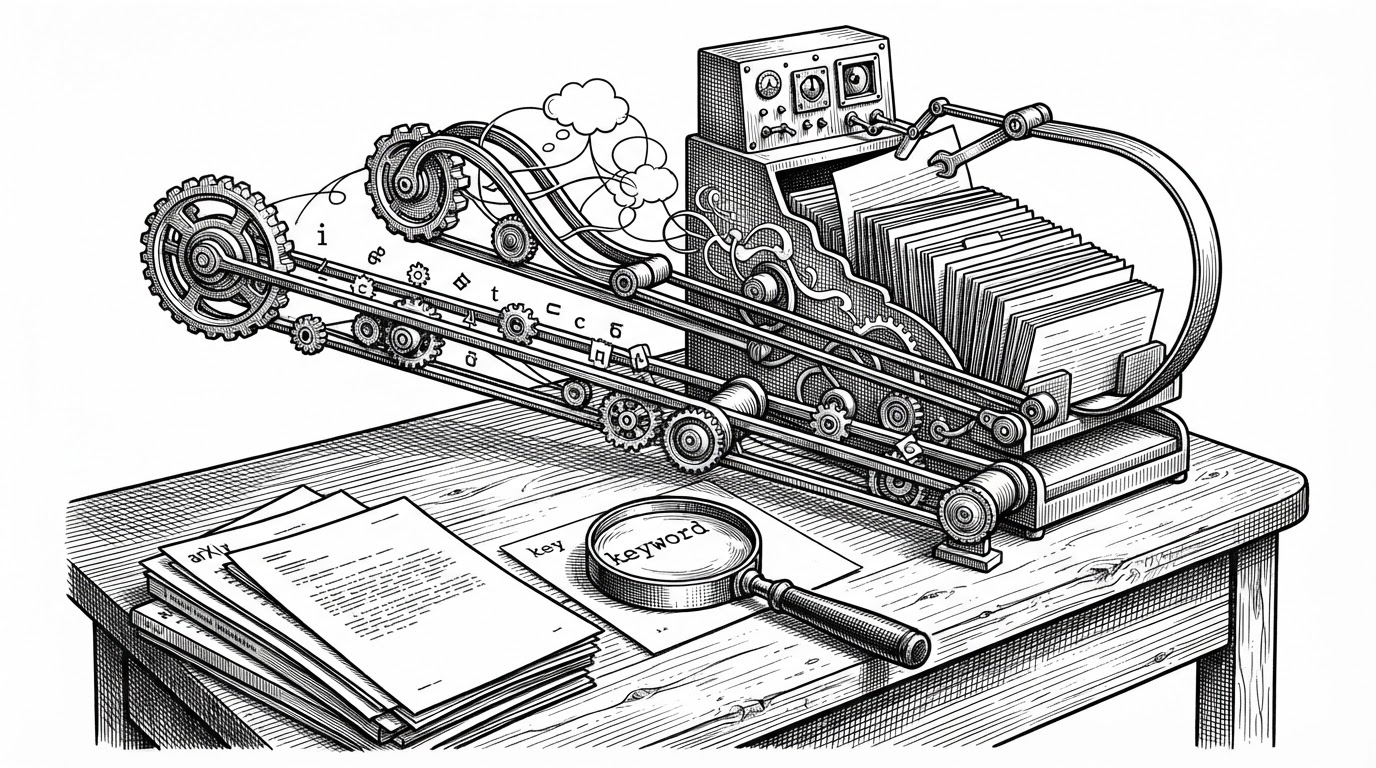
The strongest technical idea in CognifyAI lives in vector_service.py and ai_service.py. Text is chunked into overlapping windows, embedded, stored, and then retrieved when the app needs to generate a quiz, a flashcard set, or a contextual answer. Chat is just one consumer of the same retrieval layer.
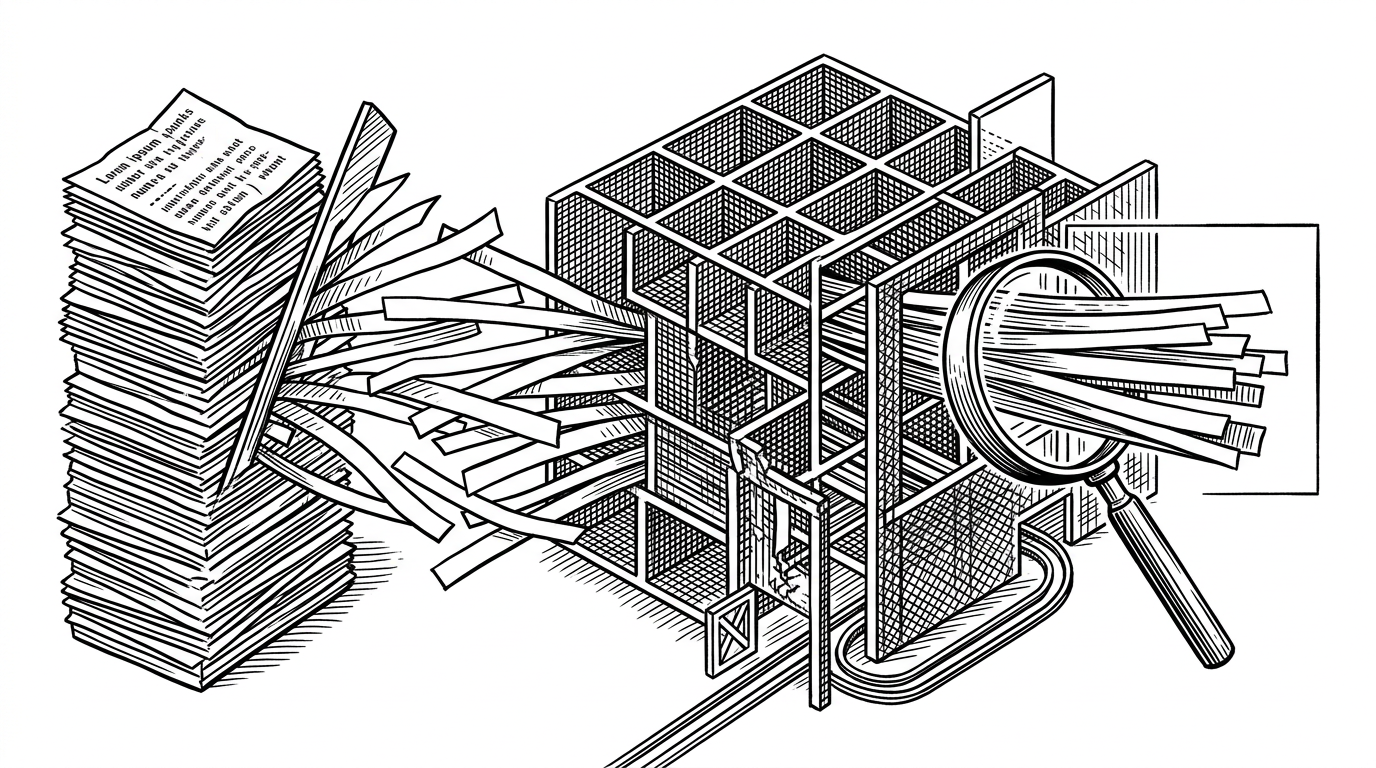
The implementation details are practical rather than glamorous. The code uses a Gemini embedding model when it can, but it also includes a hash-based fallback so the whole app does not collapse if the API blips. That is not a perfect substitute for real embeddings, but it is a real-world reliability move.
Why the fallback matters
This is one of those choices that tells you the author has built with production failure in mind. If the embedding call fails, the app degrades instead of dying. That matters more in learning products than in many other apps, because the user experience depends on continuity across sessions and repeated study loops.
# Conceptual view of the retrieval flow
chunks = split_text(content, chunk_size=1000, overlap=200)
embeddings = get_embedding(chunks)  # Gemini first, hash fallback if needed
store(content_id, chunks, embeddings)

# Later
matches = search_similar_chunks(query_embedding, content_id)
answer = generate_response(query, matches)
YouTube and PDF are treated differently on purpose
The ingestion layer reflects a useful bias. YouTube content is handled through subtitle extraction with yt-dlp and VTT parsing, which is much safer than trying to process full video. PDFs are handled with PyPDF2, which fits the linear, page-based nature of documents.
| Source type | Extraction path | Tradeoff |
|---|---|---|
| YouTube | Subtitle retrieval via yt-dlp and VTT parsing | Fast and practical, but dependent on transcript availability |
| Page text extraction via PyPDF2 | Straightforward, but limited by PDF text quality | |
| Unified result | Plain text for chunking and embedding | Keeps downstream logic consistent |
The important thing is that the system does not pretend these inputs are the same. It normalizes them into plain text, but it respects the reliability differences between them. That makes the later retrieval layer simpler and more predictable.
Two storage modes make the repo easier to use
CognifyAI has a nice DX trick: production storage lives in Supabase with pgvector, while simple_storage.py gives the project a local path for testing. That means you can work on the app without immediately wiring up a full database stack.
This is the sort of decision that helps a repo move from promising to usable. It reduces setup friction, which matters if the project is meant to be explored, extended, or demoed by someone new.
| Mode | Purpose | What it signals |
|---|---|---|
| Supabase plus pgvector | Production-ready vector storage | Designed for real retrieval workloads |
| simple_storage.py | Local testing and development | Designed for fast onboarding and low friction |
Structured output is the other half of the story
The prompt layer in ai_service.py pushes hard for structured JSON responses, especially for flashcards and quizzes. That sounds mundane until you remember how often LLM integrations fail on formatting, wrapper text, or markdown fences.
The repo’s parsing logic acknowledges that reality instead of ignoring it. Good AI app design is often less about prompting genius and more about surviving model output that is almost correct.
# Conceptual prompt shape
"Return ONLY a JSON array of flashcards."

# Parser tolerance
# - strip markdown fences
# - parse the payload
# - recover clean JSON for the frontend
Where CognifyAI fits in the learning-app landscape
Against a generic chat-with-docs product, CognifyAI is more opinionated. It does not stop at retrieval. It tries to package retrieval into study behavior, which makes it closer to a learning workflow engine than a general-purpose assistant.
| Dimension | Generic docs chat | CognifyAI |
|---|---|---|
| Primary job | Answer questions | Build study materials and answer questions |
| Learning loop | Thin | Explicit |
| System shape | Single interface | Pipeline plus interfaces |
| Differentiator | Convenience | Transformation |
That also explains the repo’s maturity read. It looks like a serious prototype, with modular services, clear boundaries, and production-shaped decisions. It also keeps a few rough edges, like in-memory fallback paths and synchronous pieces wrapped inside async flows, which is exactly what a working early-stage system often looks like.
What the repo signals about maturity
The strongest signal here is not polish for its own sake. It is the structure. The backend is split into services, the frontend is separated cleanly, and the data path is legible from ingestion to generation. That kind of clarity makes the project easier to extend without turning it into a ball of prompts and callbacks.
CognifyAI is interesting because it treats retrieval not as a chat feature, but as the backbone of a study system that turns passive content into active learning assets.