Sanket: The App That Turns Speech Into Indian Sign Language
A Flutter-based mediator for DHH communication that pairs 3D sign animations with a simple open-source workflow for translating speech into ISL.
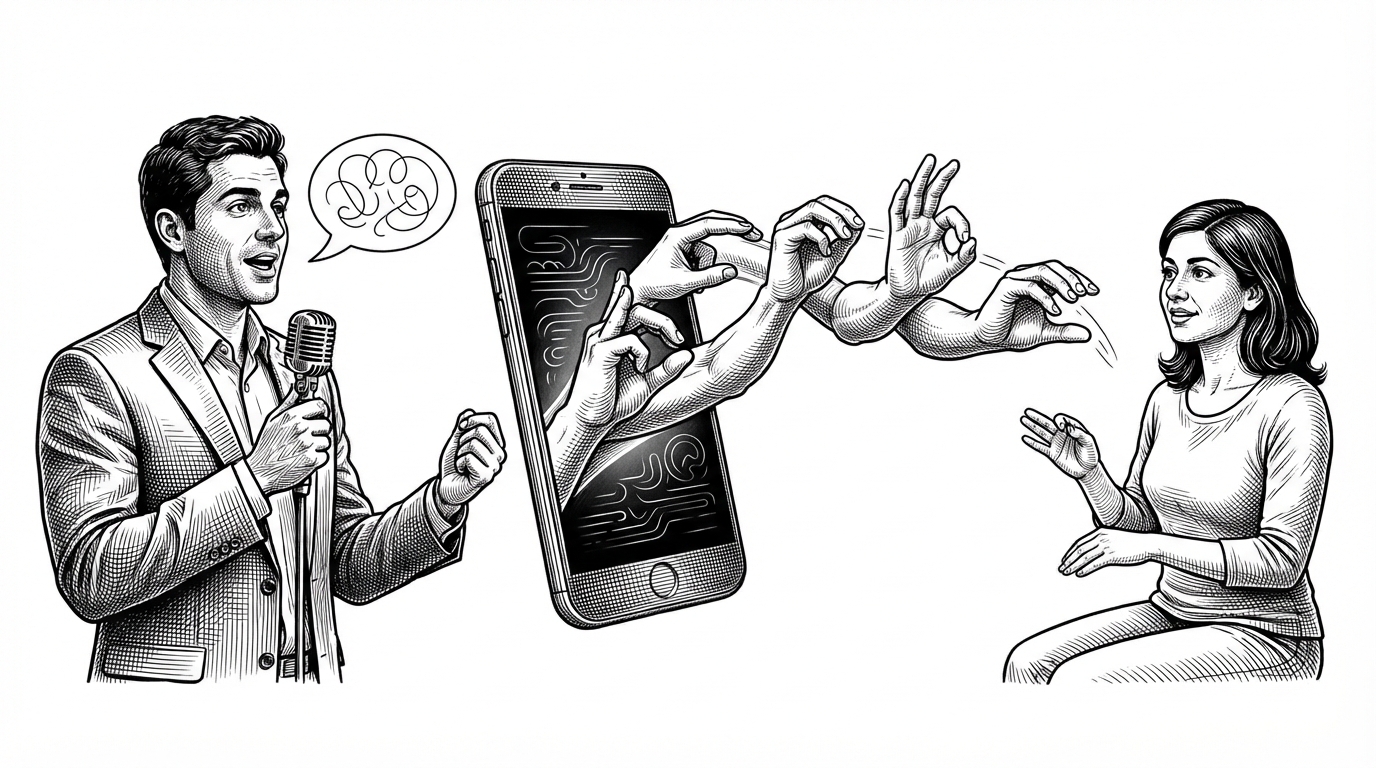
- Sanket’s core idea is translation as mediation, not transcription, so the app treats communication as a two-way bridge rather than a text dump.
- Its most important product choice is the use of 3D sign animations, which makes the output feel closer to signed language than to a generic caption layer.
- The stack is practical and mobile-first, with Flutter providing the app shell and Blender supplying the sign language visuals.
- The project sits in the narrow but real space where open-source tools can reduce friction for Deaf and Hard of Hearing communication.
Sanket is not a chat app with a sign-language skin. Its job is narrower and more interesting: it tries to translate speech into Indian Sign Language using animated 3D output, so the result feels like mediation instead of annotation.
That matters because the gap is not just linguistic. It is also visual, cultural, and technical. A tool like this has to make signs legible enough to be useful, while keeping the interaction simple enough to run on a phone.
The app’s main job is to make speech visible in ISL
The repository centers on a mobile experience built with Flutter. That is a sensible choice for a communication tool, because the app needs to run cleanly on phones and keep the UI light.
The distinctive part is the output layer. Instead of relying only on text or static graphics, Sanket uses 3D animations created in Blender to represent Indian Sign Language.
Software developer passionate about building efficient, scalable solutions. Always learning, always coding.
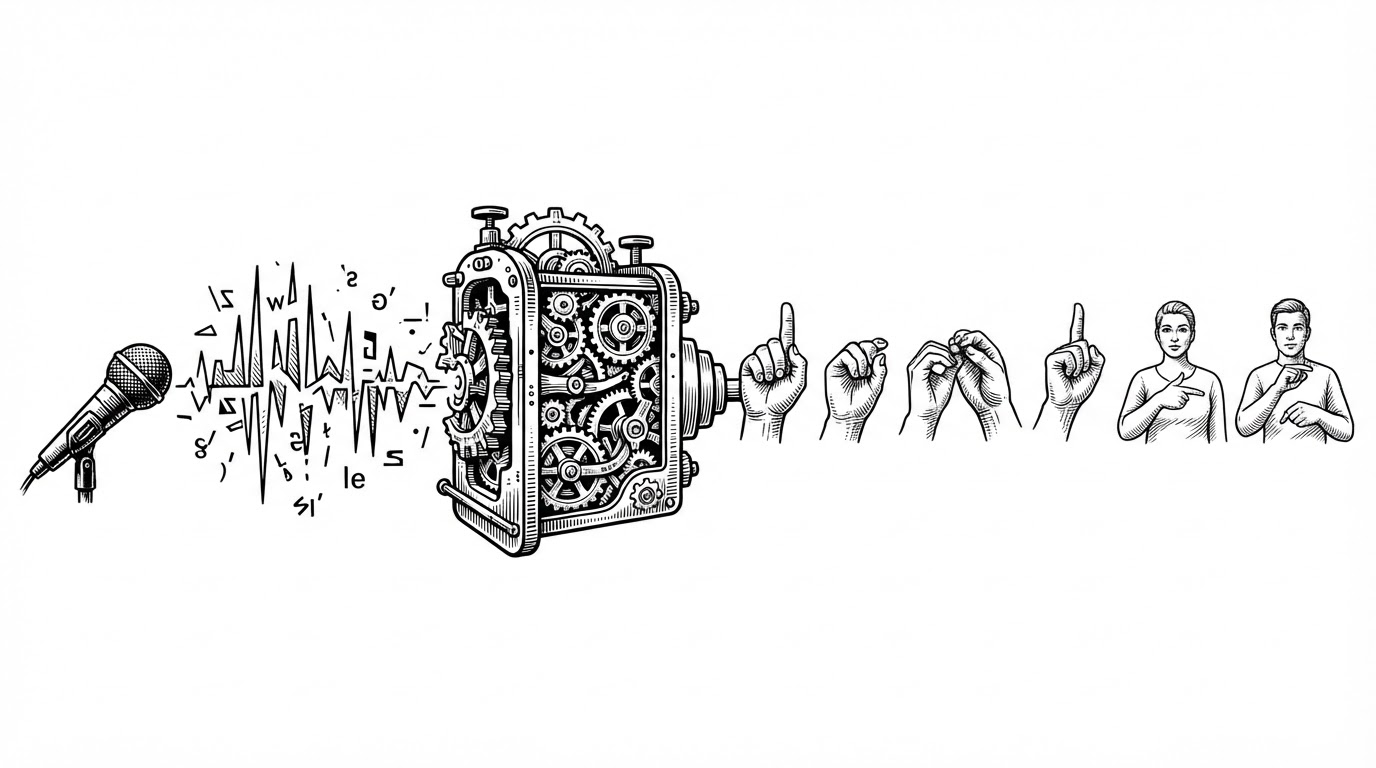
Why the visual layer matters more than a text transcript
For hearing users, text often feels like the end state. For a sign-language mediator, text is only an intermediate form. Sanket’s 3D avatar approach makes that distinction visible.
That is also why the project feels closer to communication infrastructure than to a demo. It is not trying to maximize novelty. It is trying to preserve meaning across two different language modes.
What the stack tells you about the project
The stack is intentionally pragmatic. Flutter gives it a cross-platform mobile shell, while Blender handles the asset creation side of the system. That division keeps the application focused on delivery instead of overengineering the animation layer.
The repository also suggests a student-project origin. That is not a weakness here. In fact, it explains the shape of the work: a focused prototype that solves one communication problem clearly, rather than a sprawling platform trying to do everything.
| Dimension | Sanket | Typical sign-language app |
|---|---|---|
| Primary goal | Mediating speech into ISL | Showing text or basic translation output |
| Visual output | 3D sign animations | Static icons or captions |
| Mobile stack | Flutter | Often web-first or mixed |
| Asset creation | Blender-produced animation assets | Generic UI assets |
| User experience | Communication bridge | Information display |
| Project feel | Focused prototype | Feature bundle |
The most useful comparison is not against a generic consumer app. It is against any tool that stops at transcription. Sanket is trying to move one step further and render the message in a form that can actually be received as sign language.
The open-source value is in the narrowness
A lot of open-source apps try to broaden their scope early. Sanket does the opposite. It chooses a specific language context, a specific interaction model, and a specific output format.
That narrowness is what makes it interesting. A communication tool earns trust by being precise about who it serves and what it translates.