Thuki: The macOS AI secretary that lives on top of everything else
A deep look at the local-first overlay that uses NSPanel, global event taps, and live screen context to make AI feel like a system reflex instead of a separate app.
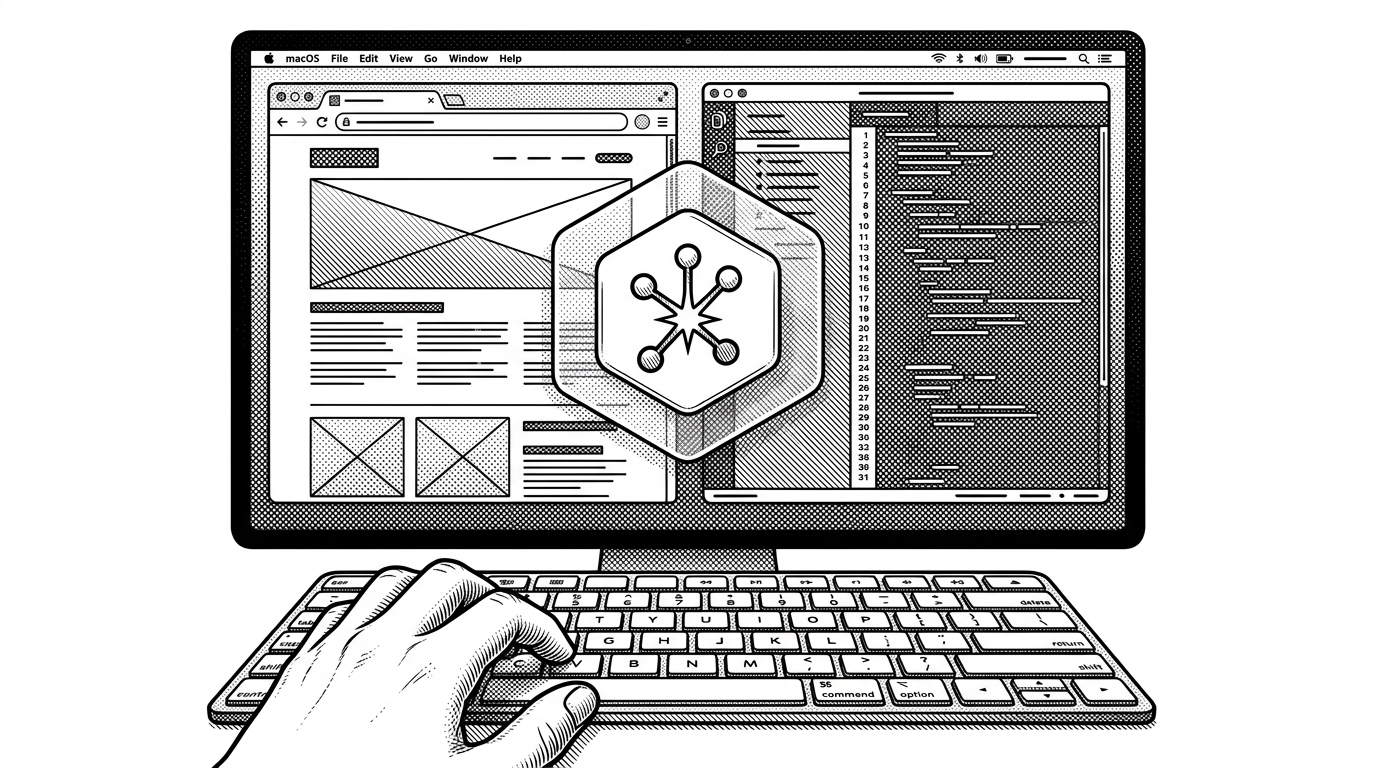
- Thuki’s real innovation is not local AI by itself, but an overlay model that makes the assistant feel like a macOS reflex.
- The double-tap Control gesture, NSPanel windowing, and screen-aware capture pipeline work together to erase the feeling of launching an app.
- SQLite persistence and token streaming are not implementation trivia here, because they make a private assistant feel durable and fast at the same time.
- Thuki competes less with chatbot products than with the idea that AI should live in a separate destination at all.
The secret is the gesture
Thuki starts with a tiny act that changes the whole product: double-tap Control, and the assistant appears. That matters because it reframes AI from something you visit into something that interrupts the workflow only when needed. It is basically command palette muscle memory, but for an assistant that knows where you are.
That loop is the product. The user does not have to hunt for an icon or summon a chat window, and the app does not ask for a mental mode switch. It just surfaces, takes a cue from the current screen, and gets out of the way again.
Why macOS does not make this easy
A standard window is the wrong tool for this job. Fullscreen apps, Spaces, and z-order rules all work against the idea of a persistent assistant that should feel present without being intrusive. Thuki has to win against the operating system’s default assumptions before it can feel native.
// The core challenge
if user_double_taps_control_within_window {
  show_overlay_panel()
  keep_focus_for_typing()
} else {
  ignore()
}

// The hard part is not the gesture.
// It is making the panel behave like an OS overlay across fullscreen apps and Spaces.| Constraint | Standard window | Thuki |
|---|---|---|
| Fullscreen behavior | Often gets hidden or trapped behind app state | Uses panel behavior to stay visible across Spaces |
| Activation | Manual launch or dock interaction | Double-tap Control global trigger |
| Typing focus | Not always reliable in overlays | Can become key window |
| User experience | Feels like another app | Feels like part of the system |
The NSPanel trick
The implementation detail that unlocks the experience is the move from a normal window to an NSPanel. That is where CollectionBehavior and PanelLevel start to matter, because they control how the overlay survives across macOS spaces and fullscreen boundaries.
The other critical flag is can_become_key_window: true. Without that, the panel might float beautifully and still fail at the one thing it has to do well: accept input instantly. That is the kind of small platform-specific switch that changes the entire product shape.
The overlay is only useful if it can see what you see
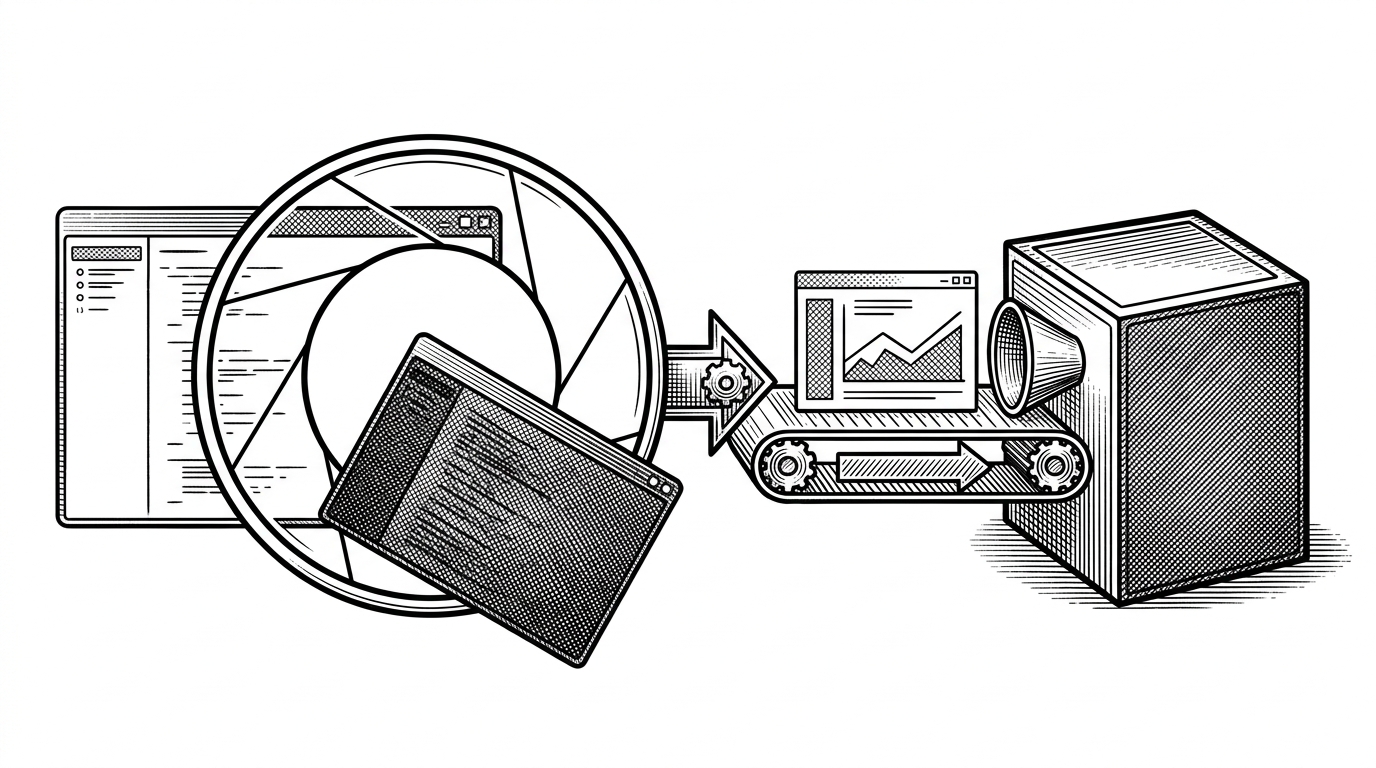
Once the panel appears, the next question is context. Thuki supports an interactive capture flow through screencapture -i and a silent full-screen path through CoreGraphics. In both cases, the point is the same: the assistant should see the screen without forcing the user to export anything elsewhere.
The clever part is that Thuki tries not to photograph itself. It hides the panel before capture in the interactive path, and in the silent path it excludes its own process from the capture set so the assistant does not contaminate its own context.
I really like the 'quiet' design. It's refreshing to see a project that prioritizes privacy from the ground up.
Why local storage matters more than it sounds
Thuki’s SQLite setup is not background plumbing. It is what lets the assistant feel durable without becoming cloud-dependent. WAL mode matters because the app can keep reading and writing while a response is still streaming, which is exactly the sort of behavior a fast assistant needs.
| Storage pattern | What it feels like | What breaks |
|---|---|---|
| localStorage or ephemeral state | Lightweight at first | History and streaming get fragile fast |
| SQLite with WAL | Persistent and concurrent | Requires a real database design |
| Cloud-backed conversation store | Convenient across devices | Adds dependency and metadata exposure |
That trade-off is strategic. If the assistant is supposed to feel like a private utility, then history, retries, and partial responses need to survive as first-class state on the machine itself. This is where a small local database becomes a business decision, not just an engineering one.
Streaming, cancelation, and the feel of speed
Thuki streams tokens through tokio::sync::mpsc and Tauri channels, which keeps the UI moving while the model is still thinking. That matters because latency is not just a systems metric here. It is the difference between an assistant that feels immediate and one that feels burdensome.
let token = CancellationToken::new();
let state = GenerationState { cancel: token.clone() };

// Stream tokens to the UI as they arrive.
while let Some(chunk) = response_stream.next().await {
    if token.is_cancelled() {
        break;
    }
    ui_channel.send(chunk).await?;
}

// User can interrupt instantly.
token.cancel();
The cancellation path is part of the UX, not an escape hatch. If the assistant starts going in the wrong direction, the user should be able to stop it immediately and return to the work already on screen. This is the kind of responsiveness that turns a novelty into something people trust under pressure.
The design system is part of the thesis
Thuki’s visual language aims for a particular illusion: it should feel like macOS, not like a foreign app sitting on top of it. The Liquid Glass treatment, the soft translucency, and the floating surfaces all reinforce the same idea as the panel behavior. The UI is trying to disappear without actually becoming invisible.
That is a harder design brief than it sounds. If the chrome feels too heavy, the illusion breaks. If it feels too generic, the app loses the native quality that makes the whole interaction credible. The best interface trick here is restraint.
What Thuki is really competing with
Thuki is not trying to out-chat a chatbot. It is competing with a product shape. Standard AI assistants ask users to enter a destination. Thuki is trying to live in the flow of work, stay local, and answer only when the screen already provides the context.
| Project | Activation model | Context source | Network dependency | UI relationship to OS |
|---|---|---|---|---|
| Thuki | Double-tap Control | Live screen capture and local context | Local-first | Overlay that behaves like system chrome |
| Standard chat app | Open a window or tab | Manual paste or upload | Usually cloud-first | Separate destination |
| Cloud-first AI assistant | Hotkey or sidebar | Remote processing and app data | Always online | Attached to a service |
| Privacy-focused P2P tools | Network or peer discovery | Mostly messaging context | Often decentralized | Separate communication layer |
That makes the comparison less about features and more about product philosophy. Briar, Quiet, and IPFS point toward private or decentralized communication, but Thuki narrows the problem further: make the assistant itself feel invisible, immediate, and local. The claim is compelling, but the proof is in whether the overlay stays frictionless after the first week.
The bigger bet
Thuki is a bet that local models are good enough for a private assistant, but that the winning product will look nothing like a chat app. The interface matters as much as the model. Maybe more.
That is the sharpest read on the repo. It is not building a better destination for AI. It is building a reflex layer for macOS, one that can see the current screen, stay on the machine, and disappear as soon as it is no longer needed. If this category works, the best apps may feel less like software and more like habits.