TranscriptionSuite: The Local-First Transcription App That Looks Like a Software Factory
A privacy-first audio workspace that swaps cloud APIs for local models, then adds diarization, notebook workflows, and an unusually structured AI-agent build system.

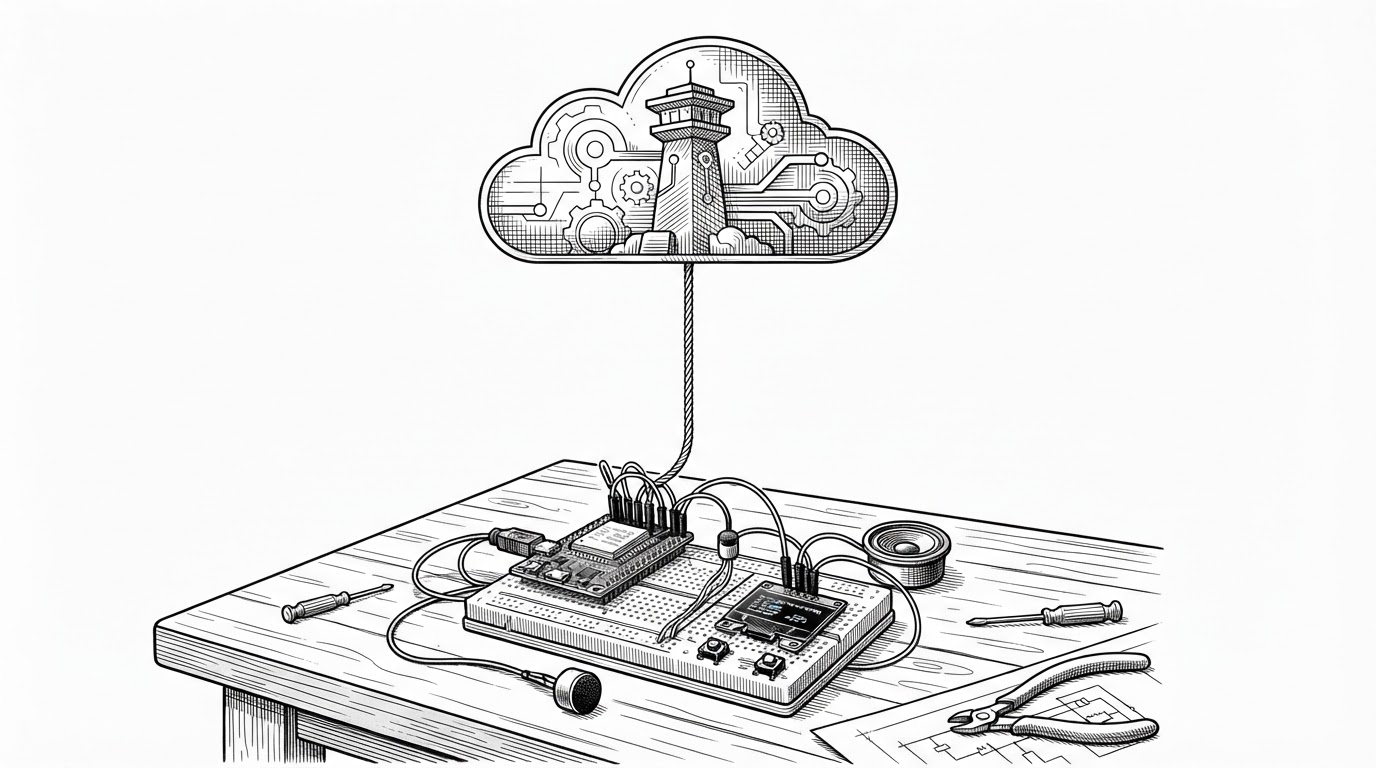
I first looking at any existing solutions, but couldn't find any decent option that could run locally. Then I came across RealtimeSTT, an extremely impressive and efficient Python project that offered real-time transcription. It's more of a library or framework with only sample implementations. So I started building around that package, stripping it down to its barest of bones in order to understand how it works so that I could modify it. This whole project grew out of that idea.
- TranscriptionSuite is best understood as a local audio workspace, not a thin transcription wrapper.
- Its most unusual feature is the repo itself, which exposes a highly systematized AI-agent build process through the `.claude/skills/` layer.
- The app wins by routing one audio source across multiple backends, hardware targets, and workflow destinations instead of betting on a single model.
- Privacy is not a checkbox here. It is the architecture that makes the whole product usable for serious audio work.
The strange thing about TranscriptionSuite is not that it transcribes audio locally. Lots of tools do that now. The surprise is that the repository itself feels like a carefully managed production line, with a dense `.claude/skills/` layer that suggests the software was assembled by a disciplined agent workflow, not just a human developer throwing a UI on top of Whisper.
The repo is a product and a process
That layer matters because it changes how you read the rest of the codebase. The app is not only a transcription product. It is also evidence of a software-building method that tries to make architecture, implementation, and iteration explicit. The result is a repository that feels unusually coherent for a project spanning Python, TypeScript, shell scripts, Docker, and model-specific integrations.
The visible product is straightforward: a private, cross-platform speech-to-text suite for meetings, lectures, dictation, and notebook-style audio capture. The hidden product is the workflow discipline underneath it. That is why this repo stands out in a crowded field of STT tools. It is not just comparing models. It is comparing ways of building software.
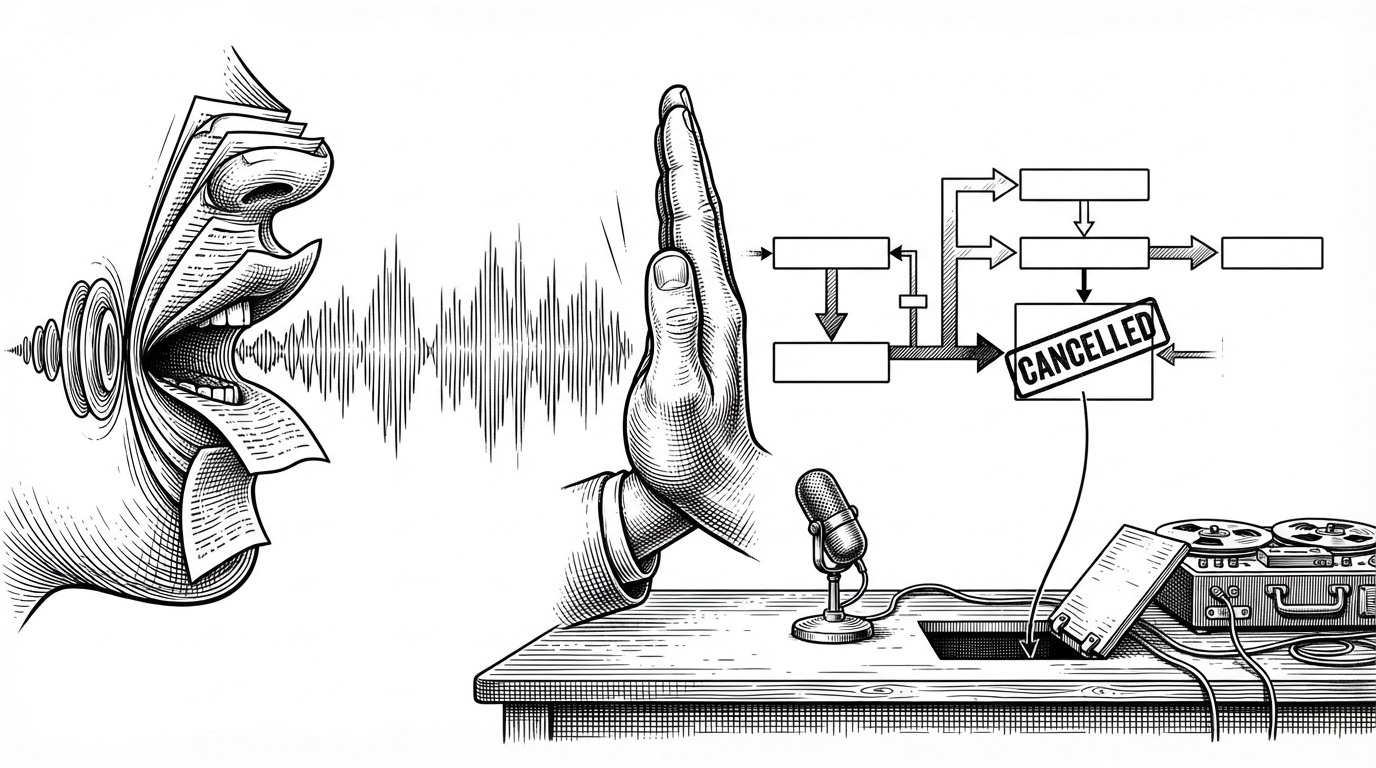
Moreover, there's the privacy issue. They already collect a ton of text data, giving them my voice feels like too much.
The real product is a private audio workspace
TranscriptionSuite is closer to an audio workspace than a utility. It handles live dictation, longform recordings, speaker-separated transcripts, search, calendar-style organization, and AI-assisted note workflows. In other words, it is trying to own the full life cycle of spoken information after the microphone is turned off.
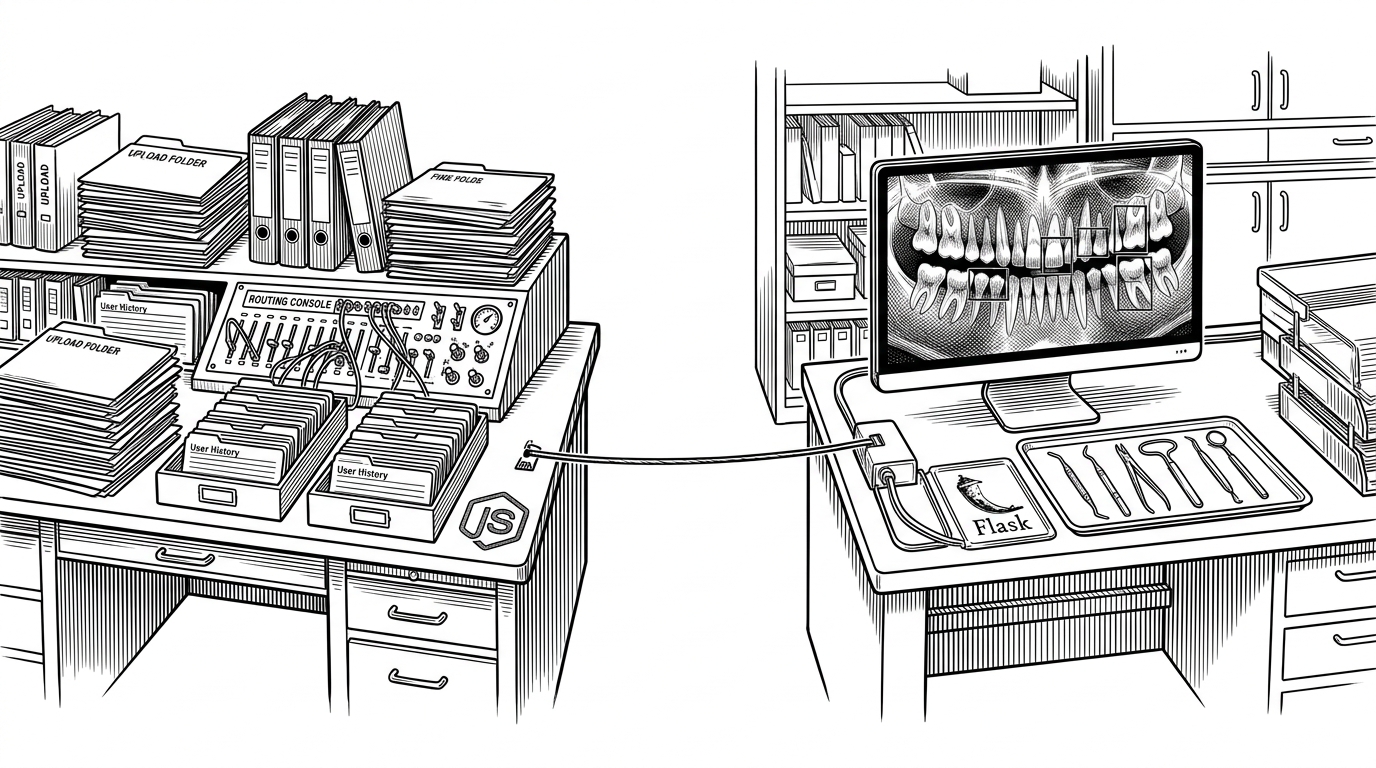
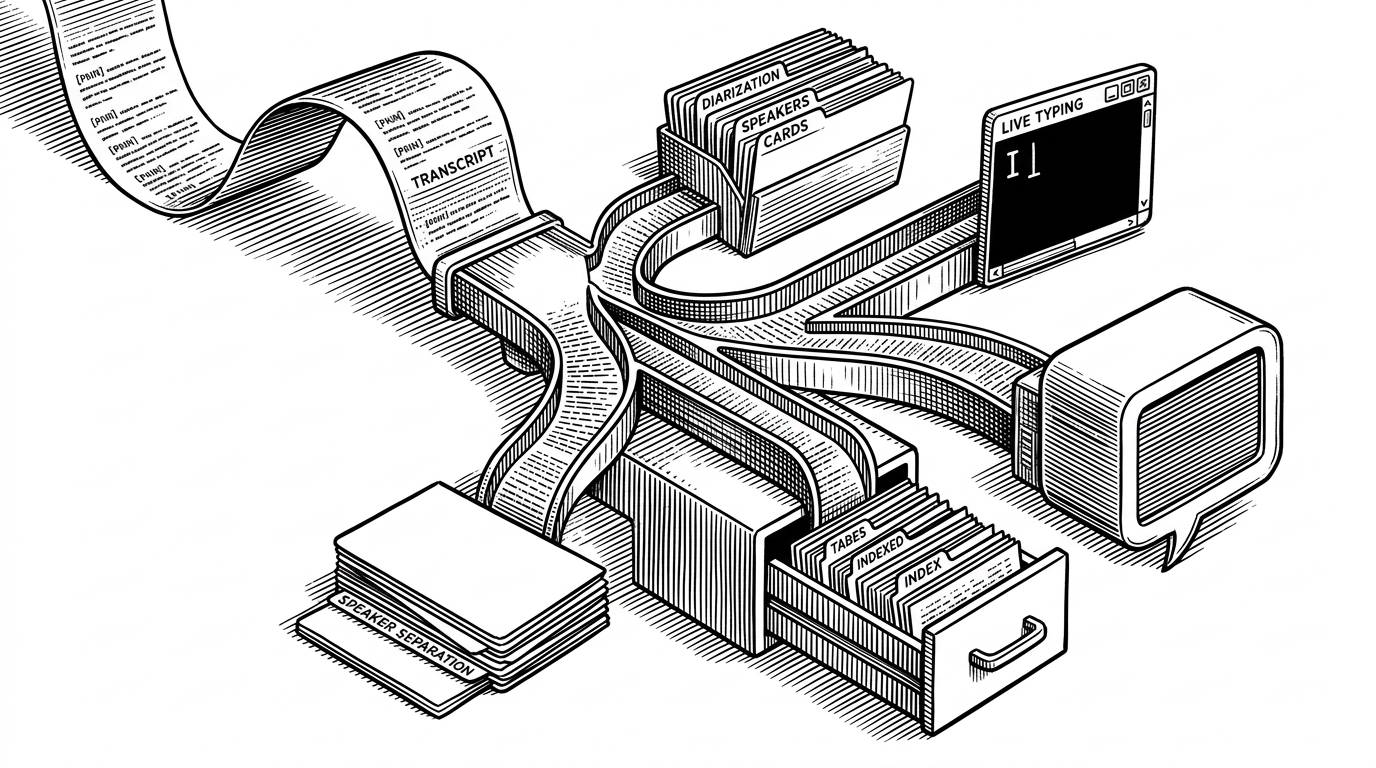
That fan-out is the key. A recording is not just transcribed. It can become a live stream, an archive, a notebook entry, a subtitle file, or a substrate for chat with a local model. The project treats transcript data as reusable memory, not disposable output.
One interface, many engines
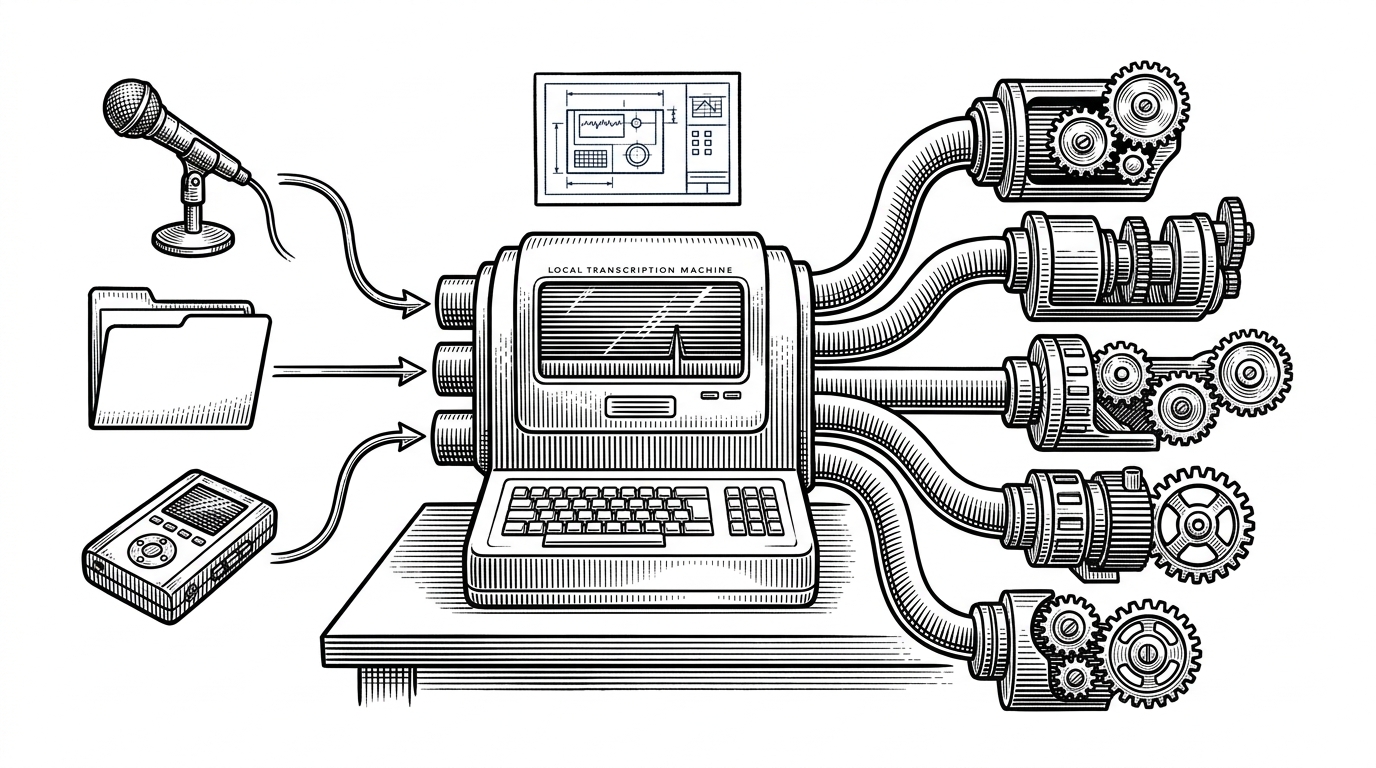
The backend strategy is the project’s most practical differentiator. Rather than betting on a single speech engine, TranscriptionSuite acts as a dispatcher across faster-whisper, NVIDIA NeMo, whisper.cpp, MLX, and VibeVoice-ASR. That gives the app a chance to match workload to hardware instead of forcing every user down the same path.
| Layer | Raw Whisper | Single-backend GUI | TranscriptionSuite |
|---|---|---|---|
| Engine choice | One model | Usually one model | Multiple interchangeable backends |
| Hardware coverage | Depends on the wrapper | Usually narrow | NVIDIA, Apple Silicon, CPU, and experimental AMD/Intel paths |
| Diarization | External setup | Sometimes missing | Built into the workflow |
| Notebook workflow | Not included | Rare | Audio notebook and search |
| Privacy | Can be local | Can be local | Local by design |
That matters because local transcription is harder than it sounds. Hardware is fragmented. Latency expectations are different for live dictation versus longform processing. Speaker attribution often becomes the hidden complexity. And portability means the app has to survive Windows, Linux, and macOS without collapsing into a lowest-common-denominator experience.
Why local STT is harder than it sounds
A local transcription app has to solve more than model accuracy. It has to negotiate GPU availability, CPU fallbacks, model downloads, diarization quality, and the messy reality that one user wants Apple Silicon speed while another wants Vulkan support on commodity hardware. TranscriptionSuite’s answer is not elegance through simplicity. It is resilience through options.
| Problem | Cloud services | Single local wrapper | TranscriptionSuite |
|---|---|---|---|
| Latency control | Provider-dependent | Often fixed | Mode-dependent and hardware-aware |
| Speaker separation | Usually bundled | Often incomplete | Explicitly integrated |
| Portability | Easy but remote | Often narrow | Designed across major desktop platforms |
| Offline use | Usually no | Yes | Yes, with multiple local paths |
| Workflow depth | Broad but external | Thin | Notebook and AI chat integration |
The inclusion of Tailscale is a smart clue. It suggests the project is not anti-network. It is anti-exposure. You can keep the model and data local while still reaching your own machine securely from elsewhere. That is a far more useful privacy story than a blanket promise of isolation.
Live mode, longform mode, and the notebook layer
This is where the app stops looking like a transcription engine and starts looking like a memory system. Live mode is for immediate dictation. Longform mode is for recordings that need heavier processing. The audio notebook turns output into structured recall, which is the difference between a transcript you forget and a transcript you can use later.
The seed of the project was my desire to quickly and reliably interface with AI chatbots using my voice. That was about a year ago. Though less prevalent back then, still plenty of AI services like GhatGPT offered voice transcription. However the issue is that, like every other AI-infused company, they *always* do it shittily. Yes is works fine for 30s recordings, but what if I want to ramble on for 10 minutes? The AI is smart enough to decipher what I mean and I can speak to it like a smarter rubber ducky, helping me work through the problem.
That quote explains the product instinct better than any feature list. The goal is not just to capture speech. It is to create a reliable voice interface for thinking, then preserve the result in a format that can be searched, reviewed, and revisited.
What TranscriptionSuite is really competing with
It is tempting to compare TranscriptionSuite with Whisper and stop there. That misses the point. Raw Whisper is the engine. whisper.cpp and faster-whisper are implementation paths. GUI wrappers are thin surfaces. Cloud services are convenience products with privacy trade-offs. TranscriptionSuite is competing as a system that binds all of those concerns into one local workflow.
| Competitor | What it wins on | What it lacks relative to TranscriptionSuite |
|---|---|---|
| openai/whisper | Foundational model quality | No integrated local product experience |
| whisper.cpp | Portable CPU and Vulkan execution | Not a full workflow suite |
| faster-whisper | Efficient inference | Not a user-facing notebook environment |
| Cloud transcription tools | Convenience and polish | Local control, privacy, and hardware flexibility |
| Simple GUI wrappers | Low friction | Depth across backends, diarization, and storage |
That is why the project feels bigger than transcription. It is a local operating layer for audio work. The codebase’s multi-agent build structure reinforces that reading. The product is an app. The repo is also a proof that complex software can be organized around explicit roles, reusable skills, and local-first constraints.