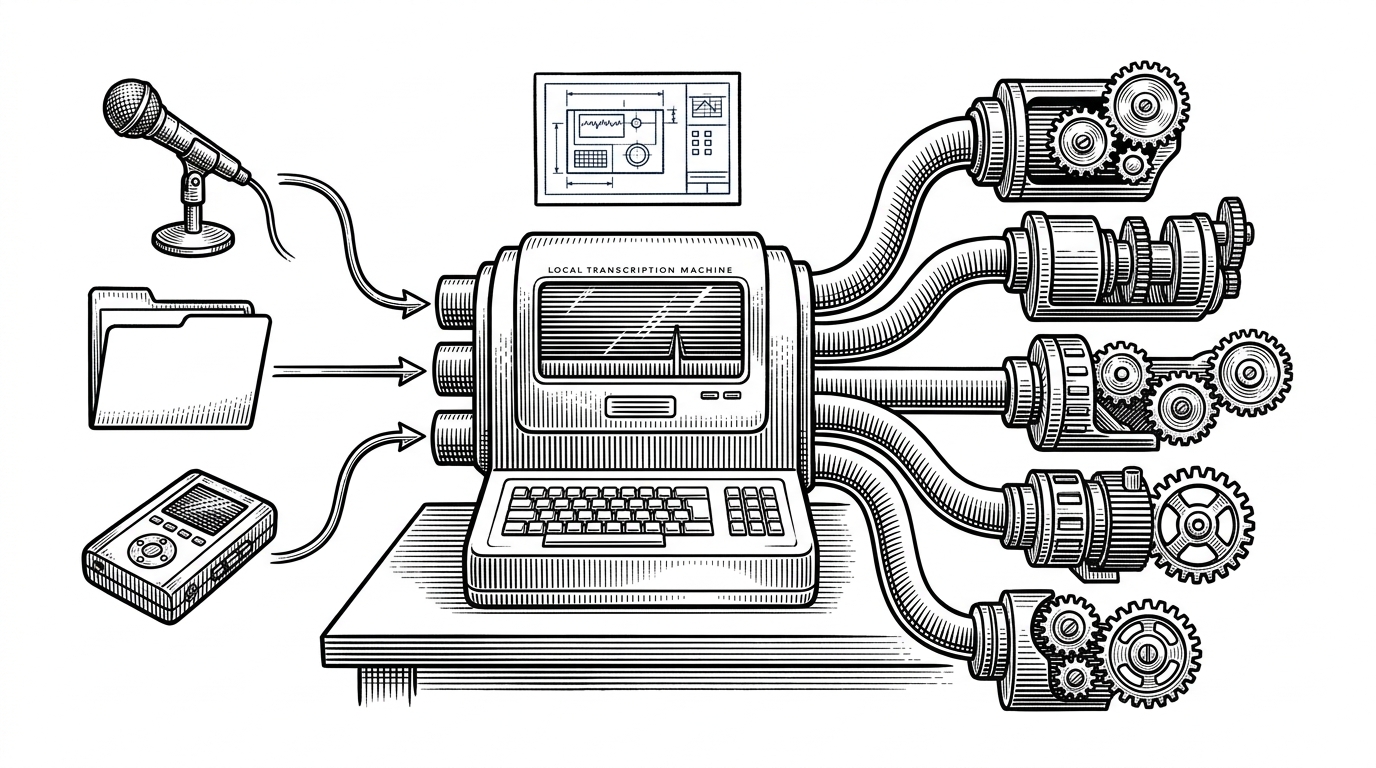
Voicebox: The Local Voice Studio That Makes TTS Feel Installed, Not Streamed
An open-source desktop app for voice cloning and speech generation that bundles the model, the backend, the editor, and the effects chain into one private workflow.
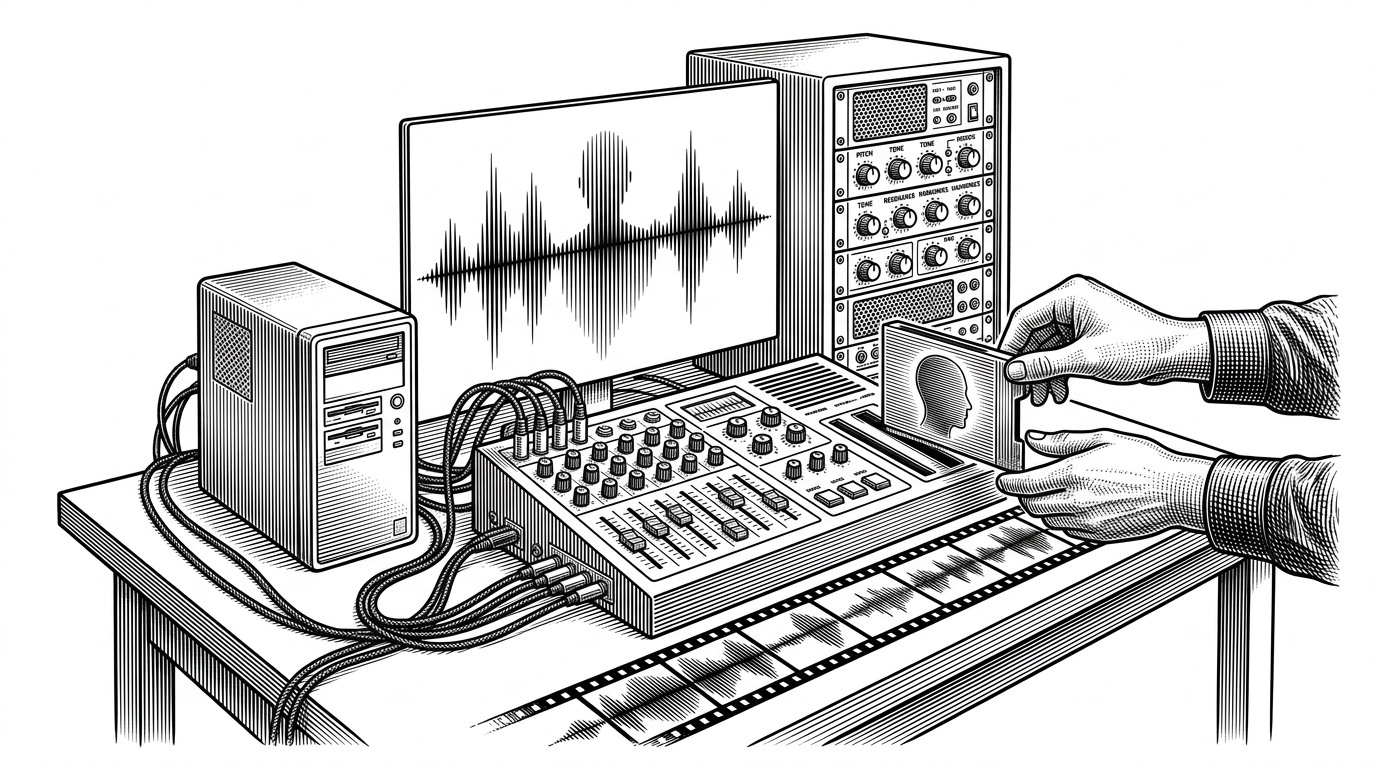
- Voicebox is best understood as a desktop instrument for voice, not as another TTS endpoint.
- Its real innovation is packaging a heavy backend, a native shell, and hardware-aware inference into one managed app.
- The local-first design is about portability and ownership as much as privacy.
- Voicebox wins by combining studio workflow, model flexibility, and device-specific acceleration in one place.
Why Voicebox Feels Like a Product, Not a Model Demo
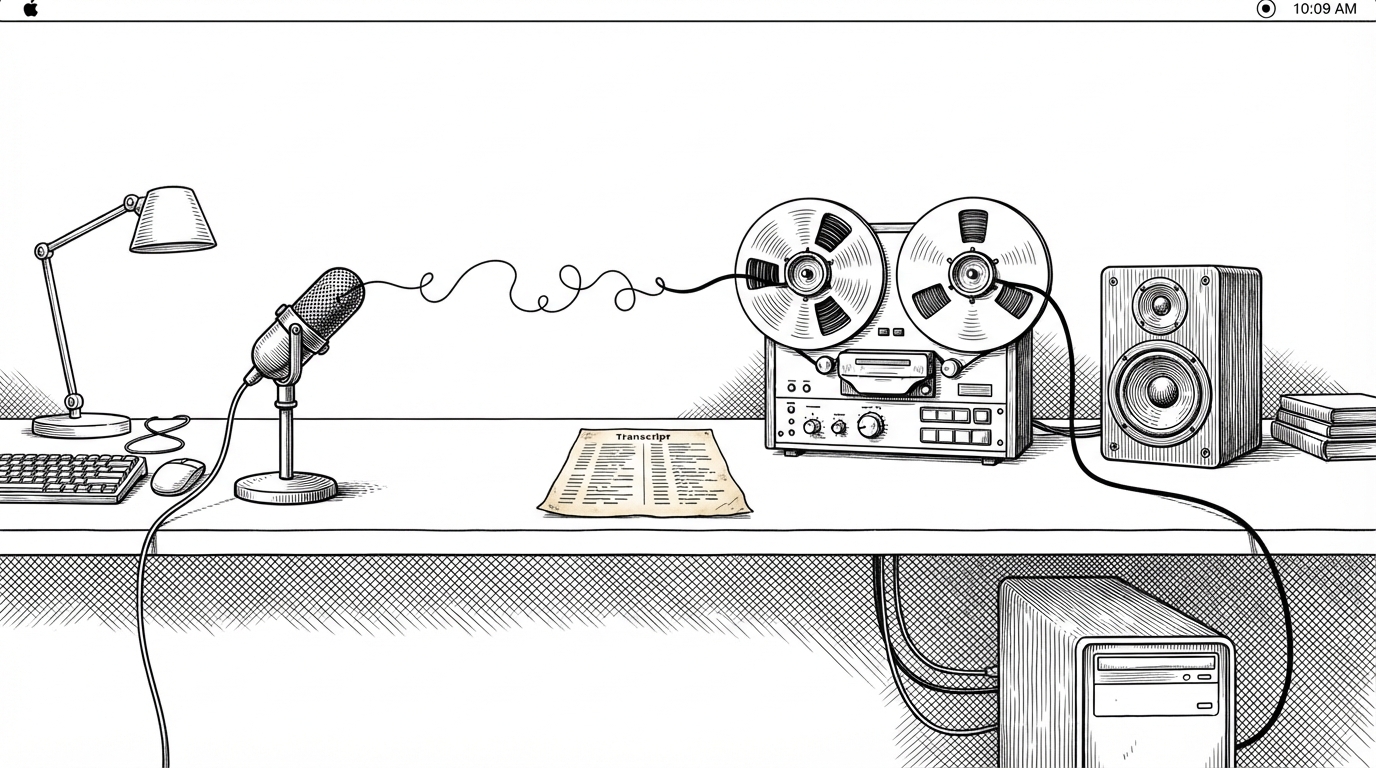
Most TTS projects lead with the model. Voicebox leads with the feeling that you have installed a tool, not opened a web app. That matters because the pitch is not just better synthesis. It is ownership: your voices, your clips, your effects, your machine.
That framing is what makes the project compelling. Voicebox behaves like a local studio with a clear product boundary. The app, backend, editor, and storage model are all part of the same promise: keep the workflow private, fast, and self-contained.
Apprently @jamiepine cooked something so hard called Voicebox that it is causing division between people. Plus he is crypto og from 2017 as well!

The Trick Is the Shell Around the Model
Under the hood, Voicebox is a managed system. A Tauri shell launches a Python backend, the UI checks that the process really is Voicebox, and a watchdog keeps the pieces from drifting apart. That is the difference between a demo and a desktop product.
const response = await platform.lifecycle.startServer();
if (!isVoiceboxHealthResponse(response)) {
  throw new Error('Backend did not identify as Voicebox');
}

if (isPortInUseError(error)) {
  showPortConflictState();
  shutdownWatchdog();
}
Hardware Awareness Is the Quiet Superpower
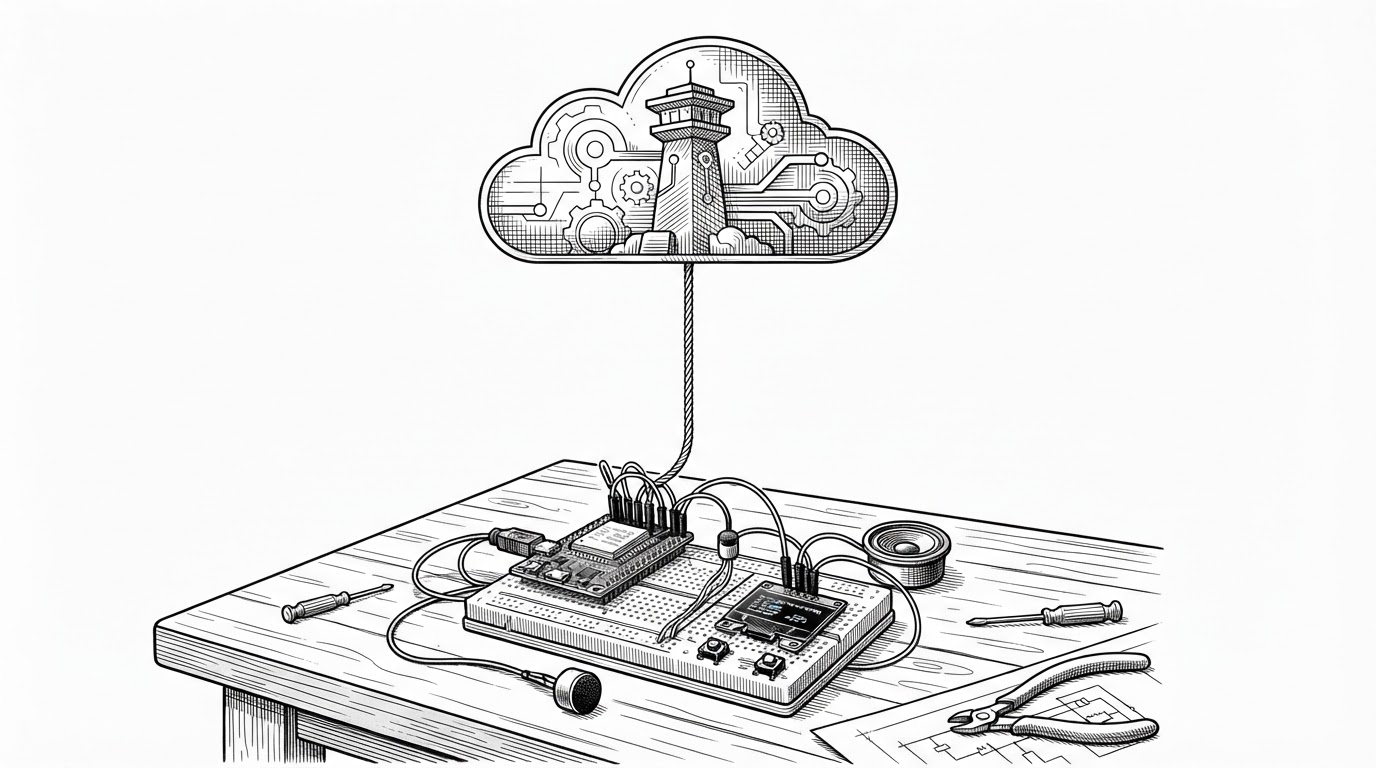
Voicebox does not assume one GPU path. It detects CUDA, ROCm, MPS, MLX, and CPU fallback, then routes inference accordingly. That is a product decision, not a technical footnote, because it changes who gets a fast app on real hardware.
The Apple Silicon story matters here. MLX support is not just a compatibility checkbox. It is part of the reason Voicebox feels native on Macs, where the same app can behave less like a containerized experiment and more like a real creative tool.
Voicebox Is Also a Studio
This is where the repo stops looking like infrastructure and starts looking like a workspace. The effects chain, pedalboard integration, stories editor, and inline tags like [laugh] and [sigh] turn generated speech into something performable.
| Workflow | What the user edits | What the system produces |
|---|---|---|
| Plain TTS | Text only | A spoken clip |
| Voicebox | Text, voice profile, effects, and performance tags | A shaped voice session |
{
  "tags": ["[laugh]", "[sigh]", "[pause]"],
  "effects": ["reverb", "pitch", "compression"],
  "storage": "local data directory"
}
How the Data Stays Local and Portable
Voicebox keeps its data in a unified local directory: SQLite, voice profiles, generated audio, and project assets live together. The subtle win is portability. Relative path rebasing means the project can move machines without falling apart.
That is a privacy story, but it is also a continuity story. If a tool can preserve your work when your environment changes, it starts to behave more like software you own and less like a service you rent.
What It Beats, and What It Does Not
| Project | Primary strength | Where Voicebox differs |
|---|---|---|
| ElevenLabs | Cloud quality and convenience | Voicebox keeps the workflow local and owned |
| Coqui XTTS | Open-source model flexibility | Voicebox packages the model inside a desktop studio |
| Bark | Expressive generation and non-speech sounds | Voicebox adds a product boundary and editor workflow |
| Piper | Fast local TTS on modest hardware | Voicebox aims higher on studio features and voice cloning |
That table points to the real category error people make when they first see Voicebox. They compare it to engines. It is closer to a workstation. The competition is not only model quality. It is how much of the workflow the user can keep on their own machine.
The Bigger Bet
Voicebox is a bet that AI tools will keep moving from hosted endpoints to local, composable desktop systems. The repo’s smartest move is not a single model choice. It is the decision to package voice generation as an installed instrument with a real boundary, a real editor, and real control over where the data lives.