Quill: The macOS recorder that treats diarization like a plumbing problem
A minimalist local-first tool that captures mic and system audio separately, writes crash-safe CAF files, and transcribes on-device without a cloud meeting bot.
- Quill’s main innovation is capture design, because it separates mic and system audio before transcription ever begins.
- Crash resilience is not a bolt-on feature here, since CAF files and filesystem state make interrupted sessions recoverable.
- The app’s simplicity is architectural, with a single binary, a small UI, and no virtual audio driver in the middle.
- Quill competes by reducing setup friction and trust costs, not by trying to outfeature cloud meeting assistants.
Most transcription tools start with a hard model problem and hope the UI can hide the mess. Quill starts earlier. It changes how audio enters the system, so the transcript gets a head start on speaker separation, privacy, and recovery.
The neatest trick is not the transcript
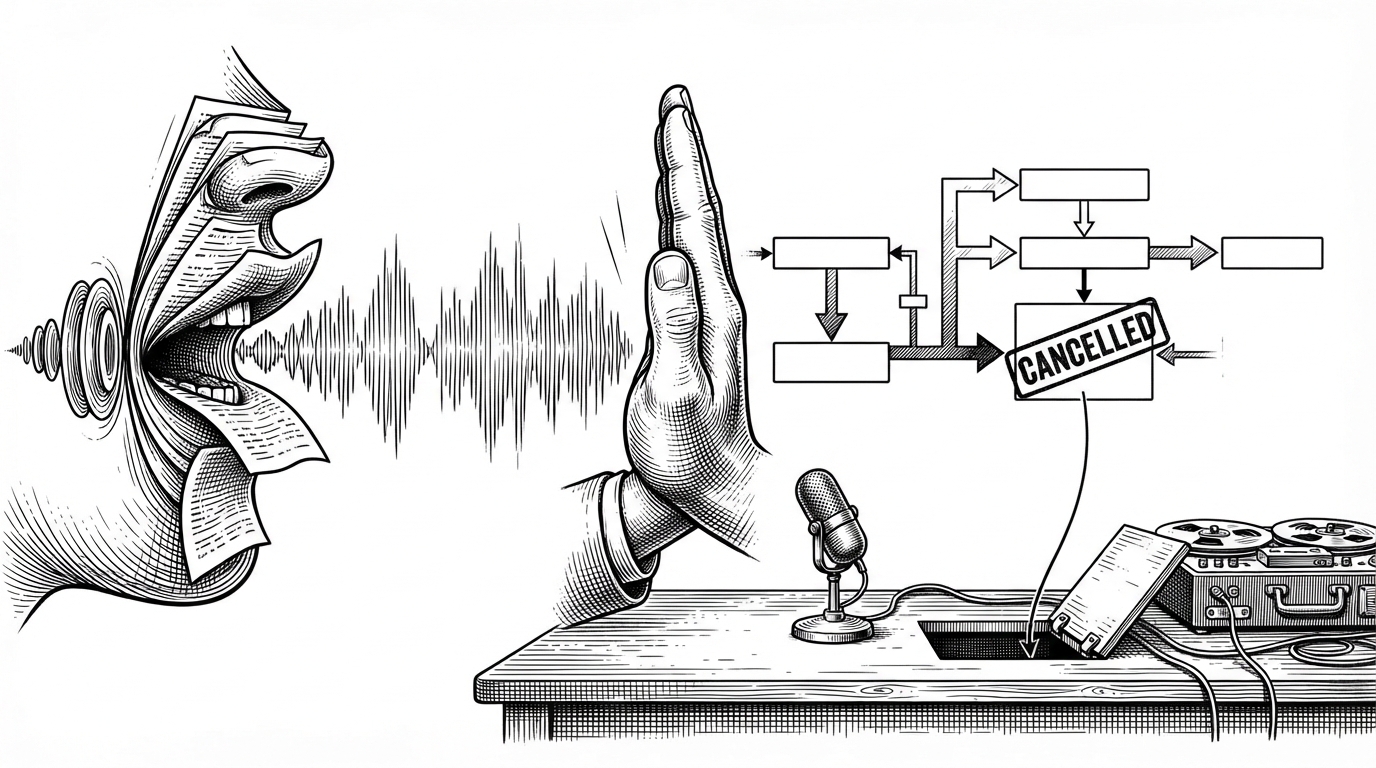
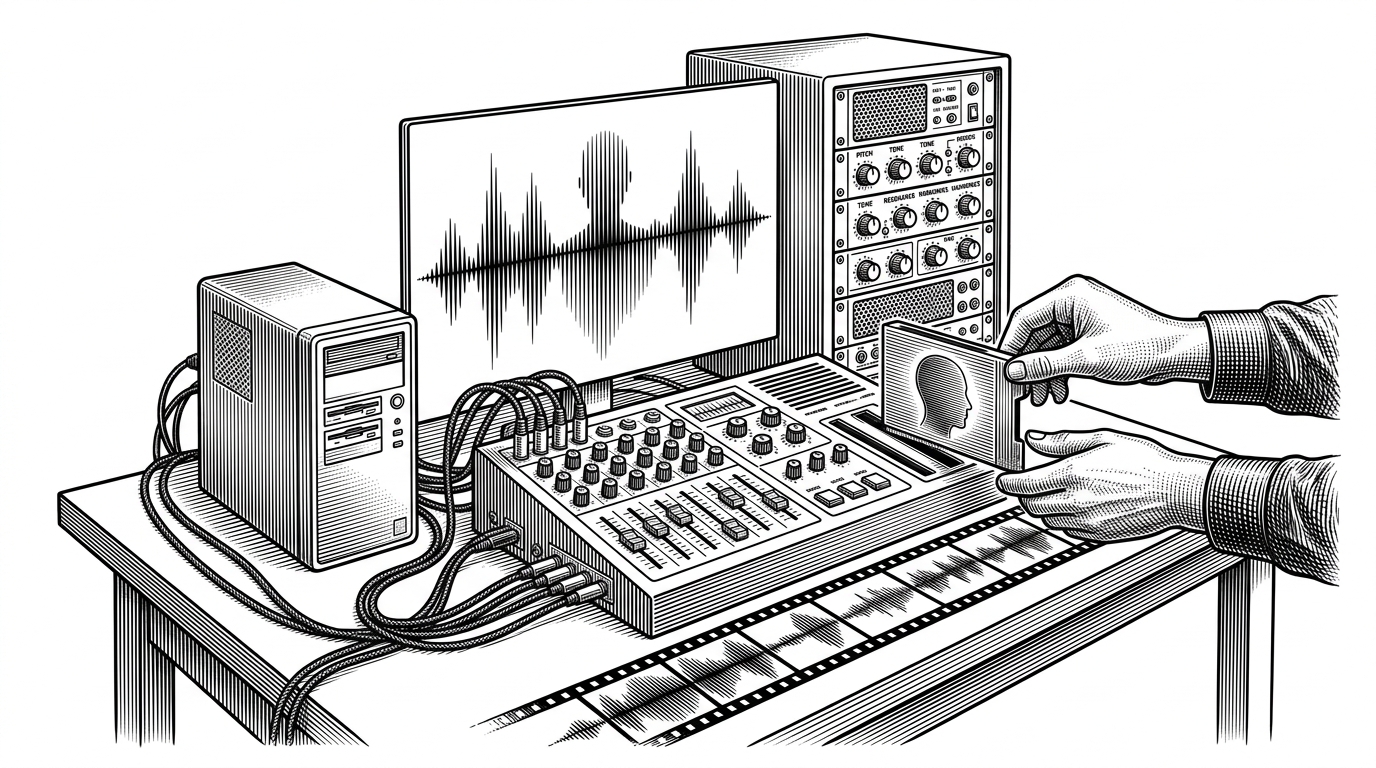
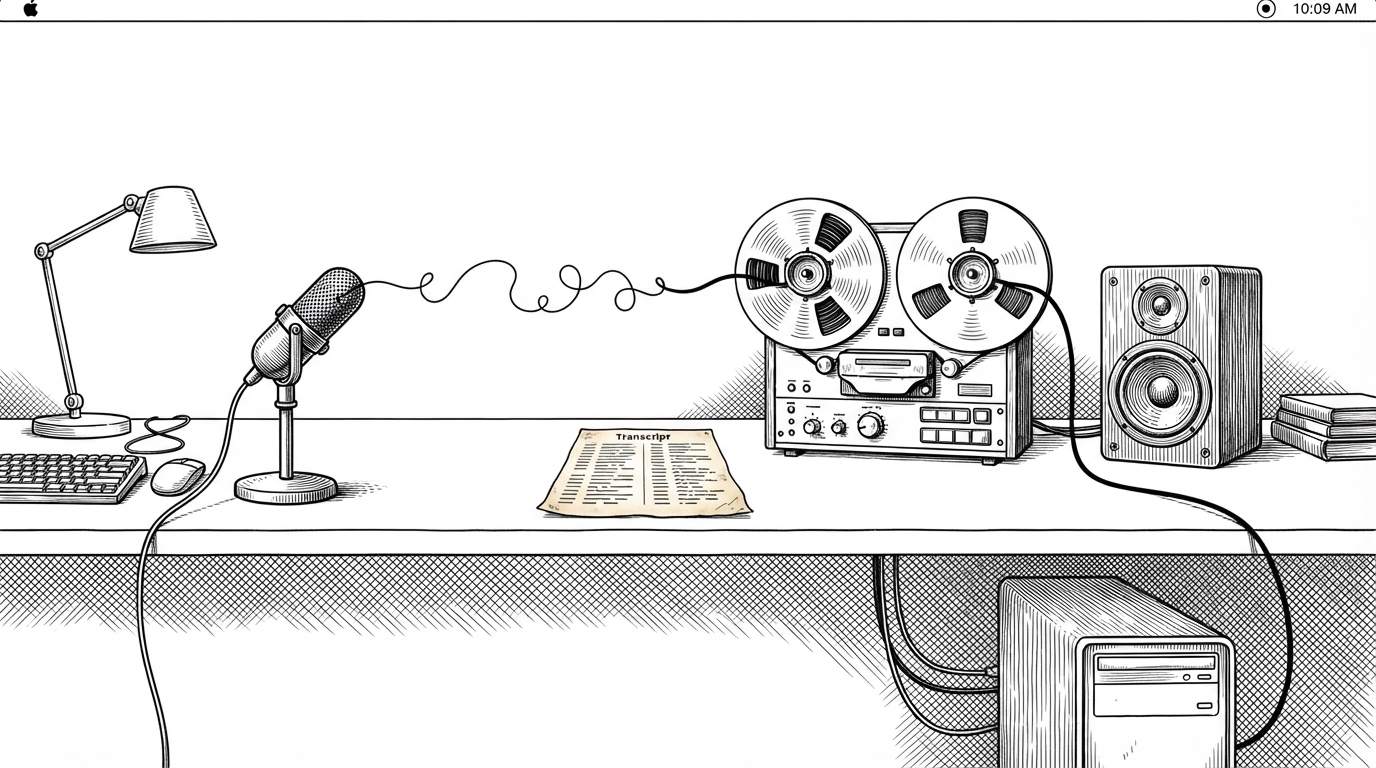
Quill’s core move is almost aggressively unspectacular: it records microphone input and system output as distinct sources. That means the app does not need to guess who spoke from a blended stream, because the data already carries a useful boundary.
One menu-bar click records your mic and all system audio as two separate tracks; when you stop, quill transcribes both on-device and writes a speaker-tagged transcript. Nothing ever leaves the machine.
That is why Quill feels different from most local transcription apps. It is not trying to win a model benchmark in public. It is rearranging the problem so the transcript has less work to do.
Why two tracks beat one smart model
A mixed audio file forces a model to infer boundaries after the fact. Two tracks do not eliminate all ambiguity, but they remove a huge one. If the microphone is the user and the system output is everyone else, the app can label by origin instead of inference.
| Dimension | Quill | Typical one-track workflow |
|---|---|---|
| Audio capture method | Separate mic and system sources | Mixed recording through one stream |
| Speaker separation approach | Labels by origin first | Tries to infer speakers later |
| Cloud dependency | None required | Often depends on remote processing |
| Crash resilience | CAF files preserve partial recordings | A partially written container can be harder to salvage |
| Installation friction | No virtual audio cable workflow | Often needs loopback or driver setup |
| Best for | Private, low-friction meeting capture | General-purpose recording with less concern for source separation |
That table is the real sales pitch. Quill is not chasing feature breadth. It is choosing a narrower route where capture quality, privacy, and setup simplicity reinforce each other.
The app is designed to survive failure
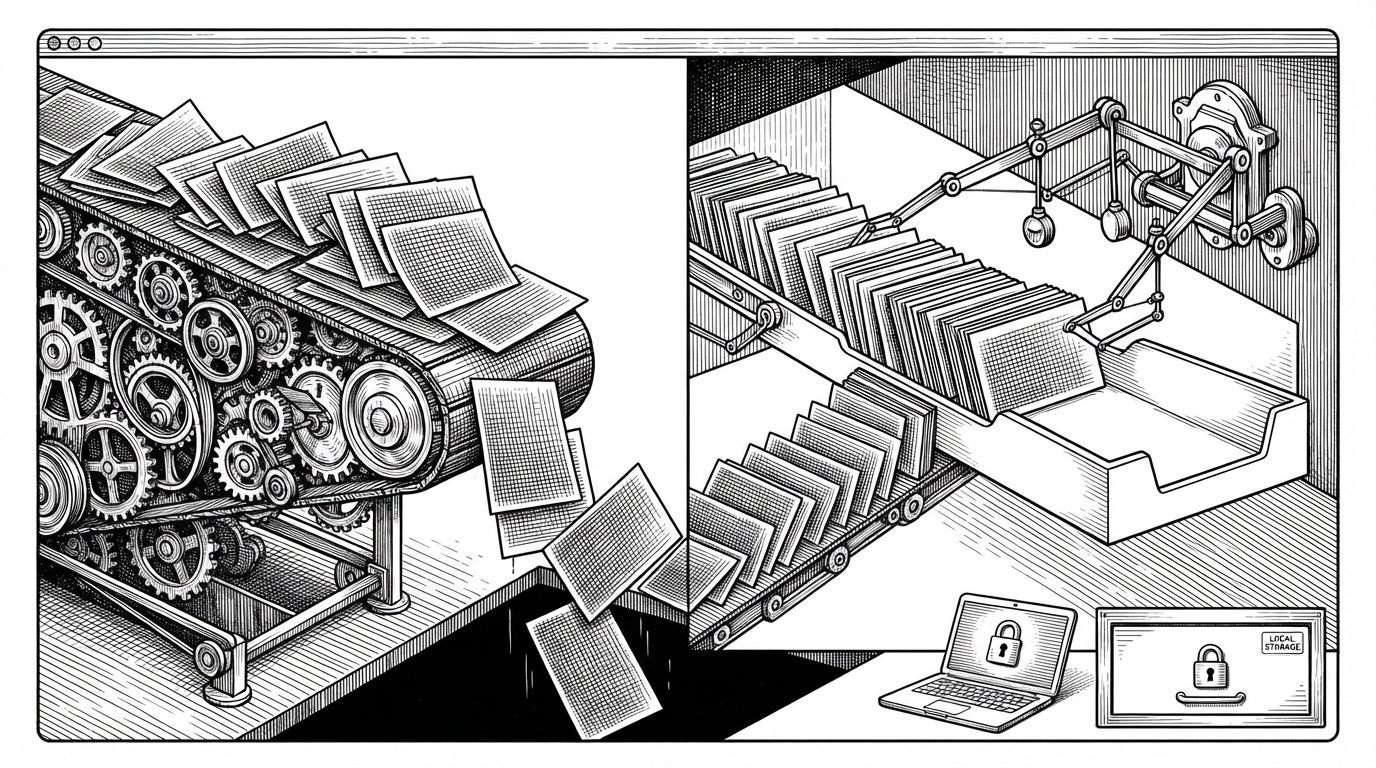
The resilience story matters because transcription tools fail in annoying, ordinary ways. Meetings run long. Laptops sleep. Apps quit. Quill treats those events as expected, so the system is built to leave useful artifacts behind even when the process dies.
quill records meetings on a Mac and transcribes them locally, and the engineering choices are all about surviving a crash. Audio writes as CAF rather than m4a because CAF needs no finalisation pass, so a session killed mid-meeting still leaves a readable file.
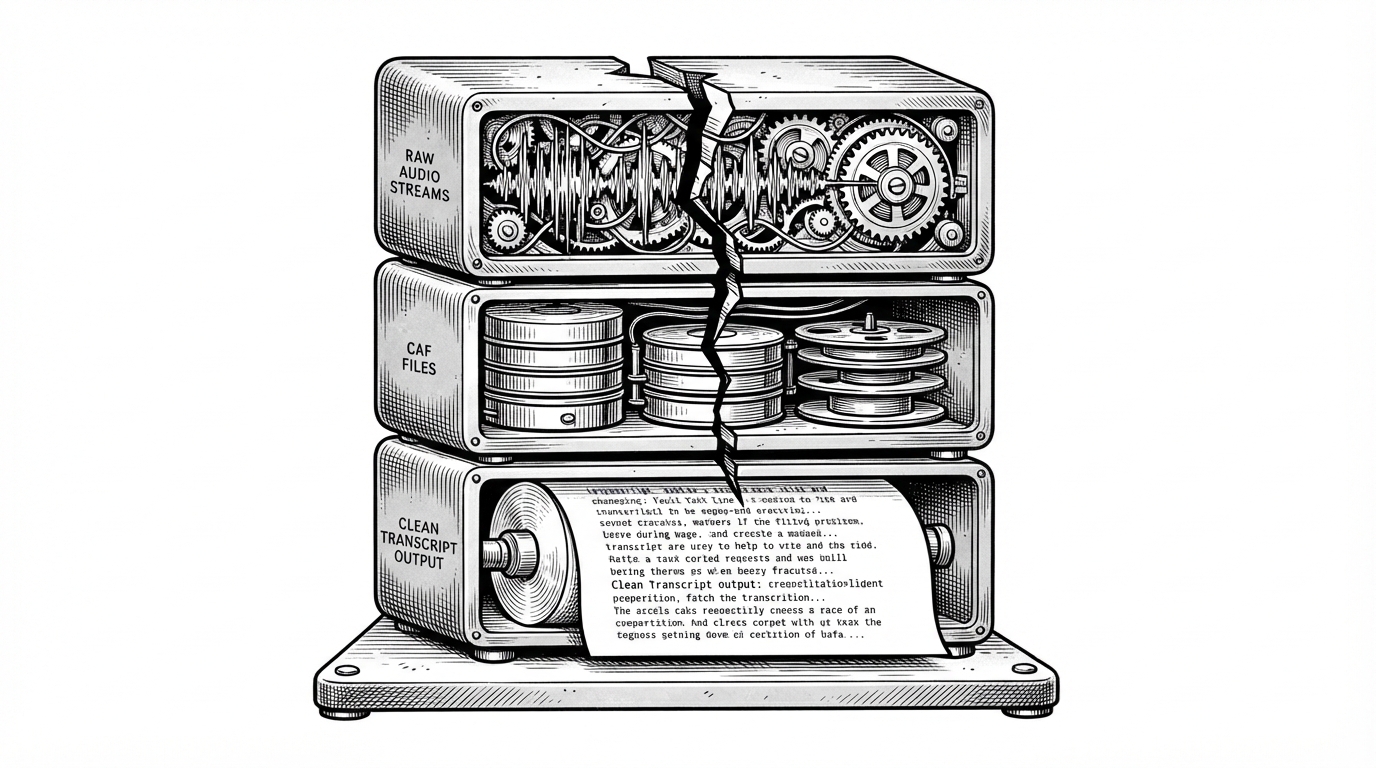
The filesystem-backed queue is the other half of that idea. If transcription has not finished, the directory still says so. The app can come back, inspect state, and resume instead of pretending the world was uninterrupted.
How Quill records on modern macOS without a virtual cable
This is where the product stops being a neat idea and becomes a modern macOS tool. Quill uses newer audio APIs, including process taps, to capture system sound without the old virtual-driver dance that has long made this category annoying to install and maintain.
The mic path is separate too. That matters because voice-processing features can reduce bleed and make the two-track arrangement cleaner. In other words, the app is not merely recording two files. It is trying to keep those files meaningfully different.
// Conceptual shape of the pipeline
startRecording()
  micRecorder.start(to: "mic.caf")
  systemRecorder.start(to: "system.caf")

stopRecording()
  let startOffsetMs = align(firstBufferAt: mic, with: firstBufferAt: system)
  enqueueTranscription(micFile: "mic.caf", systemFile: "system.caf", startOffsetMs: startOffsetMs)
That alignment step is subtle but important. If the streams start a little apart, the transcript still needs to line up. Quill stores enough timing context to make that merge believable instead of approximate.
Transcription runs like a queue, not a one-shot command
The transcription layer follows the same philosophy as the recorder: do not trust a single happy path. The coordinator works like a queue, jobs live on disk, and empty or broken inputs are checked before they can take down the process.
That is a very different temperament from a thin wrapper around a model invocation. Quill treats transcription as an operational system, not a button that happens to call Core ML.
actor TranscriptionCoordinator {
    func enqueue(_ job: TranscriptionJob) {
        // Persist job state on disk first.
    }

    func resumePendingJobs() async {
        // Scan folders for meta.json without transcript.json.
    }
}

func validateAudioFile(_ url: URL) throws {
    // Reject empty files before they reach the engine.
}
How Quill compares with Whisper apps and meeting bots
Quill’s closest neighbors are not all trying to solve the same problem. Local Whisper apps usually optimize for model familiarity. Cloud meeting assistants optimize for summaries and shared workflows. Quill optimizes for trust, low setup friction, and source-separated capture.
| Category | Quill | Local Whisper apps | Cloud meeting bots |
|---|---|---|---|
| Capture strategy | Separate mic and system tracks | Usually one mixed input | Often depends on a bot joining the call |
| Privacy model | Fully local | Usually local, sometimes hybrid | Cloud-first |
| Diarization approach | Source-based labeling | Model inference or manual cleanup | Service-side inference |
| Setup friction | Single binary, no virtual cable | Simple, but model management can vary | Easy for teams, heavier on account overhead |
| Best fit | Private meetings and reliable artifacts | General transcription | Summaries and collaboration |
That comparison is why Quill is interesting. It does not try to be the most polished assistant in the room. It tries to be the least surprising one.
The single-binary philosophy
The final detail is the one that makes the whole thing feel disciplined. Quill embeds its permissions metadata directly into the executable, which lets the app behave like a single purpose-built binary instead of a bundle full of ceremony.
// Embedded plist approach used by the package
"-Xlinker", "-sectcreate", "-Xlinker", "__TEXT", "-Xlinker", "__info_plist", "-Xlinker", "Sources/quill/Info.plist"
That is the same philosophy everywhere else in the repo. Fewer moving parts. Less installation friction. More of the product’s reliability comes from what it refuses to add.
What Quill is really saying
Quill is a reminder that some software problems get easier when you stop asking the model to rescue bad input. Capture better data. Save it in a crash-tolerant format. Keep state on disk. Make recovery boring.
That is why the app feels unusually coherent. Its UI, recorder, and transcription pipeline all point in the same direction: reduce uncertainty before it turns into work.