jev-chat-jarvis: Jev Chat Jarvis: The Android Copilot That Judges Your Reply Before It Writes One
A non-invasive Android assistant that reads chat screens, scores intent and risk, drafts three reply strategies, and stops short of sending anything for you.

- Jev Chat Jarvis treats reply writing as a decision problem first, which changes the product from a text generator into a social preflight system.
- Its strongest move is the Judge route, which scores intent, danger, and whether replying now is even appropriate before any draft appears.
- The app stays useful across different messaging apps by reading the screen through accessibility and OCR instead of asking for deep platform integration.
- The interface keeps a hard human boundary in place: Jev can fill the input box, but it never sends the message for you.
Most chat assistants jump straight to the answer. Jev Chat Jarvis does something stranger and more useful: it pauses to decide whether a reply is even worth making. That makes it less like a chatbot and more like a social control layer for Android.
The Copilot That Does a Vibe Check First
The project reads the conversation on screen, judges the message, drafts a few response strategies, and then waits. That is the whole product in one loop: observe, assess, suggest, and stop. The human still owns the send button.
发送始终由你手动点。程序只读消息、只把回复填进输入框,从不自动发送、不碰转账/红包/收款。
Why Judge Comes Before Reply
The interesting part is not generation. It is the typed preflight that asks what this message means, how risky it is, whether it deserves a reply now, and what tone fits the moment. That turns the model from a parrot into a gatekeeper.
| Generic reply tool | Jev Chat Jarvis |
|---|---|
| Reads pasted text or a prompt. | Reads the live chat surface on screen. |
| Goes straight to generation. | Judges intent, risk, and reply timing first. |
| Returns one answer. | Drafts and ranks three reply strategies. |
| Often assumes the user wants to send. | Stops at Fill and never auto-sends. |
data class ChatSnapshot(
    val appName: String,
    val messages: List<Msg>,
    val source: CaptureSource,
    val context: Map<String, String>
)

data class JudgeResult(
    val intent: String,
    val dangerLevel: Int,
    val shouldReplyNow: Boolean,
    val confidence: Double
)

// ChatSnapshot -> Judge -> Reply -> Rank -> Overlay -> Fill
How Jev Sees the Screen Without Owning the App
Jev does not integrate deeply with each messaging platform. It watches the screen from the outside, which is both the constraint and the trick. AccessibilityService is the fast path. OCR is the fallback when an app hides its nodes or renders text in ways the accessibility tree cannot see.
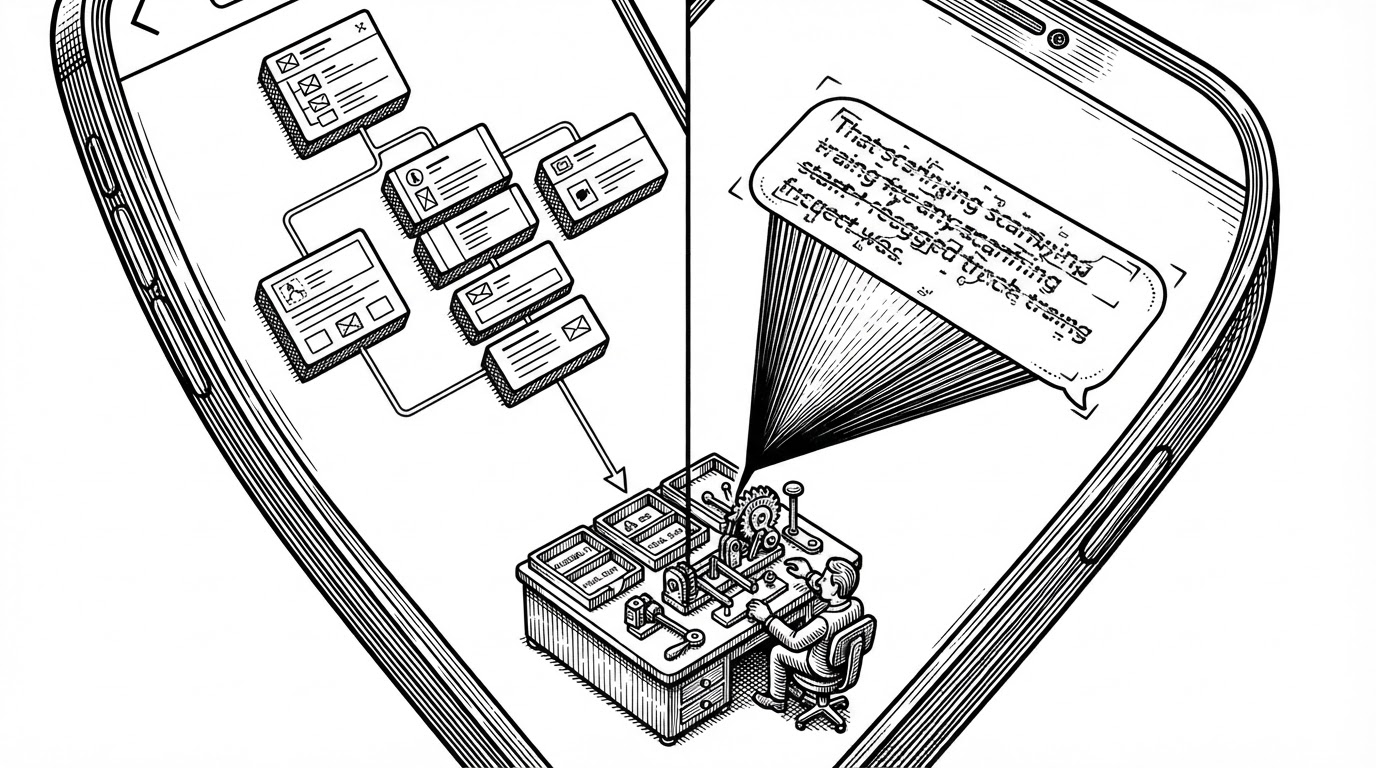
That restraint matters. The repository is not trying to win every app at any cost. It explicitly accepts that some surfaces are hostile, and it adapts instead of pretending those limits do not exist.
The Reply Engine Is Really Three Engines
Under the hood, Jev splits the job into three routes. The Judge route classifies the situation. The Reply route drafts options. The Vision route steps in when text has to be recovered from the image itself. Each piece narrows the problem before the next one expands it.
| Route | Job | Why it exists |
|---|---|---|
| Judge | Intent, danger, timing, and reply need. | Prevents dumb or risky automation. |
| Reply | Three candidate drafts with different tones. | Gives the human options, not a single verdict. |
| Vision | Screenshot transcription when nodes are weak. | Keeps the system useful in hostile UIs. |
The important pattern is not just modularity. It is sequencing. Jev does not ask the model to be smart about everything at once. It narrows the field, then asks for language, then ranks the result.
The Floating UI That Refuses to Send
The overlay is where the ethics become visible. It floats over the chat, shows the draft, and offers a Fill action. That is a small product decision with a big consequence: the assistant helps, but it cannot complete the social act on its own.
A non-invasive, real-time conversation-understanding layer that sits beside any chat surface. It reads whatever conversation is on screen (no app integration, no account), uses Jev for typed judgments plus a generative model for 3 ranked candidate replies, shows them in a translucent overlay, and fills the input box — you press send.
What It Beats, and What It Doesn’t Try to Be
Compared with generic LLM reply tools, Jev is heavier in the right places. It reads the live surface, handles timing and risk, and keeps the user inside the loop. Compared with broader agent frameworks, it is narrower and more opinionated, which is exactly why it fits a phone.
| Category | Strength | Limit |
|---|---|---|
| Generic LLM reply tools | Fast to build, easy to understand. | Usually blind to context and risk. |
| Platform-native assistants | Deeply integrated where they exist. | Tied to one ecosystem and one policy surface. |
| Jev Chat Jarvis | Cross-app screen reading with typed judgment. | Only works when the capture layer can see enough. |
That niche is sharper than it first looks. This is not trying to replace messaging apps or become a universal agent. It is trying to be a conversation prosthetic that knows when to slow down.
Why This Project Feels Like a New Category
Jev is part accessibility tool, part social cognition layer, part OS-level assistant. It sits next to chat, watches the room, and turns a messy human exchange into a structured decision flow. That is a new category because it shifts the question from 'What should I say?' to 'Should I say anything, and what kind of move is this?'
That is why the Judge route matters more than the reply generator. The generator is useful. The judgment layer is the thesis.