MeetCaptioner Turns Google Meet Captions Into an Attention-Aware Translation Engine
A local-first Chrome extension that watches live captions, prioritizes what you can see, falls back across LLMs when a model fails, and keeps the whole meeting history on your device.
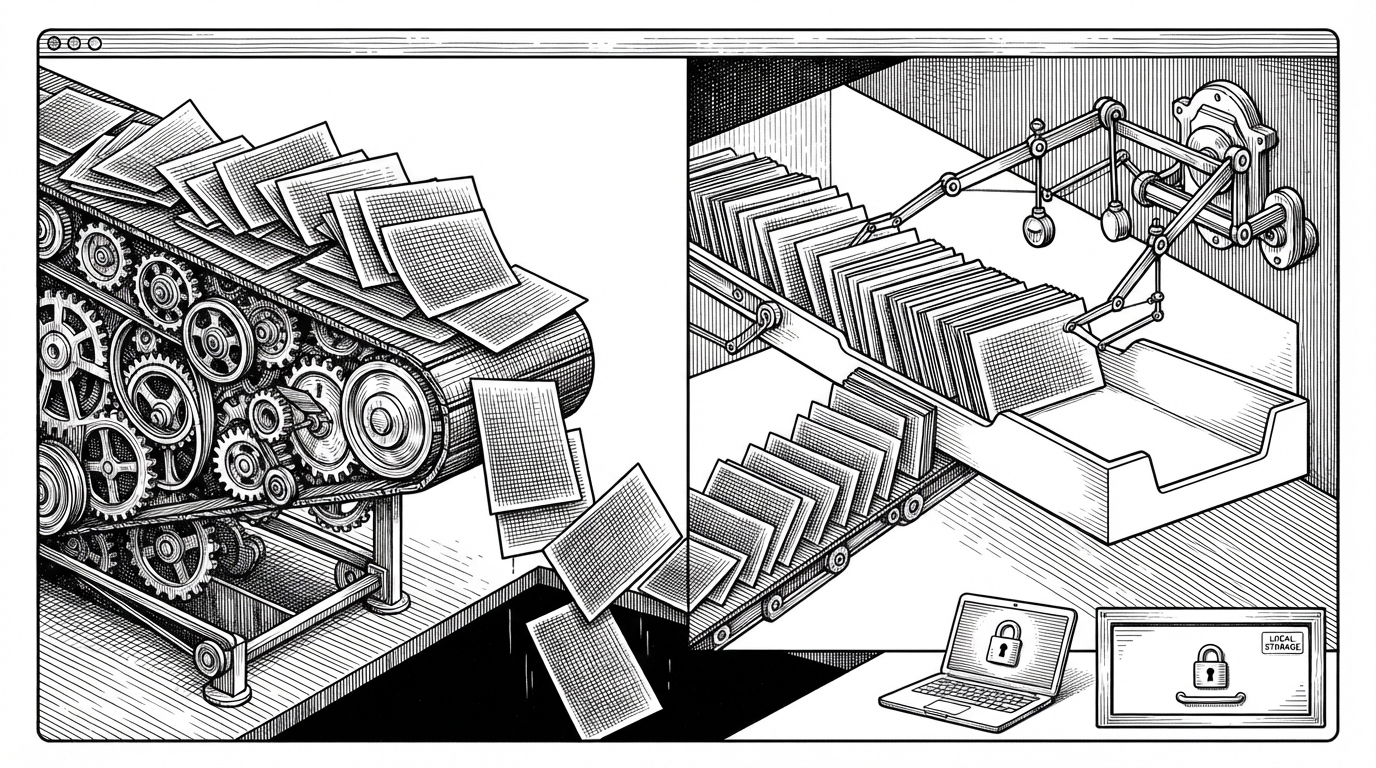
- MeetCaptioner’s core idea is not translation speed, but translation priority, because it serves the captions the user can actually see first.
- The extension’s privacy story is architectural, not cosmetic, because history, keys, and local model options stay on the user’s device.
- Its runtime is built for live messiness, using caption observation, delayed finalization, and context windows to avoid translating half-finished speech.
- When a provider fails or rate-limits, the fallback chain keeps the meeting experience alive instead of turning AI into a single point of failure.
The captions you can see get translated first
That is the project’s best idea. MeetCaptioner does not treat live captions as a dumb stream that must be translated strictly in order. It scores them against the viewport, so the text you are actively reading or scrolling back to gets priority.
That makes the extension feel responsive in a way most meeting tools do not. In a noisy call, attention is not linear, and MeetCaptioner’s queue acknowledges that by translating around the user’s eyes, not around the timestamp.
| System | What gets priority | What happens when you scroll | Failure mode |
|---|---|---|---|
| MeetCaptioner | Visible captions first | Off-screen items move down the queue | Falls back to another model |
| Normal caption stream | Arrival order | No reprioritization | Often stalls at the provider boundary |
Why privacy is not a feature here, it is the architecture
We don't collect, store, or transmit any personal information. Translations are processed directly through your own API accounts.
That line is the design brief. MeetCaptioner keeps meeting history in local storage, supports Ollama for local inference, and expects API keys to live on the user’s machine instead of in a hosted backend.
The result is a very different trust model from most meeting SaaS. The extension still depends on external model providers when you choose them, but the product itself does not have to become a data warehouse to work.
| Choice | MeetCaptioner | Typical SaaS meeting tool |
|---|---|---|
| Storage | Local device history | Cloud-hosted history |
| Keys | User-owned API keys | Vendor-managed accounts or billing |
| Local AI | Ollama supported | Usually not supported |
| Data posture | Client-side first | Service-side first |
How the caption pipeline actually works
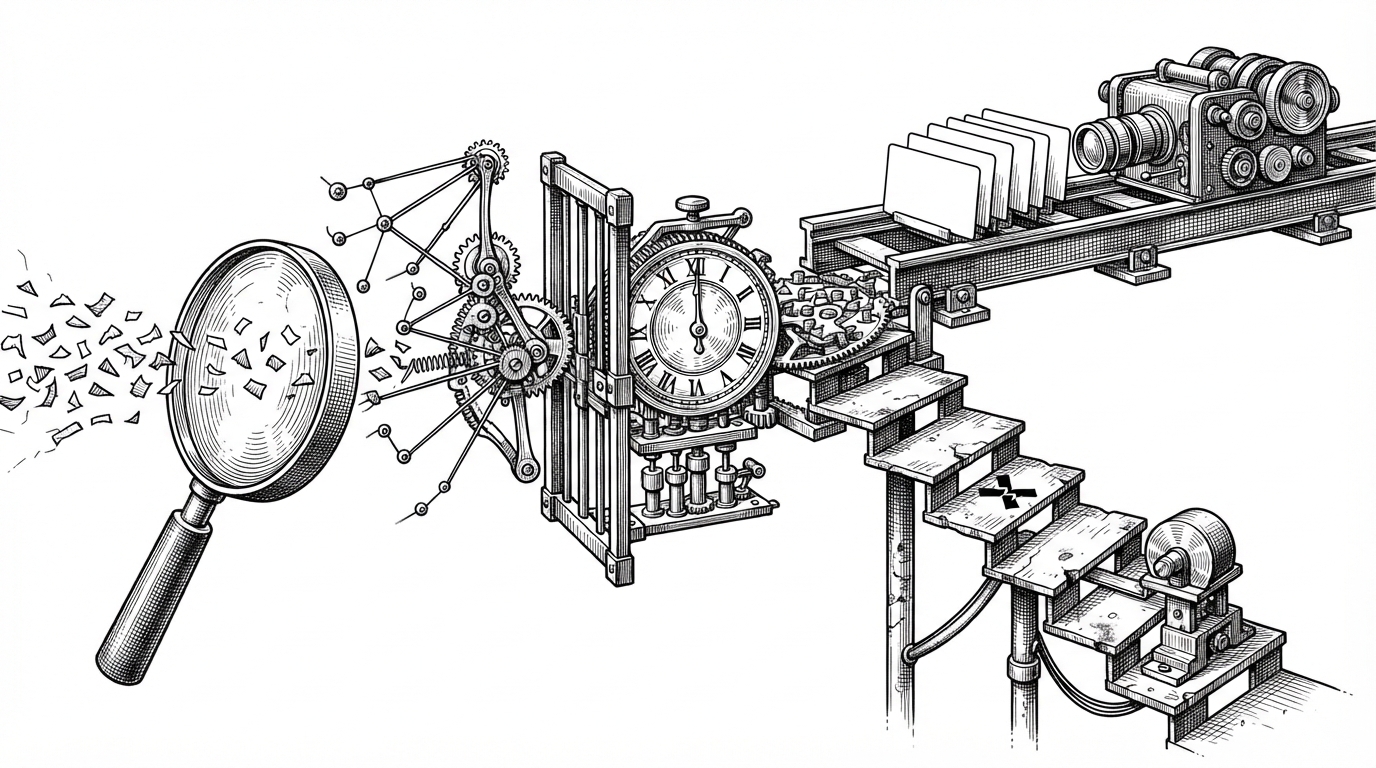
The runtime starts in the content script, where a MutationObserver watches Google Meet’s caption DOM. A WeakMap links DOM nodes to internal caption IDs, which avoids leaking memory as captions come and go.
The extension does not rush every partial sentence into translation. It waits for a FINALIZE_DELAY window, then sends a stabilized caption with recent conversation context, usually the last five lines, so pronouns and technical terms have something to attach to.
const elementToCaptionId = new WeakMap<Element, string>()

function buildContext(captions: Caption[]) {
  return captions.slice(-5).map((caption) => caption.text).join('\n')
}

async function translateWithFallback(input: string, modelsToTry: string[]) {
  for (const model of modelsToTry) {
    try {
      return await translate(input, model)
    } catch (error) {
      if (!isRateLimitError(error)) throw error
    }
  }
  throw new Error('All translation models failed')
}
That split matters. The content script stays close to the DOM and the overlay, while the background service worker handles the provider calls and storage chores that do not belong inside the page itself.
The fallback system that keeps translation alive
MeetCaptioner’s provider layer is built around one promise: a meeting should not break because one model is slow, unavailable, or rate-limited. If a primary model fails, the extension walks through modelsToTry and keeps the session moving.
| Capability | Primary provider | Fallback behavior |
|---|---|---|
| Rate limit handling | May fail once | Automatically tries the next model |
| Model choice | User-configured | Sequential backup list |
| Continuity | Depends on one endpoint | Survives provider churn |
const modelsToTry = ['gpt-4.1', 'gpt-4.1-mini', 'gemini-2.5-pro', 'ollama']

for (const model of modelsToTry) {
  try {
    return await translate(caption, { model })
  } catch (error) {
    if (!isRateLimitError(error)) throw error
  }
}
Why this hybrid UI is the right compromise
High-frequency caption updates stay close to the DOM because that is where speed matters most. React shows up where the product needs structure instead, in settings, history, and other slower-moving surfaces that benefit from clearer state management.
That is not framework ideology. It is a practical tradeoff: keep the hot path lean, use React where the interface can afford a little more ceremony, and avoid turning the live meeting overlay into an application shell.
| Surface | Best tool | Why |
|---|---|---|
| Live overlay | DOM-driven UI | Lower overhead and faster updates |
| Settings and history | React | Cleaner state and richer forms |
| Background work | Service worker | Handles storage and API calls off the page |
MeetCaptioner versus the usual meeting tools
| Tool | Local-first privacy | Bot invite required | LLM flexibility | History on device |
|---|---|---|---|---|
| MeetCaptioner | Yes | No | Yes, including Ollama | Yes |
| Google Meet native captions | Partial | No | No | Limited |
| Tactiq | No | No | Limited | Mostly cloud |
| Otter.ai | No | Yes | Limited | Cloud-centric |
That comparison explains the product’s lane. MeetCaptioner is for people who care about control, privacy, and provider choice more than they care about a polished hosted workflow.
What this repo is really teaching
The bigger lesson is that real-time AI is mostly a scheduling problem. Once you admit that humans scroll, pause, re-read, and lose models at awkward moments, the interesting work becomes prioritization, context building, and fallback design.
MeetCaptioner is useful because it solves those boring parts well. It turns live translation into a resilient system instead of a one-shot API call, and that is what makes the experience feel steady enough to trust.