badclaude: The Desktop Whip That Turns AI Frustration Into System Automation
A satirical Electron app that uses physics, focus hacks, and keyboard injection to "speed up" Claude. The joke is loud, but the engineering underneath is even louder.
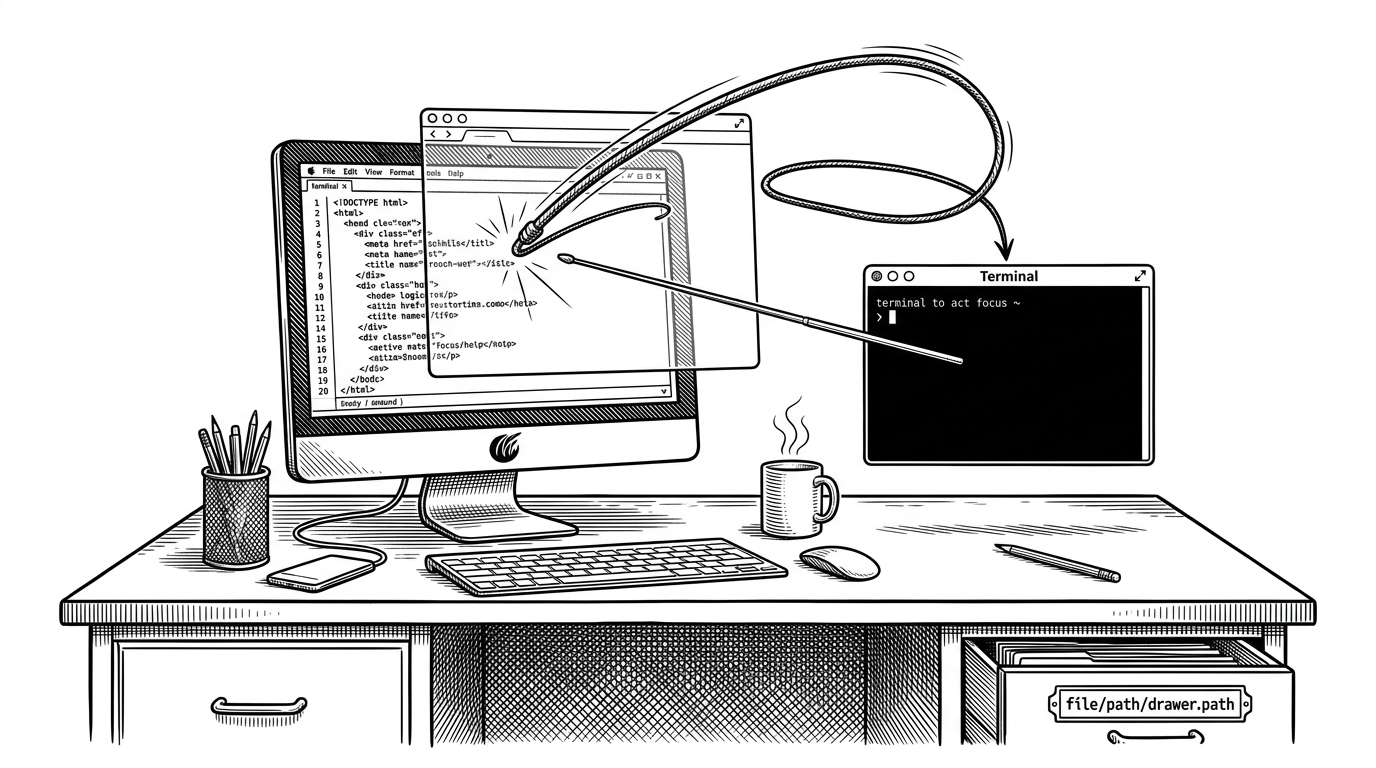
- badclaude works because it treats AI impatience as a systems problem, not just a joke UI.
- The most interesting engineering is the focus recovery path that tries to keep the crack aimed at the right terminal.
- Its physics model is intentionally overbuilt, which makes the gag feel tactile instead of decorative.
- The repo behaves like polished performance art, but it still solves real cross-platform input problems.
Why a Whip Needs Focus Control
The funny part is not that badclaude draws a whip on top of Claude. The funny part is that the whip has to survive contact with the operating system. Once an Electron overlay steals focus, the joke stops being visual and becomes a problem of window choreography, because the "crack" has to reach the terminal, not the app that drew it.
That is the repo’s best trick: it treats impatience as an input-routing issue. Instead of pretending the terminal is always active, it explicitly tries to restore the previous app, then injects the interruption where the user meant it to land.
The Joke Has a Real Pipeline
At a high level, the flow is simple: mouse movement feeds a whip simulation, the tip crosses a crack threshold, the main process receives an event, and the app sends the keyboard interruption to the active shell. That is the whole bit, but the bit spans input handling, animation, inter-process communication, and system automation.
The interesting detail is that the crack is treated as a first-class event. It is not just a sound effect. It is the moment where motion, physics, and OS control become one pipeline.
// Conceptual event chain
mouseMove -> verletUpdate -> tipSpeedCheck -> crackEvent
crackEvent -> ipcMain.emit('whip-crack') -> refocusPreviousApp()
refocusPreviousApp() -> sendMacro() -> targetTerminalReceivesInput()
The Whip Is a Physics Engine in Disguise
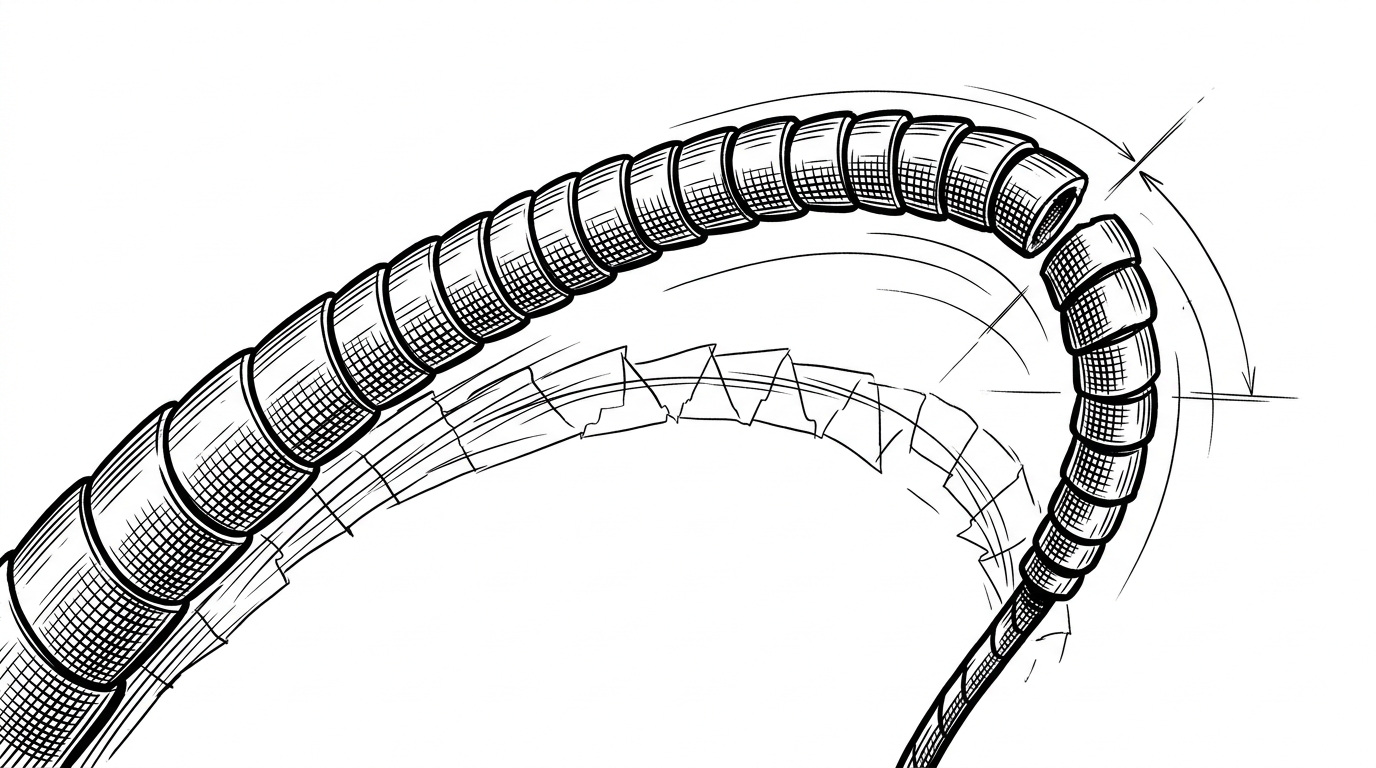
Under the gag, the whip behaves like a tuned simulation. The repo models it as a chain of segments with Verlet integration, damping, constraint iterations, and a crack speed threshold. That is a lot of machinery for a punchline, which is exactly why it works.
The rendering adds a second layer of polish. Instead of drawing a jagged polyline, it smooths the rope with Catmull-Rom style interpolation, so the visual output feels elastic and deliberate. The result is a toy that looks like it has mass.
| Project type | What it optimizes for | How it interacts with the system | Why badclaude is different |
|---|---|---|---|
| Typical desktop automation | Getting a task done quietly | Clicks, hotkeys, scripted actions | It wants the user to notice the mechanism |
| Serious AI command-line tools | Throughput and reliability | Terminal sessions and tool calls | It turns impatience into a theatrical input loop |
| Wrapper UIs for AI tools | Convenience and visibility | Browser or Electron layers | Its overlay is not a shell around the work, it is the work |
How badclaude Pokes the OS
This is where the repo stops behaving like a novelty and starts behaving like a desktop tool with sharp edges. On Windows, it uses koffi to reach into user32.dll and simulate keyboard input. On macOS, it falls back to osascript and System Events. The intent is the same in both cases: make the terminal feel the crack, not the overlay.
That cross-platform split matters. A lot of small desktop projects pretend input injection is a solved problem. Here, the implementation admits the truth: if you want reliable system interaction, you usually have to speak the host OS’s language.
| Platform | Injection path | Tradeoff | What it buys |
|---|---|---|---|
| Windows | koffi into user32.dll | More native, more brittle | Hardware-level key simulation |
| macOS | osascript with System Events | Simpler, permission-sensitive | Accessible automation without extra native glue |
| Both | Electron IPC plus main-process orchestration | More moving parts | A consistent event pipeline from overlay to shell |
A developer created a strange little tool called BadClaude, and it basically “pushes” Claude to respond faster. [🎞️ GitFrog1111] https://t.co/Lt4CHoffGg
Alguien hizo un "látigo digital" para que Claude trabajara más rápido (github GitFrog1111 badclaude) https://t.co/KCZ0jP2uN4
Why This Joke Feels Weirdly Accurate
badclaude lands because developers already talk about AI like a frustrating coworker. We call it an intern, a teammate, a pair programmer, then we get annoyed when it takes too long to answer. The repo literalizes that mood by turning impatience into choreography.
That is why the project reads as more than a meme. It is a tiny satire of how quickly we anthropomorphize software, then try to discipline it with interfaces, macros, and rituals.
What badclaude Gets Right About Desktop Tools
The repo is self-contained, legible, and committed to the bit. It does not hide the fact that it is a performance piece, but it still behaves like a real desktop application with a CLI entry point, a main process, an overlay, sound triggers, and platform-specific automation.
That combination is rare. Most joke projects stop at the visual gag. badclaude goes one layer deeper and builds the machinery that makes the gag survive the operating system.