html-anything: The Agentic HTML Editor That Turns Local CLIs Into a Publishing Engine
A local-first workflow where your AI coding agent writes the markup, preserves design through diff edits, and exports the same content to magazine pages, decks, posters, and social formats.
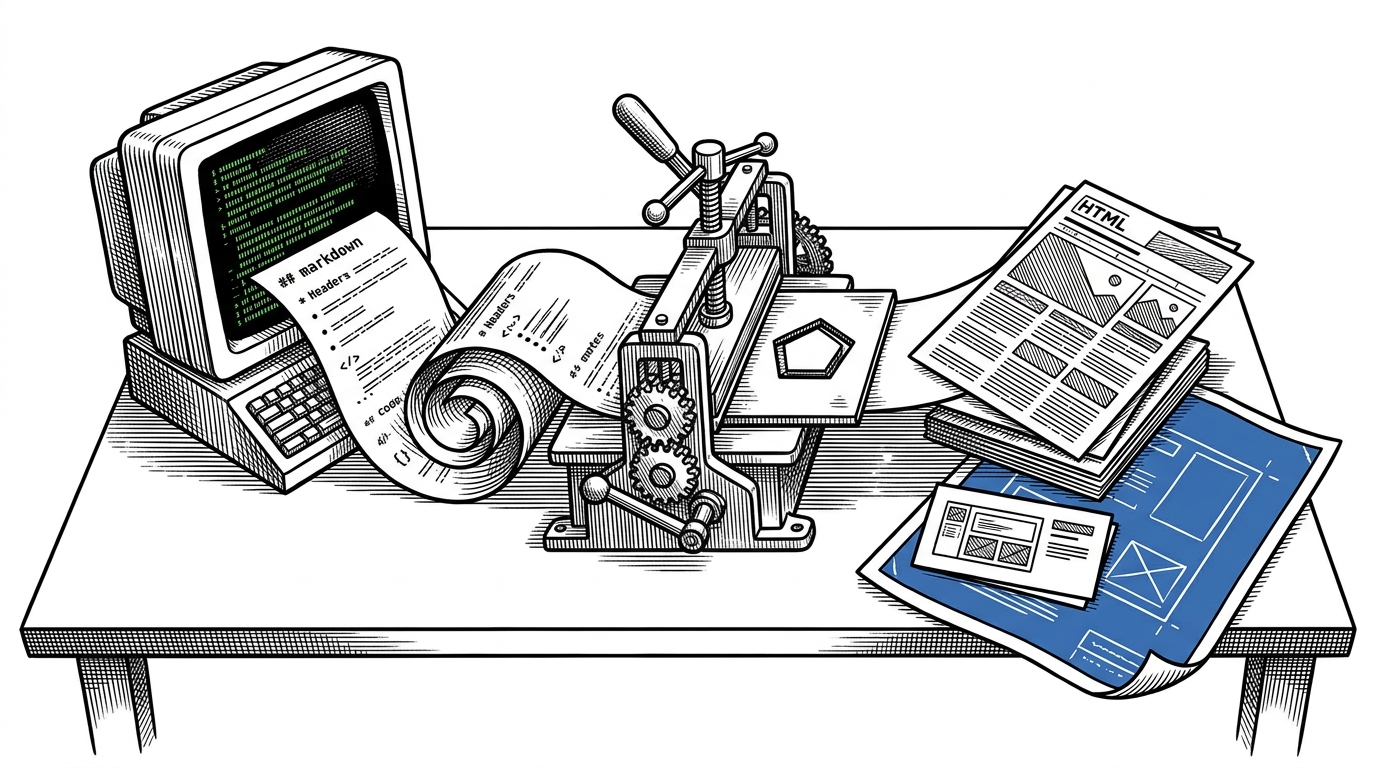
- html-anything turns local AI coding CLIs into the execution layer for publishing, so the app behaves less like a prompt box and more like a compositor.
- Its real trick is preserving design through diff edits, which makes updates feel editorial instead of disposable.
- The 75-plus skill library is the product's design grammar, because each skill constrains tone, structure, and output surface.
- HTML is treated as the final deliverable, not an intermediate artifact, which is why export targets like PNG, decks, WeChat, and Zhihu matter.
Most AI writing tools stop at generation. html-anything is more interesting because it treats generation as a local production line. Your machine already has authenticated coding CLIs on it, and the app uses them as the backend.
The CLI Is the Backend
The architectural surprise is simple: no direct model API is required. The app detects local agents on PATH, picks one, and streams a constrained prompt into that CLI. That means the user’s own authenticated tools, not a vendor endpoint, do the actual conversion work.
That changes the product from the ground up. Privacy improves because the content stays local. Cost becomes a function of the user’s existing subscriptions. And the app can support multiple agents without rewriting its own core.
Why Diff Editing Matters
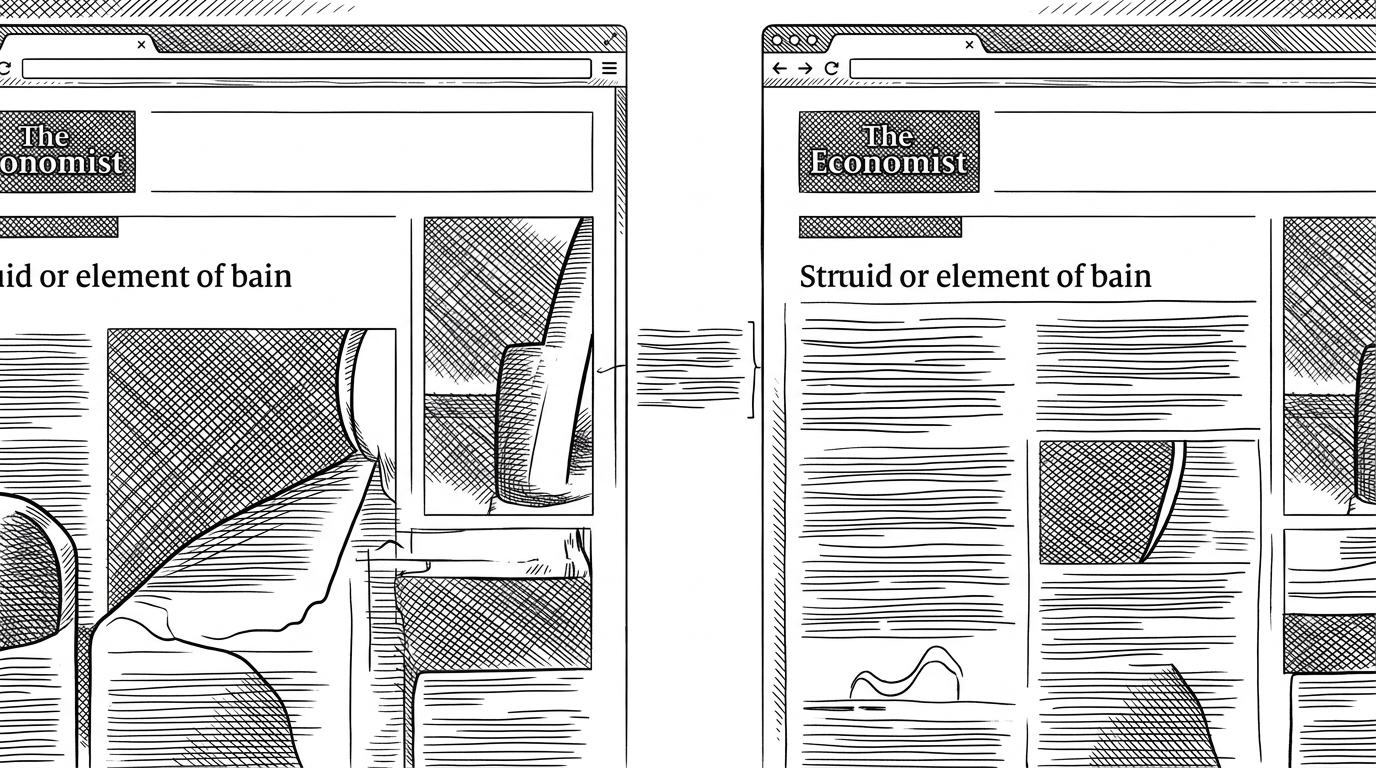
The most underrated choice in the codebase is buildEditPrompt. When content changes, the system does not throw away the page and start over. It sends the old HTML and the new text back through the agent and asks for a diff edit that preserves the layout.
| Approach | What changes | What stays stable | Risk |
|---|---|---|---|
| Regenerate from scratch | Everything | Almost nothing | Layout drift |
| Diff edit | Only the content that changed | Hierarchy, spacing, visual rhythm | Prompt complexity |
| Manual HTML editing | Whatever the editor touches | Whatever the editor leaves alone | Slow iteration |
That is why the workflow feels like editing instead of generating. A good diff edit keeps the page recognizable, which matters if the output is meant to ship as a magazine spread, a deck, or a poster.
Skills Are the Real Product
The library of 75-plus skills is not just template sprawl. It is the project’s design grammar. Each skill packages structure, tone, and constraints so the model is not inventing the page from scratch every time.
| Layer | What it does | Why it matters |
|---|---|---|
| Raw prompt | Describes the task | Too open-ended for reliable layout |
| Skill | Constrains tone and structure | Turns prompt into a reusable design unit |
| HTML output | Becomes the final artifact | Can be previewed, exported, and published |
That matters because the system is not trying to be a general-purpose chat assistant. It is trying to produce repeatable surfaces. A skill is closer to a page type than a prompt trick.
Preview Is Not Passive
The preview pane behaves like an inspector, not a dead iframe. It can sanitize streamed HTML, detect deck-like layouts, and switch views when the content behaves like slides instead of a long page.
// Simplified behavior
const cleaned = sanitize(streamedHtml)
const isDeckView = isDeck(cleaned)

if (isDeckView) {
  renderDeckViewer(cleaned)
} else {
  renderIframePreview(cleaned)
}
The point is not just fast feedback. It is that the app can notice what the agent is building while the agent is still building it. That shortens the loop between draft, inspection, and revision.
HTML as the Universal Intermediate Format
Markdown is useful for drafting. HTML is useful for shipping. html-anything makes that distinction explicit by treating HTML as the thing that travels to the reader, the platform, and the export pipeline.
| Surface | Why HTML helps | What the app adds |
|---|---|---|
| Web page | Native rendering | Preview and sanitization |
| WeChat or Zhihu | Needs inlined styles | CSS inlining with juice |
| PNG or poster | Needs rasterization | Screenshot export |
| Slides | Needs structured sections | Deck detection and viewer |
That is also why the export story matters. The same source can move across surfaces if the HTML is clean enough and the styles are prepared correctly. In this repo, that means inline styles, export tooling, and layout conventions all belong to the core product, not a postscript.
Why This Wins Over Generic AI Editors
| Workflow | API key | Design preservation | Export surfaces | Best use case |
|---|---|---|---|---|
| Traditional CMS | Usually no | Manual only | Limited | Form-driven publishing |
| Generic prompt-to-HTML tool | Often yes | Weak | Mostly web | Quick one-off pages |
| html-anything | No direct API key | Strong through diff edits | HTML, PNG, deck, social | Repeatable publishing workflows |
- It uses local CLIs the user already trusts and pays for.
- It treats skills as production assets, not throwaway templates.
- It optimizes for publishing surfaces, not just raw code generation.
- It preserves layout when content changes, which is what editors actually need.
The broader shift is clear. If the output is going to be read, shared, exported, or printed, then the editor should optimize for those endpoints first. html-anything does that better than tools that stop at a single generated page.
What It Suggests About the Next Web Workflow
The most interesting implication is not that AI can write HTML. It is that local agent tools may become the real compositor layer for publishing. The prompt becomes the brief, the skill becomes the house style, and HTML becomes the contract.
That is a very different mental model from a CMS with a few AI helpers bolted on. It is closer to a design system expressed as constrained instructions, with the agent doing the tedious assembly work. If that pattern spreads, more of the web workflow will move from form-filling to orchestration.