claude-skill-aso-appstore-screenshots turns source code into App Store screenshots
A Claude Code skill that reads your app, extracts what it should sell, and uses a deterministic Python scaffold plus AI polish to ship store-ready assets.
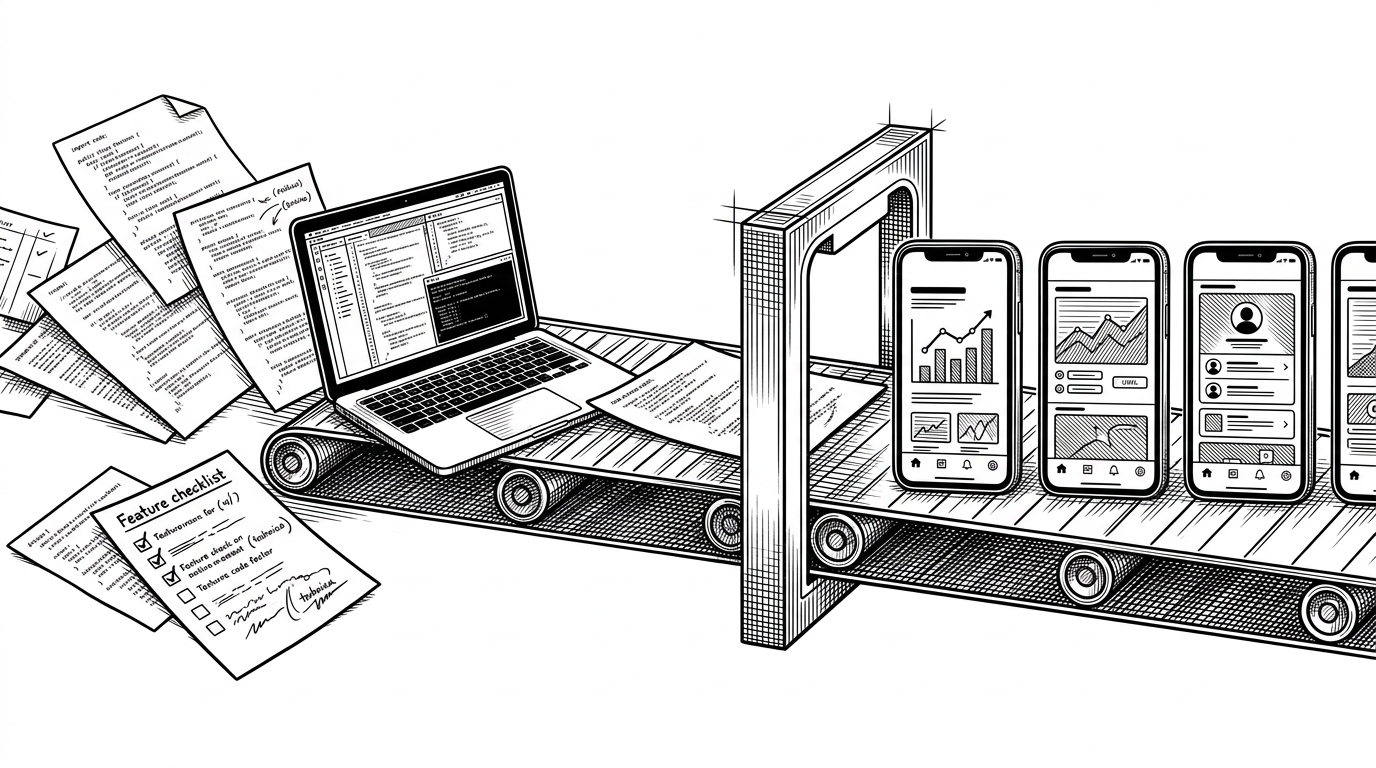
- This repo treats App Store screenshots as a compiled artifact, not a design deliverable.
- Claude does the reading, Python does the layout, and Gemini only finishes the surface.
- The hybrid approach buys legibility and repeatability at the cost of more setup than pure generator tools.
- Skills become valuable when they package judgment, not just automation.
For most indie teams, screenshots are where product truth meets conversion pressure. Get them wrong and the store page feels vague. Get them right and they do quiet work every day, turning feature claims into something a buyer can understand in seconds.
Screenshots are the storefront
The clever part of claude-skill-aso-appstore-screenshots is not that it makes images. Plenty of tools can do that. The point is that it reframes screenshot work as an output problem: a repeatable asset pipeline with inputs, constraints, and a final render step.
The repo reads the app before it draws the ad
The skill starts in SKILL.md, which acts less like documentation and more like orchestration. Claude is told to inspect the app, look at UI files, view controllers, models, and supporting docs, then map what the product actually does into a screenshot story. That means the marketing copy is not guessed first and illustrated later. The codebase is the brief.
The scaffold is the point
The technical trick lives in the deterministic layer. Files like compose.py and generate_frame.py keep the geometry honest, from clipped device masks to font sizing that actually fits the frame. That matters because screenshot tools fail when they let the model improvise on the parts users most need to trust: legibility, alignment, and bezel accuracy.
| Factor | Manual Figma or Canva | Pure AI generation | This repo's hybrid pipeline |
|---|---|---|---|
| Setup time | High, every variant is a design job | Low, but results need retries | Moderate upfront, then repeatable |
| Layout control | Excellent when a human drives it | Loose and often unstable | High because the scaffold fixes geometry |
| Text legibility | Strong when hand-tuned | Often brittle | Strong because typography is fitted deterministically |
| Codebase awareness | None unless a human extracts it | Usually absent | Built in, because Claude reads the app first |
| Batch and localization | Painful at scale | Easy to spray out, hard to govern | Better suited to scripted variants |
| Failure mode | Slow manual bottlenecks | Hallucinated layout or unreadable text | Setup friction and more moving parts |
| Best for | Teams with design bandwidth | Fast experiments | Technical teams that want repeatable ASO |
Every screenshot is designed as an advertisement, not a UI showcase. Each slide sells one idea with a headline you can read at thumbnail size in the App Store.
What this says about Claude Code skills
This repo is bigger than screenshots. It is proof that a skill can bundle judgment, memory, and output constraints into something reusable. That is the real shift: not one more prompt, but a workflow that behaves like a product team would, with a story, a scaffold, and a final pass.
For founders and PMs, the appeal is obvious. It trims the most ignored tax in shipping, which is making the thing legible. For builders, it is a reminder that AI gets more useful when you box it in.