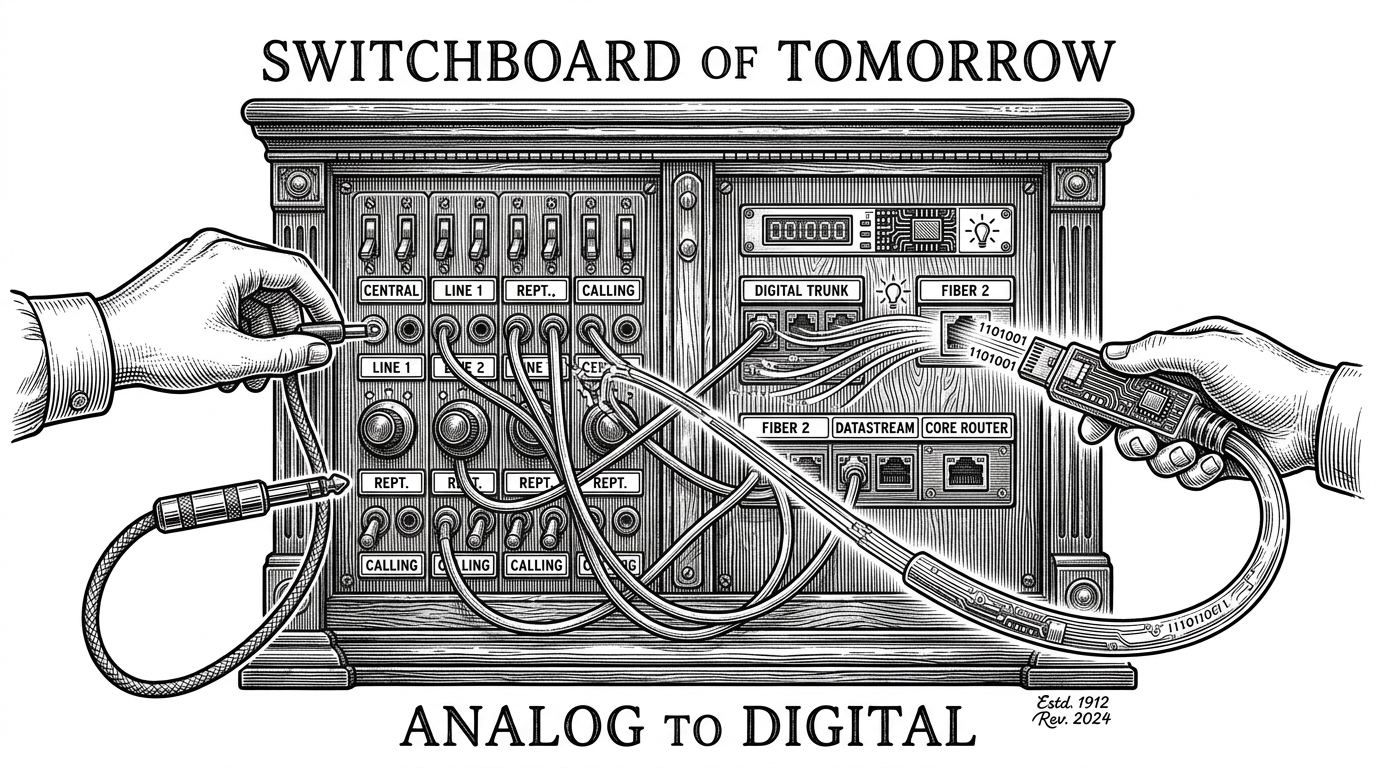
GordenSuperPPTSkills: The Repo That Turns AI Slide Art Back Into Editable PowerPoint
A deep dive into the image-first pipeline that generates a polished slide, tears it into layers, and rebuilds it as native PPTX without sacrificing editability.
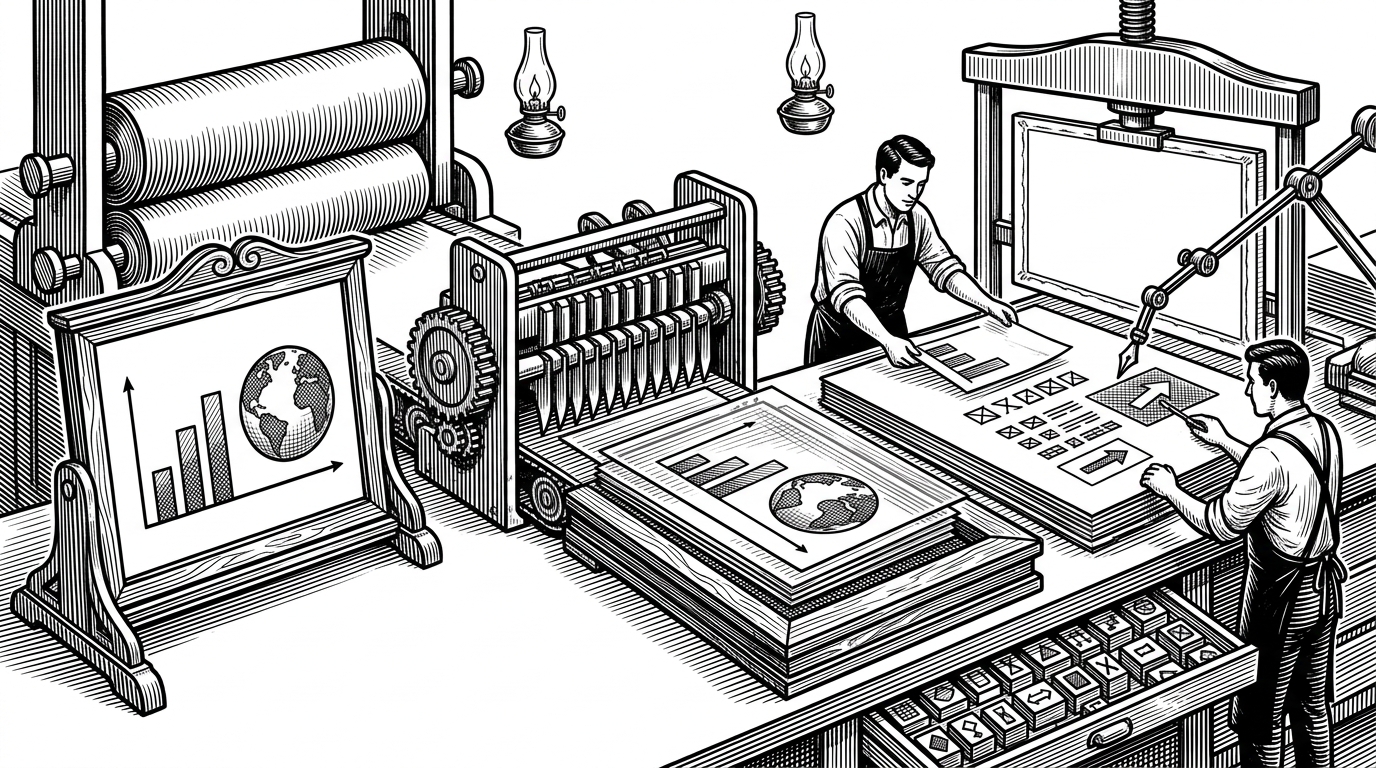

AI PPT赛道终结者,史上最最最强 PPT Skill!!! 使用GPT生成豪华的图片格式PPT,然后转换为完全可编辑的PPTX文件。
- GordenSuperPPTSkills treats slide design as a reconstruction problem, not a layout problem.
- The repo’s main innovation is to generate a high-fidelity slide image first, then recover editability from that image.
- Its hard gates matter as much as its AI prompts because they keep the pipeline traceable, layered, and hard to degrade.
- The project is strongest when visual fidelity and PowerPoint editability both matter at the same time.
The Slide Is Generated Twice
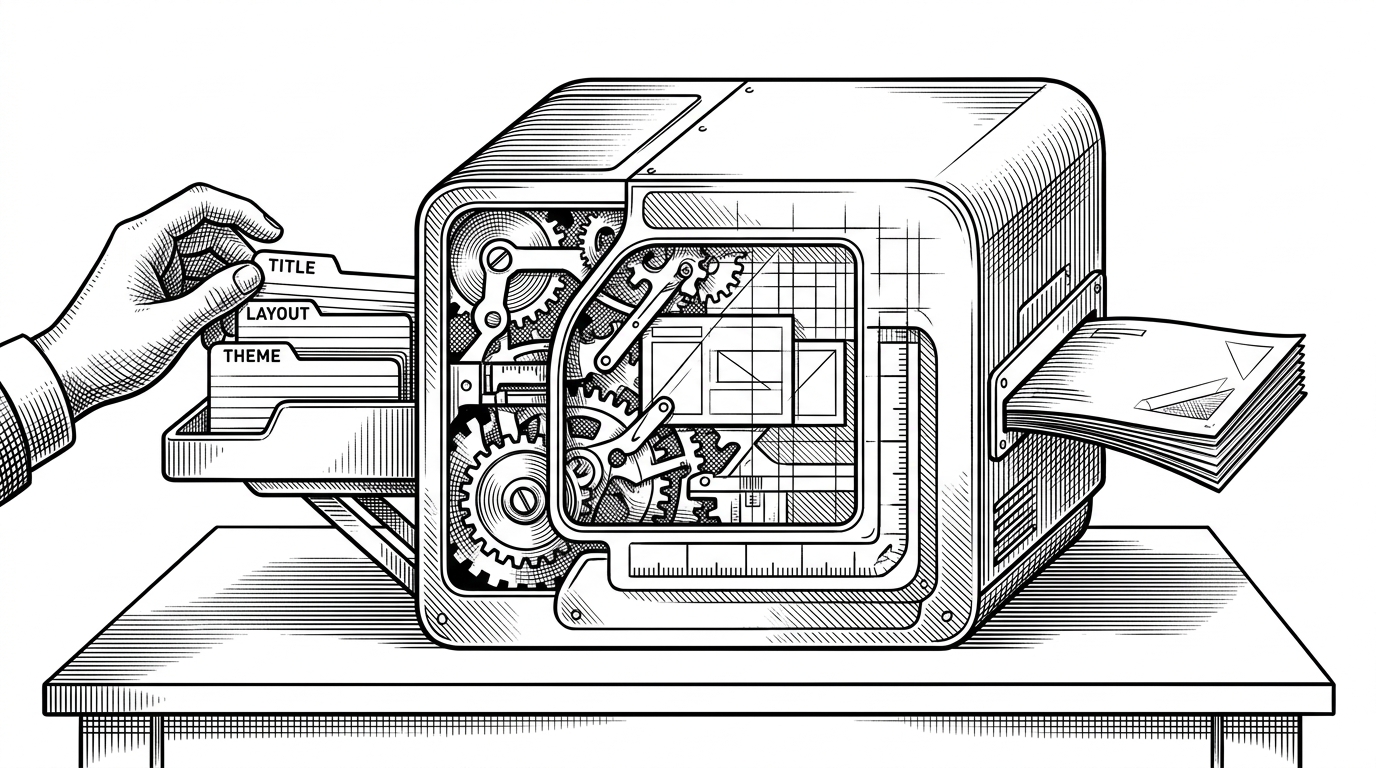
Most AI presentation tools start with shapes, text boxes, and a template. This repo starts with the opposite assumption: the best slide is the one the model can already see as a finished image. Only after that does it try to recover PowerPoint structure from the image itself.
That is the trick. The first pass optimizes for visual density, composition, and polish. The second pass optimizes for editability, turning a static slide image into a native `.pptx` file with real layers and coordinates.
| Approach | Primary output | Strength | Weakness |
|---|---|---|---|
| GordenSuperPPTSkills | Image first, then editable PPTX | High visual fidelity with editable output | More complex pipeline |
| Template-driven PPT tools | Editable PPTX from preset layouts | Fast and predictable | Layouts look repetitive |
| Direct native-shape generators | Editable PPTX from shapes | True PowerPoint objects | Hard to make dense or beautiful |
| Markdown-to-slide systems | HTML or rendered slides | Great for developer workflows | Not native PPTX by default |
Why Templates Hit a Wall
Template systems fail in two opposite ways. They are either too rigid, which makes every deck feel like a variation on the same theme, or too loose, which leaves the model guessing at spacing, hierarchy, and composition. In dense business slides, that guesswork shows.
Image-first generation avoids that trap. The model is allowed to compose the whole surface at once, which is exactly how designers work when a slide needs to feel intentional rather than assembled.
The Three-Skill Pipeline
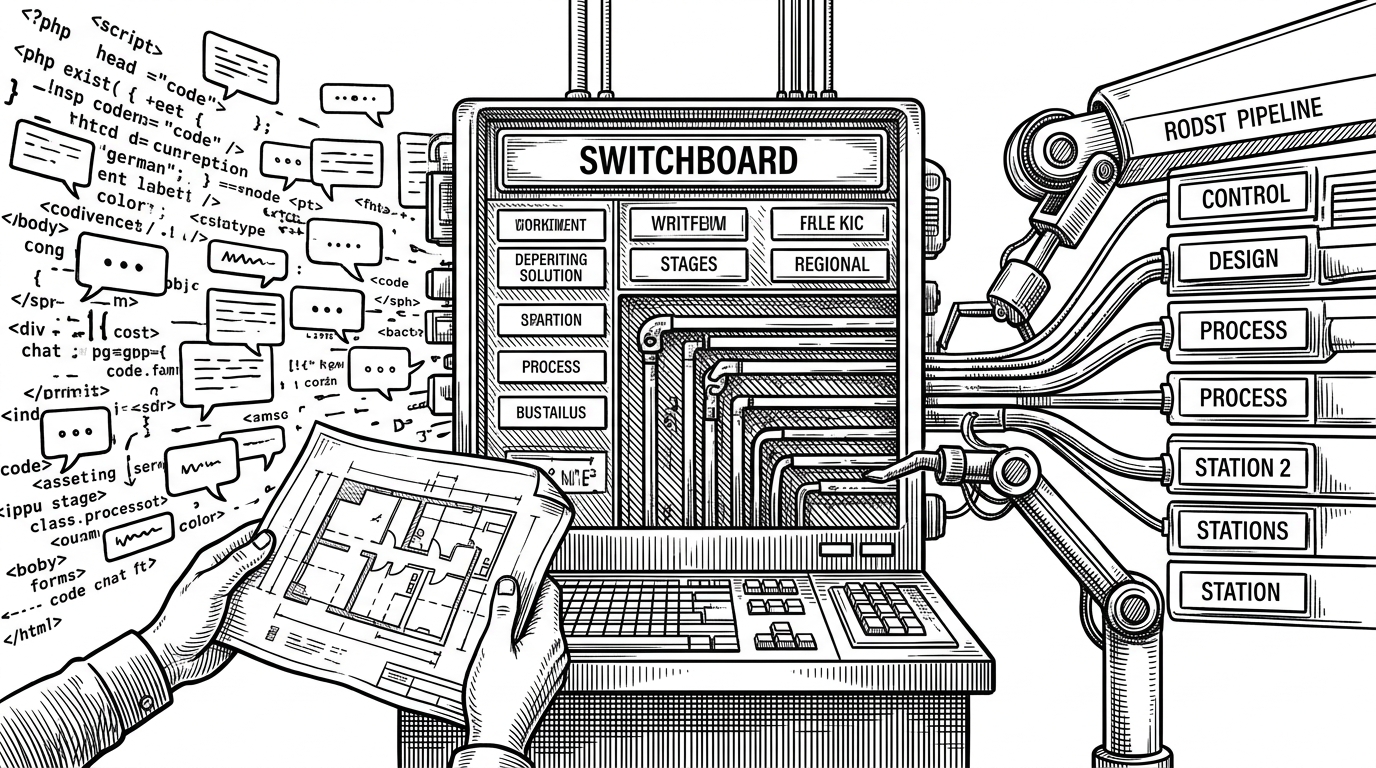
The repository is split into three responsibilities: GordenImagePPTGen generates the image-based slide, GordenImage2PPTX reconstructs it, and GordenSuperPPTSkill orchestrates the whole process. That separation matters because it keeps creative generation, extraction, and assembly from collapsing into one fragile script.
GordenImagePPTGen      -> create the slide as an image
GordenImage2PPTX       -> deconstruct image into editable layers
GordenSuperPPTSkill    -> enforce order, gates, and handoff
The repo reads less like a toy and more like a production line. Each stage has a narrow job, and the boundary between stages is where the discipline lives.
The Hard Gates That Keep the Model Honest
The important engineering idea here is not a fancy model call. It is the gatekeeping. The pipeline uses rules that block shortcuts, especially the ones that produce pretty but unusable output.
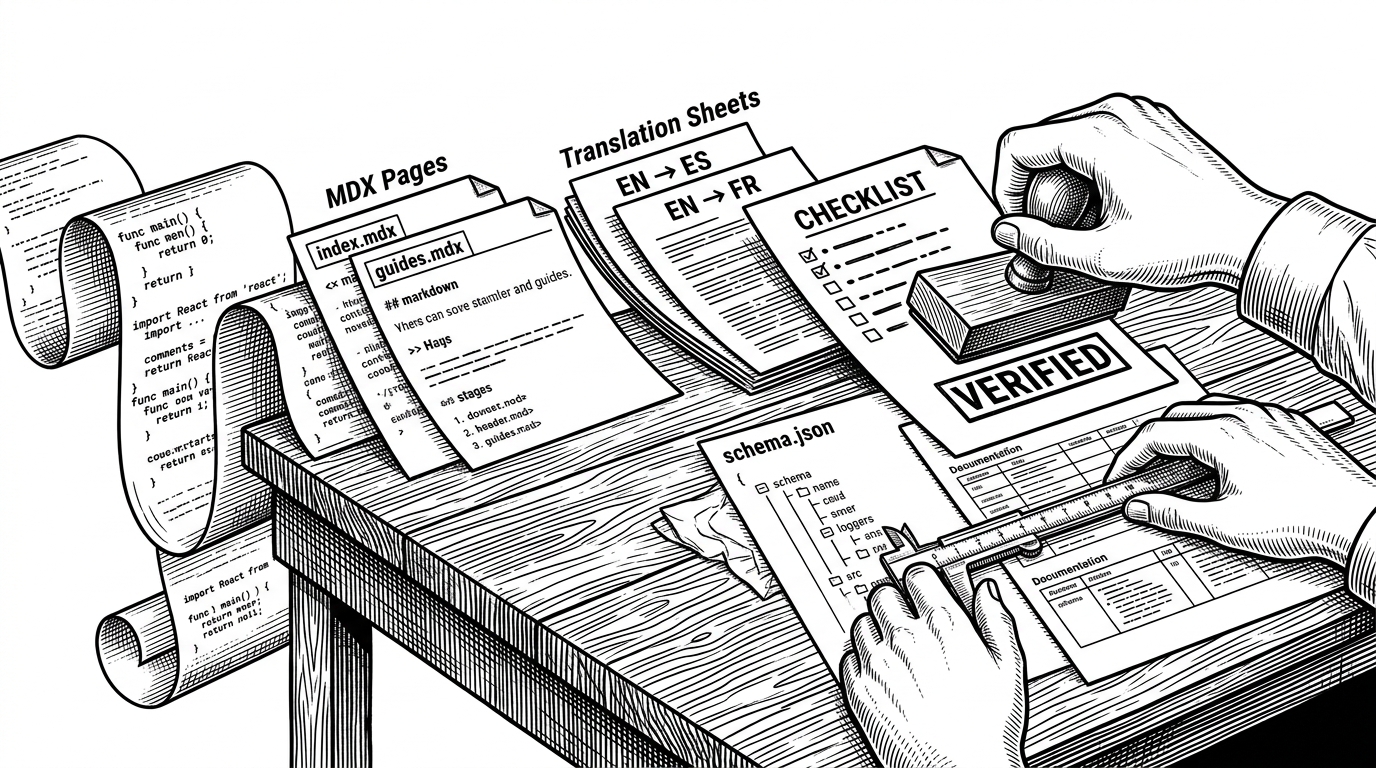
Phase 1 must produce a real asset, not placeholder text. Phase 2 cannot proceed until the manifest exists. And the reconstruction step insists on four layers: background, skeleton, icons, text. That is a useful way to force an unruly system to stay inspectable.
Gorden Super PPT Skills 把GPT 的生图与视觉解析能力发挥到极致,先用GPT 生成一张张精美图片格式的PPT,再通过视觉拆解把背景、框架、图标、文本四层元素还原成完全可编辑的PPTX 文件。
How the Rebuild Layer Preserves PowerPoint as a Real File
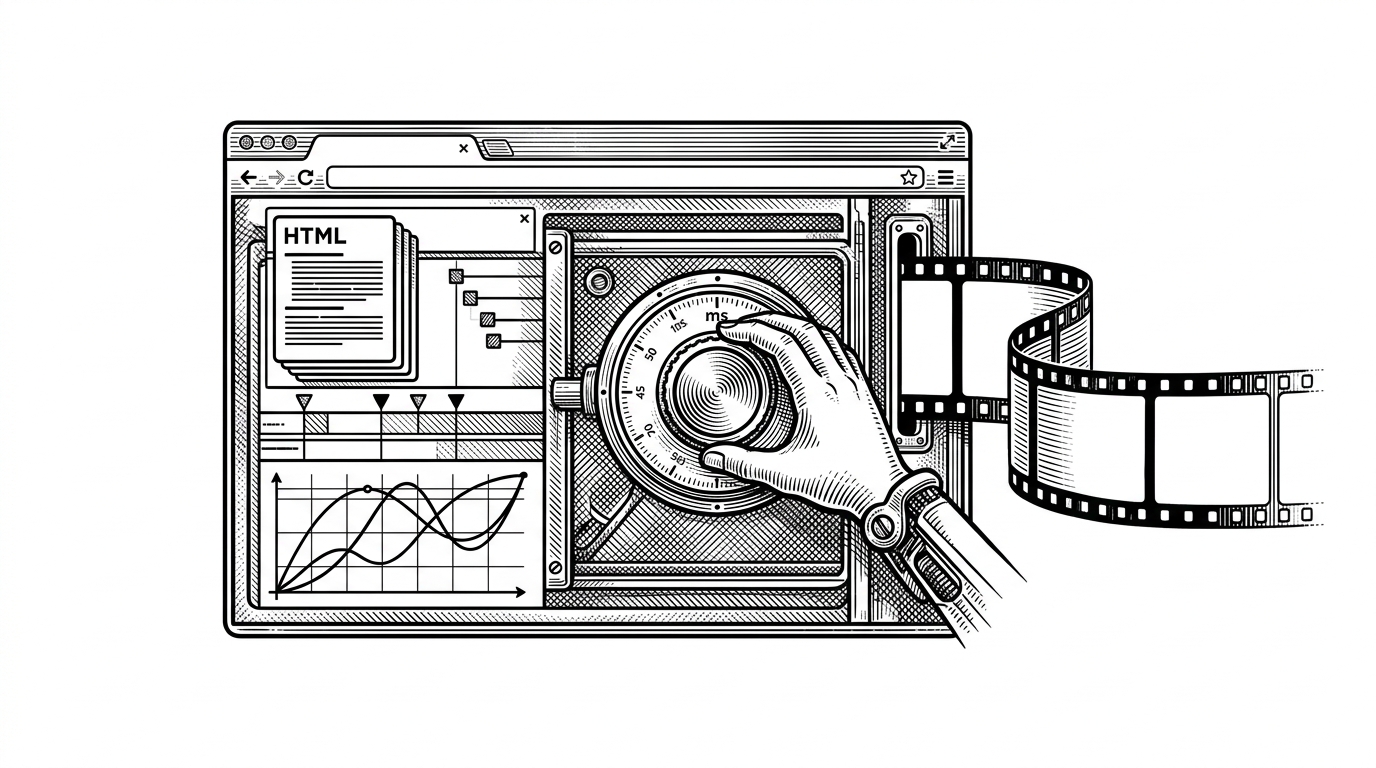
This is where the project stops being an AI demo. The assembly layer maps the recovered design into PowerPoint’s native coordinate system, handles font rendering, preserves transparency, and injects visual effects through the underlying XML when needed.
That matters because PowerPoint is not just a rendering target. It is an editing surface. If the final file cannot survive hand edits, the whole pipeline collapses into a screenshot generator.
# Conceptual shape of the assembly layer
# 1. Read deck.json
# 2. Convert normalized coordinates to EMU
# 3. Set fonts and alpha fills
# 4. Add shadows and images
# 5. Write native PPTX slides

slide = prs.slides.add_slide(prs.slide_layouts[6])
shape.left = int(x * EMU_WIDTH)
shape.top = int(y * EMU_HEIGHT)
shape.width = int(w * EMU_WIDTH)
shape.height = int(h * EMU_HEIGHT)| Capability | Native-shape generators | GordenSuperPPTSkills |
|---|---|---|
| Layout source | Boxes and charts laid out directly | Image proposal first, then reconstruction |
| Visual density | Often moderate | Can be very high |
| Editability | Strong | Strong if reconstruction succeeds |
| Creative freedom | Constrained by shape logic | Constrained later by structure recovery |
| Failure mode | Looks safe but generic | Looks rich but requires careful extraction |
The Green-Screen Move
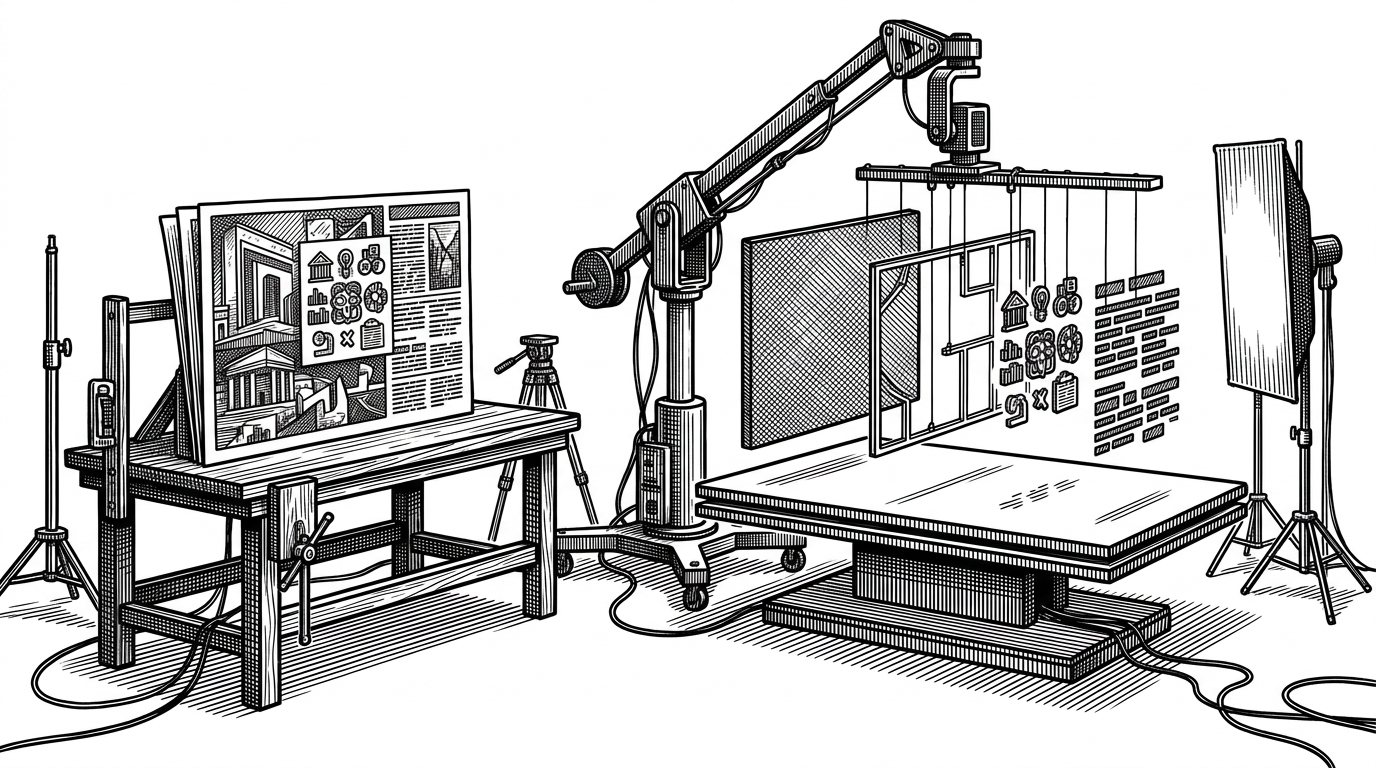
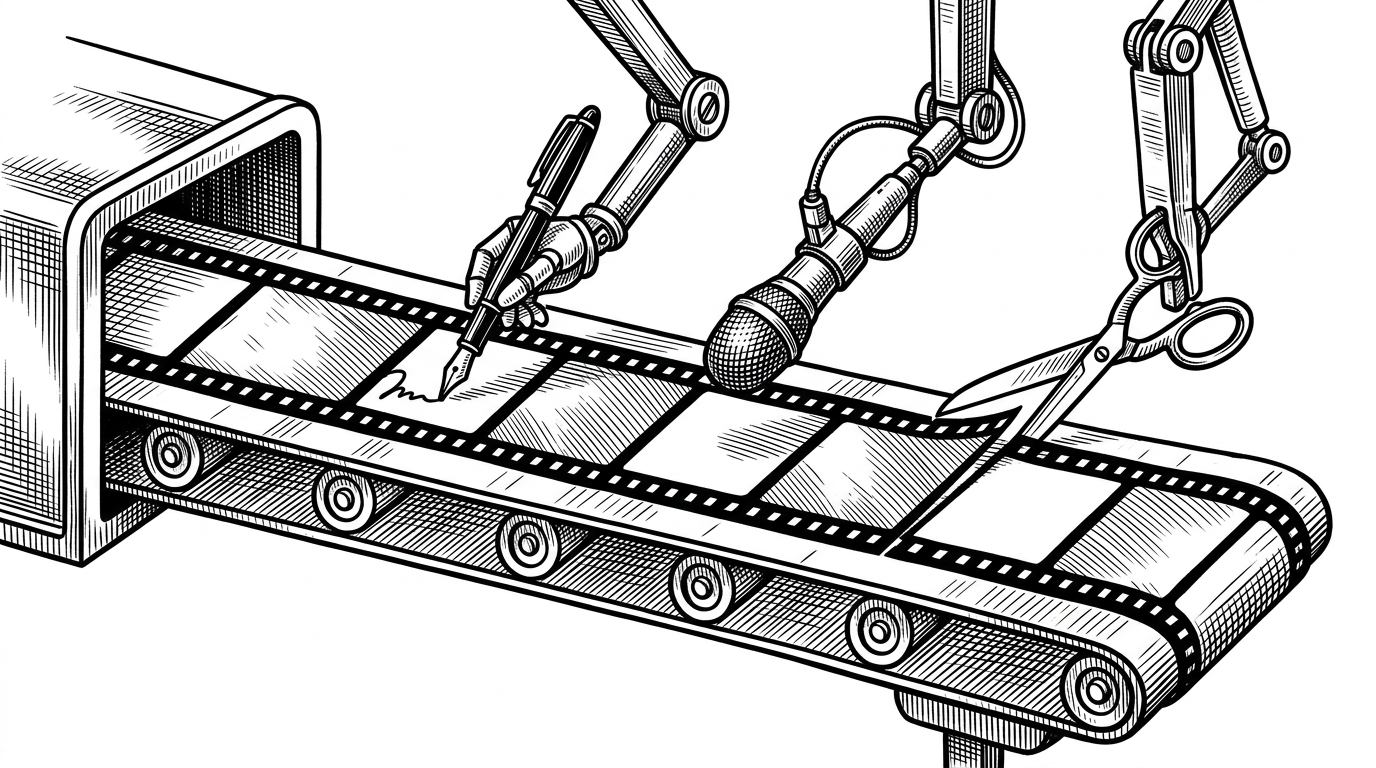
The green-screen metaphor is apt because the pipeline does not just detect edges. It isolates layers that can be reassembled later with intent. That is much closer to production design than computer vision theater.
- Background carries the broad surface and spacing.
- Skeleton preserves the compositional frame.
- Icons remain as reusable visual anchors.
- Text is reconstructed so the final deck stays editable.
What This Beats, and What It Does Not
Against template-driven systems, this repo wins on originality. Against direct shape generation, it wins on visual richness. Against Markdown-to-slide tools, it wins when the requirement is a real PowerPoint file with high-end presentation design baked in.
| Tool type | Best for | Where it loses |
|---|---|---|
| GordenSuperPPTSkills | High-fidelity editable decks | More moving parts and more engineering risk |
| Template-based PPT skill | Fast repeatable decks | Limited layout variety |
| Markdown-to-slide systems | Developer presentations | Not native PPTX first |
| Commercial AI slide tools | Simple consumer workflows | Closed systems and weaker control |
What it does not beat is simplicity. If you only need a clean internal deck, a template or markdown system may be enough. This repo is for the harder case: when the deck must look designed, not generated.
Why This Repo Matters
The larger lesson is bigger than PowerPoint. AI can now propose a polished artifact in one modality and recover structure from it in another. That pattern will show up anywhere teams want generative output without giving up human editability.
This repo is persuasive because it treats AI as a production stage, not an end product. It is opinionated, technically specific, and unusually honest about the tradeoff between beauty and control.