HyperFrames: The HTML Video Engine Built for AI Agents
How HeyGen turned plain HTML, GSAP timelines, and a deterministic browser renderer into a frame-accurate pipeline from composition to MP4.
- HyperFrames is interesting because it treats the browser as a deterministic video runtime, not a normal player.
- HTML is the strategic interface because it is predictable, portable, and easy for agents to generate correctly.
- The frame adapter is the real trick because it lets the renderer seek exact timestamps instead of trusting continuous playback.
- The CLI is built for scripted and agent-driven workflows, which makes the system feel like infrastructure rather than a desktop editor.
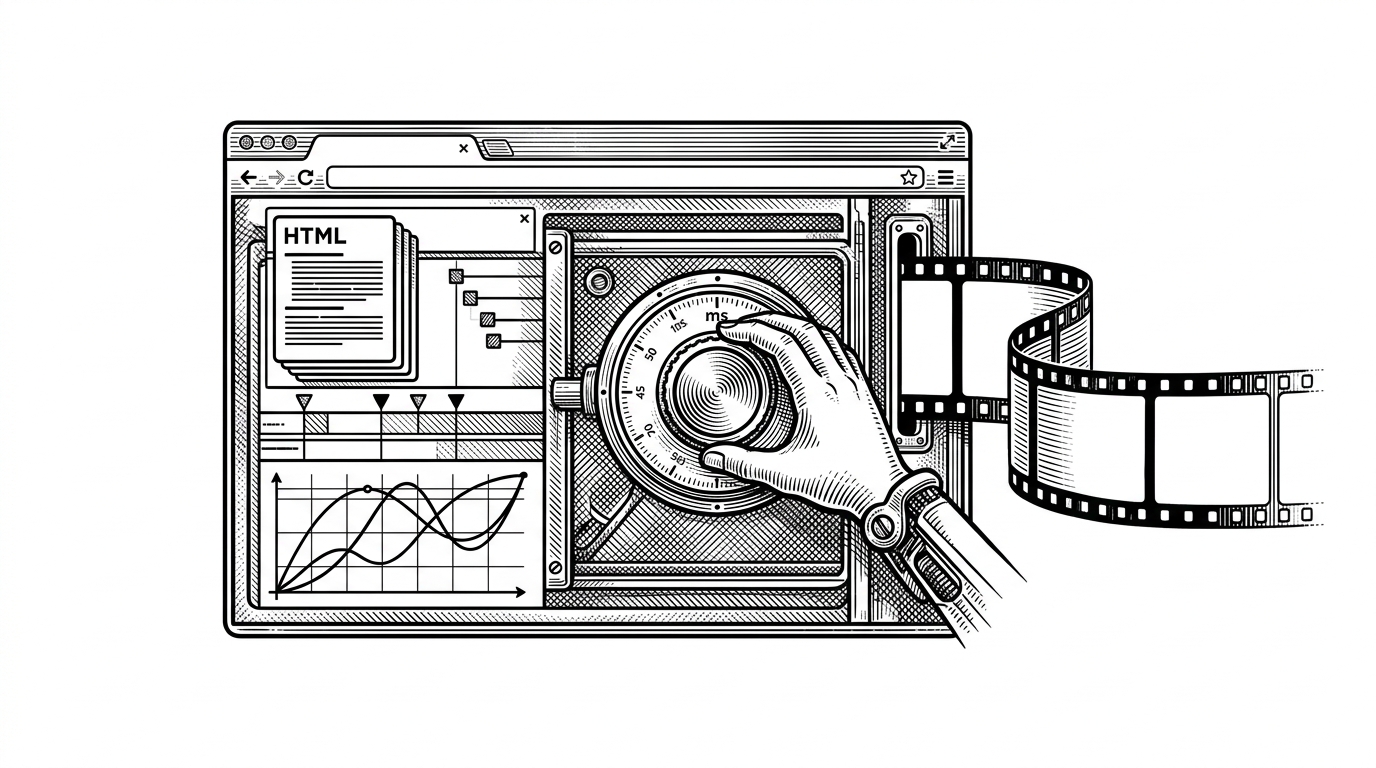
The weirdest part of HyperFrames is also its biggest clue. HeyGen is not trying to make another video editor. It is turning the browser into a time-seeking renderer that can be sampled at exact moments and assembled into MP4. That changes the center of gravity from manual editing to reproducible composition.
The browser is the video engine
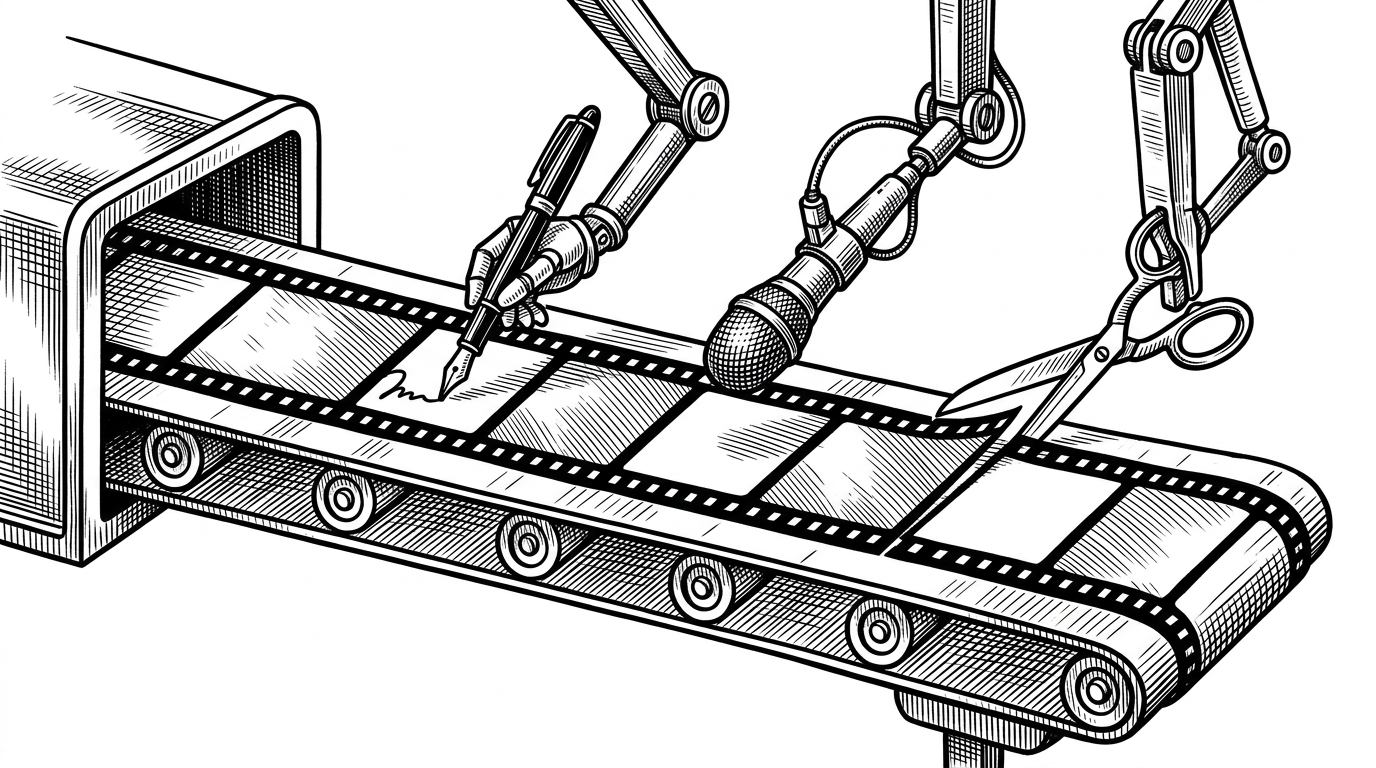
HyperFrames starts with a simple but sharp bet: if the browser can render HTML reliably, it can also render video frames reliably. The project asks the browser to show a specific timestamp, capture the state at that instant, then move to the next one. In that model, the browser is not a player. It is a frame oracle.
Why HTML wins the authoring war
HyperFrames chooses HTML over React or a proprietary DSL for a reason that has little to do with ideology. HTML is readable, portable, and already lives in the muscle memory of both engineers and models. The repo says it plainly: HTML-native, with compositions defined as HTML files and data attributes, not a new syntax layer.
HTML-native — compositions are HTML files with data attributes. No React, no proprietary DSL.
| Dimension | HyperFrames | Remotion | Direct FFmpeg |
|---|---|---|---|
| Authoring surface | Plain HTML with data attributes | React components | Command-line media graph |
| Primary mental model | Compose a browser scene, then sample time | Render a React scene over time | Transcode assets and stitch outputs |
| AI-agent friendliness | High. HTML is easy for models to produce | Medium. React state and component structure add friction | Low. The API surface is powerful but sparse |
| Determinism | High through seeking and frame adapters | High, but within a React runtime | High, if the pipeline is fully scripted |
| Animation ecosystem | GSAP, Lottie, CSS, Three.js via adapters | React-first ecosystem | Anything FFmpeg can consume |
| Best fit | Agent-driven, browser-native video assembly | Developer-led programmatic video production | Low-level encoding and batch media pipelines |
That choice matters because HyperFrames is not just optimizing for human authors. It is optimizing for agents that are already good at generating DOM-shaped structures. The project doubles down on that with a non-interactive CLI and skills that teach models the framework's conventions.
The frame adapter is the real trick
The deepest engineering move in the repo is the adapter pattern around animation runtimes. HyperFrames does not need to invent a new timeline engine if it can ask an existing one to move to a specific timestamp. That is what makes deterministic capture possible. Instead of trusting playback speed, it samples state.
// Conceptual shape of the frame-seeking model
const adapter = createGSAPFrameAdapter({ fps: 30 })

for (const frame of frames) {
  const timeMs = frame.index * (1000 / 30)
  await adapter.seek(timeMs)
  await captureFrame()
}

// Same input, same output. The renderer samples exact moments.
That looks mundane until you compare it with normal browser playback. Continuous playback drifts, drops frames, and changes under load. Seek-based capture avoids all of that by treating each frame as a query. The browser is told what moment to show, and only then is the image recorded.
How HyperFrames compiles a composition
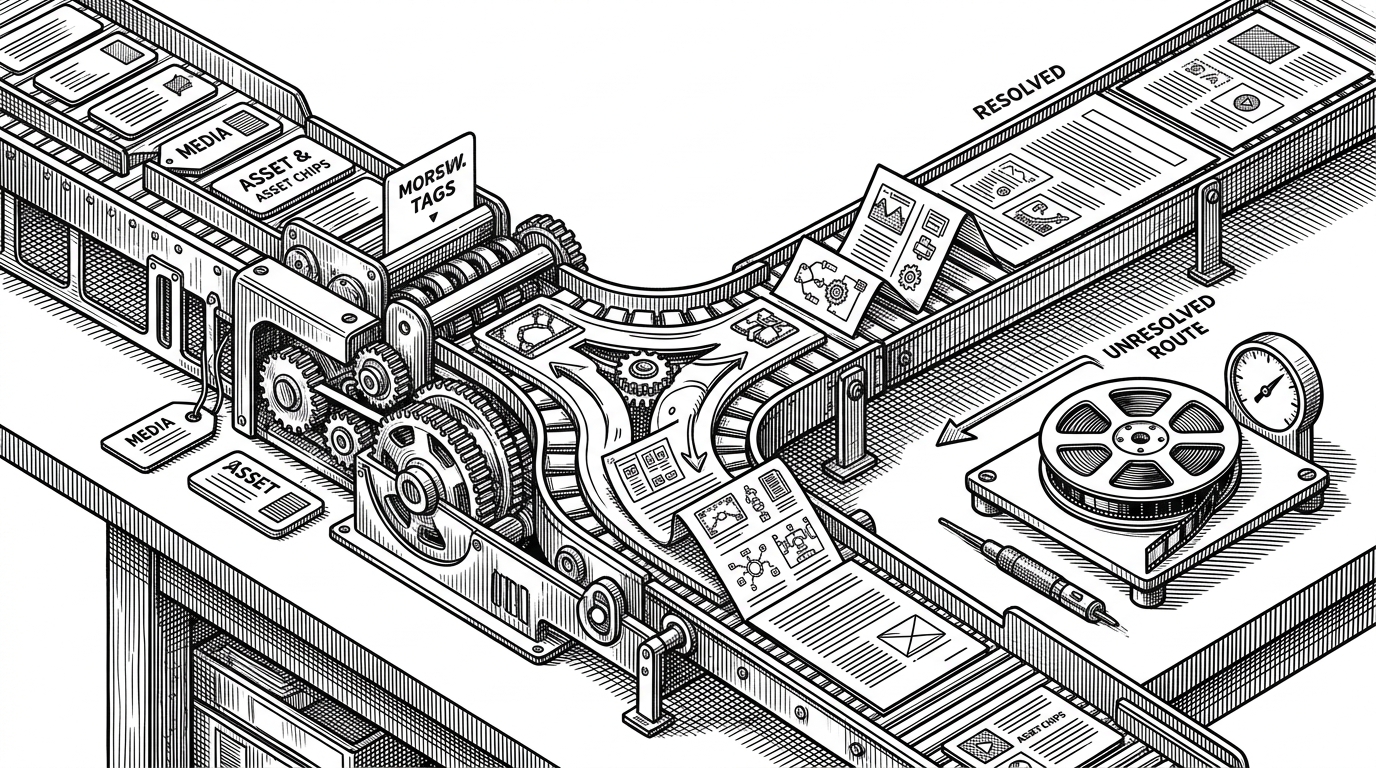
The compiler work is less glamorous, but it is what makes the system portable. The timing compiler normalizes media tags, fills in missing end times when it can, and flags unresolved elements for probing. The HTML bundler inlines small relative assets and injects the runtime script that connects the composition to the preview and render loop.
In practice, that means a composition has to survive outside the comfort of a local browser tab. It needs enough metadata to be rendered headlessly, enough structure to be probed automatically, and enough portability to move through a CLI without surprises.
The CLI is optimized for agents, not people
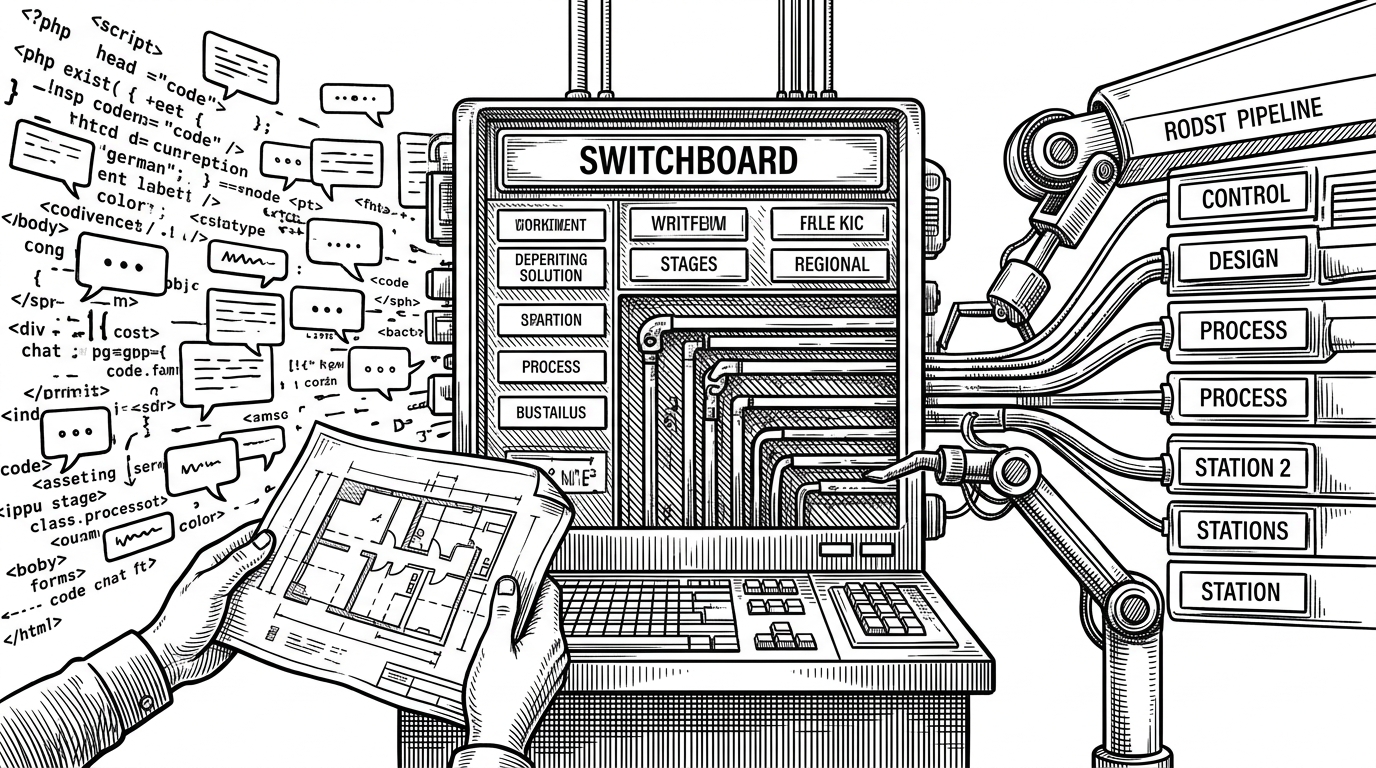
This is where the product strategy becomes obvious. HyperFrames is not just a library. It is a workflow surface. The CLI is non-interactive by default, which is exactly what you want if the caller is a script or an agent. The system is designed to produce structured results and predictable commands, not a lot of human theater.
AI-first — agents already speak HTML. The CLI is non-interactive by default, designed for agent-driven workflows.
That design choice also explains the companion skills directory. Instead of hoping a model guesses the repo's conventions, HeyGen gives it a playbook. The result is less trial and error, more first-try validity.
HyperFrames vs. the obvious alternatives
HyperFrames is not trying to beat every video tool on every axis. It is carving out a specific niche: browser-native composition for AI-driven pipelines. Compared with React-centric systems, it is simpler for agents to author. Compared with raw FFmpeg workflows, it is more legible at the composition layer.
| System | Strength | Trade-off |
|---|---|---|
| HyperFrames | Agent-friendly HTML input and deterministic browser sampling | You still need to think in browser terms and manage timing metadata |
| Remotion | Mature React-based composition model | React adds complexity for some automation and model-generated workflows |
| FFmpeg | Maximum control over encoding and transforms | Low-level orchestration can be harder to author and maintain |
The key difference is not that one is objectively better. It is that HyperFrames makes a different center of gravity explicit. It assumes the future workflow is not a designer dragging clips. It is an agent assembling a browser scene that can be rendered with precision.
What this means for video tooling
HyperFrames points toward a useful category shift. Video tooling may increasingly look like composable infrastructure, where HTML is the shared contract between humans, agents, and renderers. If that happens, the browser stops being the thing you watch. It becomes the thing that makes motion reproducible.