ung220z-tool: The Gateway You Own but Don't Control
A one-command Python tool recovers admin credentials from China Mobile's UNG220Z router. The interesting part isn't the exploit. It's why so many people wanted it.
- ung220z-tool automates credential recovery for a single ISP gateway, and its popularity is a signal about vendor design rather than about the tool.
- The device rotates admin credentials away from its owner by design, so a forgotten password is really lost access by architecture.
- A working tool shipped with a 'for authorized use only' disclaimer has no enforcement beyond the honor system.
- The responsible path for a locked gateway runs through the ISP, not the script.
The Box You Own and Can't Open
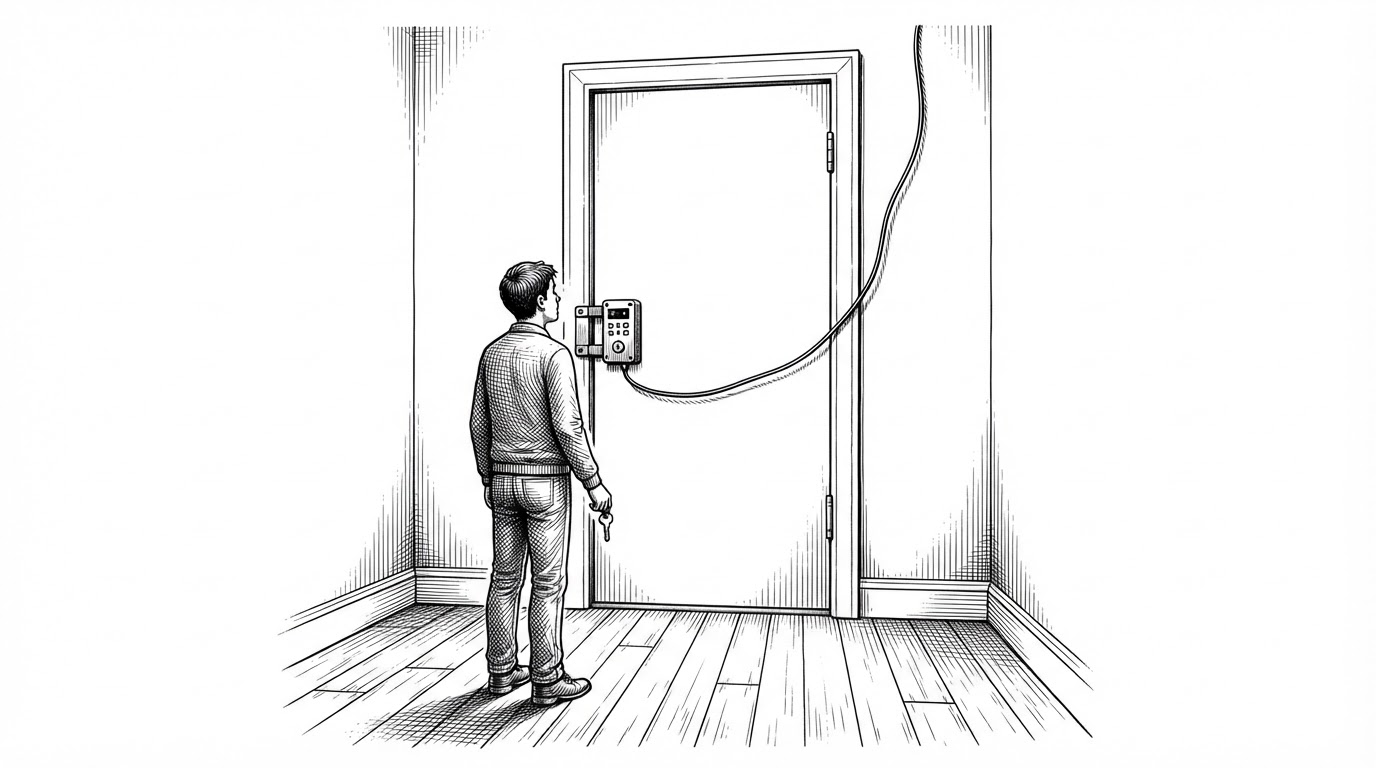
You bought the router. Or rather, you rent it, bundled into a broadband plan, and it sits on your wall doing work you pay for. It has your name on the account. It does not have your name on the firmware.
ISP-supplied gateways arrive locked. The admin password is often set by the carrier, rotated without notice, and stored somewhere the customer cannot see. You can reboot the box. You cannot inspect it. You cannot replace its operating system. In many markets you cannot even buy your own and plug it in without a fight.
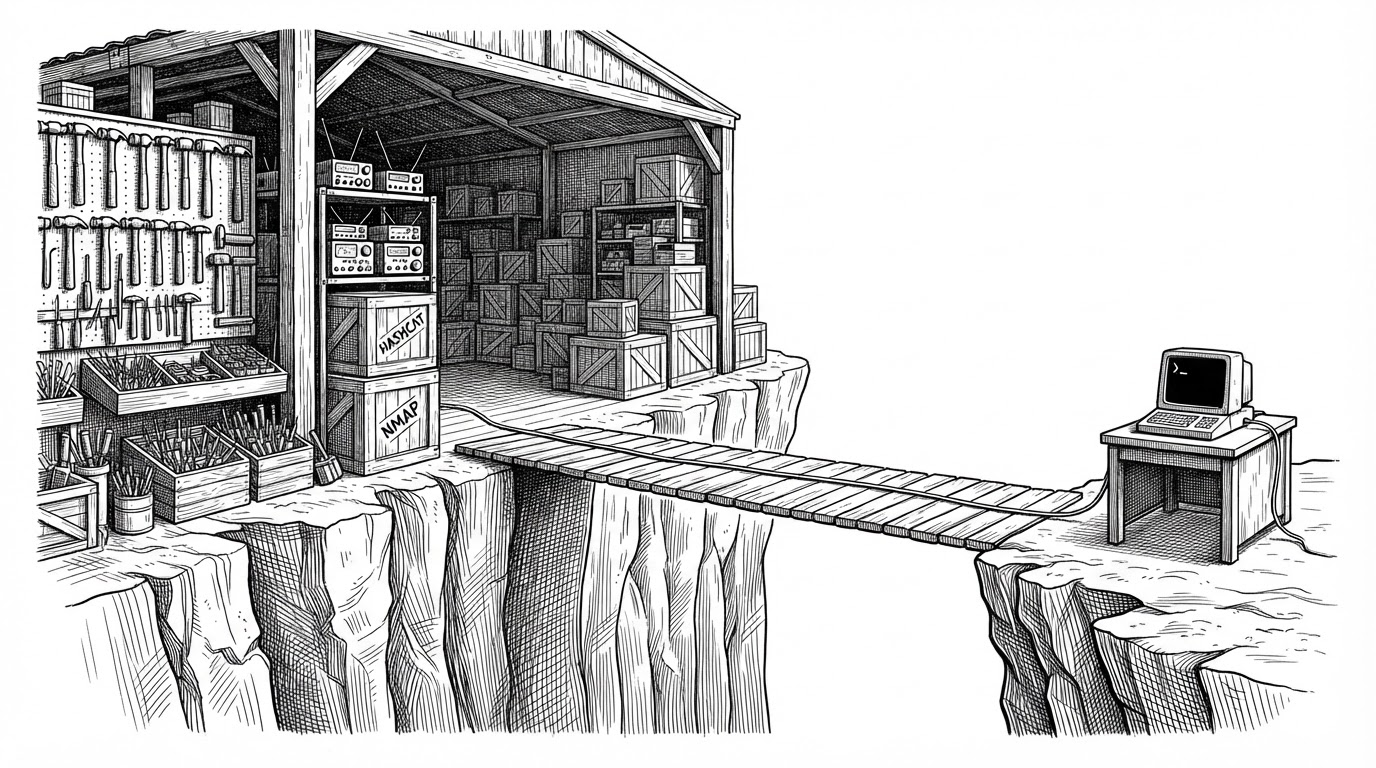
ung220z-tool exists because of that gap. It is a small Python utility aimed at one device, the UNG220Z gateway that China Mobile ships and Unionman builds. Its popularity is less a story about clever code than a story about a design decision: the owner was written out of the loop.
本文出于对技术的分享,主要给安全从业人员以及专业运维人员,请勿恶意使用下面描述技术进行非法操作!
What ung220z-tool Actually Is
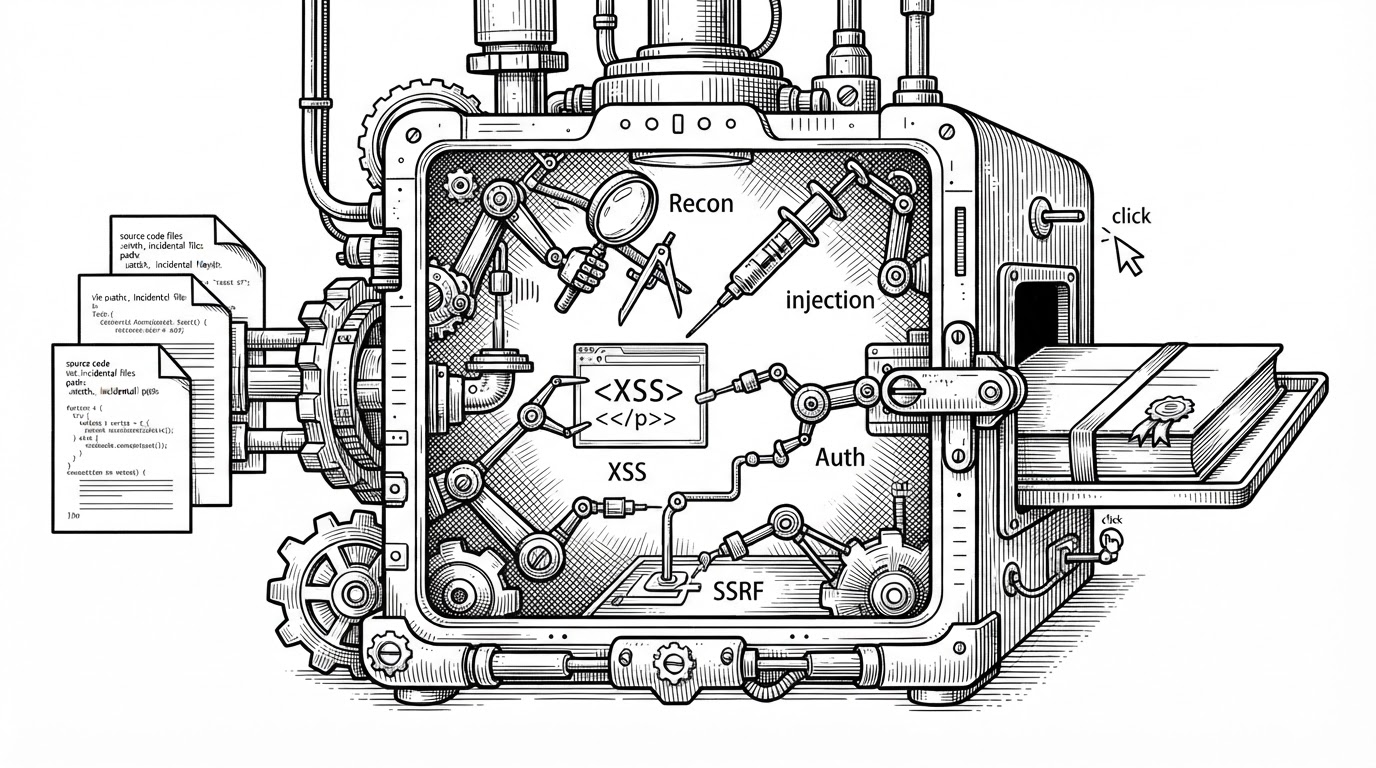
The repository is four files: a Python script, a README, a license, and a gitignore. It targets one gateway family and automates a credential-recovery workflow that used to live in scattered forum posts and blog walkthroughs. Where a person once read a thread and typed commands by hand, the script now does the reading and the typing.
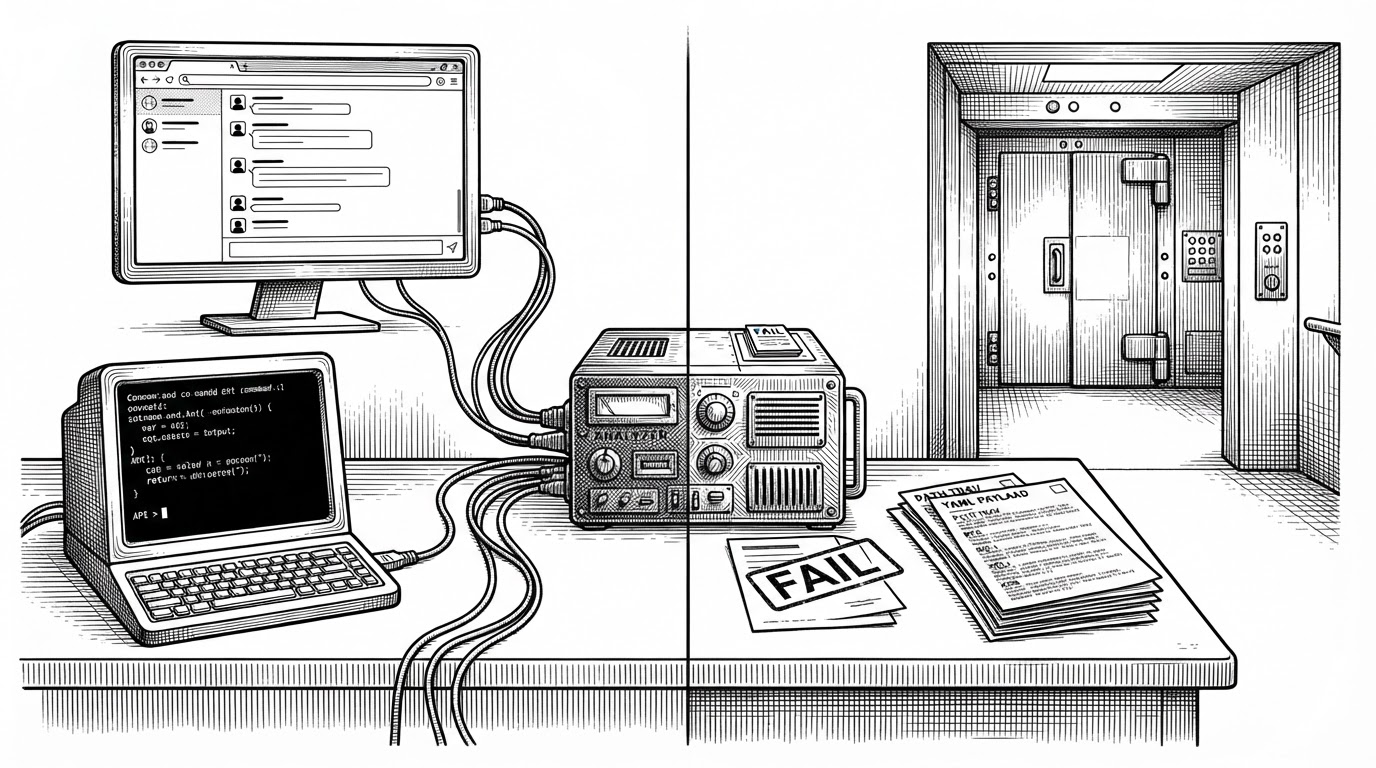
This article will not describe how it works. The tool chains together a complete access-and-extraction path against a live device, and walking through those steps would turn a piece of writing into an attack guide. What matters editorially is not the recipe. It is what the recipe's popularity says about the hardware people are handed.
A snapshot of the repository reports roughly 1,572 stars and 373 forks, with a single listed contributor. Those are snapshot figures, not verified live counts, and they should not be read as a quality signal. A star on a tool like this measures curiosity and frustration, not correctness.
- Language: Python
- License: MIT
- Contributors listed: one
- Stars and forks: snapshot figures, not verified live counts
The Password That Rotates Away
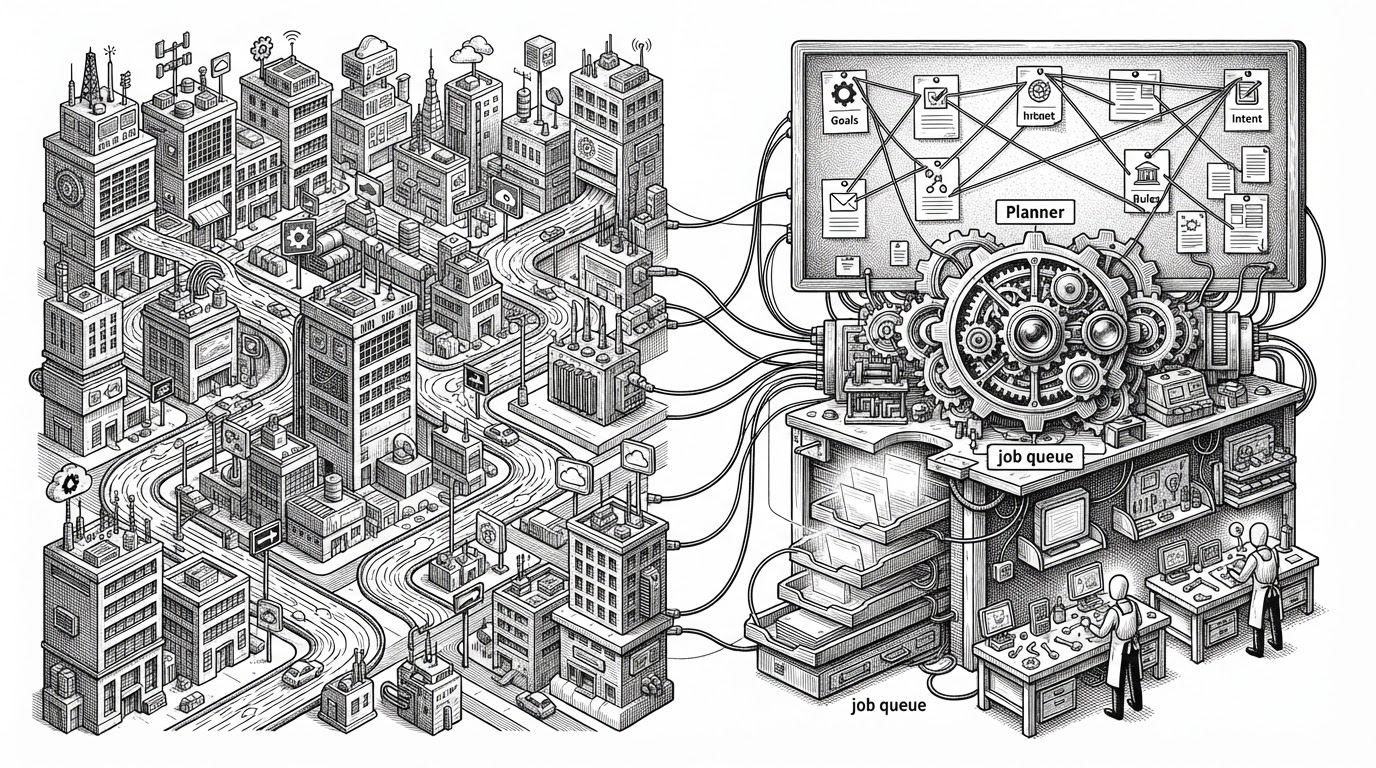
The most surprising detail is buried in the README. The admin credentials are rotated by TR-069, the remote provisioning protocol carriers use to manage customer equipment, and they go stale quickly. The owner is chasing a moving target, and the target is designed to move.
Think about what that means. A "forgot my password" tool is not really solving a forgotten password. It is solving a password that was deliberately changed by someone else, on a schedule the owner never sees. The credential lifecycle was built for the carrier's convenience, not the customer's access.
The layer model is the whole argument in one picture. The carrier provisions. The firmware obeys. The credential store gets rewritten. The customer, at the bottom, holds a copy that may already be out of date.
For Authorized Use Only
Here is the turn. The tool works. It ships with a disclaimer. And it is distributed publicly, to anyone, with no gate beyond a sentence.
仅用于你自己的设备
That pairing is the interesting problem. A legal disclaimer is not a control. It does not check whether the device belongs to you. It does not stop a reader from pointing the tool at a gateway down the street. It is the honor system dressed as a license.
This is a familiar shape in open source. Dual-use tooling, security research utilities, and anything that touches privileged access lives on the same knife edge. The questions worth asking stay consistent: was the underlying weakness reported to the vendor or the carrier? Is there a fix? Who is accountable if the tool spreads? The disclaimer answers none of them. It moves the responsibility onto the reader and calls the matter closed.
Three Ways to the Same Door
The tool is not the only route to administrative access on this device. It is the newest, and the most automated. The comparison below is about who does the work, not about what is possible.
| Approach | Who it's for | What it requires | What it can't do | Risk profile |
|---|---|---|---|---|
| ung220z-tool | Owners of the UNG220Z gateway who want a one-command result | A device matching the target model, a Python environment, and the judgment to stop if it isn't yours | Cannot verify ownership, cannot know if the firmware has changed, cannot un-rotate a credential the carrier has already reset | High: automates a full access path with no built-in guardrail |
| Manual forum procedure | Tinkerers comfortable reading shell output and interpreting config files | Device-specific knowledge, patience, and the same operator judgment | No automation, no reporting, no reuse, and easy to get wrong | Medium: the human stays in the loop at every step |
| Official ISP path | Any customer with a locked or forgotten credential | An account with the carrier and a support request | Slow, and may end in a device swap or a support tier that cannot help | Low: the sanctioned route, with the carrier accountable |
The forum guide and the 2023 Tencent article prove the technique was public long before the repository. What the tool changed was the audience. It collapsed a multi-step manual procedure into one command, and that is exactly the leap that turns a niche forum thread into a thousand-star project.
The Star Count Problem
HotRepo recorded an early snapshot of 146 stars and 43 forks after a short observation window, and cautioned that a burst like that does not prove sustained adoption. The later figure, around 1,572, is a different number with a different meaning. Neither one tells you whether the tool is safe or correct.
Popularity on GitHub is a poor proxy for legitimacy. Stars measure interest. Forks measure intent to tinker. On a credential-recovery tool, both are driven by the same thing: people who cannot get into their own hardware. The number is a symptom, and it points back at the vendor, not the script.
家庭网络想要改桥接或关闭 IPv6 防火墙,最大的阻碍往往是运营商光猫在后台下发业务后,自动重置并锁死的动态超级管理员密码(CMCCAdmin)。 Hut-hzf 开源的 ung220z-tool 专门针对九联(Unionman)生产的中国移动 UNG220Z 千兆光猫,提供了一套纯本地的配置凭据还原工具。
What Owners Should Actually Do
If your gateway is locked and you need in, the safe path is not a script. It is the route the system was designed to support, even if it is slower.
- Contact the ISP for an admin password reset or a replacement device. This is the normal path for a forgotten password.
- Factory-reset the gateway only if you accept that the carrier will re-provision it.
- Check whether remote management or Telnet is reachable from the WAN side, and disable it in the admin interface if the option exists.
- Keep the device on the carrier's current firmware.
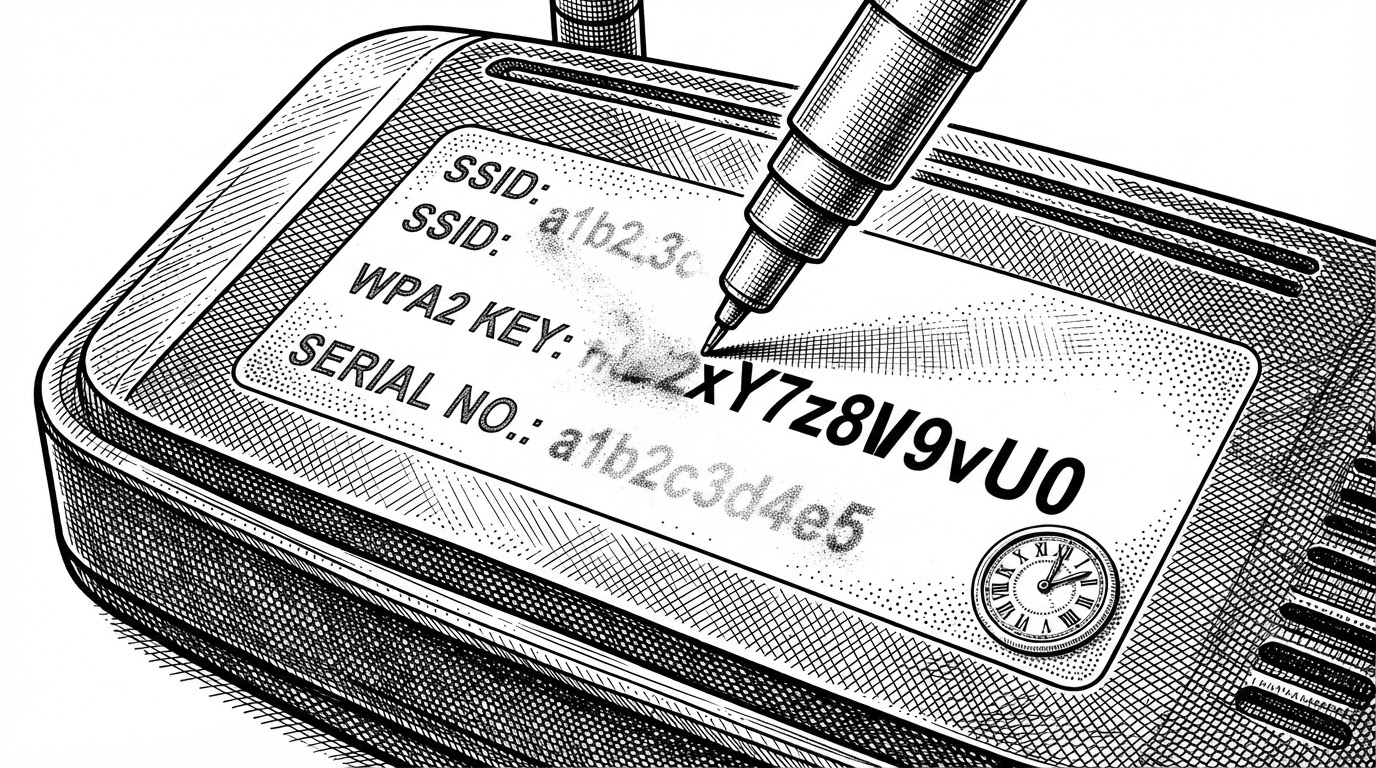
- Change the sticker credentials right after setup, if the interface allows it.
None of that recovers a password the carrier has already rotated away. But it keeps the box on your wall closer to yours, and it does not require trusting a stranger's script with the keys to your network.