baoyu-design: The Local Design OS for AI Agents
A portable Agent Skill that turns files, prompts, and scripts into self-contained UI mockups, prototypes, and decks without leaving your IDE.
- baoyu-design is not mainly a UI generator, it is a portable operating layer that lets AI agents do design work inside the filesystem and IDE.
- Its real advantage is control. The workflow stays local, inspectable, and versioned instead of disappearing into a closed web app.
- The repo turns design systems into something an agent can compile, sync, and verify, which makes iteration feel more like software development than prompt fiddling.
- The broader bet is bigger than mockups. It points toward agent-native design tools that behave like skills, not separate products.
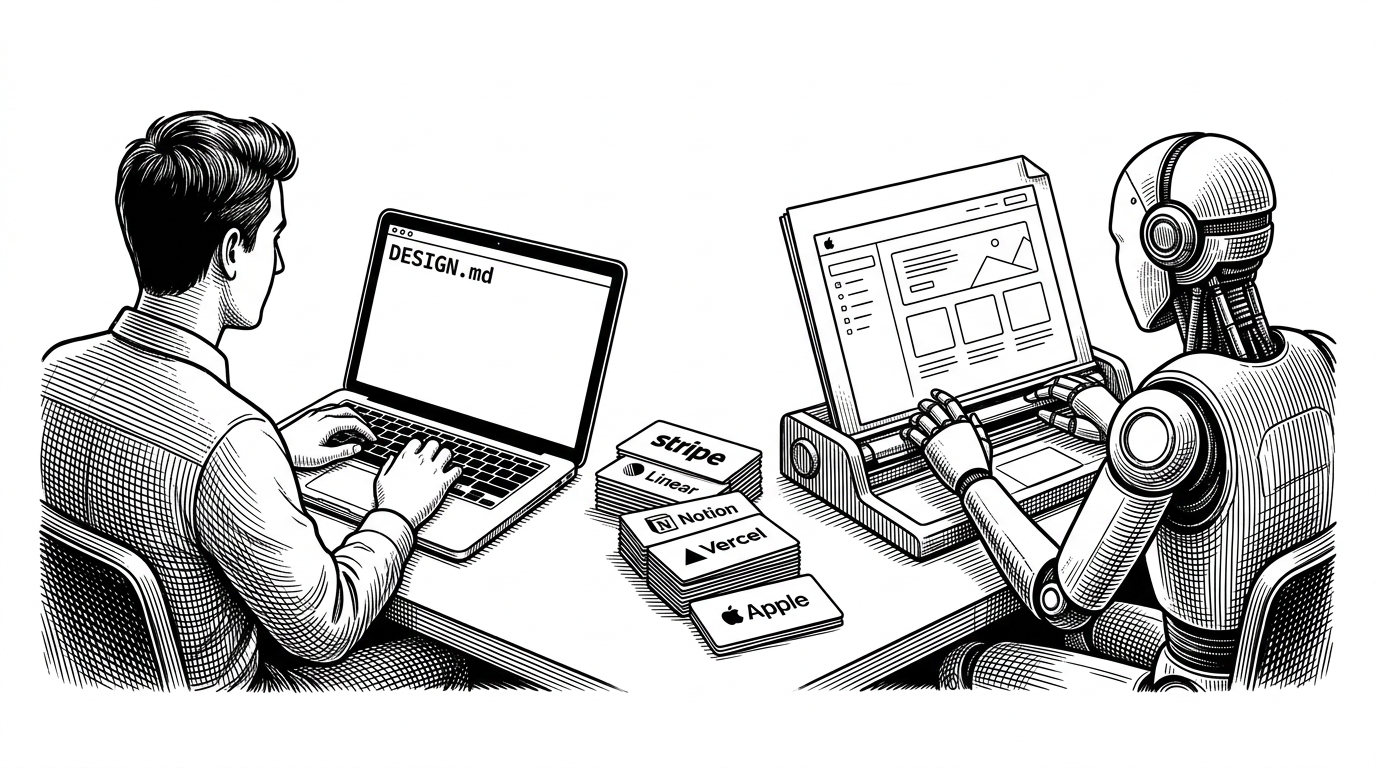
Most design generators start with output. baoyu-design starts with workflow. That is why it feels less like a UI toy and more like infrastructure for agents that need to make, revise, and ship polished interfaces from inside an IDE.
The project’s premise is simple and unusual at the same time. Take the Claude Design experience, strip it out of the web app, and rebuild it as a local skill that lives in files. The result is a design runtime an agent can actually carry around.
Why this repo matters
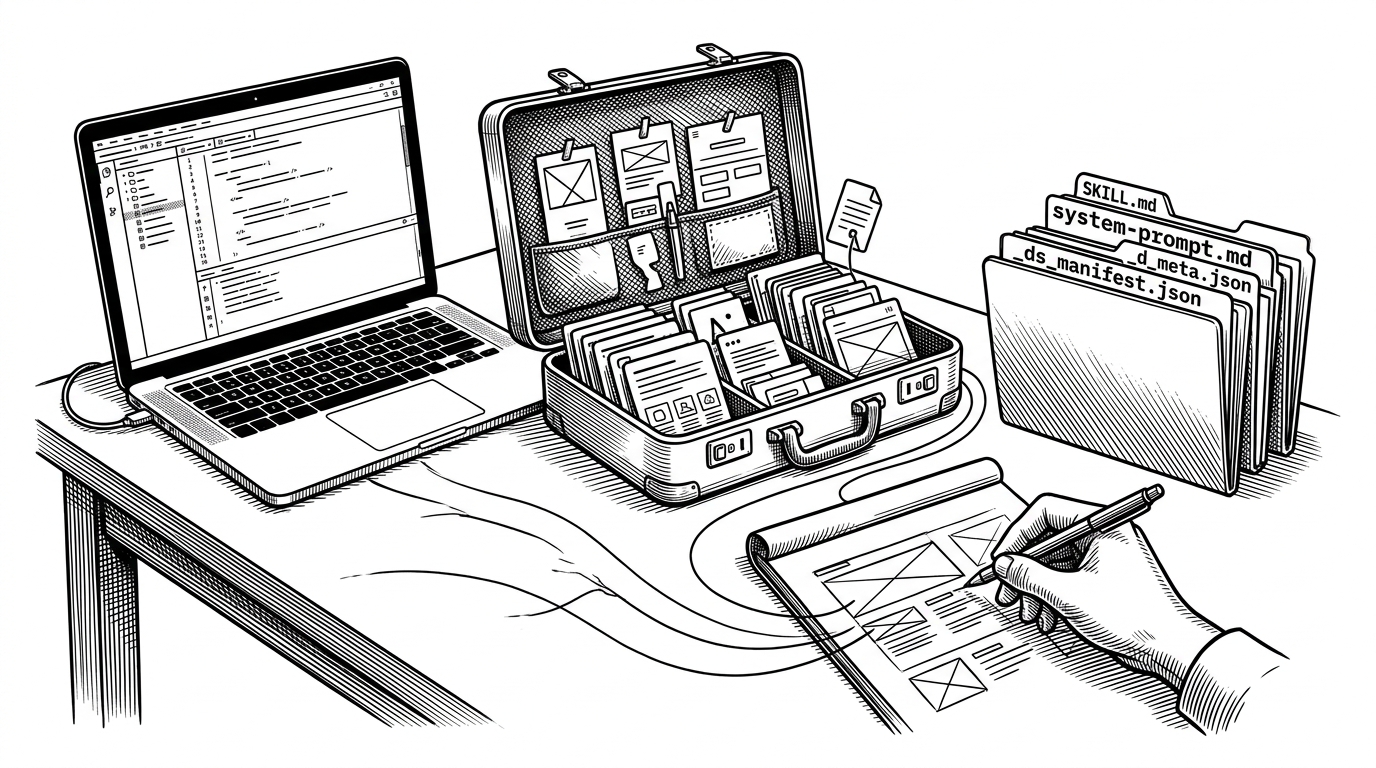
The best way to understand the repo is to stop thinking about it as a library. It is a local operating layer for design tasks. Instead of pushing prompts into a hosted sandbox, the agent works through SKILL.md, system-prompt.md, scripts, and project-local artifacts.
Run Claude Design locally as an Agent Skill — Cursor, Claude Code & more. Produce polished UI mockups, prototypes, decks & wireframes as self-contained HTML, without claude.ai/design. Best with Opus 4.8.
That matters because the normal design-agent stack is fragmented. Web tools are polished but closed. Raw chat is flexible but manual. Local scaffolding is powerful but clumsy. This repo tries to collapse those tradeoffs into one portable workflow that stays close to the codebase.
The core trick: a design workflow that travels
The first clever move is harness agnosticism. The skill can detect where it is running, then map the same design task to the right tools for Cursor or Claude Code. That means the workflow is not pinned to one product’s interface or one vendor’s hidden assumptions.
The bigger idea is that the skill itself becomes the control plane. The agent does not improvise the workflow from scratch each time. It follows a reusable path: clarify, explore, create, verify. That makes the design process repeatable, which is the difference between a prompt and a system.
How the system turns files into memory
The asset layer is the quiet genius here. Instead of a database, the repo uses the filesystem as memory. A lightweight _d_meta.json file tracks versions, dimensions, and review state. That gives the agent enough history to know what changed, what was approved, and what still needs attention.
| Dimension | Web design tools | baoyu-design |
|---|---|---|
| State | Mostly hidden inside a SaaS workflow | Stored locally in _d_meta.json and project files |
| Iteration | Often managed through app-specific history | Visible as filesystem artifacts the agent can inspect |
| Portability | Tied to the platform | Moves with the project and the IDE |
| Review state | Usually implicit | Explicit through metadata and verification scripts |
This is a small implementation choice with large consequences. A file-based memory model means the agent can return to a project days later and still understand the artifact trail without needing a backend service to reconstruct the context.
The mini-compiler behind the design system
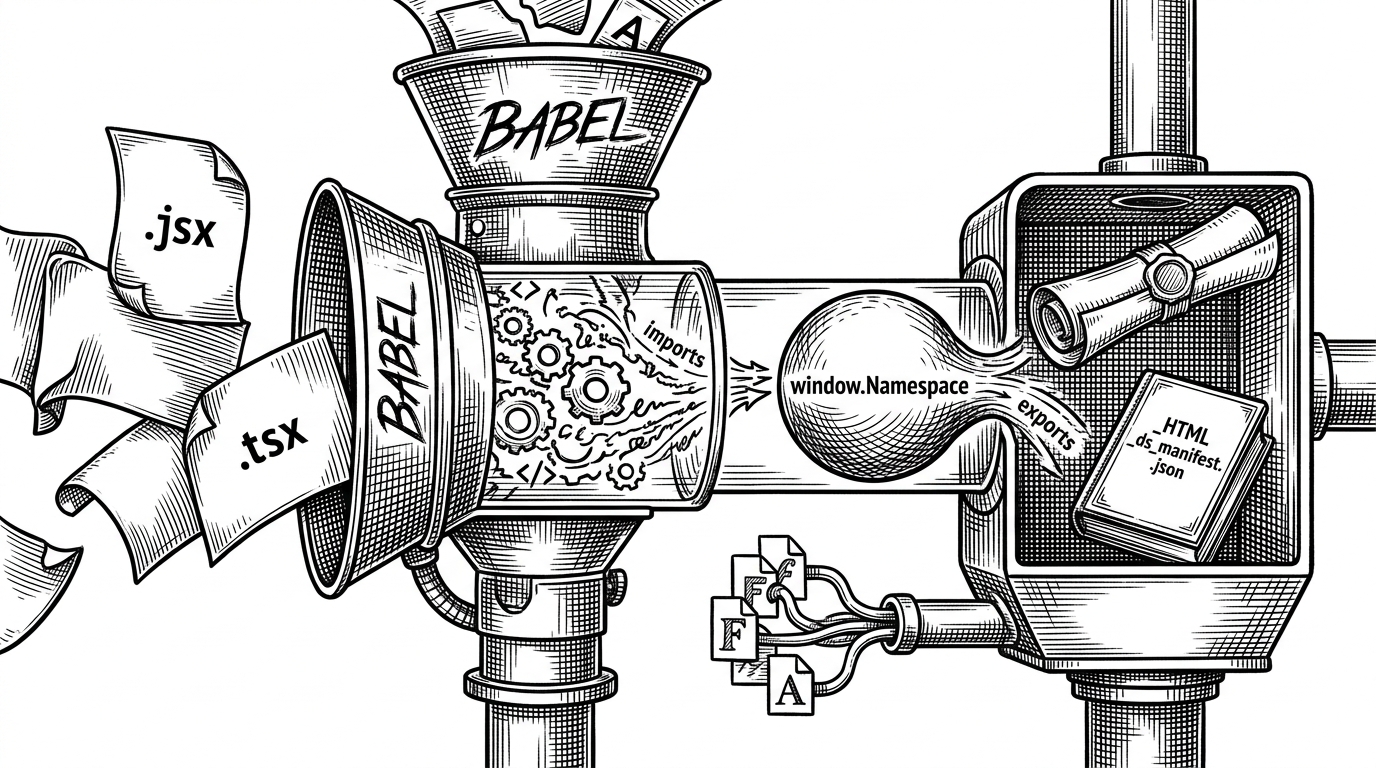
This is where the repo stops feeling like prompt orchestration and starts looking like software engineering. compile-design-system.mjs and import-design-system.mjs act like a mini-compiler chain. JSX and TSX are bundled just in time, design-system code is copied into a project-local _ds/ folder, and local assets are pulled along so the final HTML stays standalone.
That architecture is doing three jobs at once. It normalizes component code, it preserves portability, and it keeps the result inspectable. The agent is not just generating screens. It is assembling an artifact with a reproducible provenance.
// Simplified shape of the workflow
loadSkill('SKILL.md')
loadWorkflow('system-prompt.md')
compileDesignSystem('compile-design-system.mjs')
importDesignSystem('import-design-system.mjs')
recordAsset('_d_meta.json')
verify('check-design-system.mjs')
renderSelfContainedHTML()
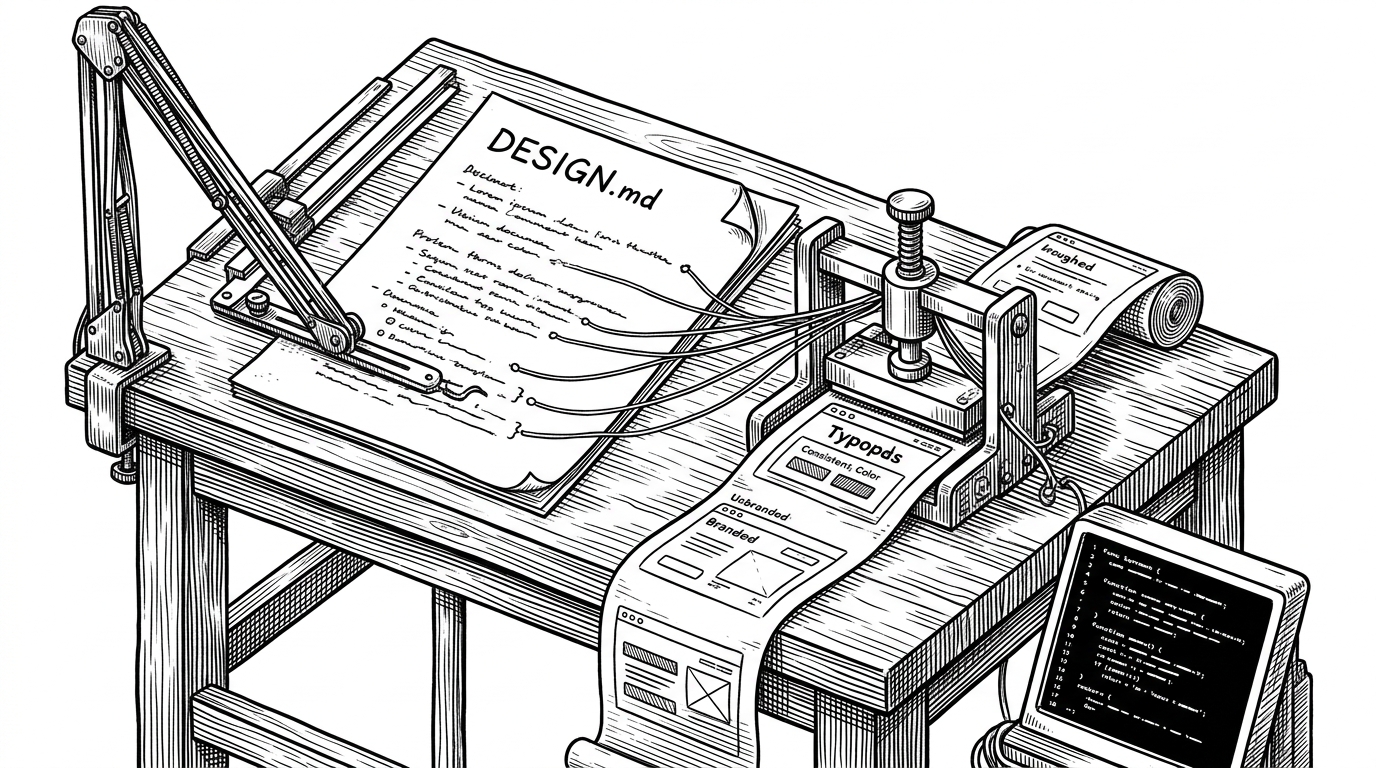
The project also treats visual style as binding, which is subtle and important. The style reference is not the logic. The logic is the workflow. That separation lets the agent reuse the same system while swapping visual language, like changing the skin on a machine without changing the machine itself.
What makes this different from v0, Galileo, or chat-based prompting
The comparison is not really about who makes prettier UI. It is about control surfaces. v0 and Galileo are managed products. Direct chat prompting in Claude or ChatGPT is flexible, but it stays manual. baoyu-design makes the workflow local, scriptable, and versioned.
| Approach | Hosting | Output | Workflow control | Portability |
|---|---|---|---|---|
| v0.dev | Hosted SaaS | React-oriented UI output | High-level product workflow | Low, tied to platform |
| Galileo AI | Hosted SaaS | Editable UI design | High-level product workflow | Low, tied to platform |
| Direct Claude or ChatGPT prompting | Chat interface | Ad hoc code or mockups | Manual copy-paste iteration | Medium, but labor intensive |
| baoyu-design | Local skill inside IDE | Self-contained HTML artifacts | Scripted agent workflow | High, files travel with the project |
The distinction matters for teams that care about provenance, privacy, and repeatability. If the design artifact lives beside the code, then review, reuse, and iteration all become part of the same local loop. That is a different product category from a hosted prompt box.
What this suggests about the future of UI tooling
The interesting future is not simply that AI generates interfaces faster. It is that design tooling becomes composable. A design system can be imported. A mockup can be verified. A deck can be emitted as HTML. An agent can move through those steps as a skill, not as a one-off conversation.
That is the larger bet in this repo. UI creation stops being a separate destination and starts acting like a local capability the agent can invoke on demand. In that world, the best design tools are not necessarily the flashiest apps. They are the ones that can live inside the workflow without disappearing into it.