m3-color-utility: One Seed Color, Four Material 3 Outputs
A focused Material 3 workbench that turns HCT tone math into Android, web, and design-token exports without forcing you to translate the system by hand.
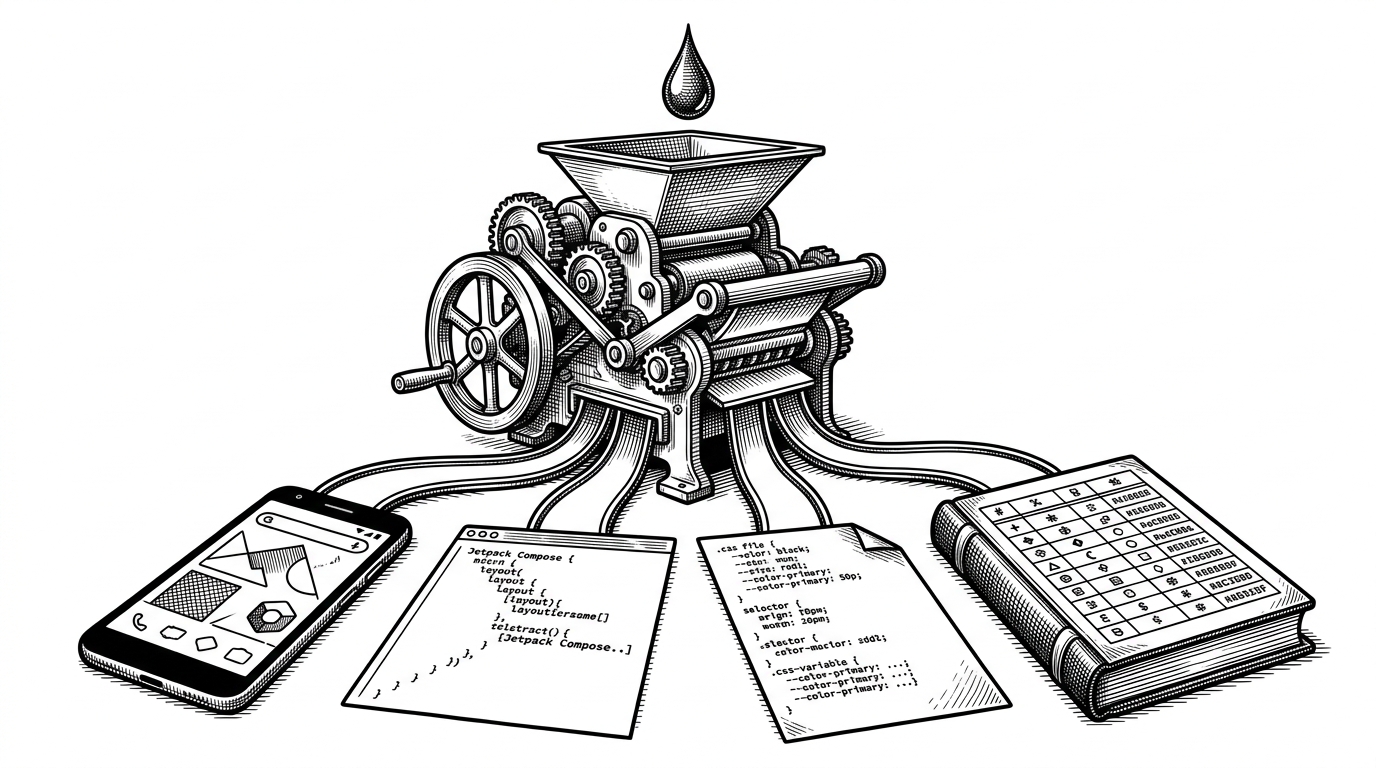
- m3-color-utility behaves like a tiny compiler: one seed color is transformed into Material 3 roles, then exported into platform-specific formats.
- The real subject is tone mapping, not swatch selection, because the app treats HCT as the source of truth for every output.
- Svelte 5 runes make the feedback loop feel immediate, since one state change can redraw the palette and its exports without extra glue code.
- The repo's niche is practical, not theoretical, because it sits between Google's reference math and the messy job of shipping design tokens.
Most color tools stop at the picker. m3-color-utility starts where those tools end. You give it one seed color, and it turns that decision into a Material 3 palette, then into the dialects teams actually ship: Android XML, Jetpack Compose, CSS variables, and design tokens.
One swatch, four outputs
That makes the repo feel less like a palette toy and more like a compiler front end. The input is small, but the output fan-out is real. A designer or developer can inspect the tonal map once, then export the same system into code that different platforms can consume without re-interpretation.
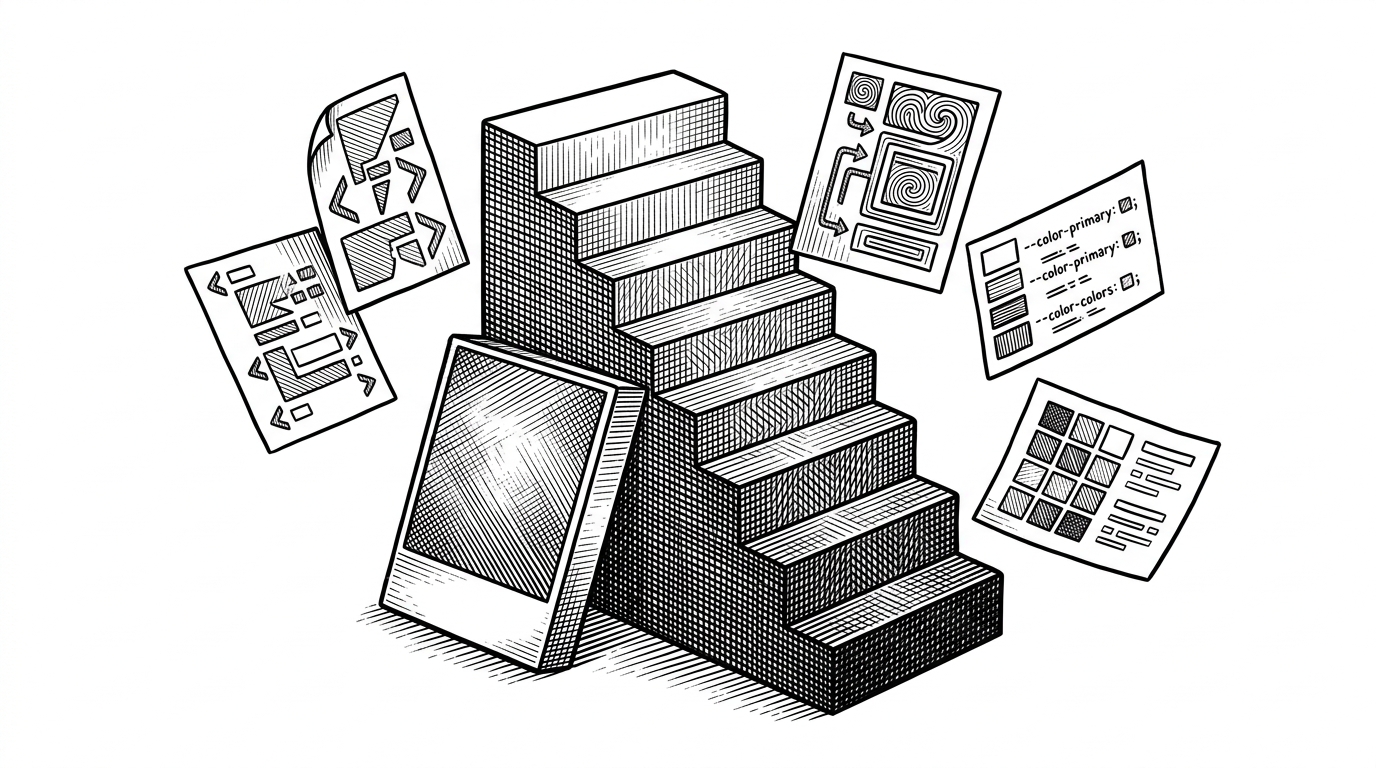
That fan-out is the whole point of the repo's component structure. The same palette can be rendered as a visual preview, a JSON token file, or code snippets for Android and Compose. The UI does not just show the result. It manufactures the result.
The tone ladder hiding inside Material 3
Material 3 does not ask, "What is the prettiest primary color?" It asks, "What tone should each role be?" That is why HCT, Google's hue-chroma-tone model, matters. Hue preserves the color family, chroma controls saturation, and tone gives the palette its lightness ladder. Roles like primary, primaryContainer, surface, and surfaceContainerHigh are all different stops on that ladder.
That pipeline stays live because the app is reactive all the way through. In src/routes/+page.svelte, base colors live in $state, derived schemes recalculate automatically, and the generated colors are injected back into the page as CSS variables. Change one input, and the UI remaps itself instantly. There is no separate orchestration layer to keep in sync.
I was doing some color testing against the material spec and was getting off-by-one errors for container colors (eg primaryContainer).
This is where the repository's precision story becomes concrete. The issue author was not complaining about a random cosmetic glitch. They were testing whether Material 3's container tones matched the spec closely enough to trust in production, and that is the right bar for a utility like this.
Why the app feels like a compiler
Once you see the tone ladder, the rest of the repo clicks. src/lib/colors.ts owns the color logic. Components like the palette preview and export panes are presentation layers, not decision makers. Even the package's postinstall patch reads like a compiler maintainer's move: it fixes upstream import paths so the underlying color library works cleanly in the Vite and SvelteKit toolchain.
| Tool | Best at | Trade-off |
|---|---|---|
| m3-color-utility | Material 3 previews plus platform exports from one input | Narrowly scoped to Material 3 workflows |
| Google material-color-utilities | Canonical HCT math and reference behavior | Gives you the engine, not the workbench |
| culori / color.js | General-purpose color-space work in modern CSS and design systems | Flexible, but not opinionated about Material 3 roles |
That is why the repo matters even beside the official library. Google provides the reference math. This project packages that math into a workflow that a designer, Android engineer, and frontend engineer can all use without translating the palette three different ways.
A small tool with a clean thesis
The maintainer, MM2-0, built a utility that reads like something made for a real project deadline. The codebase is small, but the intent is clear: make Material 3 usable across platforms, keep the reactivity simple, and reduce the hand-editing that usually sneaks into design-system work.
That is the durable appeal of m3-color-utility. It does not try to replace the spec, and it does not try to become a general color lab. It takes one job seriously: convert a seed color into something a team can ship.