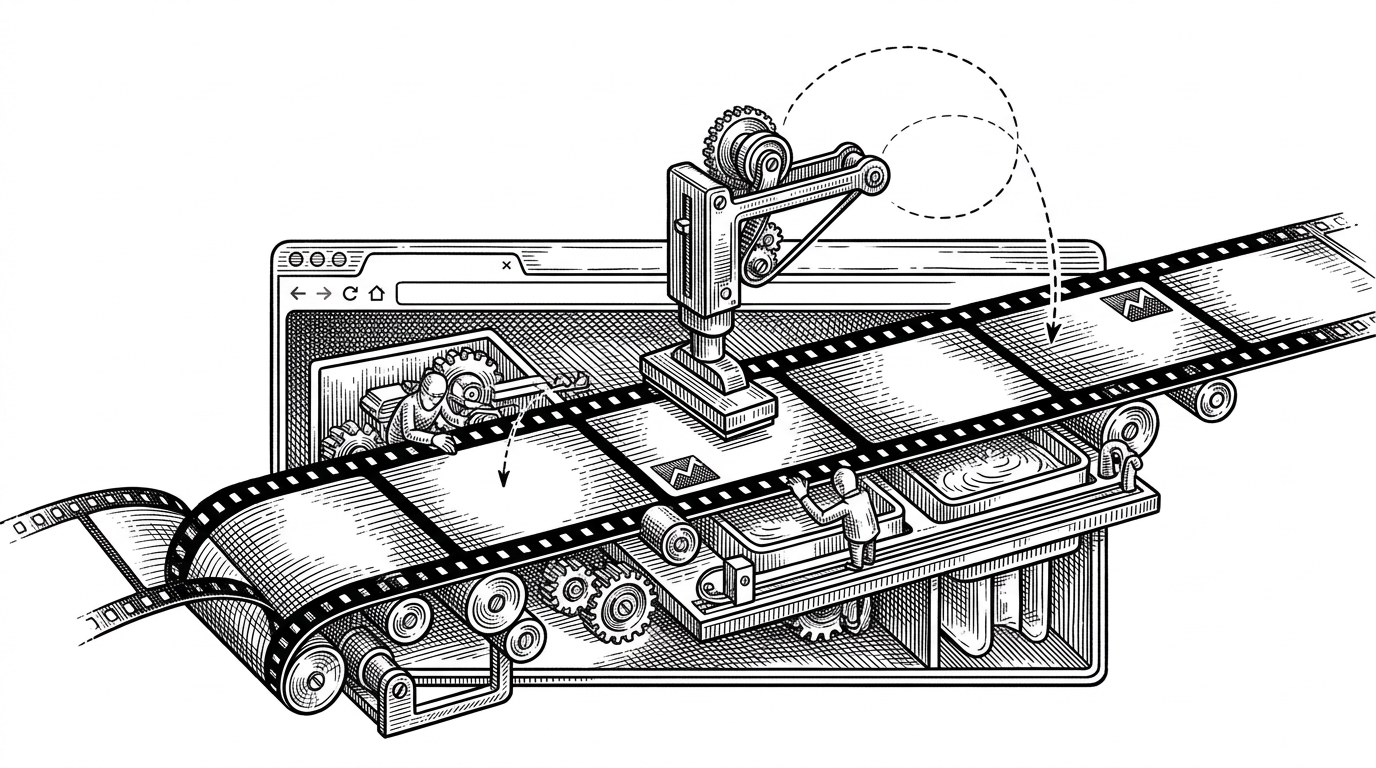
Piczy: The Pixel Art App That Records the Drawing, Not Just the Result
A low-resolution canvas, a replayable action history, and an AI reference grid turn every artwork into a process you can watch, learn from, and share.
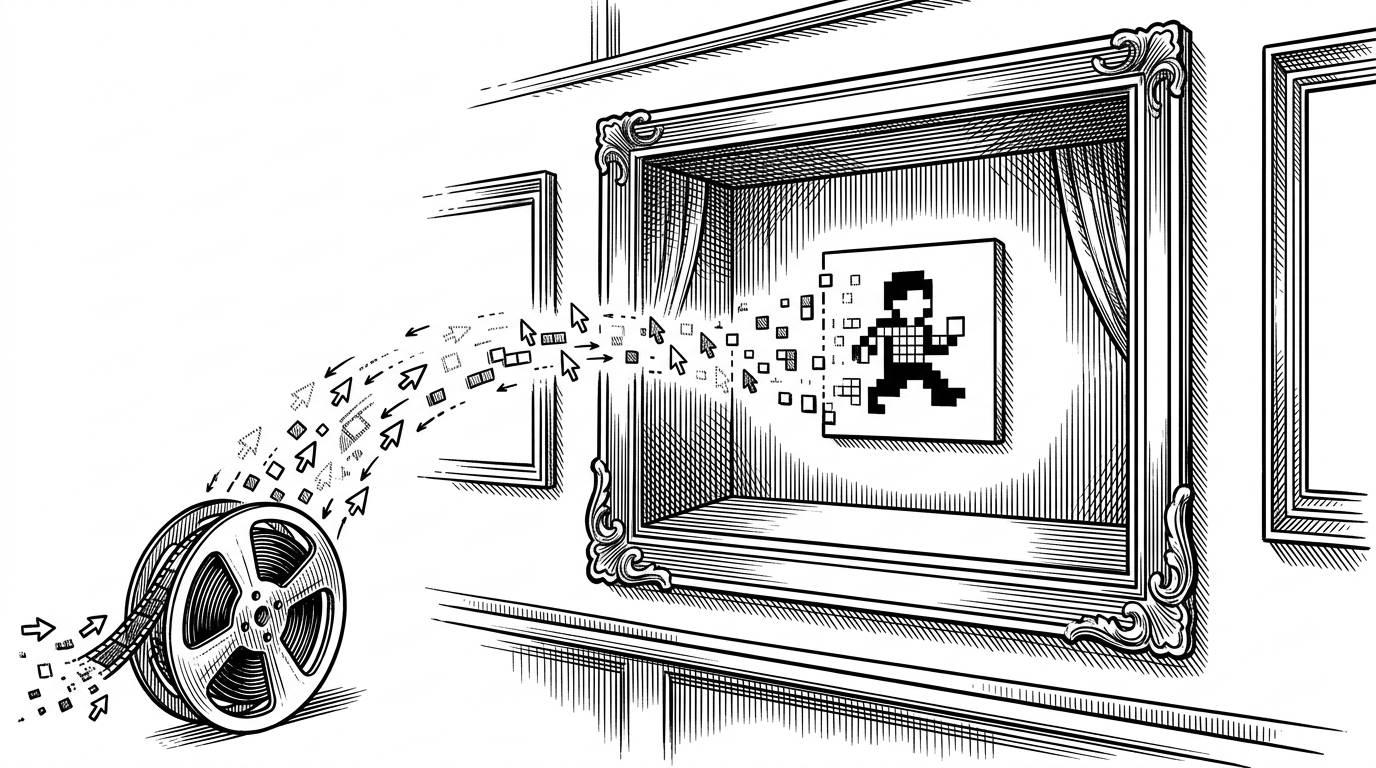
- Piczy’s defining choice is to save drawing as an event log, which turns undo, redo, and replay into the same underlying mechanic.
- The low-resolution canvas is not a limitation, but the product’s visual language, because scaling makes a tiny grid feel intentional and cozy.
- Its AI feature does not replace the artist, because it produces a reference grid that supports human tracing and learning.
- The repo’s real value is architectural, not cosmetic, because the gallery can teach process instead of only displaying outcomes.
A pixel art app where the making matters
Most drawing tools treat the canvas as the final object. Piczy treats the path to the final object as first-class data. That one decision changes the app from a simple editor into a replayable medium.
A finished piece is not just a PNG in this model. It is a sequence of strokes, fills, and edits that can be replayed, inspected, and shared. The artwork becomes a little archive of its own making.
Why action history is the whole product
Under the hood, Piczy’s core engine keeps an actionHistory array. Each drawing operation is normalized into a structured record, then appended in order. That gives the app one source of truth for recovery, playback, and publishing.
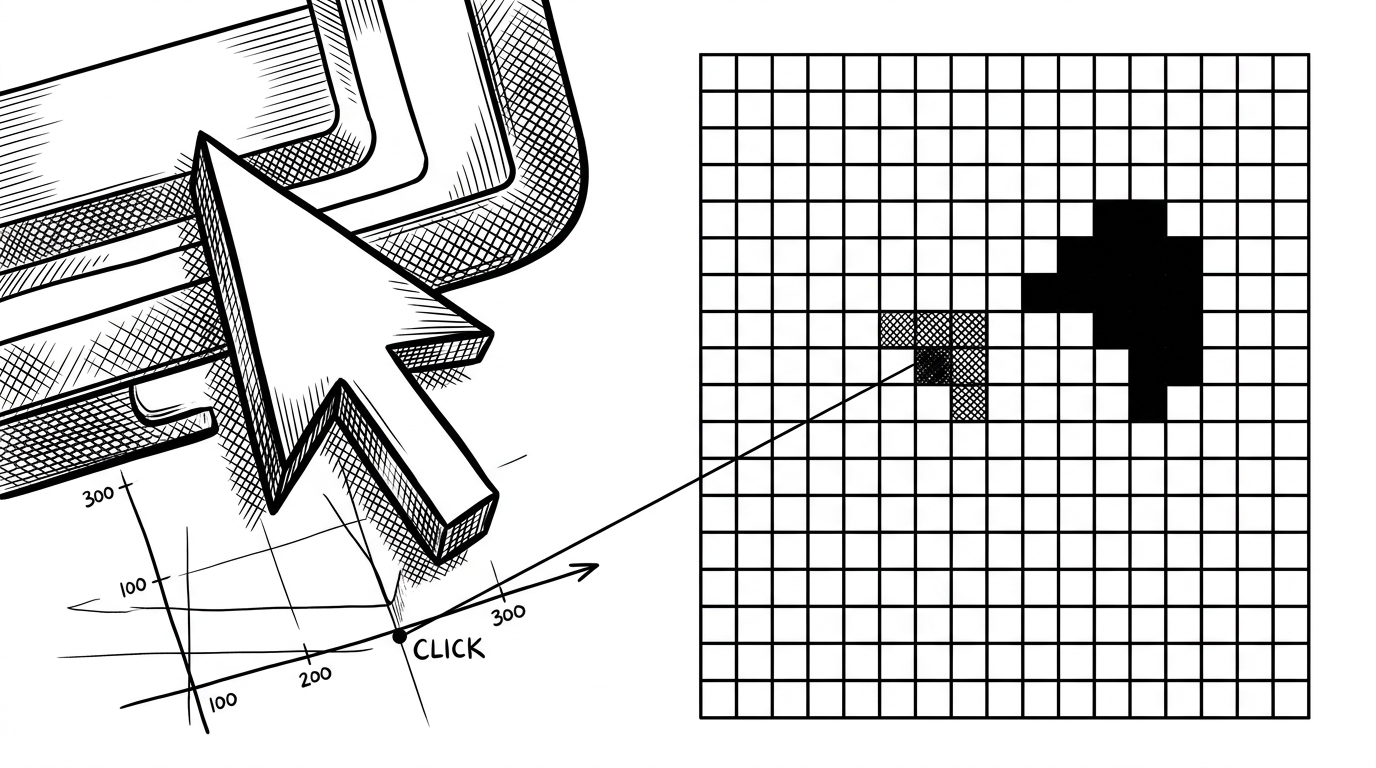
const scaleX = this.canvas.width / rect.width;
const x = Math.floor((e.clientX - rect.left) * scaleX);
const y = Math.floor((e.clientY - rect.top) * scaleY);
The low-res canvas trick that makes the illusion work
The canvas itself lives small, often at 32 by 32 or 64 by 64, while CSS scales it up on screen. That makes the interface feel bigger than the underlying grid, which is exactly the illusion pixel art needs.
The math is simple but crucial. Mouse coordinates must be translated from the displayed canvas back into the internal grid, and smoothing has to stay off so each pixel stays crisp. Without that, the whole aesthetic blurs into generic digital painting.
Undo, redo, and replay are all the same story
Once drawing is stored as a sequence, the boundaries between editing and storytelling start to collapse. Undo walks the sequence backward. Redo walks it forward. Replay just renders the whole thing again from the beginning.
That is why Piczy’s replay viewer matters. It is not a separate media feature pasted on top of the editor. It is the same history, viewed as a performance instead of a correction tool.
| Conventional canvas app | Piczy |
|---|---|
| Saves flat canvas state | Saves action history |
| Undo rewinds UI state | Undo reuses the same event log |
| Replay is usually absent | Replay rebuilds the artwork step by step |
| AI generates content directly | AI generates a reference grid |
| Gallery shows finished images | Gallery can show process |
The cozy interface is not cosmetic
The pixel font, glassy panels, and small-community gallery framing are doing product work, not decorative work. They make the app feel like a place for making, not a production system for shipping assets.
That matters because replay only feels meaningful if the surrounding product invites attention. Piczy’s UI says the process is worth looking at. The interface and the engine are aligned.
AI as a stencil, not a substitute
Piczy’s AI choice is unusually restrained. Instead of painting over the user’s canvas, it produces a reference grid. That keeps the human in the loop and positions AI as scaffolding rather than authorship.
This is a better fit for the app’s philosophy than direct generation would be. If the thesis is that making matters, then AI should support making, not erase it.
| Conventional canvas app | Piczy |
|---|---|
| Often saves only the final image | Persists the sequence that made it |
| AI features try to finish the art | AI features can act as a guide |
| Gallery is a static showcase | Gallery can function as an archive of process |
| Undo and replay are separate concerns | Undo, redo, and replay share one history model |
What Piczy gets right, and what it is still proving
The architecture is clean and the idea is sharp. Piczy understands that creative tools do not have to treat process as disposable.
What it is still proving is whether this model can scale beyond the charm of the prototype. But even in early form, the repo makes a strong case for a simple proposition: if you save the moves, you save more than the image.