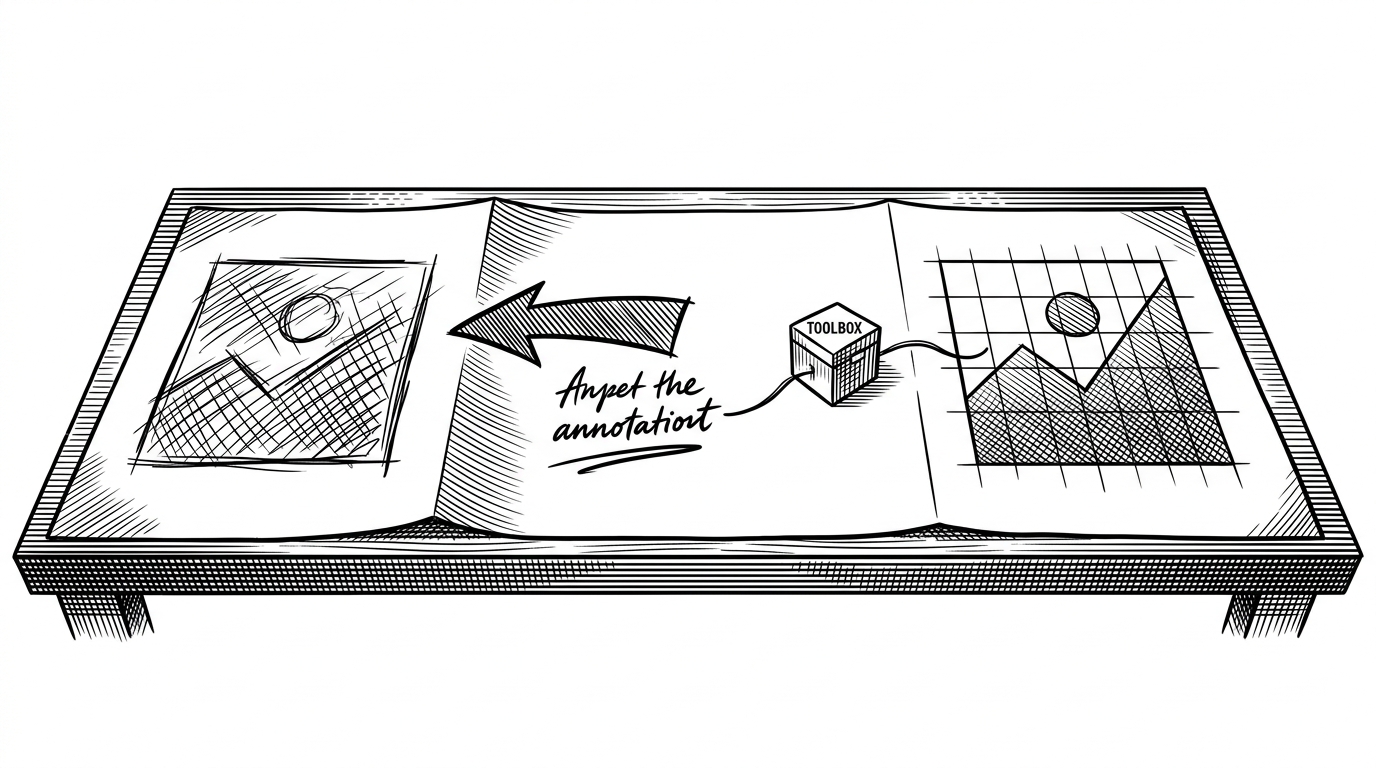
Codex-Dream-Skin: How a Theme Project Reimagines Codex as a Live, Injectable UI
It does not edit the app. It talks to it, measures the art, and adapts the interface in real time.
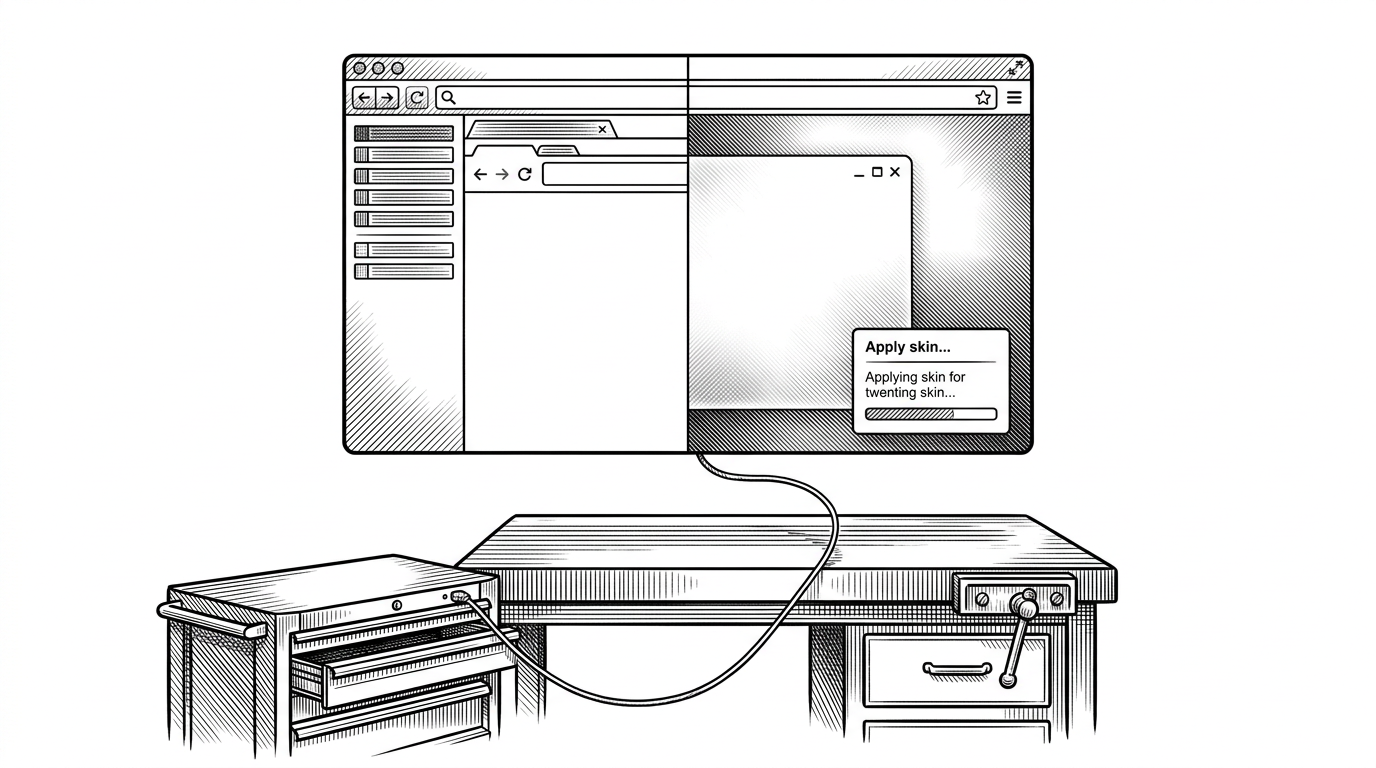
- Codex-Dream-Skin stands out because it injects a skin into a running Codex app instead of modifying installation files.
- Its real novelty is not the visual layer alone, but the fact that the skin measures the background art and adapts readability decisions from it.
- The project turns theming into a control plane, with a live UI host, runtime payloads, and a renderer bridge that keeps state in sync.
- For this use case, CDP injection is more resilient than traditional Electron patching because it is less invasive and easier to survive updates.
The app is not patched. It is negotiated with.
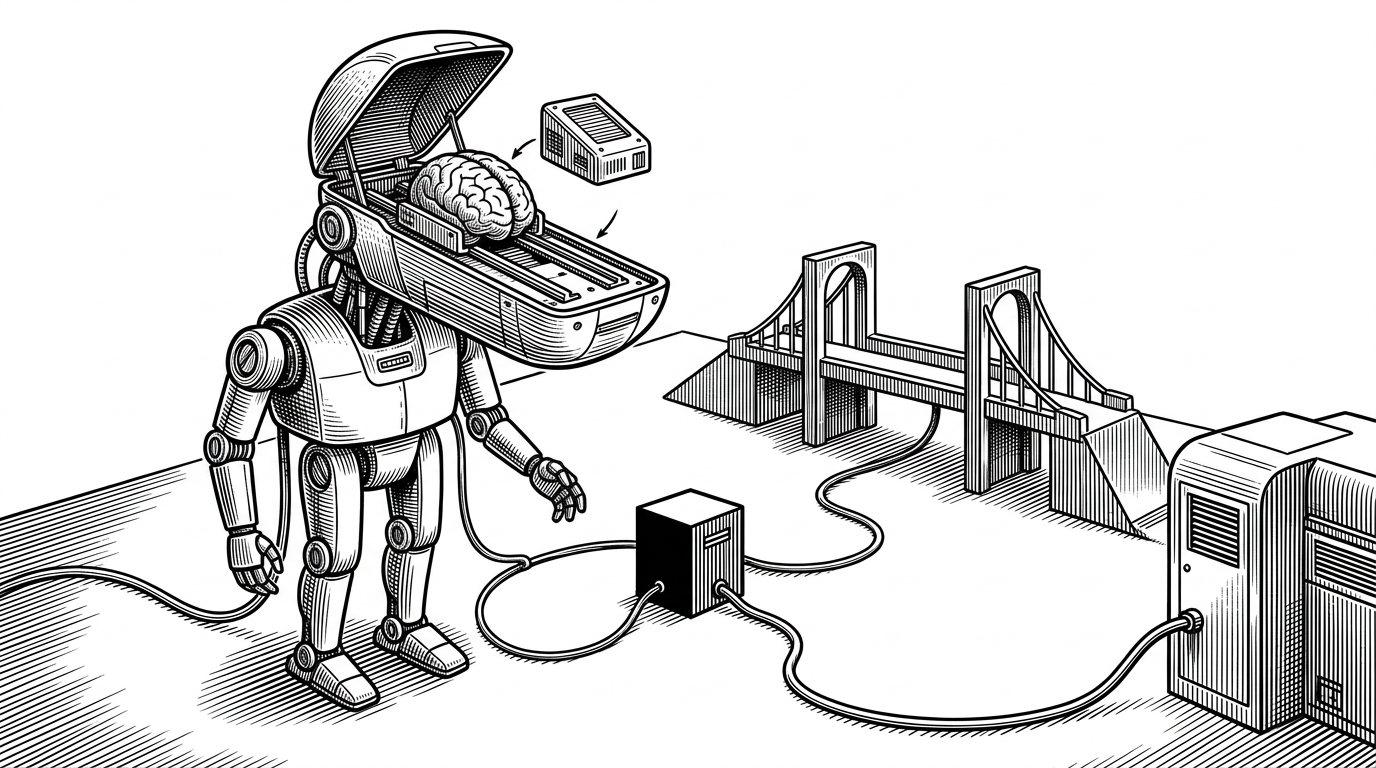
Most desktop skinning projects start by opening the app on disk and changing what is inside. Codex-Dream-Skin takes the opposite path. It connects to the running Codex client through the Chrome DevTools Protocol, then injects its payload into the live renderer.
That is the core idea: the app is treated like a browser surface, not a sealed binary. The result is a theme system that feels less like decoration and more like a controlled intervention.
| Traditional Electron theming | Codex-Dream-Skin |
|---|---|
| Modifies app files on disk | Injects into a running session through CDP |
| Often depends on unpacking asar files | Avoids patching the installation |
| Can break when the app updates | Has a smaller update surface to repair |
| Mostly static CSS or asset swaps | Can adapt UI state live |
| Ties behavior to the filesystem | Treats the app like a controllable browser target |
Why this feels like a different kind of theming
The project is not just about changing colors. It ships a small operational layer inside the app, including a status UI that tells you when a skin is loading, applied, or failing. That matters because it makes the theme feel like a workflow, not a one-off asset swap.
Codex CLI 那个灰扑扑的终端界面, 有人用 PowerShell 脚本把它整个换了皮肤。 Fei-Away 放出的 Codex-Dream-Skin 就干这一件事: 在 Windows PowerShell 里接管 OpenAI Codex CLI 的输出样式, 给提示符、代码块、思考流各自配色, 让长对话不再是一坨白字滚屏。装法也直白, 克隆 repo 后引一下 ps1 https://t.co/OPMXOf7b0Q
That reaction captures the point well. The skin is not just visually nicer. It is trying to make long sessions easier to read and easier to live in.
The three-part system behind the skin
The codebase splits cleanly across three responsibilities. An injector connects to Codex through CDP. A renderer bridge runs inside the app and handles image analysis and UI observation. A styling layer applies the actual skin through CSS variables and scrims.
Theme source -> Injector (Node.js + CDP) -> Renderer bridge -> CSS variables + UI state

watch mode keeps the payload fresh
MutationObserver keeps the UI in sync
canvas sampling turns art into readable layout rules
The OS-specific folders matter here. macOS and Windows use different wrappers, but the same idea survives both: launch a runtime bridge, inject the payload, and keep the visual layer consistent.
The background image is doing more work than it looks like
This is the repo's most interesting technical move. The background is not just displayed. The renderer loads it into memory, draws it to a hidden canvas, samples pixels, and extracts cues that affect the interface.
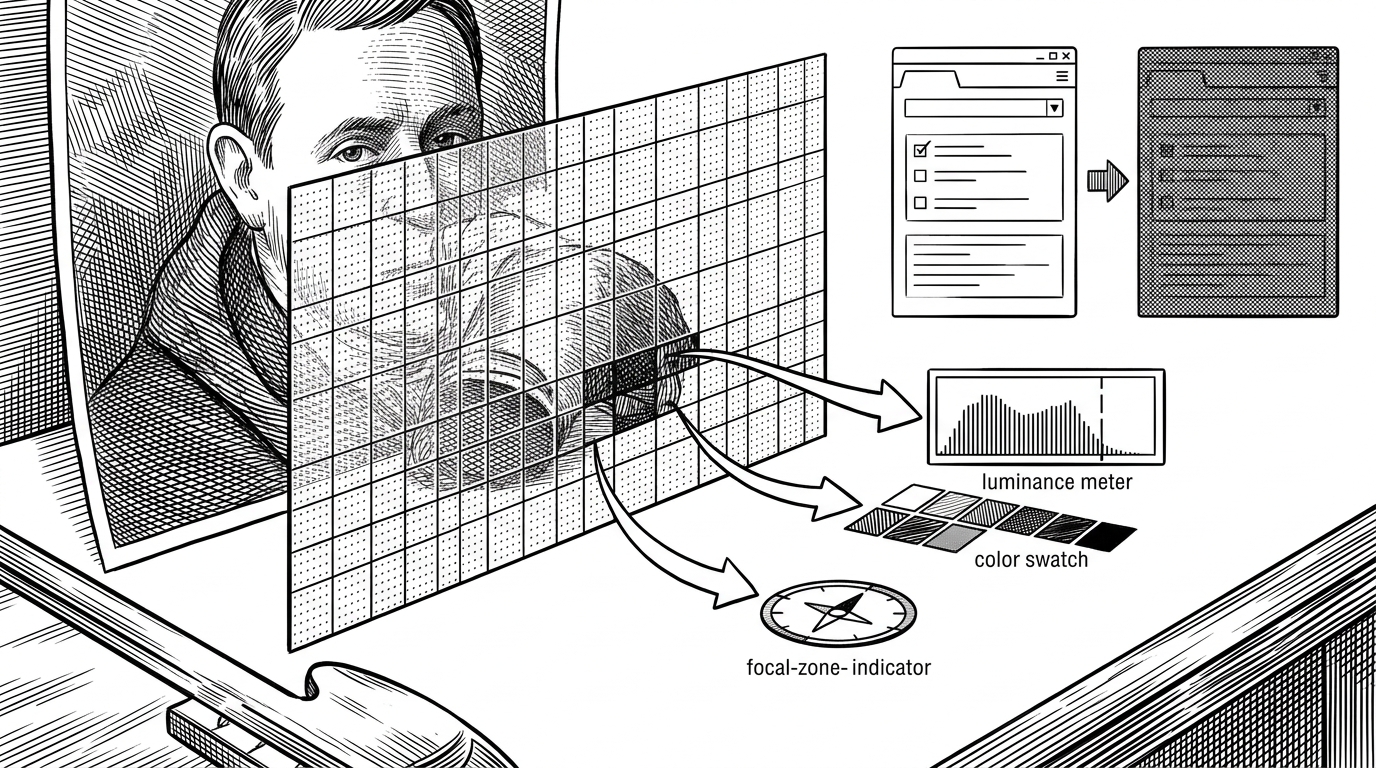
That logic shows up in the code as image analysis, average color extraction, and focal-area detection. The payoff is practical: accent choices, safe zones, and opacity rules can change depending on what the background actually contains.
const img = new Image();
img.src = URL.createObjectURL(new Blob([backgroundBlob]));
ctx.drawImage(img, 0, 0);
const pixels = ctx.getImageData(0, 0, w, h).data;
// sample luminance, average color, and focal zones
// feed results into CSS variables and scrim rules
Why CDP beats file patching for this use case
Traditional Electron theming usually starts with `asar` extraction, file edits, and a hope that the next app update does not break everything. Codex-Dream-Skin avoids that trap by leaving the installation intact.
| Question | Runtime CDP injection | Disk patching |
|---|---|---|
| Does it modify the app bundle? | No | Yes |
| Can it adapt while the app is open? | Yes | Usually no |
| How much update churn does it absorb? | Better | Worse |
| Does it need the app to be repackaged? | No | Often yes |
| Best fit | Live theming and UI state control | Static mods and local hacks |
That does not make CDP universally superior. It makes it a sharper tool for this project’s job: low invasiveness, runtime control, and a better chance of surviving official changes.
The aesthetic-developer angle
There is a cultural reason this repo lands. It assumes atmosphere matters while you code. The background presets, the skin system, and the polished runtime feedback all point at the same idea: developer tools can be environments, not just utilities.
That is why the project feels bigger than a theme pack. It behaves like a small operating layer for attention. The interface is no longer a fixed shell around the work. It is part of the work.
What this project suggests about the next generation of desktop tools
Codex-Dream-Skin hints at a broader shift. Desktop AI tools may increasingly be treated as extensible surfaces, where visuals, state, and readability are all computed at runtime. In that world, a skin is not a stylesheet. It is a live interface policy.
That is the lasting idea here. If the app can be negotiated with, measured, and adapted without patching it, then theming stops being cosmetic. It becomes architecture.