Cowart Turns a Whiteboard Into an AI Control Surface
Inside the Codex plugin that stores visual state locally, reads red annotations as intent, and uses MCP to let an agent place and revise images with spatial precision.
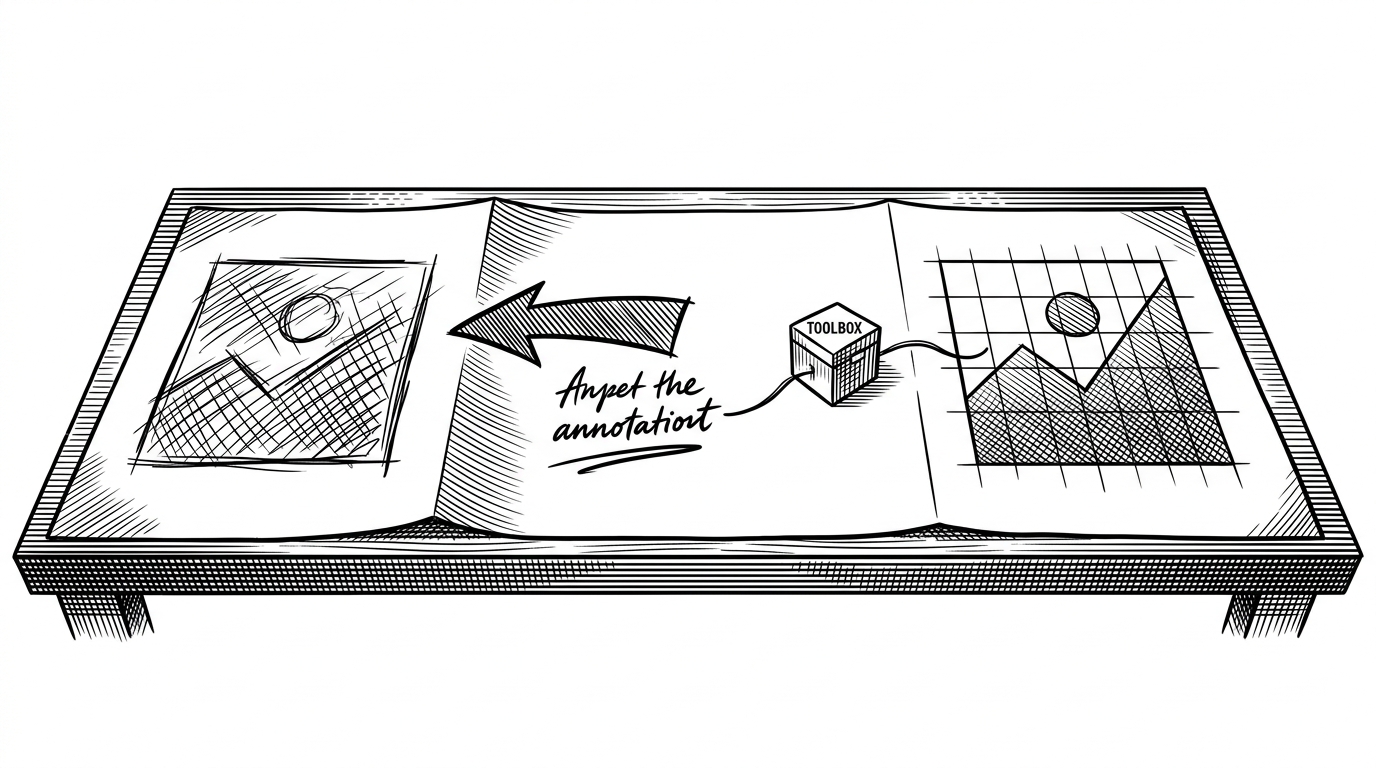
- Cowart replaces the prompt box with a visual brief, so red annotations and object placement become the language the agent reads.
- Its real advantage is local state: images, canvas data, and edit history stay inside the project instead of drifting into a separate cloud workspace.
- The MCP bridge matters because it makes Codex an actor on the canvas, not just a text generator reacting to screenshots.
- Fractional indexing is the quiet detail that keeps repeated inserts stable instead of turning the layer stack into a brittle reorder mess.
The prompt box is the wrong interface
Cowart’s core move is simple and strange: it asks you to draw the edit instead of describing it in prose. A red arrow, a note, and a positioned placeholder are not decoration. They are the brief.
That matters because image work is spatial. If you want an object moved, cleaned up, or replaced, a canvas gives the model the same kind of context humans use. The repo’s own README frames it this way: Cowart puts a visual canvas inside Codex so you can place placeholders, annotate them, and get images back in the right spot.
Cowart lấp một khoảng trống thực sự trong workflow AI coding: không gian trực quan để làm việc với ảnh, ngay trong môi trường Codex. Thay vì sinh ảnh trong chat rồi tự quản lý file, bạn có canvas gắn với project - ảnh ở đúng vị trí, lịch sử chú thích được giữ lại, tất cả commit được cùng code.
Why local matters more than it sounds
Cowart stores canvas state and image artifacts inside the project directory, under the user’s own working tree. That is not just a privacy argument. It makes the canvas part of the repo’s state, which means the visual work can travel with the code, be reproduced later, and survive beyond a browser session.
| Dimension | Cowart | Chat-based image tools | Standalone canvases |
|---|---|---|---|
| Where state lives | Inside the project canvas folder | In the chat product’s cloud history | Usually local or synced separately |
| How edits are expressed | Annotations and spatial placement | Text prompts | Manual dragging and drawing |
| Who can act on the surface | Codex through MCP | The chat model only | The human user |
| Why it helps | Visual intent stays tied to the repo | Fast generation, weak spatial memory | Good sketching, weak agent control |
The bridge between Codex and canvas
The project’s MCP server is where the trick becomes concrete. Cowart exposes tools such as get_cowart_selection and insert_cowart_image, so Codex can inspect canvas state and then act on it. The result is not a chat reply. It is a placement, an insertion, a revision.
The UI stays current through server-sent events, which means local disk changes can push back into the canvas without a manual refresh. That is a small implementation choice with a large effect. The surface feels live because the state is actually live.
// Conceptual flow in Cowart
const selection = await mcp.callTool('get_cowart_selection')
const key = generateKeyBetween(beforeKey, afterKey)
await mcp.callTool('insert_cowart_image', {
  selection,
  indexKey: key,
  imagePath: nextImagePath
})
Why fractional indexing is the quiet superpower
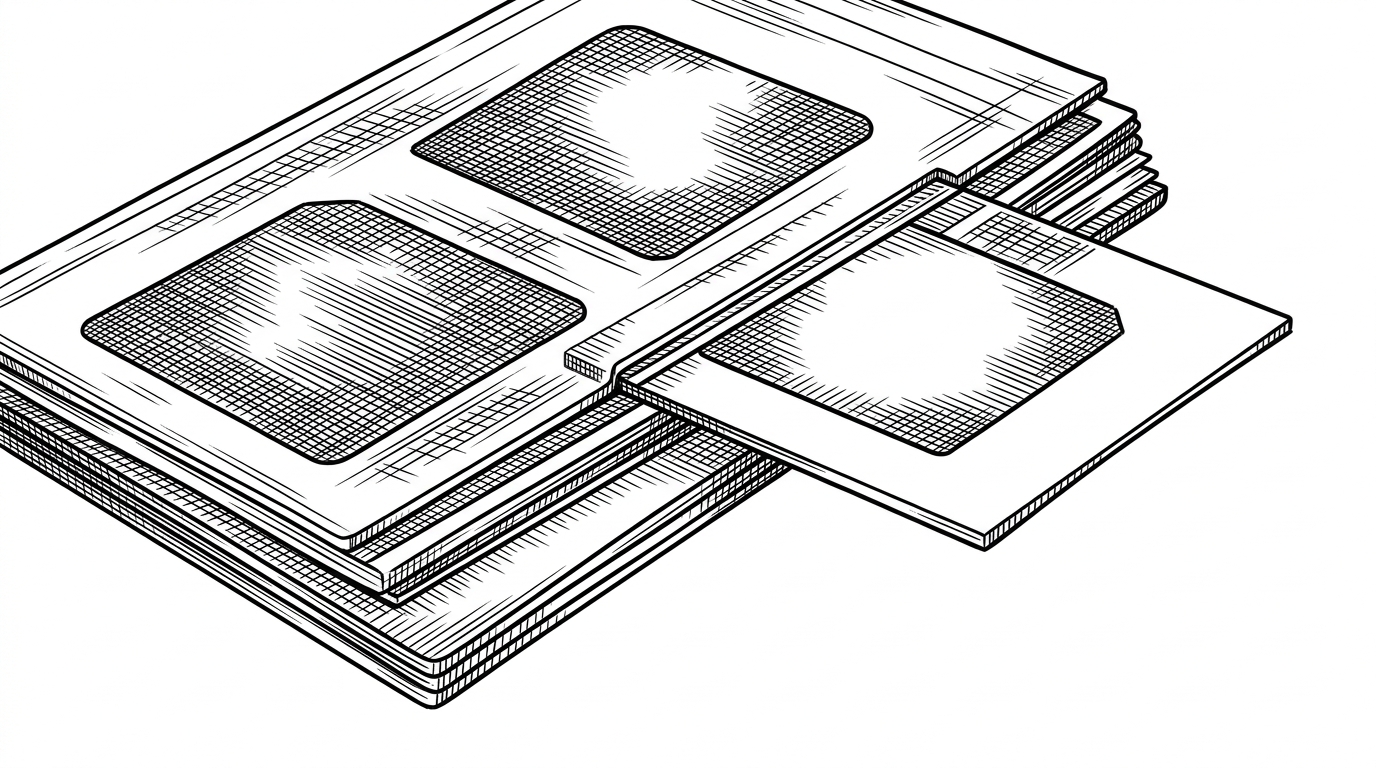
This is the detail that keeps the whole system from feeling toy-like. Instead of renumbering everything when a new image is inserted, Cowart uses fractional indexing to generate a position between two existing items. The stack stays stable, which matters when repeated AI edits need to preserve visual order.
That stability is not glamorous, but it is exactly what makes the canvas usable as a working surface. If the order breaks, the conversation breaks with it.
import { generateKeyBetween } from 'fractional-indexing'

const nextKey = generateKeyBetween(beforeKey, afterKey)
// Inserts between two existing items without shifting the entire list
What Cowart inherits from tldraw, and what it changes
Cowart does not reinvent the canvas engine. It builds on tldraw and extends it with custom image holders, annotation tools, and the logic needed to make annotations machine-readable. That is a smart layer to own. The base canvas stays flexible, while the workflow gets opinionated.
| Layer | tldraw or Excalidraw | Cowart |
|---|---|---|
| Canvas engine | General-purpose whiteboard | General-purpose whiteboard plus AI workflow rules |
| Primary user | Human | Human plus Codex agent |
| Edit loop | Draw, share, revise | Annotate, screenshot, insert, revise |
| State model | Often local-first, sometimes synced | Project-local canvas state tied to the repo |
Where it fits in the AI canvas landscape
Cowart is not trying to beat Figma at Figma things, and it is not trying to beat chat tools at instant prompting. It sits in a narrower lane: local, inspectable, agent-operable visual work tied to an active project. That is a different product shape entirely.
If you want a fast prompt-to-image loop, chat tools are easier. If you want a general whiteboard, tldraw and Excalidraw are enough. If you want an AI agent to read a visual brief, act on a canvas, and keep the result inside the project, Cowart is the sharper instrument.
| Tool class | Strength | Blind spot |
|---|---|---|
| Chat-based image generation | Fast generation from text | Weak spatial context and weak project memory |
| Standalone canvases | Natural visual thinking | No built-in agent action loop |
| Proprietary AI design tools | Integrated editing | Cloud-heavy and less inspectable |
| Cowart | Local visual control surface for Codex | Narrower scope by design |