Anything Analyzer: The Proxy That Watches, Decrypts, and Explains the Whole Stack
A reverse-engineering toolkit that merges Chromium capture, a custom MITM proxy, JS hooks, and MCP into one workflow for understanding private APIs and encrypted client logic.

- Anything Analyzer matters because it collapses capture, decryption, and interpretation into one local workflow.
- Its most unusual trick is intercepting data before encryption, not only after traffic has already hit the wire.
- The app treats AI as a second pass over filtered evidence, which keeps the model focused on the useful parts.
- MCP turns the captured session into a queryable system, so agents can inspect the evidence instead of just receiving a dump.
Anything Analyzer feels less like a proxy and more like a capture-to-meaning pipeline. That is the real story. It pulls browser traffic, MITM traffic, and JavaScript-level hooks into one local app, then hands the result to AI and MCP instead of leaving you with a pile of raw packets.
Why This Tool Feels Like a Category Shift
Most debugging tools stop at visibility. Burp, Fiddler, Charles, and Wireshark all give you a way to inspect traffic, but the burden of interpretation stays on you. Anything Analyzer tries to remove that second job by turning evidence into a structured dataset the machine can search.
Universal web protocol analyzer — 一款内嵌浏览器的桌面应用,通过 Chrome DevTools Protocol 实时捕获网络请求、JS Hook、存储变化,并借助 AI 进行智能协议分析。
That framing matters because the repo is not aimed at one narrow workflow. It targets browser pages, desktop apps, terminal commands, scripts, and even mobile or IoT traffic routed through the proxy. The project is really about collapsing the gap between what was observed and what it means.
The Capture Trick: One Timeline for Browser and Proxy Traffic
The core capture idea is simple and useful. Data can arrive from the built-in Chromium browser through Chrome DevTools Protocol, or from the MITM proxy, but both paths are normalized through the same capture engine and written into one deterministic SQLite timeline.
The useful part is not just that the app captures many sources. It also assigns sequence numbers so events that arrive out of order still land in a stable order. That matters when you are reconstructing what happened across a browser, a proxy, and a page lifecycle that keeps changing under you.
How It Sees Through Obfuscation
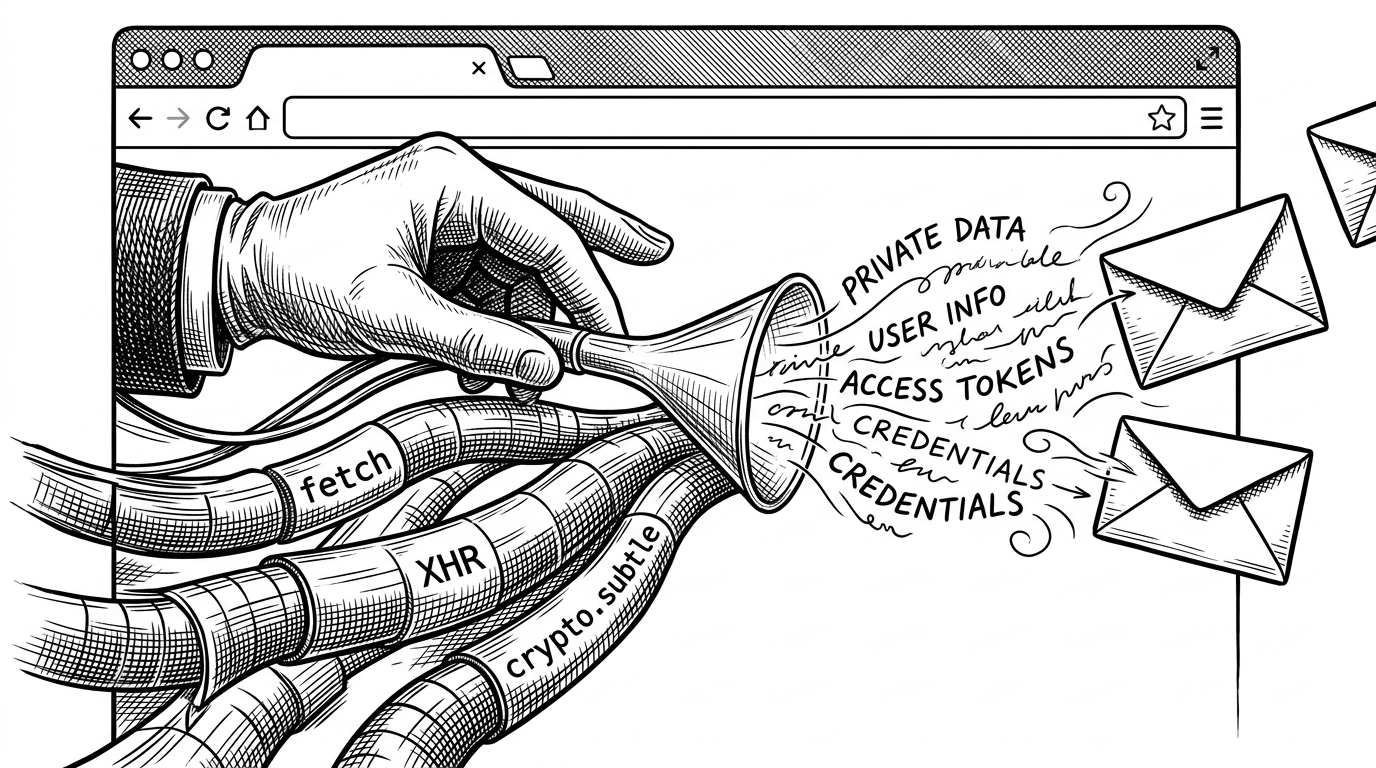
This is the part that separates the repo from a standard proxy. The injected script hooks browser APIs like fetch, XHR, and crypto.subtle, so it can capture the plaintext before a site finishes encrypting or reshaping the request. In other words, it watches the transformation boundary, not just the aftermath.
That is why the app keeps re-injecting hooks on navigation. The page is not a stable environment, so the tool treats every navigation as a chance to restore observability. The result is a continuous view instead of a series of blind spots.
// Conceptual shape of the hook layer
window.fetch = async function (...args) {
  recordPlaintext(args);
  return originalFetch.apply(this, args);
};

const originalSubtleEncrypt = crypto.subtle.encrypt.bind(crypto.subtle);
crypto.subtle.encrypt = async function (...args) {
  recordEncryptionBoundary(args);
  return originalSubtleEncrypt(...args);
};
That hook layer is not there for novelty. It exists because many private APIs hide the interesting part inside client-side JavaScript. Once the app sees the request before encryption, it can preserve the evidence in a form that downstream analysis can actually use.
Why the MITM Proxy Is More Than a Checkbox Feature
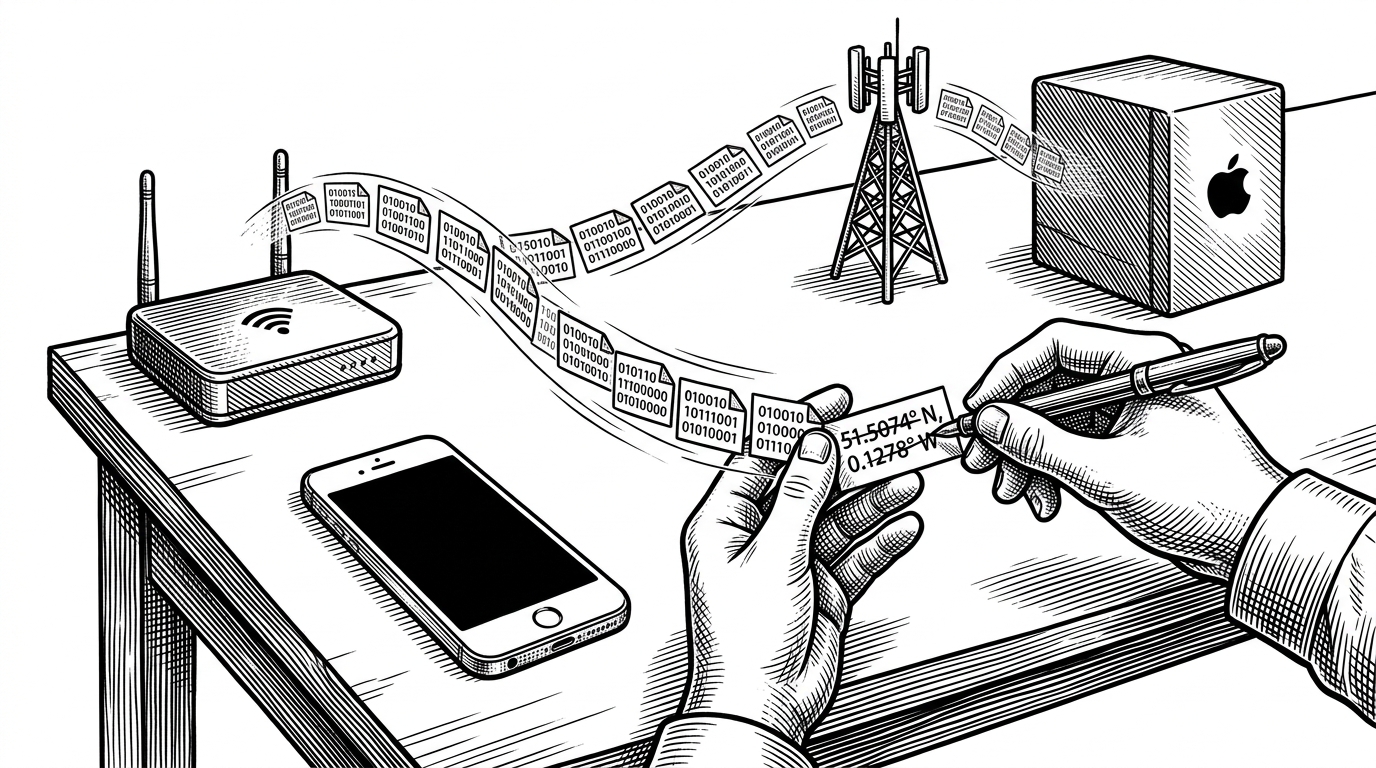
The proxy is not just a networking accessory. It is part of the same capture system, with dynamic certificate generation so HTTPS traffic can be decrypted and added to the shared session record. That makes the app useful beyond the browser, which is why it can cover external scripts, desktop clients, and devices that never touch Chromium at all.
| Capability | Anything Analyzer | Traditional proxy |
|---|---|---|
| Certificate handling | Generates certificates dynamically inside the workflow | Usually requires manual setup and user intent |
| Traffic sources | Browser, proxy, hooks, and storage changes | Mostly network traffic only |
| Noise handling | Filters static assets before AI analysis | Leaves filtering to the operator |
| Output | Structured data ready for analysis and MCP queries | Raw requests and responses for manual review |
The filtering step is important. A proxy that captures everything is easy to build and hard to use. This repo tries to reduce the volume before analysis, so the AI layer sees signals rather than wallpaper.
AI as a Second Pass, Not a Replacement for Capture
The analysis pipeline is deliberately staged. Phase 1 filters and summarizes. Phase 2 goes deeper into the interesting chains, such as auth flows, token handling, or custom client-side encryption. That architecture avoids the trap of dumping a giant packet log into a prompt and hoping the model can rescue it.
传统工具各管一摊:DevTools 只看浏览器、Fiddler/Charles 只做代理、Wireshark 看不了 HTTPS。抓完包还得自己翻几百条请求,手动分析。 **Anything Analyzer 不一样 —— 全场景抓包 + AI 自动分析:**
The point is not that AI replaces the operator. The point is that capture becomes clean enough for AI to help. That is a much stronger claim, and a much more plausible one.
MCP Changes the Role of the Tool
MCP is where the repo becomes more than a desktop utility. By acting as both an MCP client and server, Anything Analyzer lets external agents query captured sessions directly. The app is no longer just an instrument. It is also a data source that other tools can interrogate.
That changes the workflow in a practical way. A human can ask what happened, but an agent can also ask where the token was first generated, which request mutated it, and which client-side code path produced it. The database becomes a conversational surface.
Where It Fits Among Burp, Fiddler, Wireshark, and Browser Tools
| Tool | Best at | What it lacks compared with Anything Analyzer |
|---|---|---|
| Burp Suite | Manual security testing and interception | Built-in agent-ready analysis and unified browser capture |
| Fiddler | General HTTP debugging | JS-level hooks and AI-assisted interpretation |
| Wireshark | Low-level packet visibility | Application-level understanding of encrypted web logic |
| browser_mcp | Browser control for agents | Deep traffic analysis and MITM capture |
| Anything Analyzer | Capture plus interpretation in one workflow | It is still a specialized reverse-engineering tool, not a universal browser replacement |
That is the cleanest way to place it. Burp and Fiddler are inspection tools. Wireshark is a packet microscope. browser_mcp controls a browser for an agent. Anything Analyzer tries to convert the evidence into a machine-readable investigation workflow.