Sestek: The Defensive Front-End Layer That Makes Webflow Feel Engineered
A deep look at a repo that treats smooth scrolling, mega-menus, search, and layout drift as problems to monitor, not just effects to style.
- Sestek is built like a defensive runtime for Webflow, not a decorative bundle of widgets.
- Its most interesting idea is to treat scroll drift, pinning, and menu state as conditions to monitor in real time.
- The repo packages judgment into the codebase, from localized search to diagnostic tooling and maintenance docs.
- What looks like a front-end layer is really an operational system for keeping polished sites from feeling fragile.
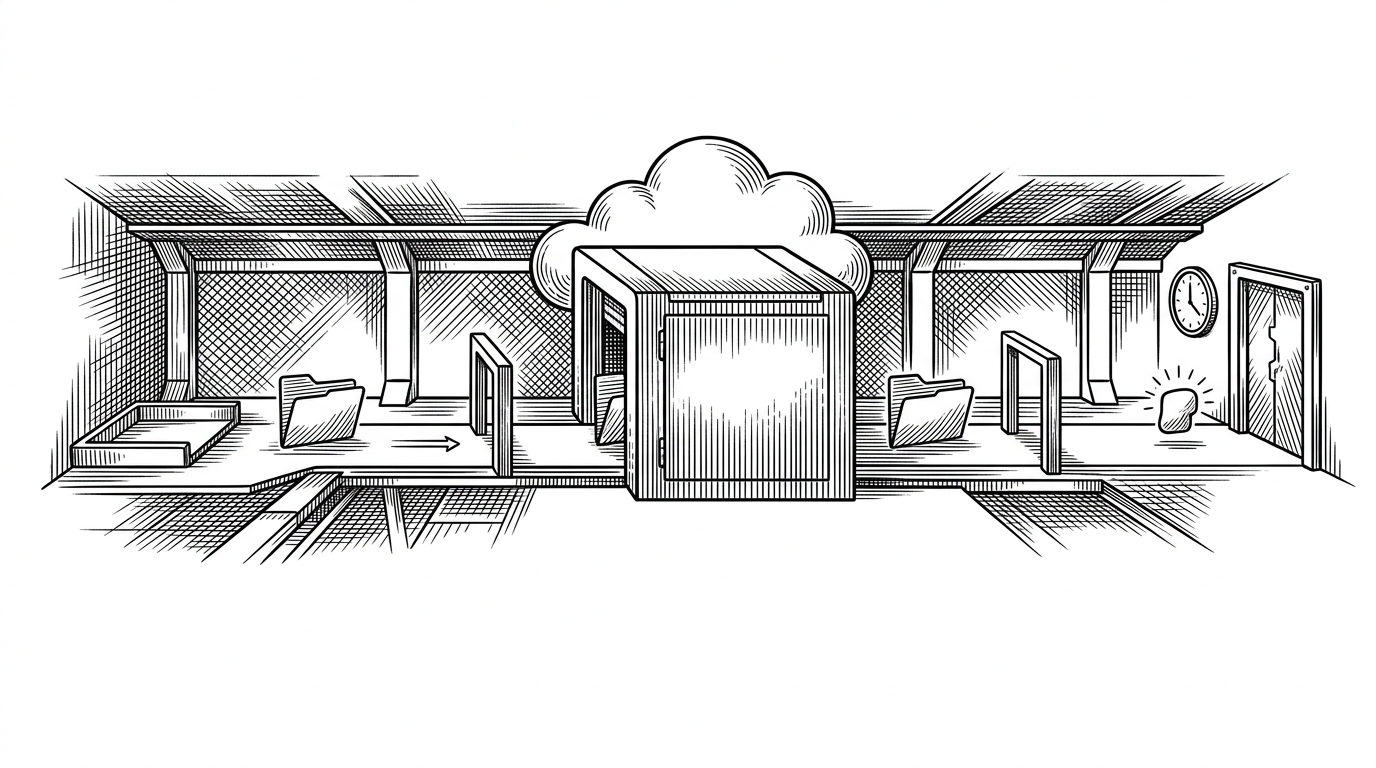
Webflow is supposed to simplify front-end work. Sestek exists for the moment that promise gets stress-tested by smooth scroll, pinned sections, late-loading assets, mobile menus, and search that has to respect Turkish characters. At that point, a site is no longer a set of components. It is a system that can drift out of alignment.
When Webflow Stops Being Simple
That is the real story here. Sestek is not trying to be a generic design system. It is trying to keep a Webflow build feeling custom-built after the page has already started moving, loading, and reacting to users.
Sestek develops AI-powered solutions using text-to-speech, speech recognition, natural language processing and voice biometrics technologies.
That quote describes the company, but the repo tells a more specific front-end story. This codebase is full of small decisions that say the same thing: do not trust the page to stay still. Measure it. Watch it. Correct it when the system goes idle.
The Repo Is a Runtime, Not Just a UI Kit
The architecture reads like a control plane. The core files live in /js/core/, where initialization, navigation, and shared utilities sit. Feature code lives in /js/components/, styles are split across /css/components/ and /css/effects/, and the docs plus .claude/skills/ folder signal that this repository is meant to be operated, not just imported.
That matters because the project is not betting on one flashy interaction. It is betting on a pattern of restraint. The code assumes the page will change under it, so the job is to notice, absorb, and stabilize.
The Pin Sentry Is the Real Brain
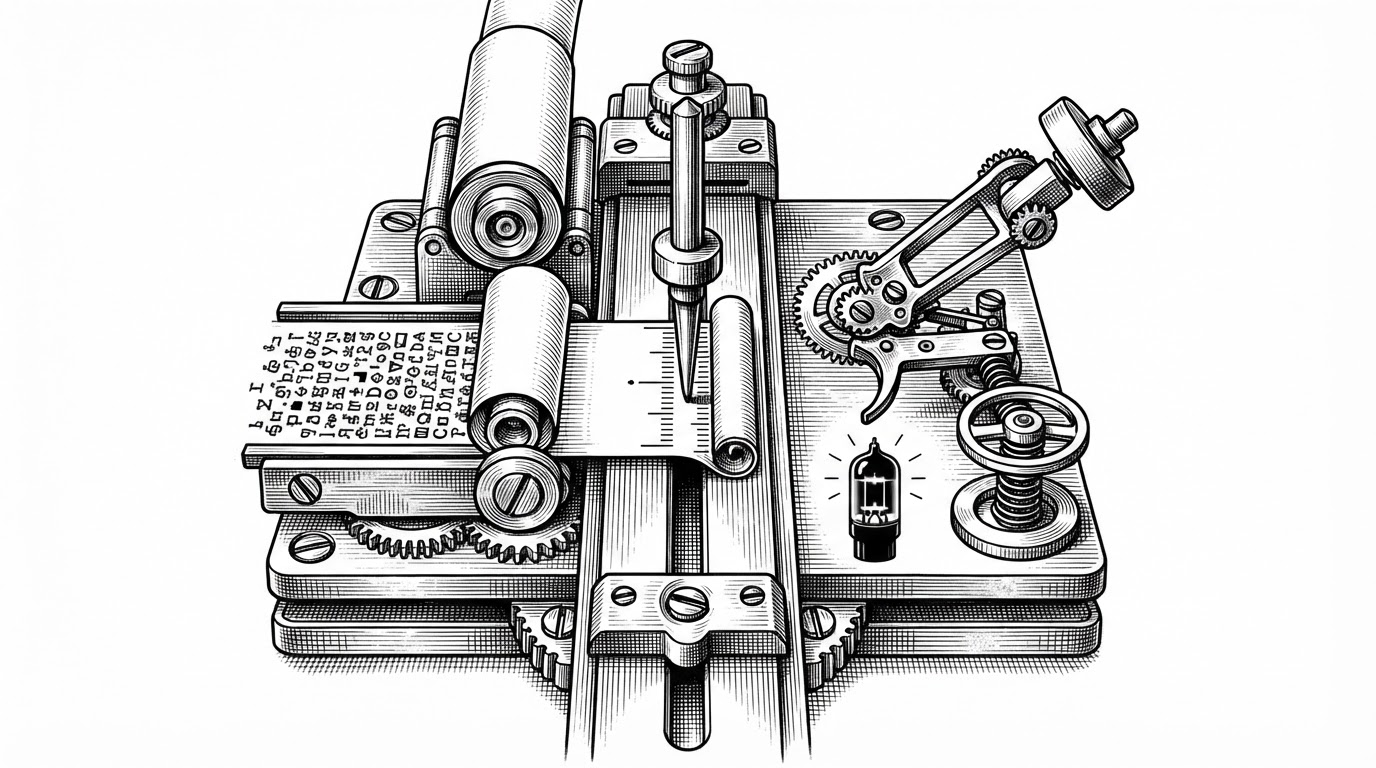
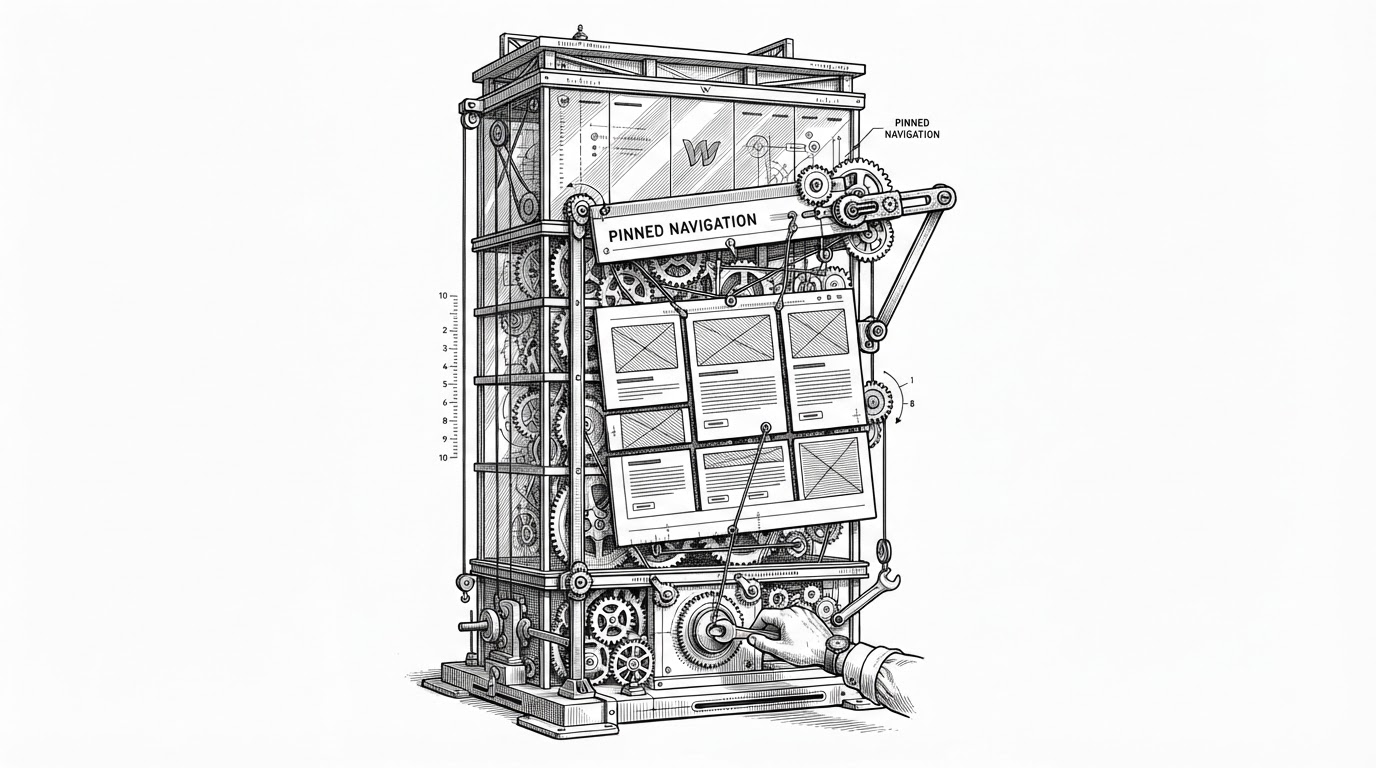
The most interesting file in the repo is lenis-init.js. Instead of treating scroll as a fire-and-forget effect, it checks whether pinned elements have drifted away from their anchors. If it sees mismatch, it waits until the user is idle before calling a refresh. That is a small implementation detail with a large consequence.
It means the site does not refresh scroll state in the middle of user motion. It means late-loading assets and layout shifts become managed events instead of visible jank. For a Webflow site, that is the difference between feeling polished and feeling haunted.
What the guard is protecting against
- Images and embeds that finish loading after the initial render.
- Pinned sections that no longer line up with their anchors.
- Refreshes fired too early, while the user is still interacting.
- ScrollTrigger states that would otherwise drift out of sync with the page.
Navigation That Morphs Instead of Flashes
nav.js is the other place where Sestek shows its hand. It does not simply toggle a mega-menu open or closed. It measures the incoming content, animates the container to fit it, and locks background scroll on mobile so the menu feels like part of the interface rather than an overlay bolted on top.
| Pattern | What it feels like | Why Sestek cares |
|---|---|---|
| Show and hide panels | Fast, but abrupt | Leaks polish when menu content changes size |
| Measure and morph the container | Deliberate and adaptive | Keeps the menu aligned with its content |
| Ignore background scroll on mobile | Unstable and easy to exit by accident | Breaks the sense of control |
| Lock background scroll | Contained and app-like | Makes the navigation feel intentional |
This is a recurring theme in the repo. The code prefers shaped transitions over binary toggles. That is a subtle but important product choice. It says the navigation should not only work. It should protect the user's sense that the site knows what state it is in.
Search That Understands Turkish Users
The search component is smaller than the scroll system, but it reveals the same design discipline. The point is not that search exists. The point is that it normalizes Turkish diacritics so a client-side search behaves naturally for Turkish input, rather than forcing users to guess the exact spelling.
| Input | Naive search | Sestek search |
|---|---|---|
| İş | Misses related matches | Matches normalized text immediately |
| ş / s | Treated as different characters | Folded into the same search path |
| Client lookup | Often dependent on server help | Runs instantly in the browser |
| Localized UX | An afterthought | Built into the matching logic |
const normalized = query
  .toLowerCase()
  .replace(/[İIıi]/g, 'i')
  .replace(/[Şş]/g, 's')
  .replace(/[Ğğ]/g, 'g')
  .replace(/[Üü]/g, 'u')
  .replace(/[Öö]/g, 'o')
  .replace(/[Çç]/g, 'c');

return normalized;
That kind of detail is easy to miss in a repo like this, which is exactly why it matters. The site is not just animated. It is localized in a way that reduces friction for real users, on the client, without making them wait for a round-trip.
The Debug Overlay Is a Product Decision
st-debug.js looks like a developer tool, but its real value is operational. It captures device context, CSS support, and active ScrollTrigger state so a broken site can be diagnosed from a screenshot and a single report. That is not a nice-to-have. It is a support strategy.
The presence of that overlay changes how the team can work. It lowers the cost of saying, “the pin is off on this device,” because the page can explain itself. The debug layer is part of the product, not a separate tool hidden behind the scenes.
The AI Maintenance Layer
The .claude/skills/ folder is one of the stranger and more forward-looking parts of the repo. It suggests the team is encoding maintenance knowledge alongside the code, so future edits, including AI-assisted ones, stay aligned with the project's performance rules and GSAP conventions.
I excel at Agile transformations, leading cross-functional teams to deliver high-quality products at scale.
That quote is broad, but it fits the shape of the repository. This is a codebase that behaves like a product system. It has enough structure that edits need context, and enough complexity that the team appears to be formalizing how that context is preserved.
What Sestek Is Really Competing Against
| Approach | What you get | What you still have to solve |
|---|---|---|
| Generic animation stack | Motion primitives | Scroll drift, state sync, diagnostics |
| Standard Webflow add-on | Convenient UI pieces | Platform-specific edge cases and runtime stability |
| Raw GSAP workflow | Maximum flexibility | A lot of judgment and maintenance burden |
| Sestek | A packaged defensive layer | Less freedom, but fewer polished-site failures |
That is the competitive logic. Sestek is not trying to win by offering the most effects. It is trying to eliminate the class of mistakes that make a polished site feel amateur. In that sense, it packages judgment, not just code.
The repo ends up feeling less like a component library and more like a field manual for keeping Webflow sites intact under real load. Smooth scroll, navigation, search, diagnostics, and maintenance are all pulled into one discipline. That is why Sestek stands out. It treats no-code like something that still has to survive production.