3D-Gallery-Effect: The WebGL Gallery You Own, Not Install
StarKnightt turns a 3D image tunnel into a shadcn-style component, using shader math and scroll-driven motion to make a gallery feel alive without a physics engine.
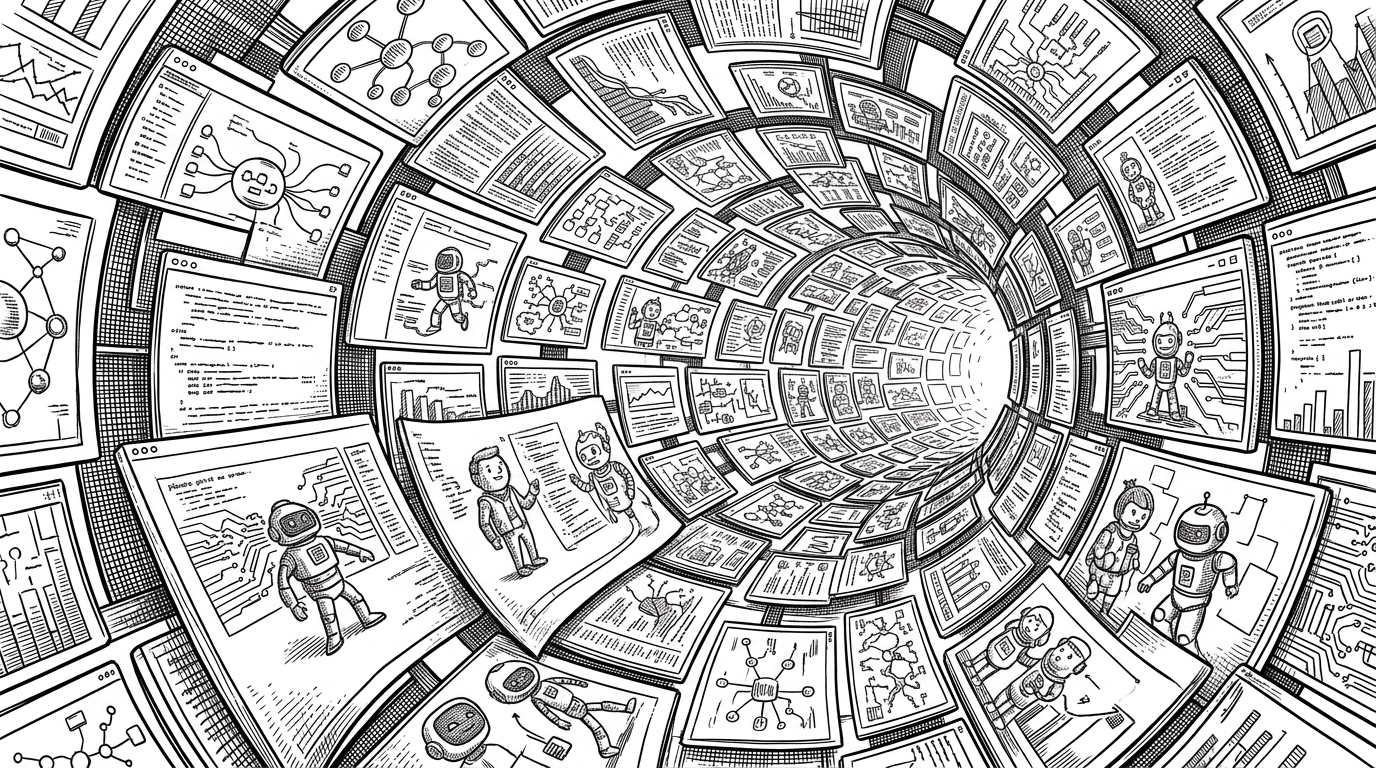

A beautiful and interactive 3D carousel gallery built with Next.js, featuring image and video support with an integrated music player.
- 3D-Gallery-Effect packages premium WebGL motion as source code you can own inside an app, which changes the buying decision from dependency to component.
- Its depth comes from layout math and shader deformation, not a physics engine, so the motion feels rich without dragging in a heavy stack.
- The component stays fast because it updates uniforms through refs inside the frame loop instead of asking React to re-render every animation tick.
- Compared with CSS carousels and sprawling Three.js demos, it sits in a useful middle ground: ambitious enough to impress, simple enough to maintain.
Most 3D galleries ask you to install a stack. This one asks you to copy a file. That difference sounds small until you notice what it changes: the motion lives beside your app code, the knobs live in props, and the result can be tuned like any other component in a design system.
A gallery you copy into your codebase
The GitHub repo is named 3D-Carousel, but the interesting part is the pattern it points to. The core lives in `src/components/ui/3d-gallery-photography.tsx`, which means the implementation sits where shadcn-style UI belongs, in your source tree. Instead of hiding the rendering behind a package boundary, it makes the whole thing something you are meant to read, edit, and ship.
That ownership model matters because it changes the cost of ambition. If a gallery is part of your product surface, you want to change spacing, falloff, media mix, and motion rhythm without waiting on a dependency update.
The gallery is not a carousel. It is a moving field
The layout dodges the one thing that makes these interfaces feel cheap: a perfect ring. The images are spaced with a golden-angle pattern so the eye reads drift and depth instead of repetition. It looks more like a field than a track, which is why it feels organic rather than mechanical.
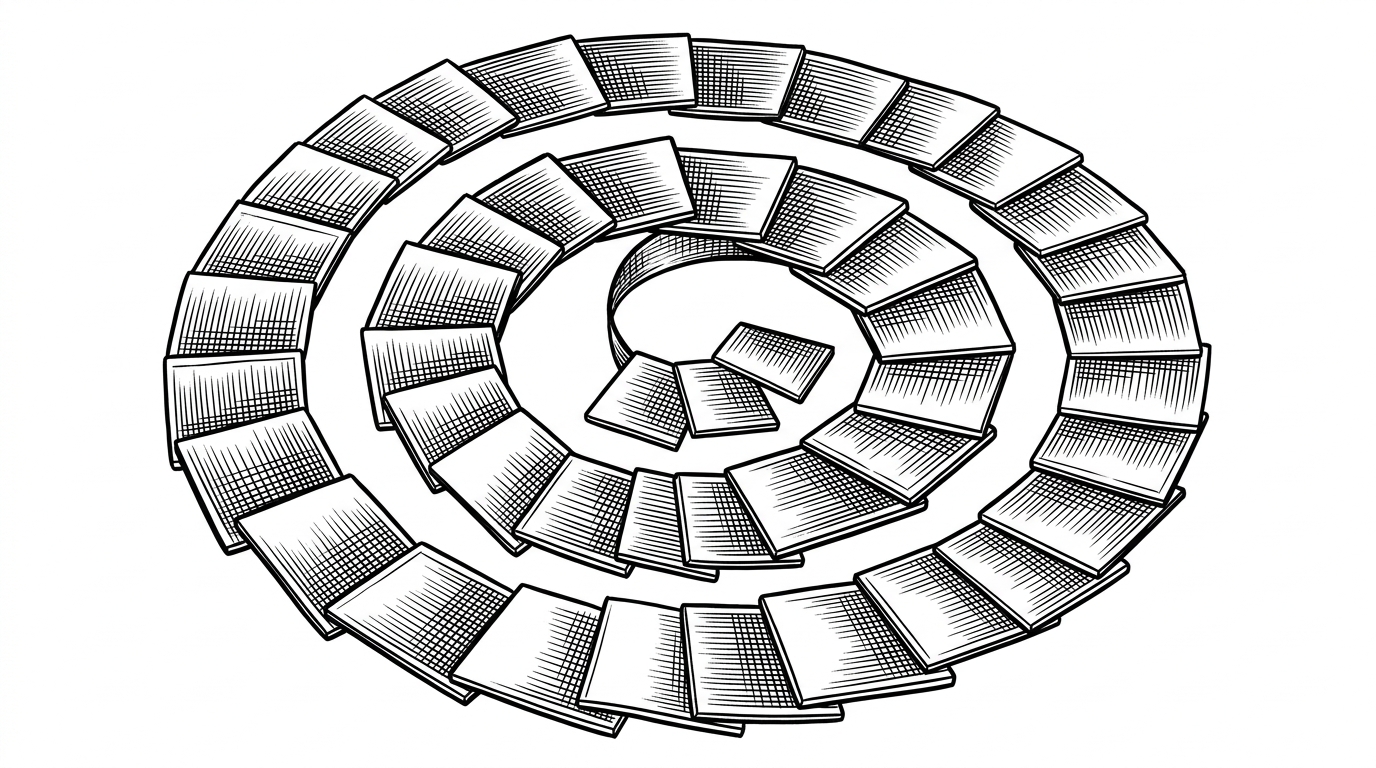
That matters because the component is not trying to mimic a museum wall. It is trying to make a flat set of assets feel like they have inertia, spacing, and atmosphere.
How the illusion works under the hood
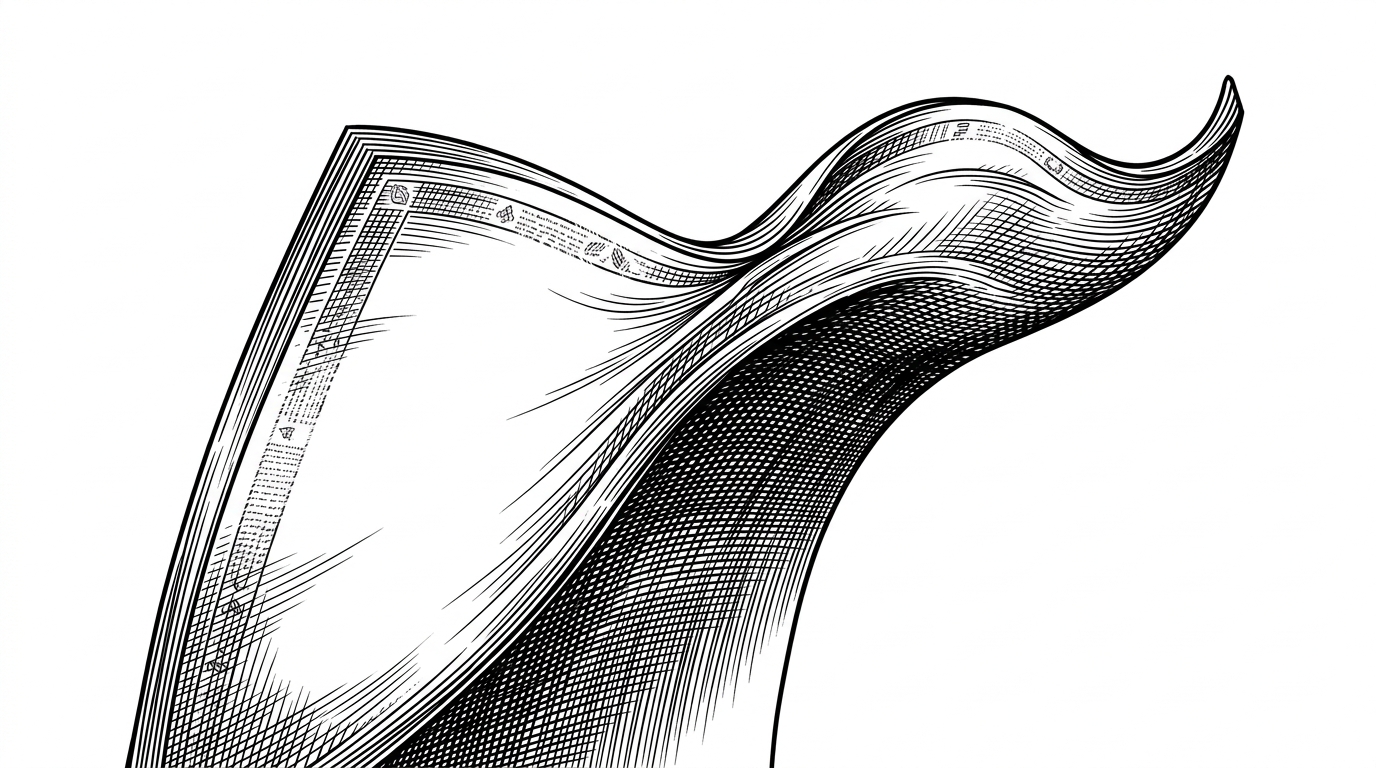
The engine is compact. React owns the component shell, `@react-three/fiber` owns the scene, and a custom `ShaderMaterial` does the heavy lifting. The vertex shader bends each panel like cloth under tension. The fragment shader softens the image with a local blur kernel, so the gallery feels cinematic without a separate post-processing chain.
const GOLDEN_ANGLE = 2.618;

items.forEach((item, i) => {
  const theta = i * GOLDEN_ANGLE;
  item.position.x = Math.cos(theta) * radius;
  item.position.y = Math.sin(theta) * radius;
  item.position.z = -i * zSpacing;
});

useFrame((_, delta) => {
  uniforms.scrollForce.value += (targetScroll - uniforms.scrollForce.value) * 6 * delta;
});
Wheel, keyboard, and touch all feed the same motion model, and idle time can let the scene recover into motion on its own. The point is not to simulate a real object. The point is to keep the eye convinced.
Why it stays fast
This is where the repo earns its keep. It avoids a physics engine, skips a heavy compositor stack, and keeps blur inside the material instead of applying it scene-wide. If the scene changes every frame, every avoided render matters. The component favors direct uniform updates because the GPU should do the moving, not React.
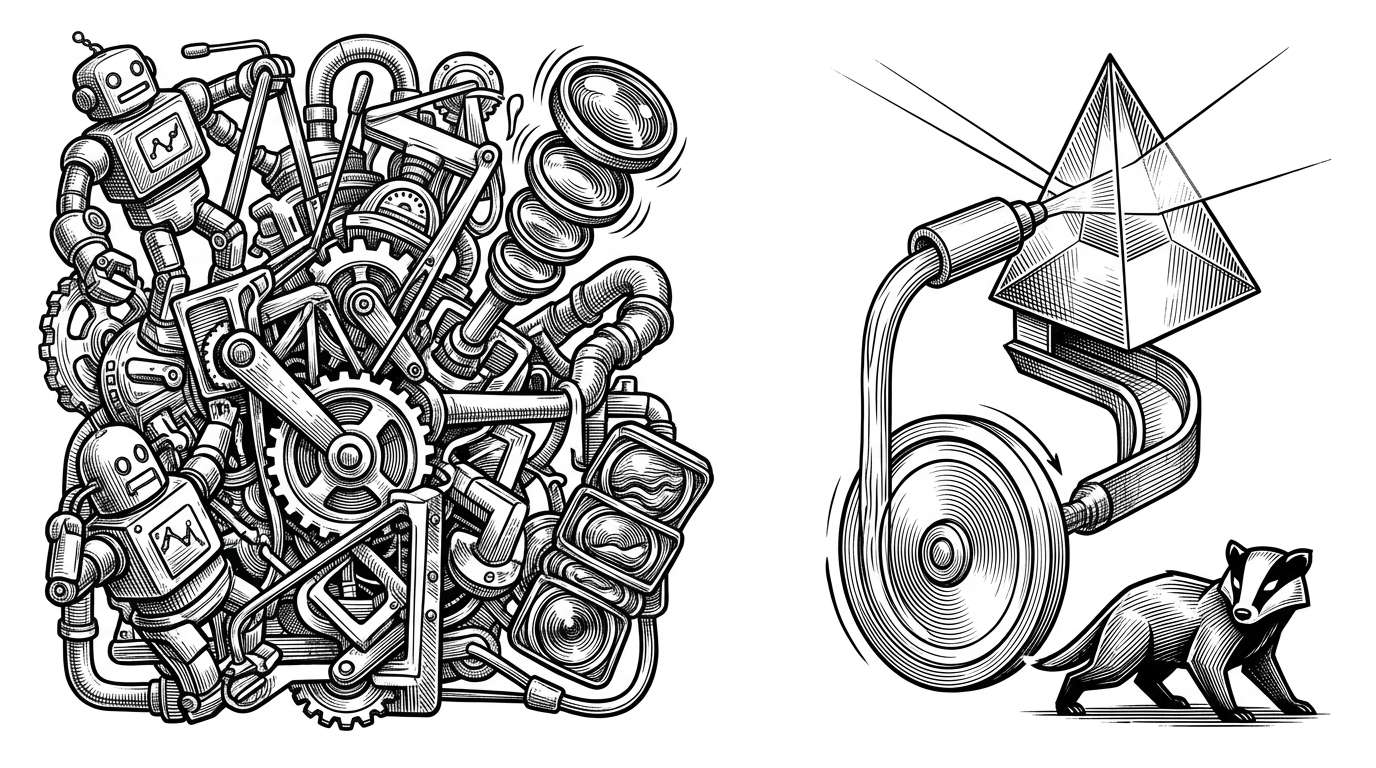
The result is a deliberate trade-off. It is not physically exact, but it is visually sufficient. That is usually the right bar for interface motion.
What it gets right about the shadcn era
The broader lesson is not about 3D at all. It is about how frontend teams buy complexity now. They want source they can copy, inspect, and reshape. This repo fits that pattern: a premium interaction collapsed into a single component, with the implementation exposed rather than abstracted away.
Compared with other 3D gallery patterns
There are three common ways to do this job. Each solves a different problem, and each has a different cost when the design needs to evolve.
| Approach | Rendering model | Animation strategy | Ownership model | Performance risk | Best use case |
|---|---|---|---|---|---|
| CSS3 carousel gallery | DOM transforms | Rotate and zoom with CSS and JavaScript | Easy to read, but styling can sprawl | Low GPU cost, limited depth | Simple media showcases |
| Complex Three.js demo | WebGL scene graph plus shaders | Physics, post-processing, and a separate animation layer | Powerful, but often dependency-heavy | Higher tuning and maintenance cost | One-off visual experiments |
| 3D-Gallery-Effect | R3F with a custom shader material | Scroll-driven uniforms and frame-loop updates | Copy into the app and tune the props | Focused, because the math stays local | Premium gallery components |
The sweet spot is clear. CSS3 carousels are simple but limited. Heavy Three.js experiments can be dazzling but feel like a project of their own. `3D-Gallery-Effect` sits in the middle, which is exactly where a reusable interface component should live.
Who built it, and why that matters
StarKnightt is building in public, and this repo reads like a reusable idea factory rather than a one-off demo. That is what makes it interesting. It is not just a gallery that works. It is a compact proof that ambitious motion can still belong in the codebase instead of outside it.