openai/openai-sora-sample-app: What Happens After You Click Generate
A reference app that turns long-running video generation into a usable workflow with prompt optimization, starter images, polling, local persistence, and remix forks.
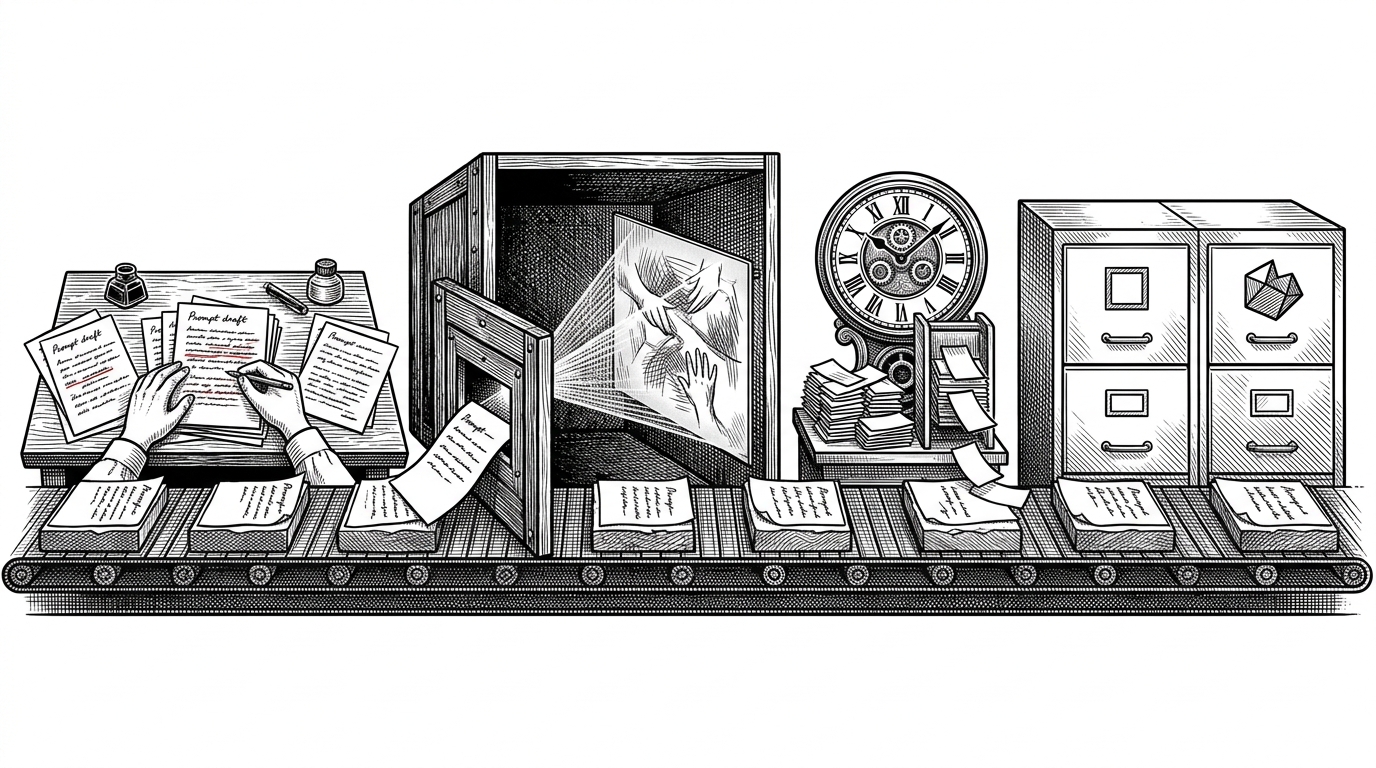
- This repo treats video generation as a workflow, not a button, and that is its core insight.
- Prompt expansion, starter images, polling, and local persistence do the unglamorous work that makes slow inference usable.
- The remix path and multi-version handling turn one model call into an iterative creative loop.
- As a reference app, it is more valuable as an architecture pattern than as a finished product.
The easiest thing in this repo is clicking Generate. The hard thing is the hour after you press it. That is why openai/openai-sora-sample-app is more interesting than it first looks: it treats a slow generative API as an operational problem, not just a model call.
A sample app that is doing more work than it looks like
OpenAI describes the repository as a NextJS sample app built on top of the Sora Video API and OpenAI SDK. That sounds modest, but the code tells a richer story. Under the form is a small system for preserving intent, managing latency, and giving the user a second pass when the first one is close but not quite right.
This repository contains a NextJS sample app built on top of the Sora Video API and OpenAI SDK. It provides a simple UI for experimentation, using text prompts and optionally image inputs to generate and remix videos.
What happens between the prompt and the playback bar
The codebase is split into a few clear jobs. API routes handle generation, prompt suggestion, starter image creation, and remixing. Hooks keep form state and polling logic on the client, while small coercion helpers make sure human-friendly inputs become API-safe values before they leave the browser.
The browser stores the active list of runs locally, so a refresh does not erase the queue. That is the right default for a sample app because it teaches persistence without hiding the main lesson behind a database. The user experience stays honest: long jobs are long jobs, but they are not fragile.
The trick is not generation. It is orchestration.
The best detail in the repo is not a model call. It is the series of small affordances around it: `suggest-prompt` expands a rough idea into a richer prompt, `generate-images` can create visual anchors, and `remix-video` preserves the DNA of a previous run while changing the direction. That is a creative loop, not a one-shot endpoint.
The sidebar's support for multiple versions matters for the same reason. When output is expensive and uncertain, parallel attempts are often cheaper than perfectionism. The app makes that trade-off visible instead of burying it in a spinner.
Generating video with AI is orders of magnitude more computationally expensive than generating text or even images. Each second of output requires the model to maintain spatial and temporal coherence across thousands of frames, a task that taxes GPU clusters in ways that large language models simply do not.
How it compares to full video products
Runway, Pika, and Veo compete on output quality, creator controls, and polished editing surfaces. This repo competes on something different: integration. It shows how to wrap a high-latency API in a stateful interface without pretending the complexity has gone away.
| Dimension | Creative video suite | openai/openai-sora-sample-app |
|---|---|---|
| Primary job | Help creators make polished videos inside a product | Teach developers how to wire a long-running video API into an app |
| State handling | Usually hidden behind accounts, projects, and cloud storage | Exposed through localStorage, polling hooks, and explicit run history |
| Iteration model | Editing and re-editing inside a studio UI | Prompt suggest, generate, then remix or branch from a prior run |
| Value proposition | Finish the video | Understand the pipeline |
That difference matters because most teams do not need another creative studio. They need a blueprint for building a stable client around a slow model. This repo is useful precisely because it stays small enough to show the seams.
The lasting lesson
The repo's big idea is simple: generative video is not a single API call. It is a chain of decisions, retries, state, and recoverability. If you are building on any slow AI endpoint, that is the architecture to copy.