Awesome GPT Image 2: Prompt Library on the Outside, SaaS on the Inside
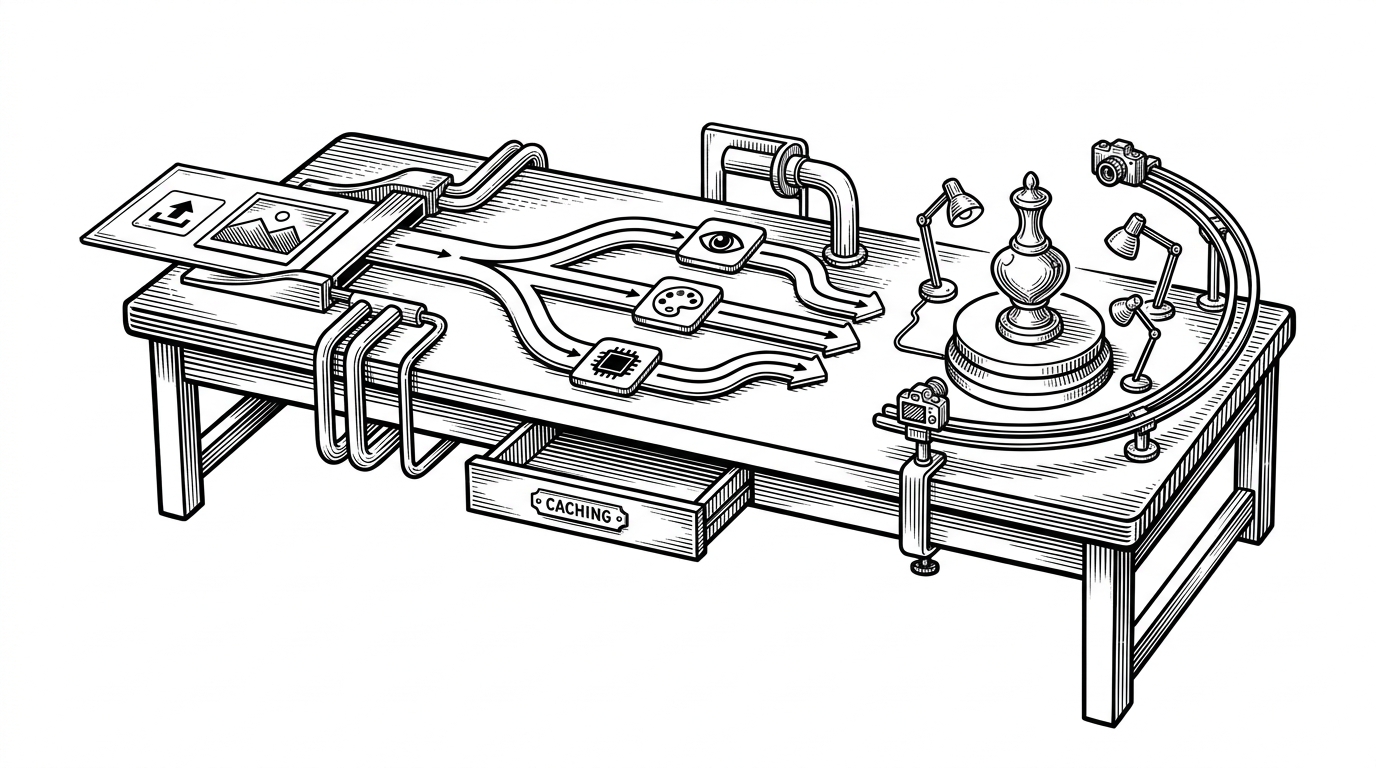
Freestylefly's "Prompt as Code" project packages 530+ reverse-engineered image cases three ways: a browsable gallery, an installable agent Skill, and a paid web app with its own credit ledger.
- A community prompt library can hide a production payments backend, and this one does: Stripe, Alipay, and a Postgres credit ledger live under an MIT-licensed archive of image prompts.
- One JSON file, data/style-library.json, feeds the gallery, the installable agent Skill, and the paid web app, so humans and agents work from identical style data.
- Credits are reserved atomically in Postgres before any spend, released on failure, and settled with an optimistic concurrency guard that prevents double charging.
- "Prompt as Code" means decomposing images into subject, lighting, material, and layout so prompts become composable templates instead of prose.
The Prompt Library That Sends an Invoice
Most GitHub repositories that call themselves "awesome" are lists. Someone collects links, sorts them under headings, and walks away. The genre has a shape you can recognize from the first screen.
This one breaks the shape. Open the README for freestylefly/awesome-gpt-image-2 and you get exactly what you expect: a prompt library for GPT Image 2 and 2.5, hundreds of reverse-engineered image cases, templates, and a browsable gallery. Scroll to the file tree and something else appears. An api/ directory with Stripe subscriptions, Alipay notify routes, a credit ledger, and a paid community membership with refunds and revocation. A serverless billing pipeline that reserves credits atomically before spending them and releases them on failure.
The prompt library sends an invoice.
That is the story here. Not the prompts, though there are plenty. The story is that a community-framed, MIT-licensed content project ships a payments backend sophisticated enough to have optimistic-concurrency settlement and provider-result-expiry tracking. Someone built this who has shipped real billing before.
Reverse-Engineering a Visual Language
The project is maintained by freestylefly, the owner and principal contributor. The documentation ships in three languages: English, README.zh-CN.md, and README.ja.md. Distribution runs through a WeChat official account and a community group, which tells you where the audience lives.
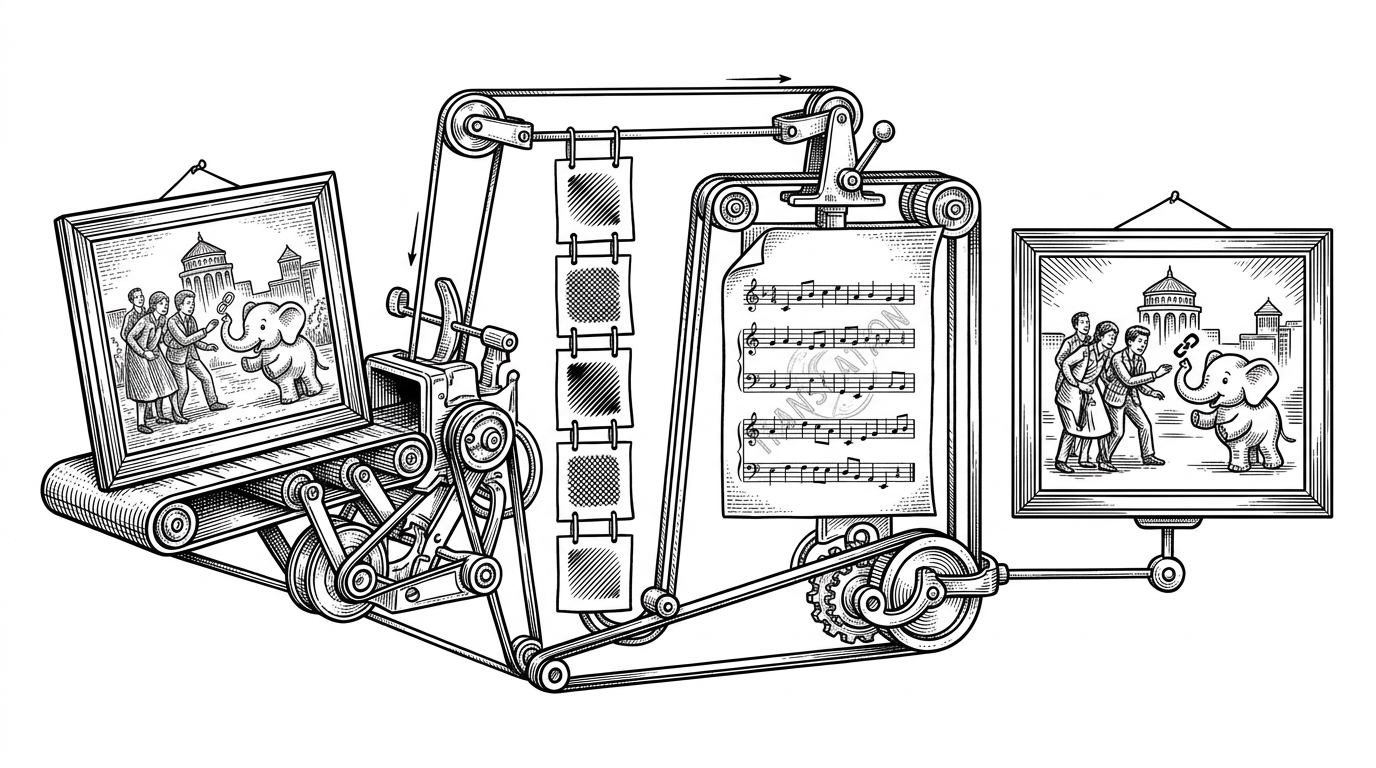
The method is the interesting part. Rather than write prompts from scratch, the project collects public examples from sources like YouMind and OpenNana, then decomposes each one into its components: subject, lighting, material, layout, and visual details. The README is explicit that this is research and summarization of public material, and it invites contact about anything that should not be included.
The framing question the project asks is a good one.
After GPT-Image2 became widely available, AI image generation moved from "can it make an image?" to "can it make stable, controllable, reusable images?"
That shift, from "can it make an image" to "can it make the same image again," is what the whole repository is organized around. A single pretty output is a demo. A reusable, parameterized prompt is infrastructure.
The core goal is simple: compress prose-style prompts into structured protocols. When you need batch generation, template systems, or production workflows, this structure is more valuable than a pile of isolated examples.
Three Faces, One Source of Truth
Here is the design choice that holds everything together. The project ships the same content three ways, and all three read from a single file.
The first face is the library: a browsable gallery at gpt-image2.canghe.ai where you filter by style, copy a prompt, and study the case.
The second face is the agent Skill. agents/skills/gpt-image-2-style-library/ contains a SKILL.md, an openai.yaml manifest, and an install.mjs installer. The repository is also packaged as a Claude plugin. Install it in Claude Code or a Codex-style agent and the agent can select styles and templates on your behalf.
The third face is the web app. Sign in with Google, generate an image, and the backend handles the request, the billing, and the result.
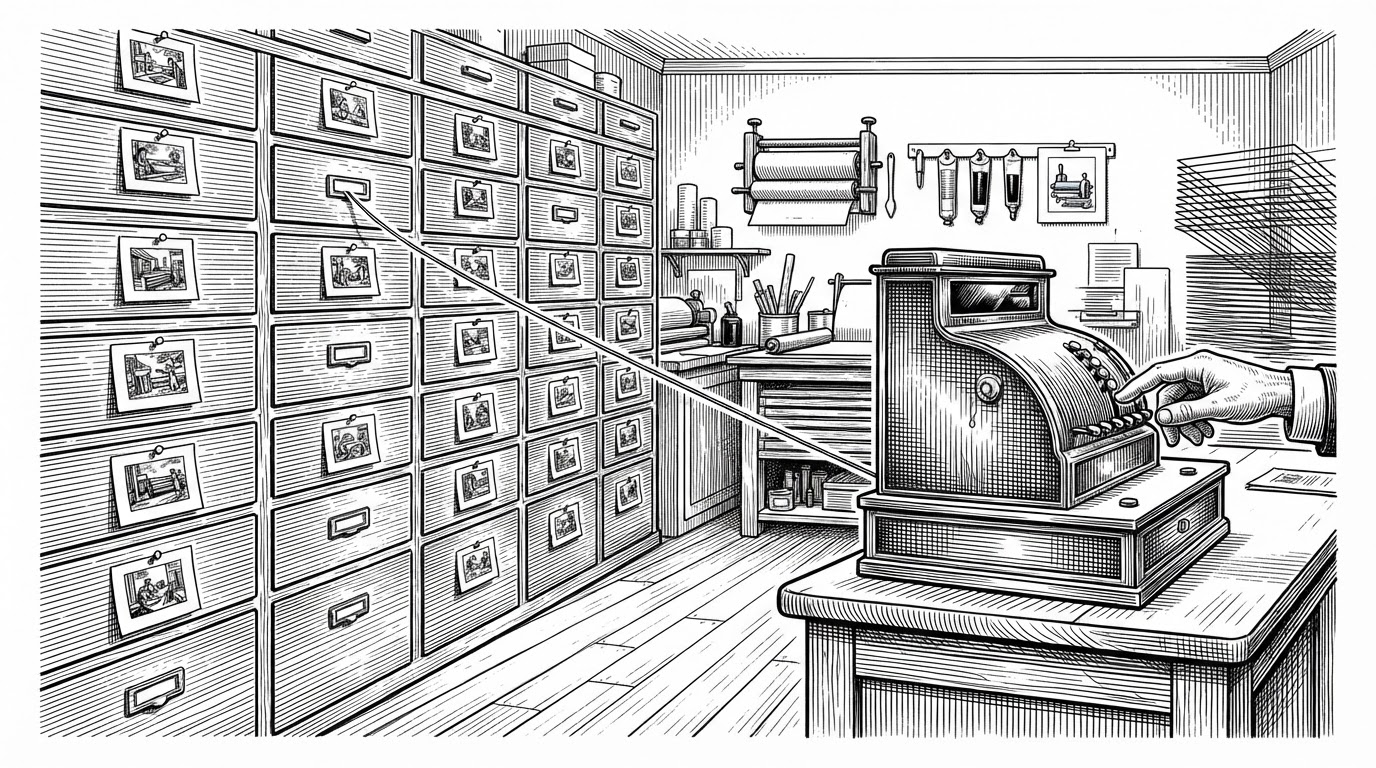
All three read from data/style-library.json. That matters more than it sounds. When a human browses the gallery and an agent picks a style, they are working from identical data. There is no drift between what the website shows and what the agent knows, because there is only one file to update.
Prompt as Code
"Prompt as Code" is the project's own phrase for what it does with those decomposed cases. Instead of storing a paragraph of prose, it stores a structured object. A representative template, simplified for clarity, looks like this.
{
  "id": "product-hero",
  "subject": "a ceramic mug on a marble surface",
  "lighting": "soft window light from the left, 45 degrees",
  "material": "matte glaze, polished stone",
  "layout": "centered, shallow depth of field",
  "details": ["rising steam", "hand-thrown rim"]
}
The difference from a screenshot-only inspiration collection is practical. A prose prompt is a suggestion. A structured template is a set of slots. You can swap the subject and keep the lighting. You can batch-generate across a list of subjects. You can hand the same object to an agent and get a predictable result.
The repository describes general templates and JSON-oriented templates, plus a set of "atomic visual components" that can be recombined. The goal is not to make prompts prettier. It is to make them composable.
The Ledger Under the Gallery
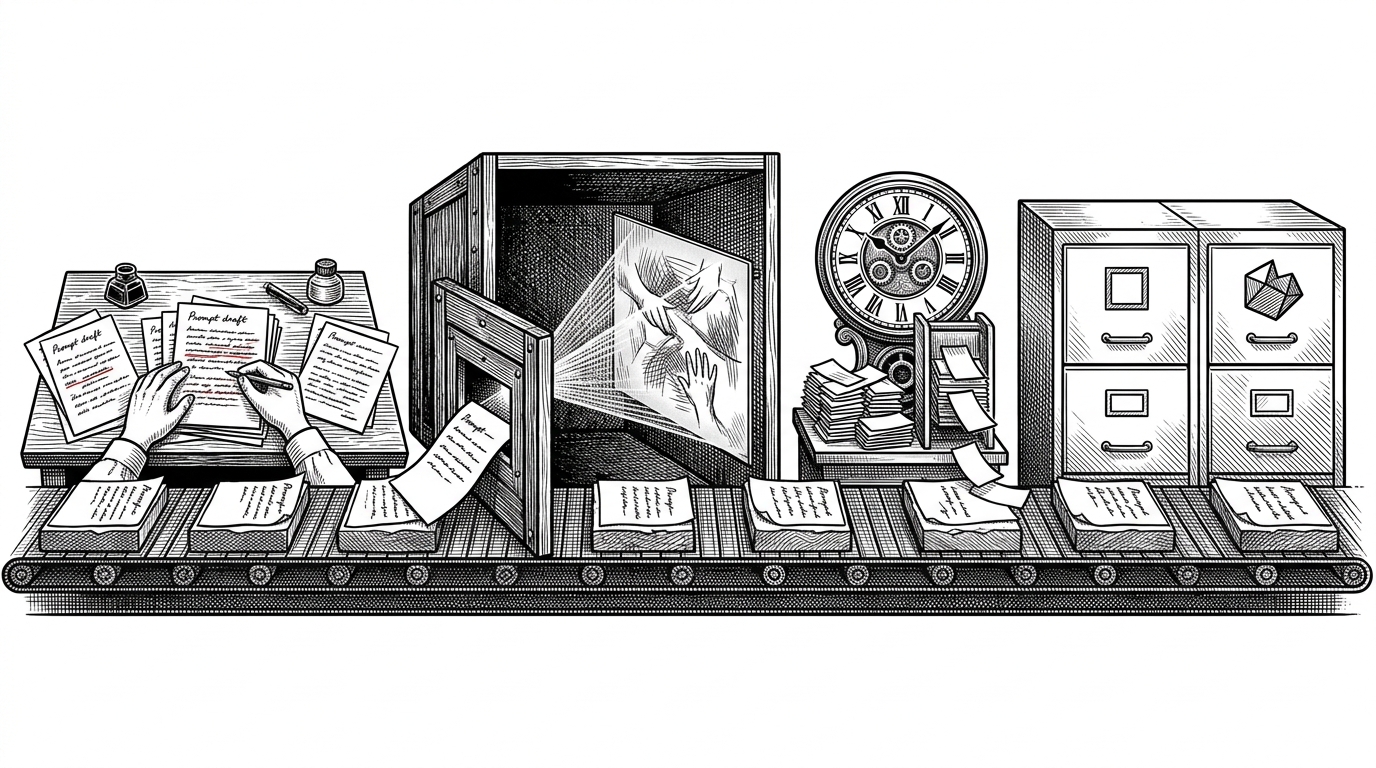
Now the part that has nothing to do with prompts. Open api/generate-image.js and you find a three-phase pipeline: reserve, submit, record.
The first phase calls a Postgres RPC, reserve_generation_usage, before any credit is spent. The reservation is atomic in the database, not in JavaScript. Admin bypass is decided server-side with a p_force_credit flag, and a CREDITS_REQUIRED string from Postgres maps to HTTP 402.
The second phase submits the job to APIMart, an async image API. The handler returns 202 Accepted with a taskId rather than blocking. Completion arrives later, either through a webhook or through polling.
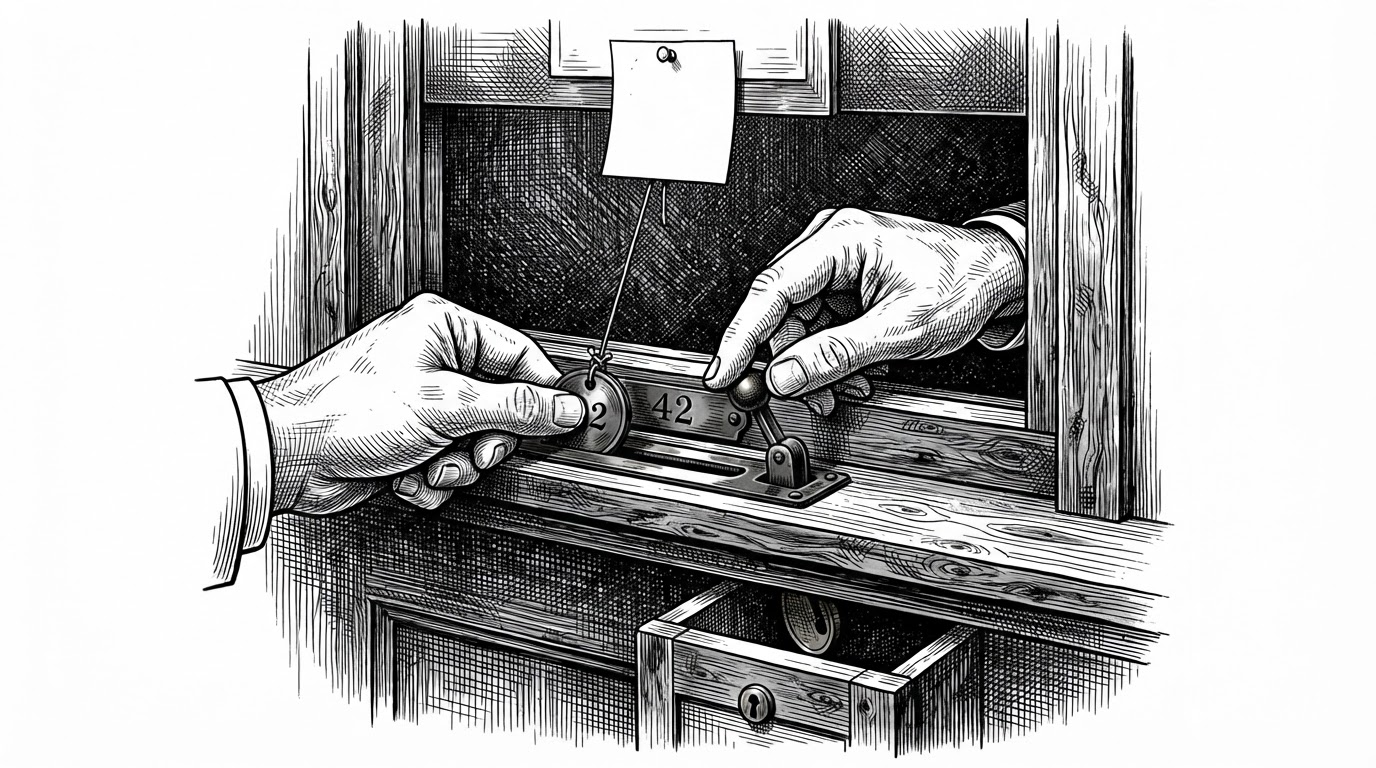
The third phase settles. settlePlatformGeneration updates provider fields with a guard: .eq('status', 'pending'). That single clause is optimistic concurrency. If a webhook and a poll both arrive for the same task, only one of them can move the row out of pending. The second one finds nothing to update and does nothing. The user is charged once.
A few smaller details show the same care. The error vocabulary is deliberately small: APIMART_RATE_LIMITED becomes UPSTREAM_BUSY, and provider billing problems collapse into SERVER_NOT_CONFIGURED. That hides the operator's own account state from end users while keeping causes distinguishable in logs. Every log line is truncated to 240 characters. provider_result_expires_at is persisted so the system can detect when a hosted result URL has gone stale. And formatStoredGeneration is an adapter: it reshapes a database row into the same object a live task would return, so the frontend never has to know whether a result came from a fresh poll or a cache.
There is a gap worth naming. Between a successful submit and the local record getting its provider_task_id, a failure would trigger a refund even though the upstream provider may still generate and charge. No idempotency key is sent to APIMart, so a client retry could create a duplicate paid task. The visible code does not close that window; the truncated RPC definitions might.
What It Isn't (And What It Beats)
Honest scoping. This is not a model and not self-hosted inference. It proxies a third-party API. Its prompts are tuned for GPT Image 2 and 2.5, so portability to Midjourney or Flux is partial at best.
| Source | What it is | Structured templates | Agent Skill | Billing / hosting |
|---|---|---|---|---|
| awesome-gpt-image-2 (freestylefly) | prompt library + Skill + paid web app | Yes | Yes | Stripe + Alipay, Vercel + Supabase |
| zheli1119/awesome-gpt-image-2 | similarly named prompt-and-case project | Reported yes | Not established | Not established |
| YouMind | cited as inspiration source | Not established | No | N/A |
| OpenNana | cited as inspiration source | Not established | No | N/A |
| Midjourney / Flux / SD prompt resources | model ecosystem resources | Varies | No | N/A |
Counts and star figures vary across snapshots and are not treated as current.