logocreator: The Open-Source Logo Generator That Tames Flux With Constraints
A Next.js app that turns a general image model into a focused branding tool by narrowing the prompt, limiting the UI, and pushing heavy usage onto user-owned API keys.
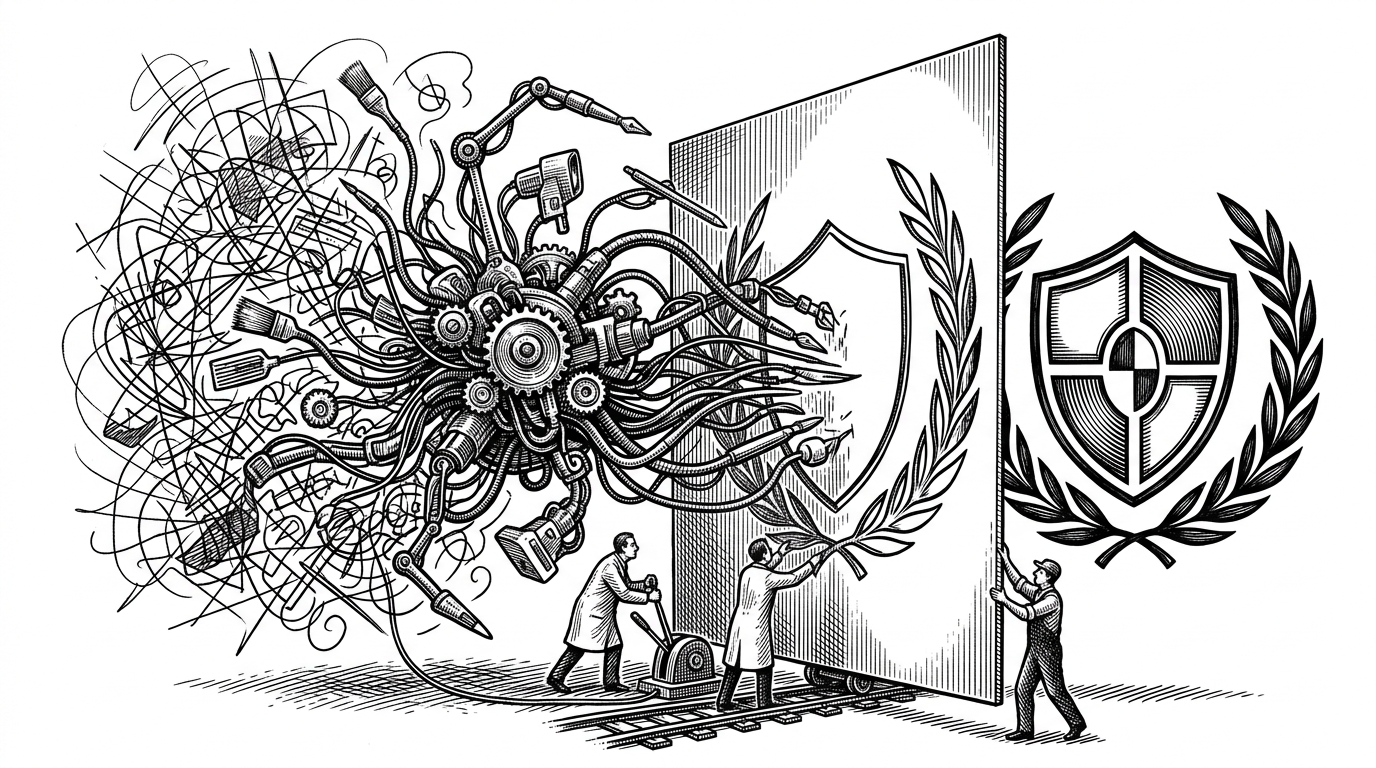
- logocreator treats constraints as the product, not as a compromise.
- The app makes a general image model behave like a logo tool by shrinking user freedom and expanding prompt control behind the scenes.
- Its real innovation is economic as much as visual, because BYOK shifts heavy usage away from the project owner.
- The stack is a repeatable pattern for open-source AI apps that need reliability, abuse control, and a believable business model.
At first glance, logocreator looks like another AI image demo. It is not. The interesting part is how aggressively it narrows the problem: a few style choices, a tight prompt wrapper, and a billing path that can hand expensive usage to the user when needed.
Why this feels like a product, not a prompt box
Most image tools start with a blank text field and hope users can coax quality out of it. logocreator starts with the opposite assumption. It asks for a company name, a style, and a few guardrailed inputs, then tries to produce something that already looks like branding.
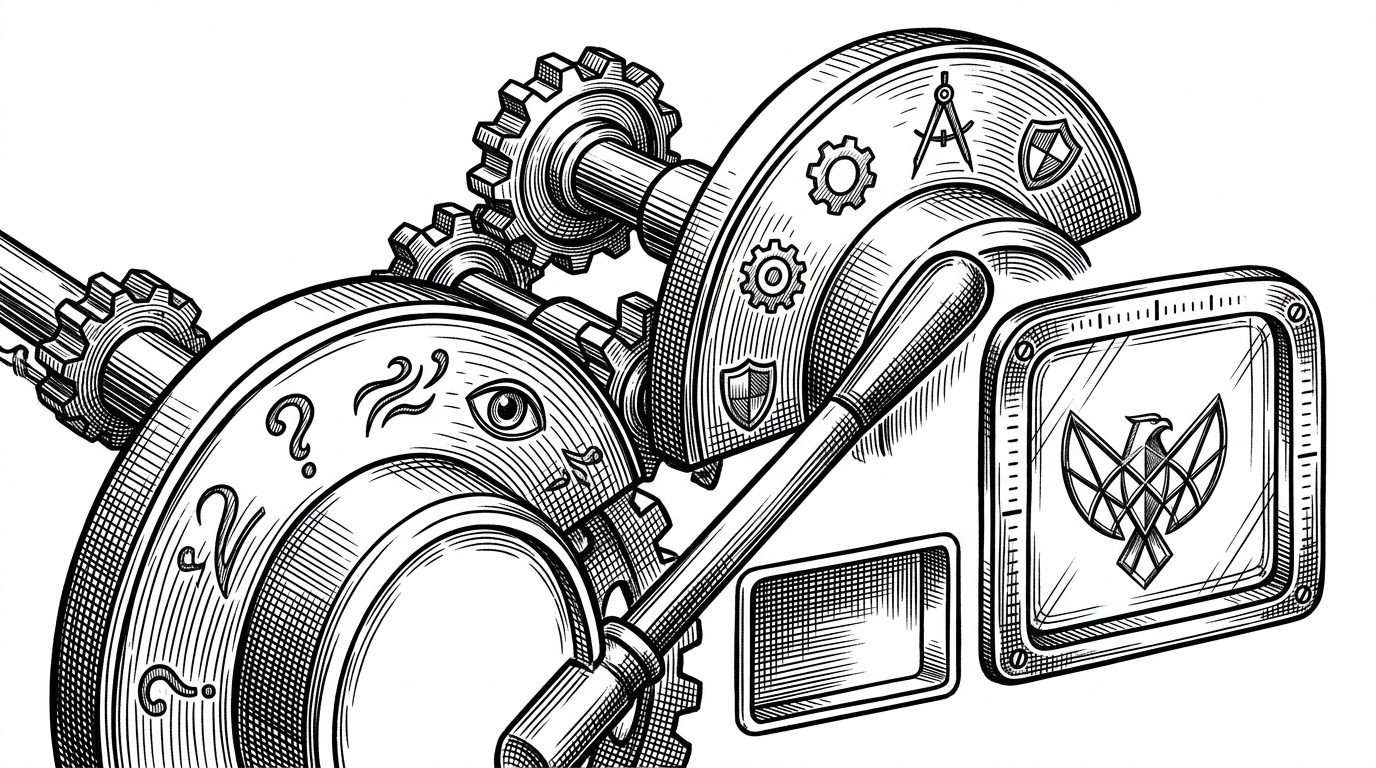
That is the first clue that this repo is not trying to maximize creative range. It is trying to make a narrow promise trustworthy.
The idea behind the constraints
The repo’s core move is simple. It uses a controlled set of styles to steer a general image model toward logo-like output. The style selector is not decoration. It is the steering wheel.
A free + OSS logo generator powered by Flux on Together AI

The maintainer describes the project as a free, open source logo generator powered by Flux on Together AI. That framing matters, because it tells you the goal is not a research demo. It is a usable product that stays open and lightweight enough for people to study or remix.
How the prompt system tames a general model
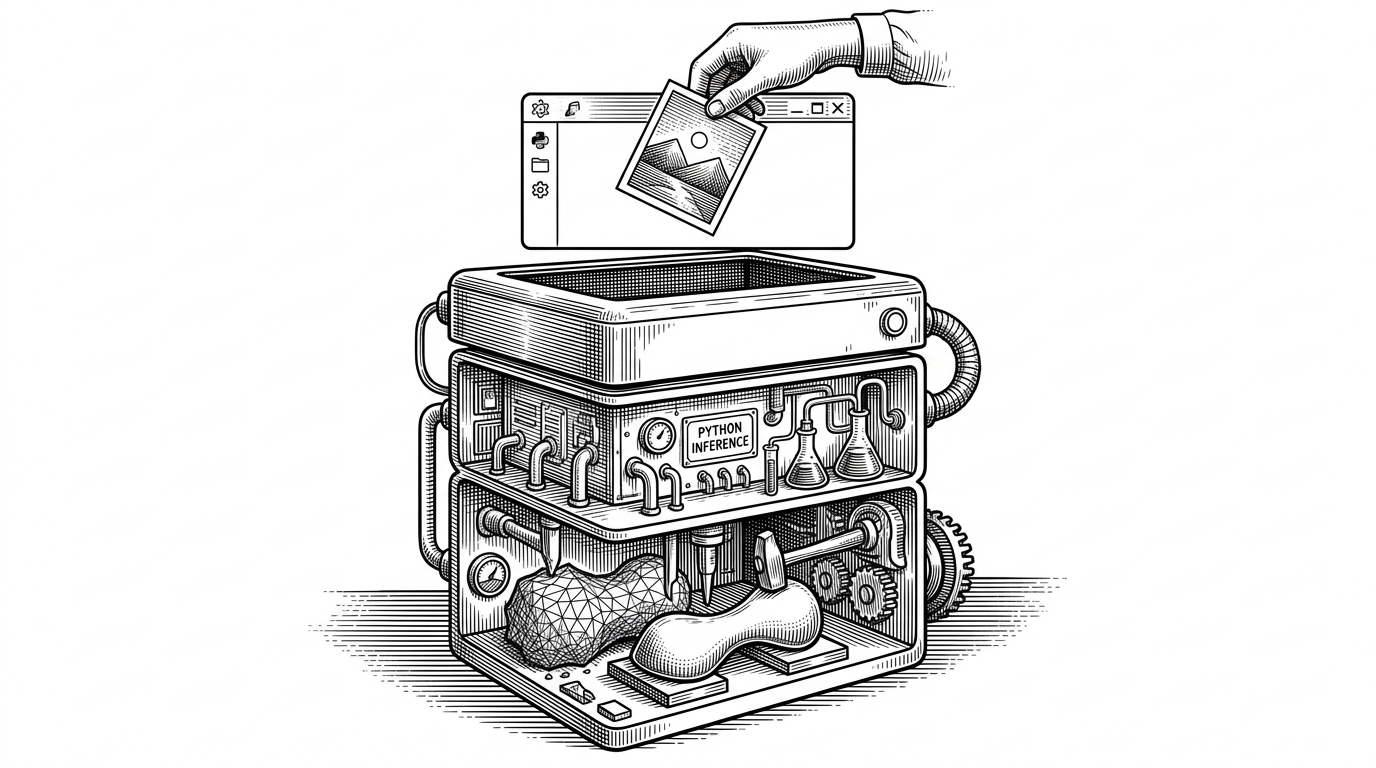
The backend route is where the repo becomes opinionated. Styles map to prompt fragments, and those fragments are dense enough to do real shaping work. The model is not left to infer what a logo should be from scratch.
// Simplified shape of the request flow
const styleLookup = {
  tech: 'highly detailed, sharp focus, cinematic, clean lines, shadows, flat',
  modern: 'minimal, geometric, clean negative space, balanced composition',
};

const prompt = `${styleLookup[style]}\nCreate a logo for ${companyName}. ${extraInfo}`;

const response = await together.images.generate({
  model: 'flux-1.1-pro',
  prompt,
});
That pattern looks small, but it changes the whole quality curve. Instead of asking users to discover the right prompt language, the app gives them a constrained interface and then expands that choice into a more precise instruction set on the server.
BYOK changes the economics
This is where the repo gets especially practical. It does not assume the project owner should pay for every generation forever. If a user brings their own Together AI key, the app can route expensive usage away from the host and toward the person who wants more volume.
| Option | Strength | Weakness | Best for | Why logocreator differs |
|---|---|---|---|---|
| Generic image generators | Maximum freedom | Logo quality is inconsistent | Experimentation | logocreator constrains the input so the output is more usable |
| Commercial logo makers | Polished experience | Closed and subscription-driven | Quick brand drafts | logocreator is open, inspectable, and remixable |
| SVG logo libraries | Fast and predictable | Not generative | Standard icons | logocreator can synthesize a custom mark from a request |
| logocreator | Focused generation with a sustainable cost path | Less flexible than a blank canvas | Indie branding and fast concept work | It pairs prompt constraints with BYOK economics |
That is the business insight hiding inside the UI. Free access hooks casual users. BYOK keeps serious usage from crushing the budget.
The guardrails that make a free AI app survivable
The repo is built like a production system, not a toy. Middleware, Clerk auth, and Upstash rate limiting form the perimeter. The goal is not just to generate images. It is to absorb abuse, reduce friction for real users, and keep the app available.
There is a reason this matters. Free AI tools attract traffic that is uneven, opportunistic, and often expensive. A clean frontend cannot solve that. The request path has to decide who gets through, who gets slowed down, and who should pay their own way.
Why this stack keeps showing up
The stack is familiar because it is practical: Next.js App Router, Clerk, Upstash, Tailwind, Framer Motion, Helicone, and Plausible. That combination gives a solo builder a fast path from product idea to monitored, rate-limited, production-ready app.
| Layer | What it does | Why it appears here |
|---|---|---|
| Next.js App Router | Runs UI and API in one project | Keeps the generation flow simple |
| Clerk | Handles authentication | Protects the app without custom auth code |
| Upstash Redis | Tracks usage and rate limits | Prevents free-tier abuse |
| Together AI | Hosts the model call | Removes the need to self-host Flux |
| Helicone and Plausible | Observability and analytics | Shows how the product is actually used |
What it is better than, and what it is not
logocreator is better than generic image tools when the job is logo exploration. It is better than closed logo services when transparency, extensibility, and self-hostability matter. It is not better than a polished design system for final brand work, and it does not pretend to be.
| Tool category | Strength | Weakness | When to use it |
|---|---|---|---|
| Generic AI image tools | Highly flexible | Too unconstrained for reliable logos | Early exploration |
| Commercial logo platforms | Fast and polished | Closed and repetitive | Buying convenience |
| SVG libraries | Immediate and deterministic | Not generative | Common symbols and utility icons |
| logocreator | Open, focused, and hackable | Depends on model quality and prompt control | Concepting and quick brand drafts |
The larger lesson
The real lesson is bigger than logos. If you constrain the model, constrain the UI, and constrain the cost path, you can make a general-purpose AI system feel intentional. That is the product pattern here, and it is the part worth copying.
logocreator works because it understands that freedom is not always the feature. Sometimes the best interface is a set of well-placed limits.