neo-gear: The Browser Tab That Behaves Like a CAD Engineer
It keeps gear dimensions in lockstep, draws true involute teeth, and repairs the mesh into something a printer can trust.
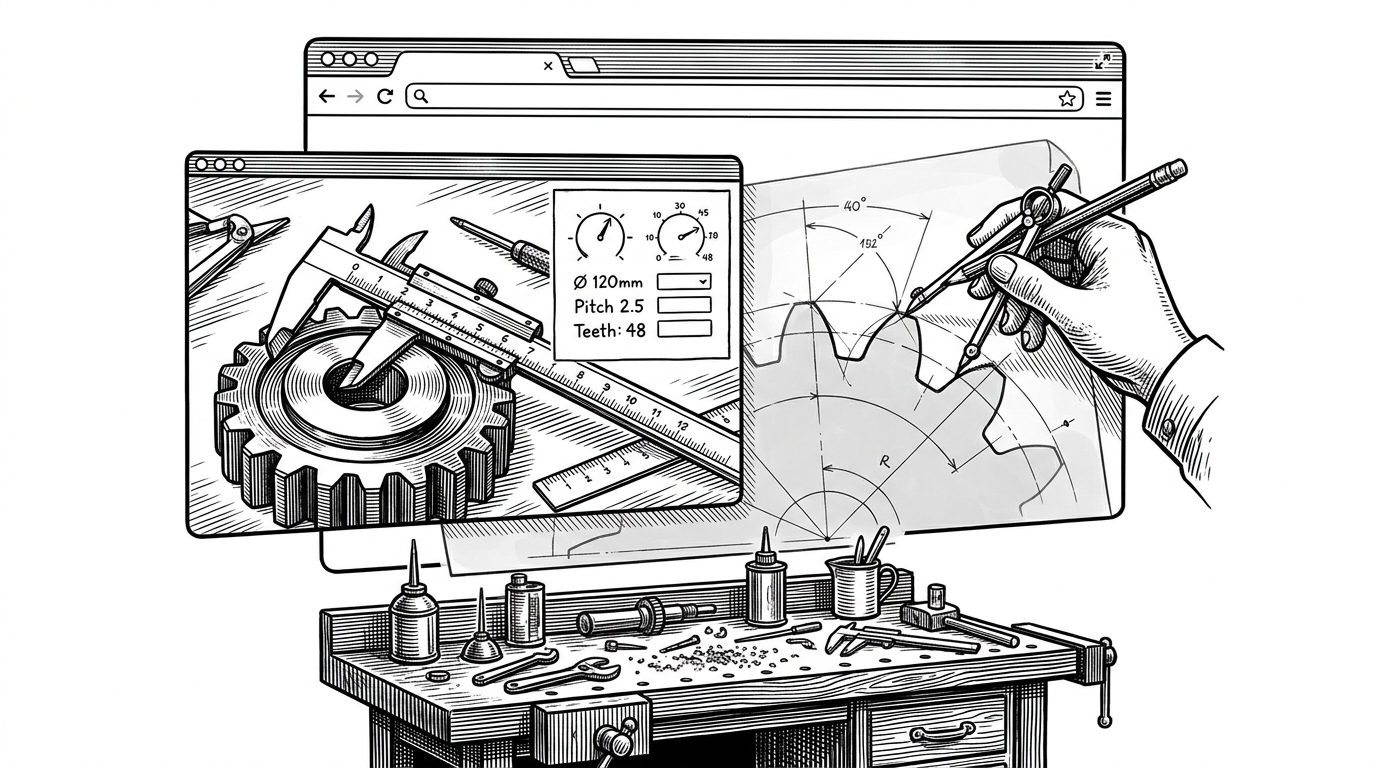
- neo-gear treats gear parameters as a constraint system, so the interface solves for the right value instead of pretending every slider is independent.
- Its geometry is real engineering geometry, with involute tooth flanks, pressure angle, and profile shift doing the work that makes gears mesh.
- The export pipeline matters as much as the preview, because a watertight solid is the difference between a demo and a printable part.
- That combination puts it between throwaway calculators and full CAD, where speed and manufacturing confidence matter more than breadth.
Most gear tools split into two camps. One camp tells you the numbers. The other camp asks you to open a full CAD suite just to cut a simple pair of gears. neo-gear sits in the seam between them, and that is why it feels new.
The UI keeps its own rules
Change tooth count, module, or outer diameter, and the app does not act like a blank form. It remembers what you touched last, then decides which value should become derived so the rest of the geometry stays consistent. That makes the interface feel less like input and more like a tiny solver with manners.
Inside the tooth profile
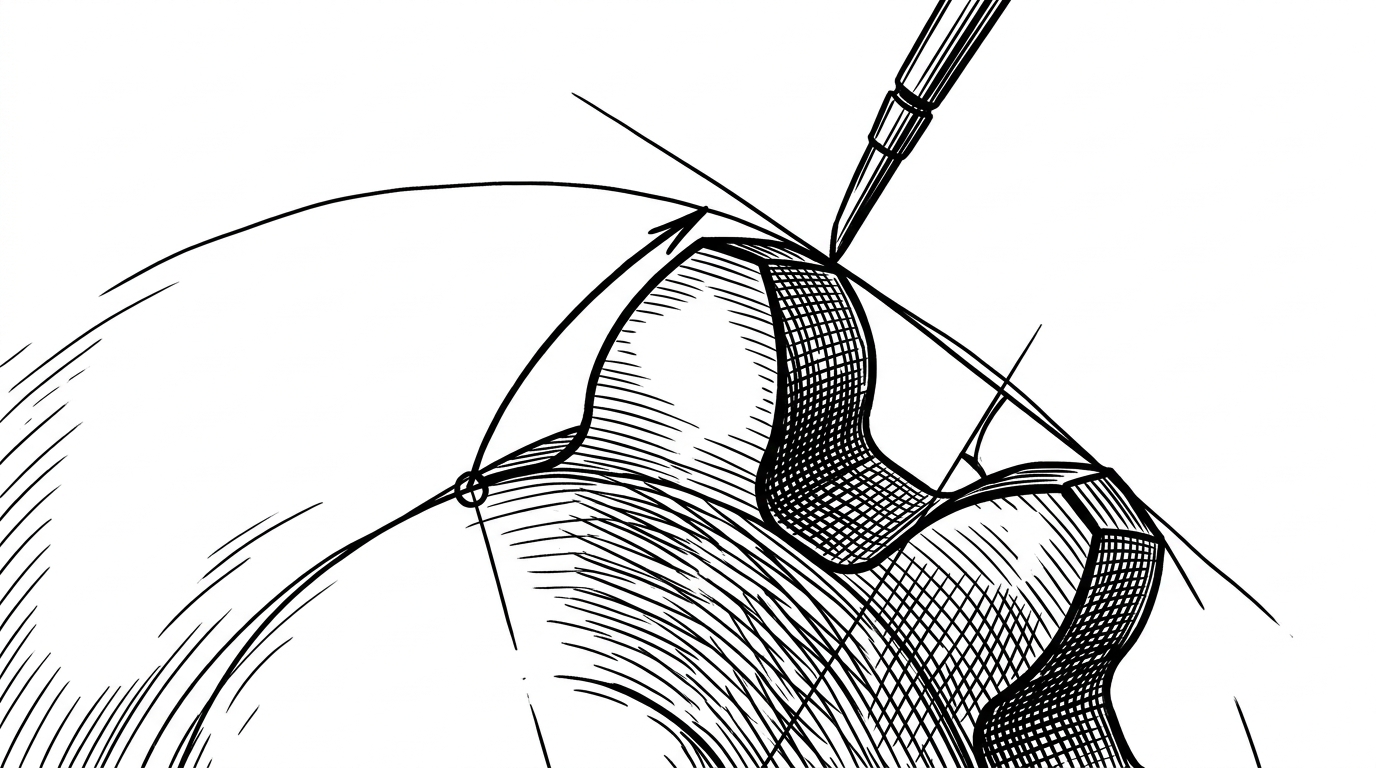
This is where the project stops being a nice UI and becomes real mechanical design. The code generates an involute curve, which is what lets one tooth roll across another at a constant velocity ratio. In plain terms, the curve matters because gears are not supposed to scrape. They are supposed to keep motion smooth under load.
The important math lives in involute(α) = tan(α) - α, plus the surrounding geometry for root arc, tip land, and flank shape. neo-gear also handles profile shift, which changes tooth thickness and strength and usually appears in more serious CAD workflows.
The export pipeline is the real test
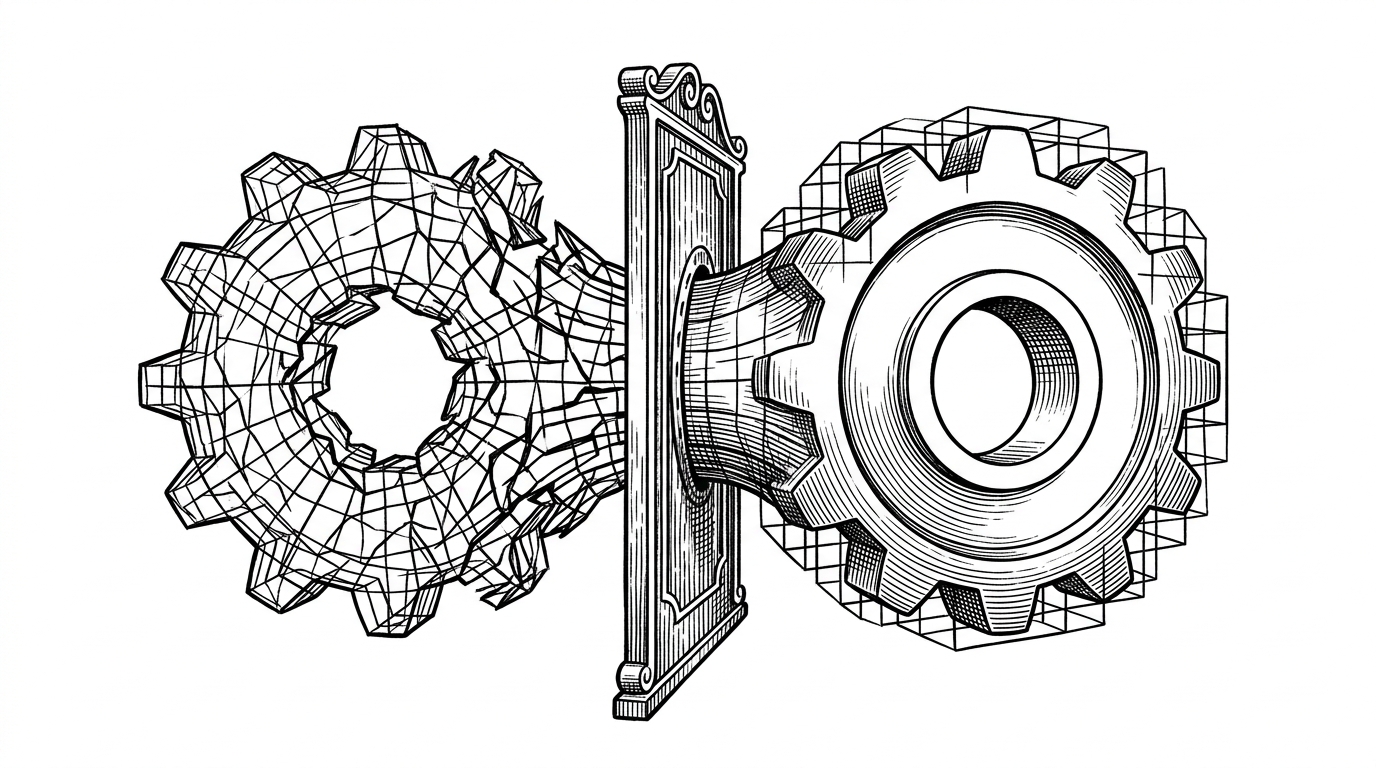
Preview is the easy part. The harder part is turning a browser mesh into something watertight, because 3D printing punishes tiny gaps and non-manifold edges. neo-gear handles that with a fast path for direct STL export and an optimized path that pushes heavy repair work into a Web Worker and a WASM-backed mesh library.
The interesting bit is the repair sequence. The mesh gets hole filling, then voxelization, then a re-surface step that turns a messy shell into a single solid body. That is the kind of cleanup people usually discover only after a failed print.
Where it sits in the toolchain
| Tool | Install friction | Parametric control | Print-ready export | Gear scope | Best for |
|---|---|---|---|---|---|
| neo-gear | None, browser only | Constraint-aware | STL and 3MF with repair path | Spur and helical | Fast custom gears with print confidence |
| FreeCAD Gear Workbench | Desktop install | Full parametrics | Depends on workflow | Broad gear catalog | Open-source CAD users who want everything in one place |
| Fusion 360 gear add-in | Fusion install | Strong inside Fusion | Depends on CAD export | Add-in dependent | Teams already living in Fusion |
| Simple gear calculator | None | Limited | No 3D model export | Dimensions only | Quick sizing checks |
The table is the whole thesis in miniature. neo-gear is not trying to out-CAD CAD. It is trying to delete the boring middle step between a calculator and a printable part. If you already live in FreeCAD or Fusion, it is a convenience. If you just need the gear, it is the shortest path.
Built for the person who kept needing another gear
The project comes from Dmitry Kovalenko, who described it as a local tool he built because he needed to print a lot of different gears. That origin matters. It explains why the app is optimized for repetition, quick changes, and a clean path to a finished part instead of for a bloated feature checklist.
I printed a lot of gears from this website (well I built it because I had to print a lot of different gears) and they came out very nice and reinforced. If you use the optimized for 3D printing export it doesn't need anything from your printer software to just print it, and they mesh with existing gears just fine (for sure if you calculated module correctly)
That is the quiet difference between a hobby project and a useful tool. The creator is not chasing novelty, he is shaving friction off a task that keeps coming back. The result is a browser app with unusually strong opinions about constraints, geometry, and the boring reality of printing something that must fit another thing.