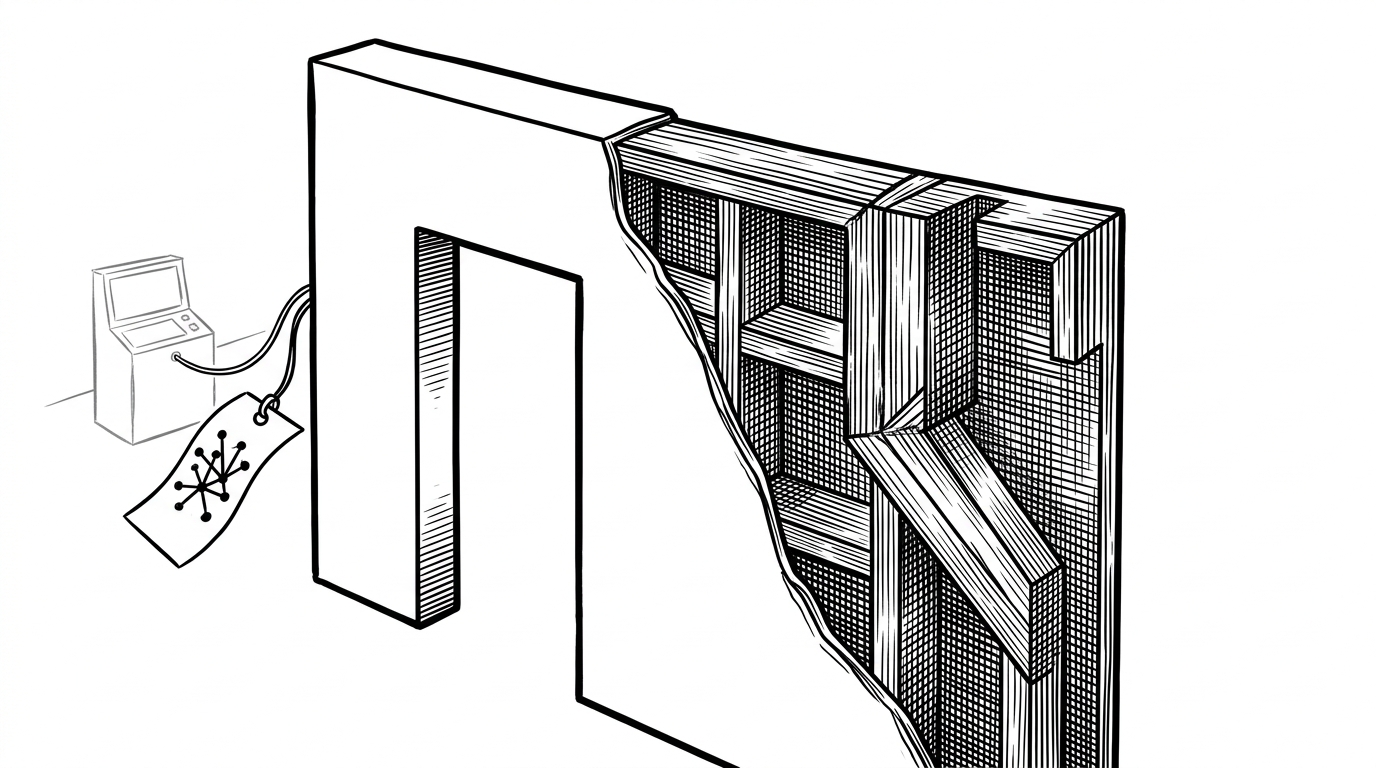
stretchystudio: Stretchy Studio: The Browser Editor That Treats 2D Characters Like Deformable Meshes
A look at the WebGL2 pipeline, Draft Pose workflow, and stencil-buffer tricks behind a new kind of animation tool for layered art.
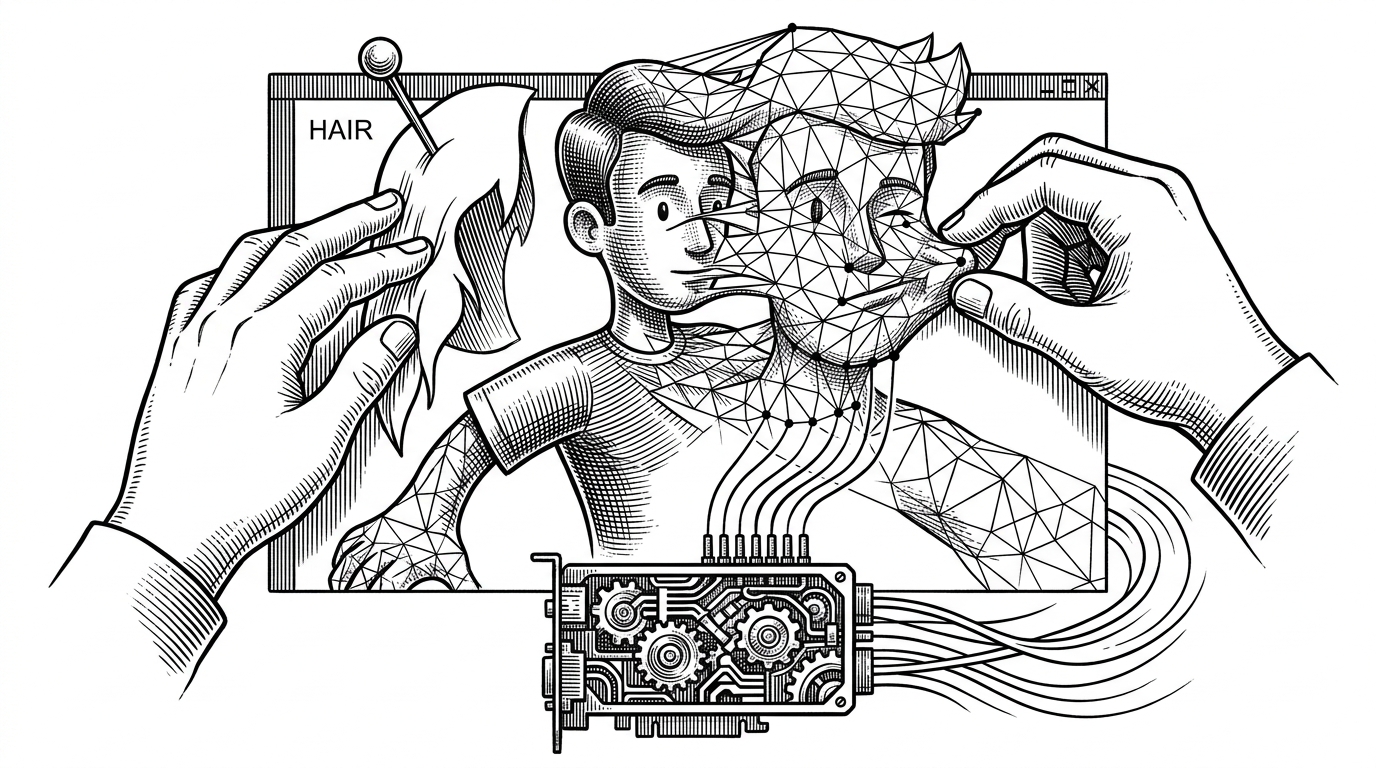
- Stretchy Studio treats mesh deformation as the primary animation primitive, which makes it better suited to organic layered characters than rigid bone-first rigs.
- Its custom WebGL2 renderer stays responsive by updating vertex positions directly instead of rebuilding the whole mesh on every edit.
- The Draft Pose workflow separates experimentation from committed animation state, which makes pose tweaking feel immediate without forcing every adjustment into history.
- The stencil-buffer eye clipping detail shows a tool built for real character anatomy, not just generic canvas drawing.
Why Meshes, Not Bones
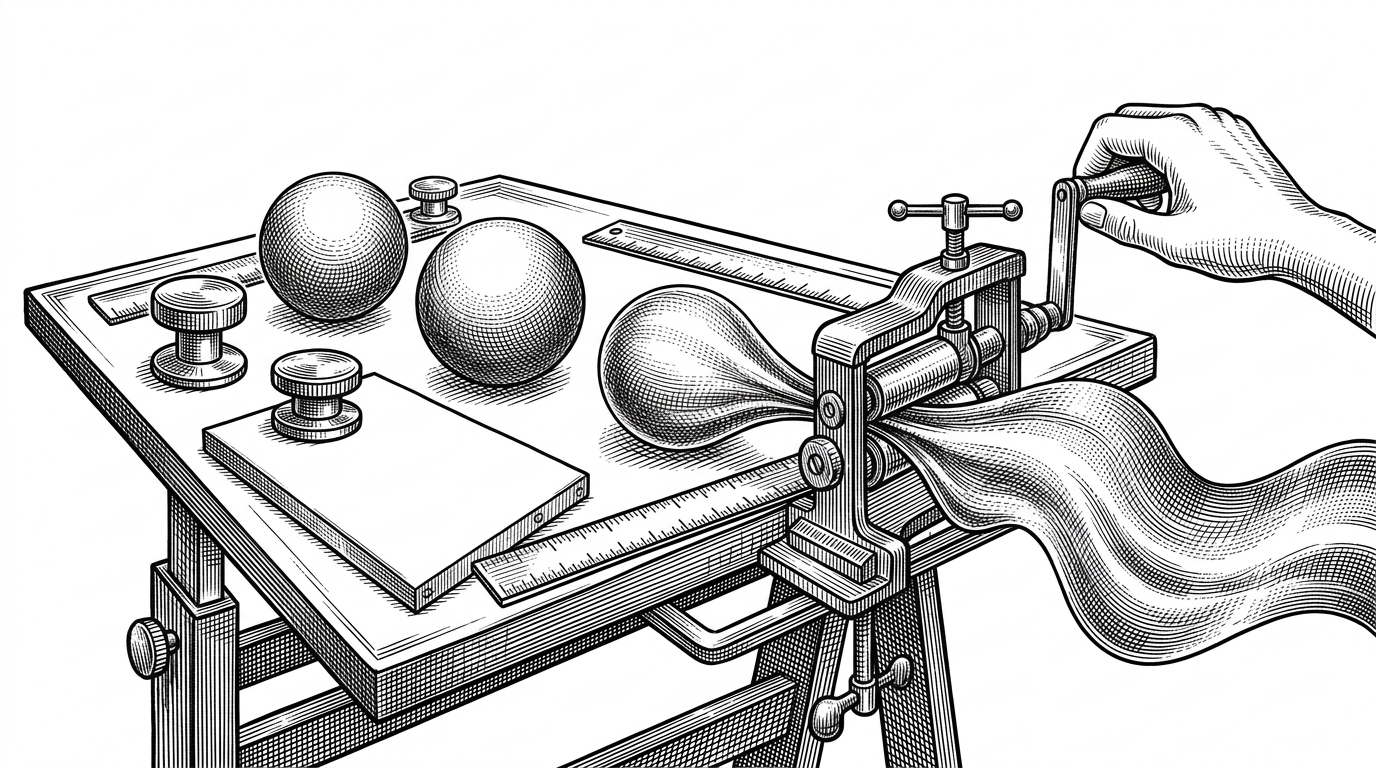
Most 2D animation tools begin with the skeleton. Stretchy Studio begins with the surface. That choice matters because many modern character styles, especially painterly or anime-inspired art, live or die on subtle shape change: cheeks compress, hair masses bend, and eyes need clean occlusion. A mesh-first editor can express those motions directly, without making every gesture look like a hinge.
That is the conceptual flip at the center of the repo. Instead of asking how to attach artwork to joints, it asks how to make layered illustration behave like deformable material. It is a small change in vocabulary with a large effect on the kind of motion the tool can produce.
| Approach | Strength | Weakness | Best fit |
|---|---|---|---|
| Bone-first 2D rigging | Predictable limb motion | Rigid results on soft forms | Cartoon poses and mechanical motion |
| Generic canvas editor | Easy to prototype | Limited animation structure | Simple interactive demos |
| Mesh-first deformation | Organic squash and stretch | More careful setup | Layered characters and expressive facial motion |
The Trick That Keeps It Fast
The renderer is the hidden bet. Stretchy Studio uses WebGL2 with a custom pipeline built around VAOs and interleaved vertex buffers, then updates positions through a hot path called uploadPositions. The point is not just GPU acceleration. The point is that deformation can stay local, so the app does not have to re-upload or reassemble everything every time a vertex moves.
That architecture explains why the project feels like a pro tool instead of a demo. Real-time deformation lives or dies on small implementation details, and this repo is full of them: scene graph traversal, world matrix computation, and a GPU-minded separation between mesh structure and mesh position updates.
How the Editor Thinks About State
The editor splits project data from editor state. That sounds ordinary until you see the consequence: the file model can stay clean and serializable while the UI lets an artist wander through Draft Pose experiments without immediately committing every nudge into the final animation state. In practice, that makes the app feel exploratory instead of brittle.
{
  "nodes": [
    { "id": "head", "parent": null, "type": "group" },
    { "id": "hair", "parent": "head", "type": "layer" },
    { "id": "face", "parent": "head", "type": "layer" },
    { "id": "eye-l", "parent": "face", "type": "part" }
  ],
  "editorState": {
    "poseMode": "draft",
    "playhead": 12,
    "selection": ["eye-l"]
  }
}
The flat parent-based node structure is also practical. It keeps hierarchy easy to serialize, easy to undo, and easy to reason about when the scene grows beyond a few parts. In a browser editor, that matters more than it sounds like it should.
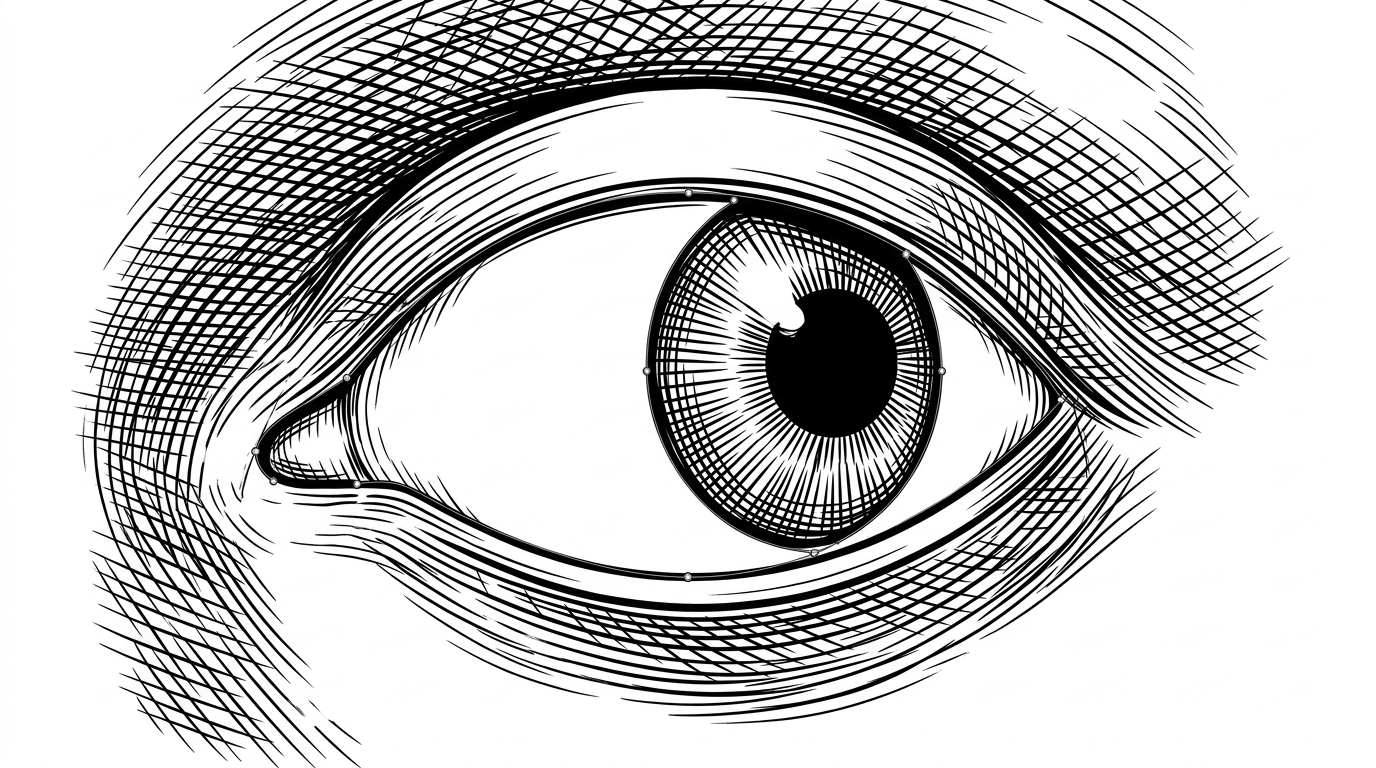
That eye example reveals the project’s taste. It is not reaching for generic masking abstractions when a hardware stencil buffer can solve the problem more cleanly. The result is a tool that feels built around the anatomy of 2D characters, not just around pixels.
Stretchy Studio's Place in the Pipeline
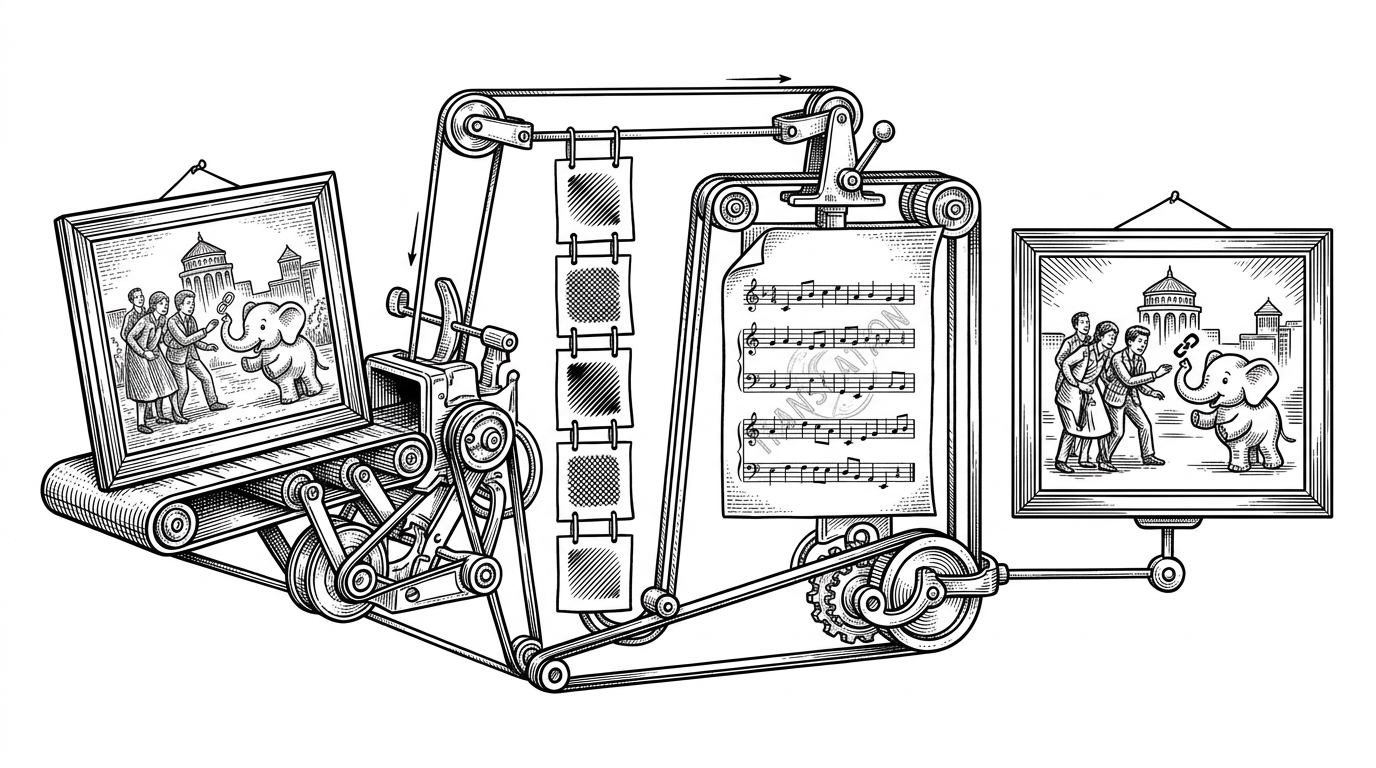
The repo sits between two workflows. Upstream, AI layer decomposition can break a character into parts that are usable for animation. Downstream, Stretchy Studio turns those parts into a mesh-driven performance system. That middle layer is the interesting one, because it turns raw segmented art into something a creator can actually pose, test, and ship.
| Layered AI decomposition | Stretchy Studio | Downstream animation |
|---|---|---|
| Produces separated character parts | Converts parts into editable meshes | Uses committed poses and keyframes |
| Great at generating inputs | Great at shaping motion | Great at playback and iteration |
| Needs a bridge to become usable | Is the bridge | Needs stable exported state |
That is why the project matters even if you never use its exact stack. It points at a browser-native future where the editor is not an afterthought to generation. It is the place where generated art becomes controllable motion.