Pascal Editor: The Browser CAD Built Like a Game Engine
A deep dive into the flat scene store, dirty-node update loop, and WebGPU-ready architecture that make real-time architectural editing work in the browser.
Generating illustration...
- Pascal Editor stands out because it treats architectural editing as a live system, not a nested document tree.
- Its flat scene store and dirty-node loop let the editor update only the geometry that changed.
- The monorepo split cleanly separates data, rendering, and UI so the engine can stay reusable.
- The project targets browser-native conceptual modeling, not a full BIM replacement.
Pascal Editor is easy to misread at first glance. It looks like a web-based CAD tool, which is true, but incomplete. The more interesting story is that it borrows ideas from game engines to keep architectural editing responsive in the browser.
A 3D building editor built with React Three Fiber and WebGPU.
Why Pascal Editor Feels Different
The project is aimed at architectural work, but it does not behave like classic desktop CAD. The goal is immediate feedback while you place walls, cut openings, and move objects around a scene. That matters because architectural modeling gets slow when every edit forces a full redraw or a deep tree walk.
Pascal’s wager is simple: keep the model flat, track what changed, and rebuild only the affected geometry. That is the kind of architecture you build when you expect a lot of local edits and a lot of 3D objects. It is also why the repo feels closer to an engine than a form-based app.
The Trick: Flat State, Not a Deep Scene Graph
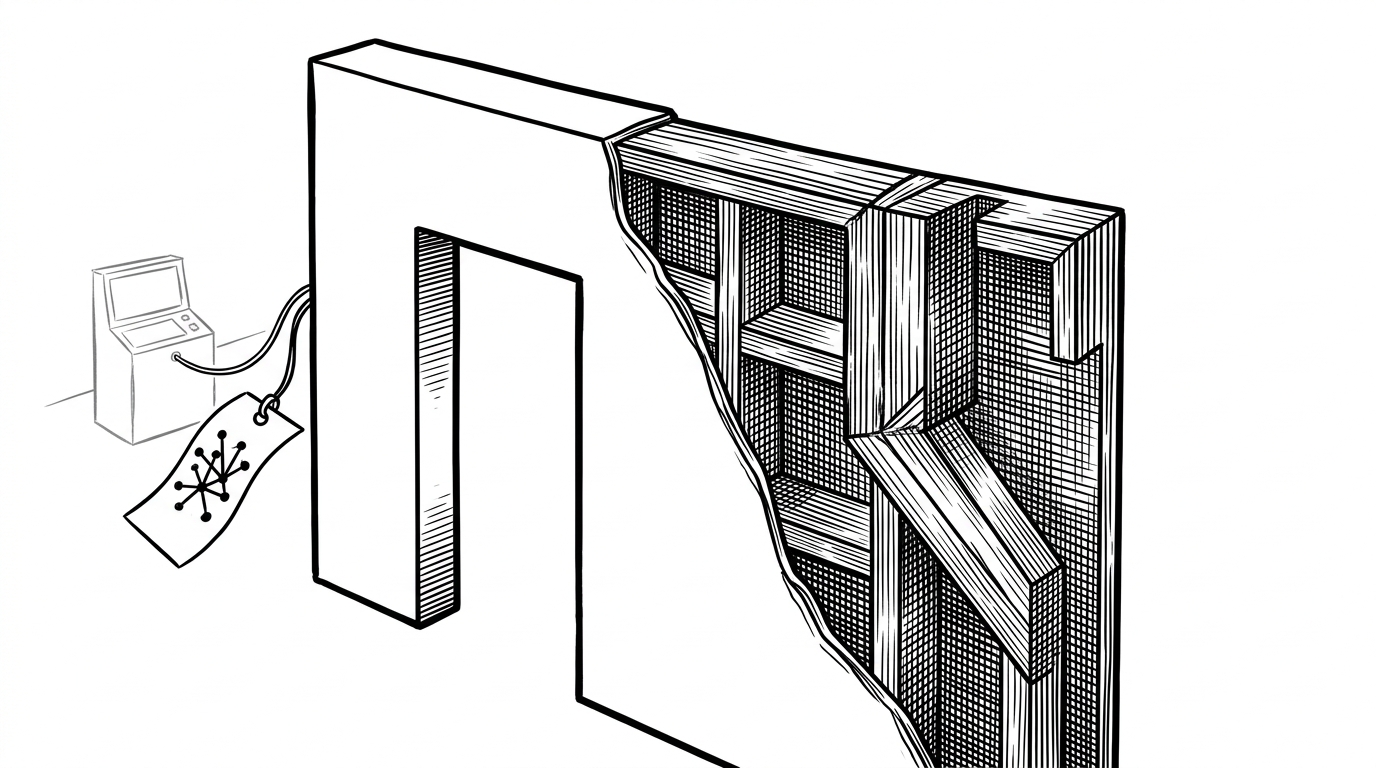
The core model is a flat dictionary of nodes keyed by ID, with relationships carried separately through parent IDs and child arrays. That is a very different mental model from a traditional nested scene graph, where you traverse deeper and deeper object trees to find what changed.
type NodeId = string;

type SceneNode = {
  id: NodeId;
  parentId?: NodeId;
  children: NodeId[];
  type: 'wall' | 'slab' | 'item' | 'zone';
};

type SceneStore = Record<NodeId, SceneNode>;

const scene: SceneStore = {
  wall_01: { id: 'wall_01', children: ['door_02'], type: 'wall' },
  door_02: { id: 'door_02', parentId: 'wall_01', children: [], type: 'item' }
};
That choice buys two things. First, it makes access cheap and predictable. Second, it gives the editor room to manage geometry as a system of IDs and dependencies instead of a pile of nested objects that React has to reconcile every time the user drags a wall.
A key rule: **`packages/viewer` must never import from `apps/editor`**. The viewer is a standalone component; editor-specific behavior is injected via props/children.
How Geometry Actually Updates
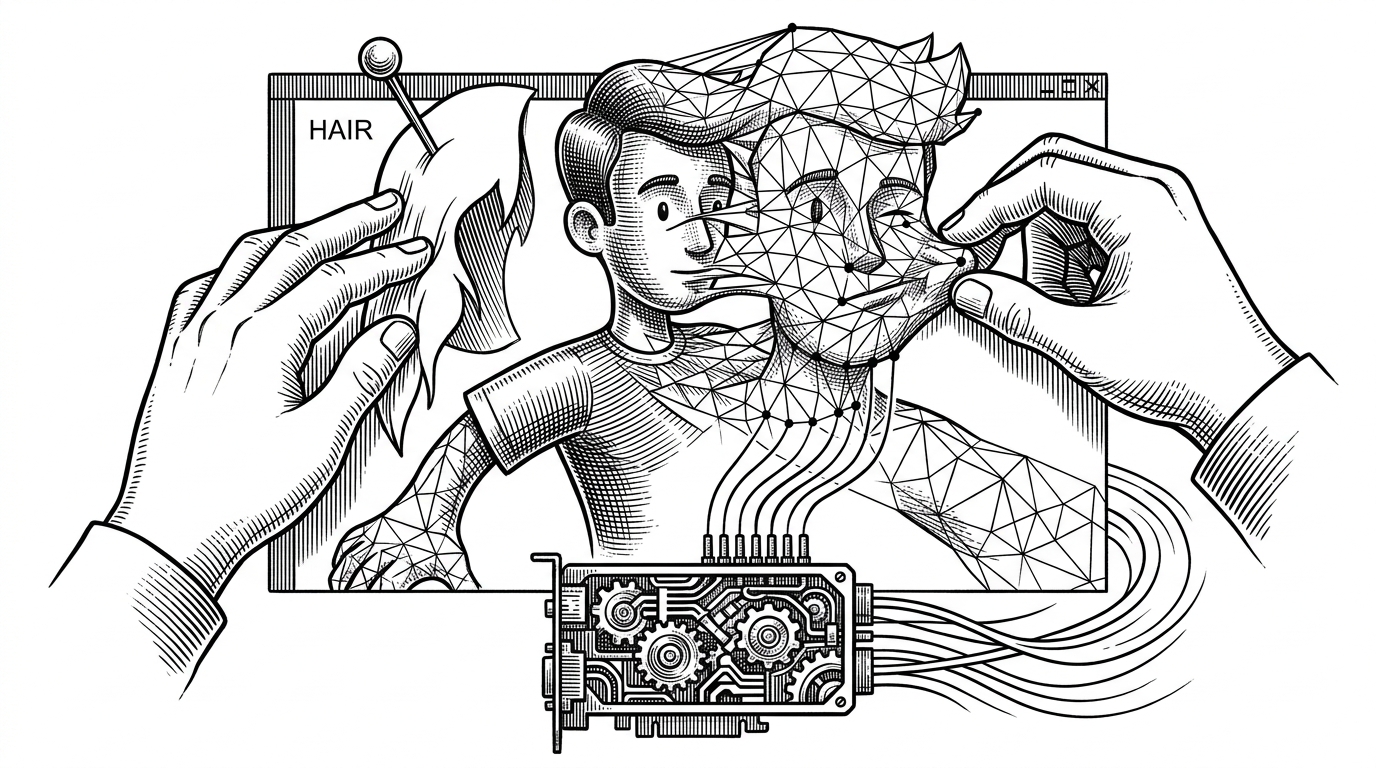
This is where Pascal Editor stops looking like a UI library and starts looking like an engine. A user action updates the scene store. The affected node gets marked dirty. Then the frame loop asks the relevant system, such as a wall or slab system, to regenerate only the geometry tied to that node.
That separation matters because renderers and geometry generation are not the same job. A renderer shell can keep the live object in place while the system recalculates the vertices, cutouts, or joins behind it. For architectural work, that is the difference between a usable tool and a sluggish one.
It also explains why features like wall mitering and CSG cutouts are not just bullet points. They are hard geometry problems that become practical only if the editor can localize work. The dirty-node pattern is what keeps the browser from feeling like it is fighting the model.
Three Packages, Three Jobs
| Package | Job | What it protects | Why it matters |
|---|---|---|---|
| @pascal-app/core | State, schemas, geometry systems, spatial logic | The data model | Keeps architectural rules independent from UI and rendering |
| @pascal-app/viewer | React Three Fiber rendering and camera layer | The visual engine | Lets 3D rendering stay reusable outside the editor app |
| apps/editor | Next.js editor UI, tools, sidebars, interaction | The product experience | Lets the app customize workflows without breaking the core |
The separation is not just tidy packaging. It is an architectural boundary. The editor can change tools, panels, or workflows without rewriting the geometry engine, and the viewer can stay isolated from product-specific behavior.
What Pascal Editor Is Replacing
Pascal Editor does not pretend to be a full BIM replacement. It is better understood as a browser-native alternative for conceptual and interactive architectural modeling. That puts it in conversation with tools like Revit and SketchUp, but it is solving a narrower, more web-native problem.
| Tool | Core model | Strength | Limitation | What Pascal does differently |
|---|---|---|---|---|
| Revit | Deep BIM document model | Industry-grade building workflows | Heavy, complex, desktop-first | Moves the modeling experience into the browser with lighter interaction loops |
| SketchUp | Conceptual 3D modeling | Fast form exploration | Not built around the same live engine pattern | Uses dirty-node updates and a scene registry for targeted regeneration |
| Conventional React Three Fiber app | Nested component and scene logic | Quick to prototype | Can become fragile at scale | Splits data, rendering, and systems into distinct packages |
That is the niche. Pascal wants to be open, local-first, and fast enough for serious conceptual work without demanding desktop installation or a heavyweight environment. The technical choices follow from that ambition.
Why the Editor Feels Tactile
The repo shows a surprising amount of UX polish for a systems-heavy project. The sound effects, tool feedback, and scene interactions are there to make editing feel physical. That is not decoration. It is part of the product strategy.
A good browser tool cannot feel like a compromised desktop clone. It has to earn trust through responsiveness, clear feedback, and low friction. Pascal Editor seems to understand that the experience of moving a wall is as important as the correctness of the wall geometry itself.
The Open Question
The hard part is not rendering a building in WebGPU. The hard part is how far a browser-native architectural editor can go before it needs BIM-grade interoperability, collaboration, and downstream export workflows. That is where the project becomes most interesting, because it is not trying to solve every problem at once.
Pascal Editor is a strong answer to a specific question: what if architectural modeling in the browser felt alive, incremental, and precise? The repo’s architecture says yes, as long as you are willing to think less like a document editor and more like a simulation engine.